
Industrial Serial Number Marking: What It Is and How It Differs From Batch Coding
Request a solution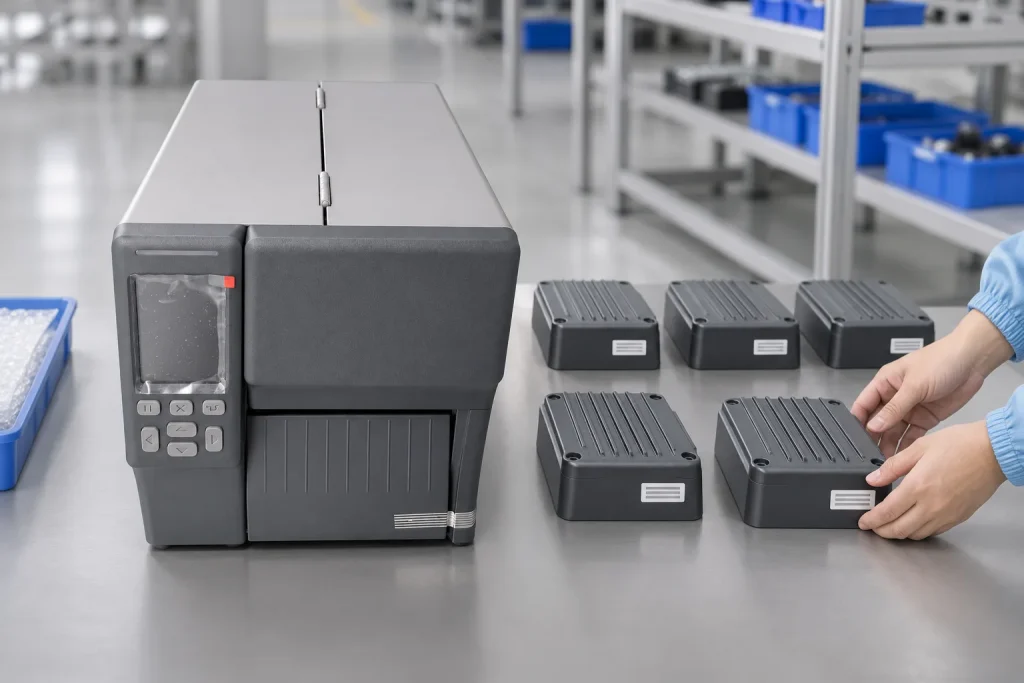
- Original TTR manufacturer since 2013
- Automated coating and slitting
- IQC / IPQC / OQC control
- ANSI barcode grade testing
- -20°C to 120°C environmental testing
- Batch-level traceability
- ANSI barcode grade
- Batch traceability
- RoHS / REACH compliance
- SGS and MSDS documents on request
Key Takeaways
- A serial number is a unique identifier assigned to an individual product during manufacturing.
- Serial number marking applies that identifier to the product as a label, laser marking, a Data Matrix code or an RFID tag.
- A batch number identifies a group made together under the same conditions; every product in the batch shares it, while each unit keeps a distinct serial number.
- Many plants run both levels at once: batch numbers for incoming materials and serial numbers for finished products, linked in the MES.
- The number identifies the unit; production history such as material batch and process parameters lives in the MES record behind it.
What Industrial Serial Number Marking Means
Industrial serial number marking is the practice of assigning each manufactured unit a unique identifier and applying that identifier to the product. A serial number is a unique identifier assigned to an individual product during manufacturing. A model number is shared by every unit of the same design, while serial numbers identify a specific, individual item. Because every single product carries a distinct serial number, the marking supports extremely precise tracking, even when the units are identical to others in the same product line.
The word “marking” covers how the identifier reaches the product. The listed carriers for a serial number on each individual product are a printed label, laser marking, a Data Matrix code and an RFID tag.
How a Serial Number Differs From a Batch or Lot Number
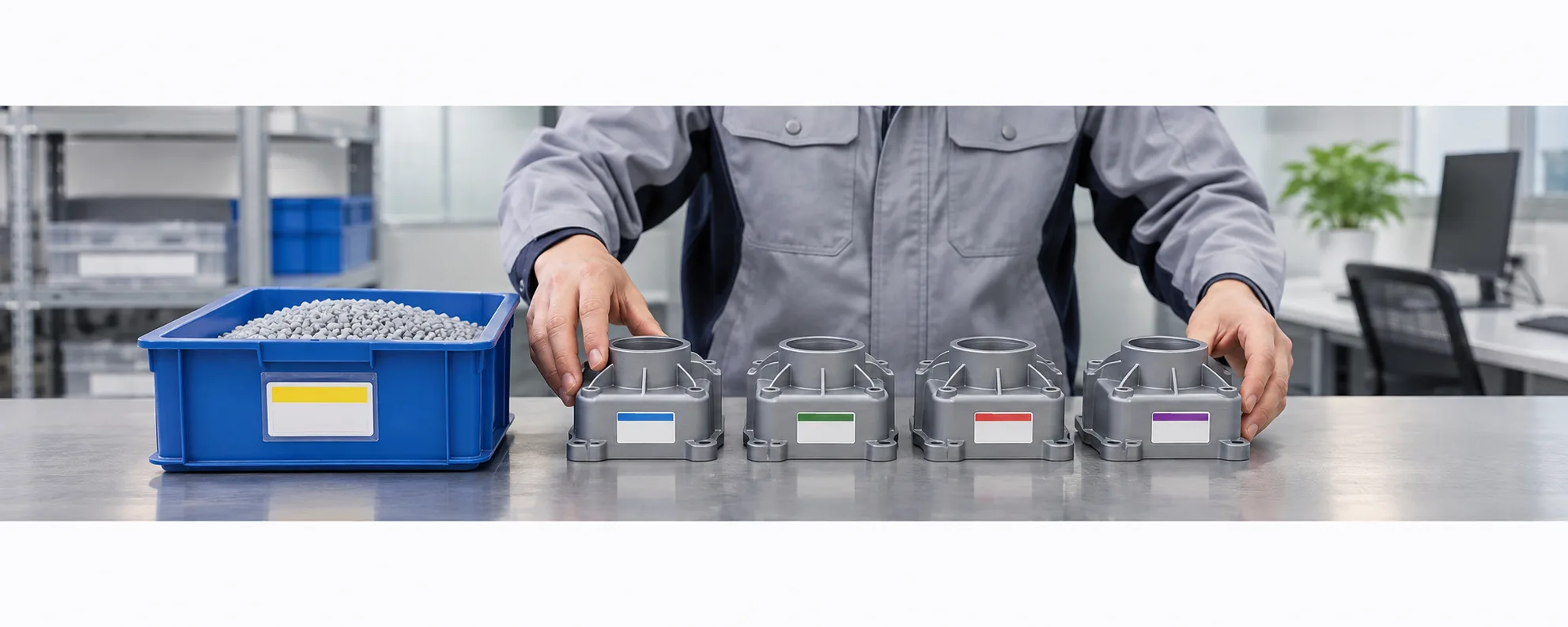
The difference is scope. A batch number — also called a lot number or charge number — is a unique identifier assigned to a group of products that were manufactured together under the same conditions: same raw materials, same machine, same process parameters, same time period. Every product in a batch shares the same batch number. Lot numbers give a batch of products its collective identity, while a serial number provides a unique identity to each individual unit within a batch.
Many manufacturing processes use both levels: batch numbers for incoming materials — a steel coil batch, a plastic granulate batch, a chemical batch — and serial numbers for finished products. The two levels answer different questions: if a product is recalled, the lot number identifies all items from the same batch that could share the issue, while a serial number identifies one specific unit.
The connection between the levels is made in software. An MES links the two: in one documented example, serial number 00047823 was produced using material from batch 2026-03-15-A.
What a Serial Number Gives You — and What It Does Not
A serial number is not the record itself: it is the identifier of one specific unit. An MES records production data per individual part — process parameters per station, quality status per part, and the complete production history — and links a unit's serial number to the material batch used to produce it.
Once the links exist, they work in both directions: forward traceability shows which products used a given material batch, and backward traceability shows which material batches went into a specific product. This is the practical payoff of running both levels: a recall question starts from the lot number, and a single-unit question starts from the serial number.
The same logic warns against reading too much into a code. A QR that opens a webpage is a different thing from an identity assigned to an individual unit and checked by a verification service.
Serial numbers are not automatically necessary. For products that are consumed or discarded quickly, such as food or low-cost personal care items, unit-level tracking is probably unnecessary. Likewise, products that do not require warranty, service or repair tracking likely do not need serial numbers. The decision follows one question: must individual units ever be distinguished from each other later?
To turn that question into a marking specification, work through four checks: first, decide whether individual units must ever be distinguished later, with warranty, service or repair tracking as the typical triggers; second, pick the carrier your scanners and systems can capture — label, laser mark, Data Matrix code or RFID tag; third, pick the print mode and label material by what happens to the marked unit after application; fourth, before rollout, scan one unit's mark and confirm it returns exactly one unit record.
Label-Based Serial Marking and Where Colorfulttr Fits In
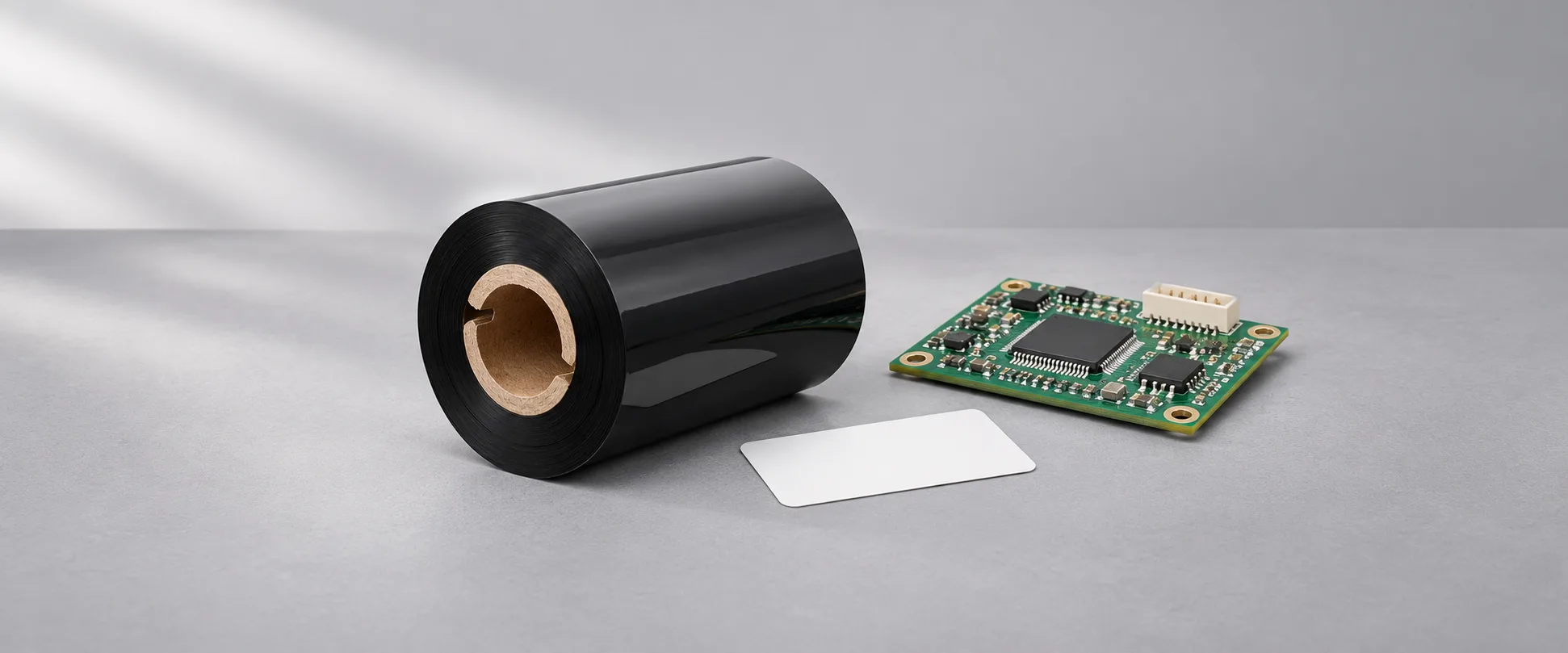
Printed labels are one of the four listed carriers. Two print modes matter for label marking: in thermal transfer mode the printer requires a ribbon and produces a durable printed mark; direct thermal mode uses no ribbon and prints on direct thermal paper.
On the equipment side, Colorfulttr's Q-series light industrial printers (Q420, Q430, Q460) support 12 one-dimensional barcode types plus Data Matrix, QR, PDF417 and Aztec, driven through TSPL, ZPL or EPL command sets. RFID is available as an optional accessory when the serial should ride on a tag instead of a printed code.
Where the marked unit must survive heat, the label material matters as much as the print. Colorfulttr supplies CL-8531TT, a matte white polyimide (PI) self-adhesive label material for printed circuit board (PCB) process control and traceability of sensitive electronic components. It combines a hard coating with an acrylic adhesive and is described for reflow and wave soldering applications. Two conditions apply when selecting it: match it against the actual labeling surface and the soldering exposure, because the listed temperature range does not specify exposure duration or the number of passes. For boards or parts that pass through soldering, confirm those two points before fixing the label specification.
Data and Evidence
The tables below collect the carriers, printer facts and label conditions used in this article.
| Carrier of the serial number | What it is | How to check it on your line |
|---|---|---|
| Printed label | The serial number printed on a label applied to the unit | Match the label material to the surface and the process steps after application |
| Laser marking | The number marked directly onto the product; UV laser marking creates high-contrast, permanent marks while preserving material integrity | Ask the marking supplier for results on your specific material |
| Data Matrix code | A two-dimensional matrix symbology, like QR, carrying the serial number for machine scanning | Scan with your existing readers and confirm one decoded value returns one unit record |
| RFID tag | A tag whose stored serial is captured by an RFID reader | Read the tag and confirm it returns the intended unit; RFID is an optional accessory on Q-series printers |
| Item | Specification | Applies to | Condition to respect |
|---|---|---|---|
| Print mode: thermal transfer | Ribbon required; durable printed mark | JT desktop and Q-series printers | Choose by how the marked unit is handled after printing |
| Print mode: direct thermal | No ribbon; prints on direct thermal paper | JT desktop and Q-series printers | Same handling check as above |
| Barcode support | 12 one-dimensional types plus Data Matrix, QR, PDF417, Aztec | Q420, Q430, Q460 | Confirm the symbology your scanners and MES accept |
| Command sets | TSPL, ZPL, EPL | Q420, Q430, Q460 | Match to your label software output |
| RFID | Optional accessory | Q-series printers | Needed only when the serial rides on a tag |
| CL-8531TT label material | Matte white PI self-adhesive; hard coating with acrylic adhesive; described for reflow and wave soldering | PCB process control and traceability | Listed temperature range does not specify exposure duration or number of passes; select against the actual surface and soldering exposure |
The evidence behind this article splits into two groups. The concept statements — the serial-number and batch-number definitions, the four carriers, the two-level scheme, the MES records, and the forward and backward traceability directions — summarize verified fact records reviewed for this article; the MES example with serial number 00047823 and material batch 2026-03-15-A is an illustration of the link, not data from a specific plant. The printer and label specifications — the two print modes, barcode and command-set support, the RFID option, and the CL-8531TT material with its selection conditions — come from Colorfulttr's Q-series and JT-series printer specification sheets and the CL-8531TT product listing on colorfulttr.com.
Frequently Asked Questions
What is the difference between a serial number and a batch or lot number?
A serial number identifies one specific unit, while a batch number — also called a lot or charge number — identifies a group manufactured together under the same raw materials, machine, process parameters and time period. Every product in the batch shares the batch number, and each unit keeps its own serial number. Use the serial number to trace a single unit and the batch number to scope a material or recall check.
Can an industrial serial number be printed as a Data Matrix or QR code?
Yes. Data Matrix codes are a listed carrier for serial numbers, alongside labels, laser marking and RFID tags. Colorfulttr's Q-series printers support Data Matrix, QR, PDF417 and Aztec plus 12 one-dimensional barcode types, so the serial can be printed as a scannable code, as readable text, or both on the same label.
Does the serial number on a part contain its production history?
No. The number identifies one specific unit; the production data lives in the MES. An MES records production data per individual part — process parameters per station, quality status per part, complete production history — and links the serial number to the material batch used to produce it.
Recommended products for this industry
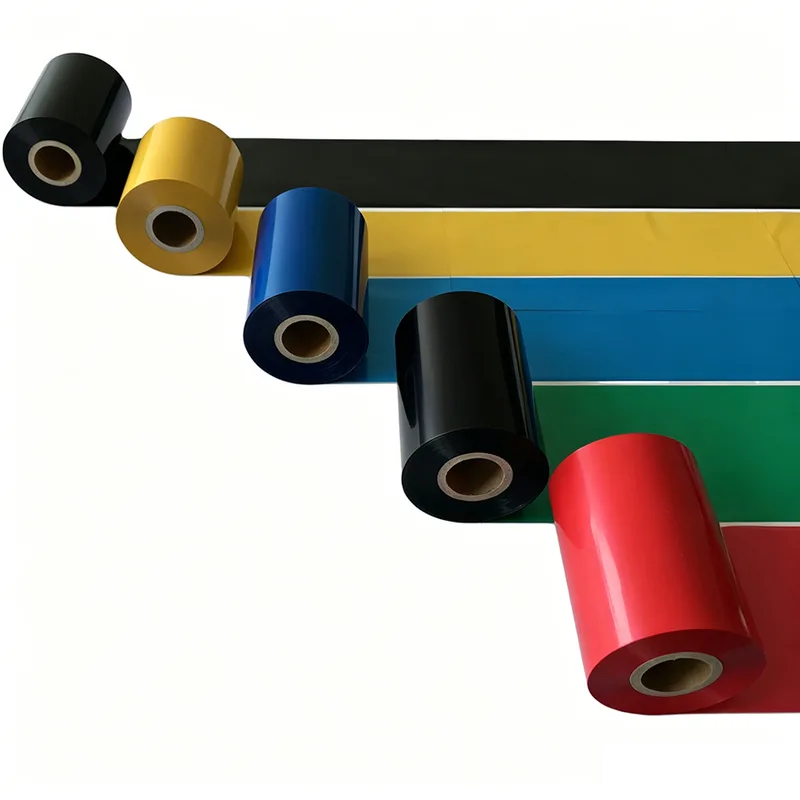
Thermal Coding Ribbon for Tire Position Marking CL-0080D
A thermal coding ribbon for tire position marking, available with red, white or yellow ink. Select it with the printer and printing surface in mind: print quality and image durability may vary with their types.
View details
Thermal Coding Ribbon for Tire Position Marking CL-UFGQ2
CL-UFGQ2 is a thermal coding ribbon for tire position marking. Select the ink color and check the printer, marking material and operating conditions; print quality and image durability can vary with the printer and substrate.
View details
4-inch lightweight industrial printer
Industrial printers are engineered for lightweight construction, straightforward…
View details
Acid and Alkali Resistant Label
Chemical-resistant label construction for acid baths, paint-stripping solutions, alkali…
View detailsNeed the right ribbon for your label application?
Share the label material, printer and operating environment. Our team will recommend a tested combination.
