
Selecting a Thermal Transfer Ribbon for a Zebra Printer: A Buyer's Checklist
Request a solution
- Original TTR manufacturer since 2013
- Automated coating and slitting
- IQC / IPQC / OQC control
- ANSI barcode grade testing
- -20°C to 120°C environmental testing
- Batch-level traceability
- ANSI barcode grade
- Batch traceability
- RoHS / REACH compliance
- SGS and MSDS documents on request
Key Takeaways
- Match the ribbon grade to the label stock: wax suits uncoated and coated paper labels, wax/resin suits coated paper and synthetic label stocks, and resin is a candidate for demanding synthetic-label applications; choose by durability requirements and sample results.
- Zebra printers need coated-side-out (CSO) ribbons; coated-side-in (CSI) rolls are compatible with Datamax and Sato machines.
- Confirm width, roll length, core size and winding before ordering: the ribbon must be equal to or wider than the label, and a supplier overview lists 74 m or 110 m for Zebra ZD and 300, 360, or 450 m for Zebra ZT. Check the exact model's supplies list; this is not model-specific compatibility evidence.
- Use your specific Zebra model's instructions and actual label stock to confirm print settings.
- Test on your actual label stock, printer settings and operating environment before ordering in volume, because testing prevents smudging and incomplete transfers.
Match the Ribbon Grade to Your Label Material
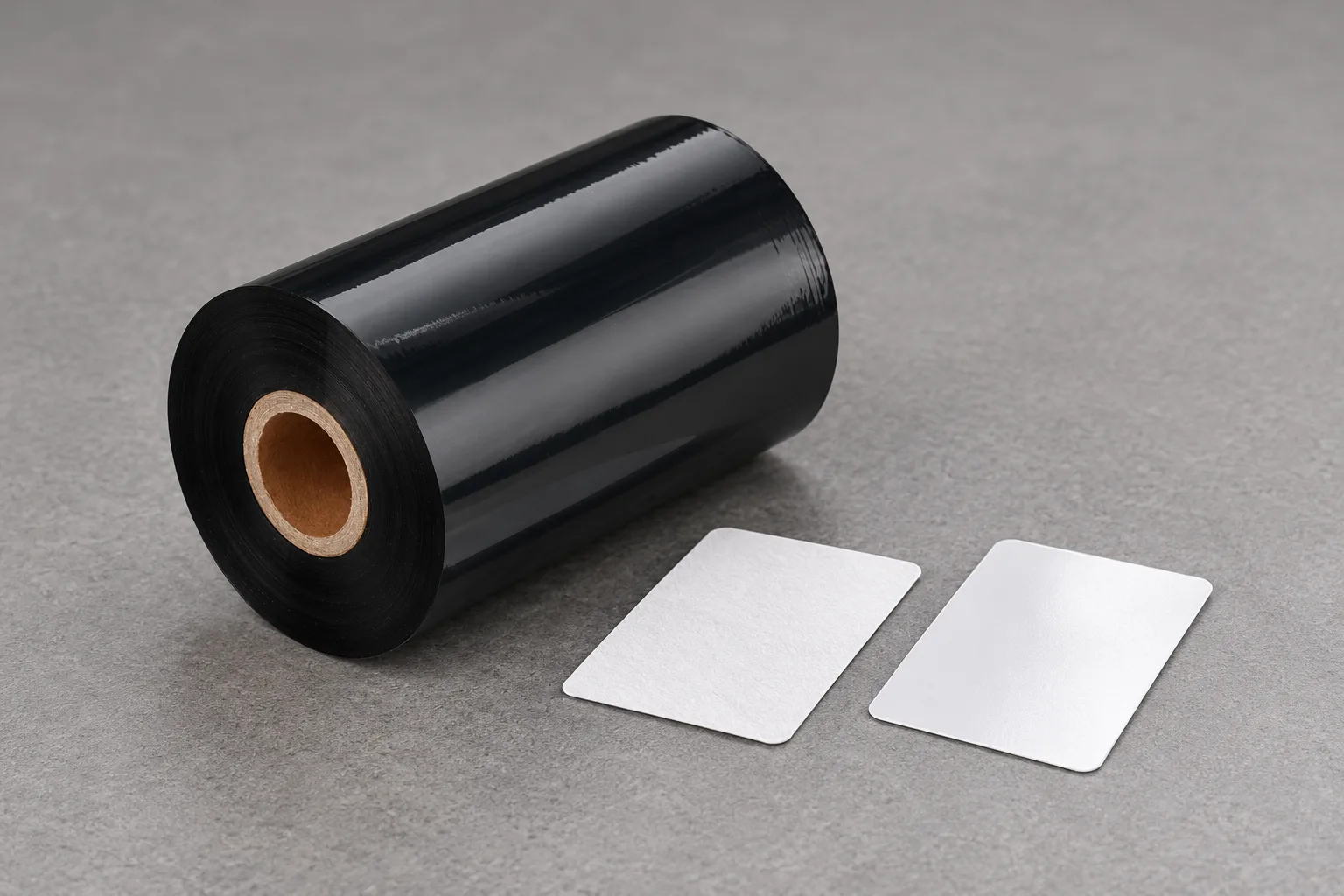
Thermal transfer ribbons come in three types — wax, wax-resin and resin — and your label material plus the durability the print must survive decide which one belongs in a Zebra printer. The print head heats and melts the ink on the thermal transfer ribbon, which is then transferred to the label to create an abrasion-resistant print, so the grade controls how well the ink holds on your stock.
Wax ribbons have the lowest melting point of the three families, which means they transfer at lower print head temperatures and run at higher print speeds with less wear on the print head. They are formulated primarily for use on uncoated and coated paper labels, the most common substrate for retail tags, general shipping labels and warehouse identification, and they are the cost-effective grade for paper labels.
Wax/resin ink consists of wax and resin, and the resin forms a protective barrier that increases durability against smudges, scratches and abrasion. Wax-resin ribbons print well on both coated paper and synthetic label stocks, a practical default when a label needs more handling than pure wax supports but not full resin-level chemical resistance. The grade is slightly more expensive than basic wax ribbon and fits shipping labels on multi-leg freight journeys, repeatedly handled retail shelf labels and general industrial labeling.
Consider resin for synthetic labels such as polyester and polypropylene with demanding durability requirements. Wax/resin also suits some synthetic stocks; select by required resistance and sample results. For synthetic labels exposed to chemicals, heat or years outdoors, prioritize resin for testing. Zebra's supplies range lets you choose from wax, wax/resin and resin formulations, so the printer brand does not narrow the choice — your substrate, durability target and environment do.
| Ribbon grade | Label stock it suits | Durability it buys | Typical use |
|---|---|---|---|
| Wax | Uncoated and coated paper labels | Normal handling | Retail tags, general shipping labels, warehouse identification |
| Wax/resin | Coated paper and synthetic label stocks | Smudge, scratch and abrasion resistance | Multi-leg freight shipping, retail shelf handling, general industrial labeling |
| Resin | Synthetic materials like polyester and polypropylene | Chemicals, heat, moisture, years of outdoor exposure | Synthetic labels in demanding environments |
Confirm Width, Length, Core and Ink Side Before Ordering
Four critical parameters must match your printer and label specifications before you order: width, length, core size and winding direction. A roll that misses any of them will not fit or will not print, so check them against your printer's supplies list.
For width, the ribbon must be equal to or wider than the label, and common widths are 25, 33, 40, 50, 60, 83, 110, 125, 165, and 220 mm. A supplier overview lists 74 m or 110 m rolls for Zebra ZD desktop printers and 300, 360, or 450 m for Zebra ZT industrial printers. This does not establish compatibility for each model. Check the exact model's supplies list before choosing a length, then consider how often you can change rolls.
Core size is easy to overlook: desktop printers often need labels and ribbons on smaller cores due to their compact size, while industrial thermal printers can take larger rolls to keep production moving without interruption. Zebra adds a detail worth knowing when you source compatible rolls — the company's ribbon-change video for the ZD220 states that a Zebra ribbon core is longer and has notches on one end, and says do not use adapters with a Zebra ribbon core.
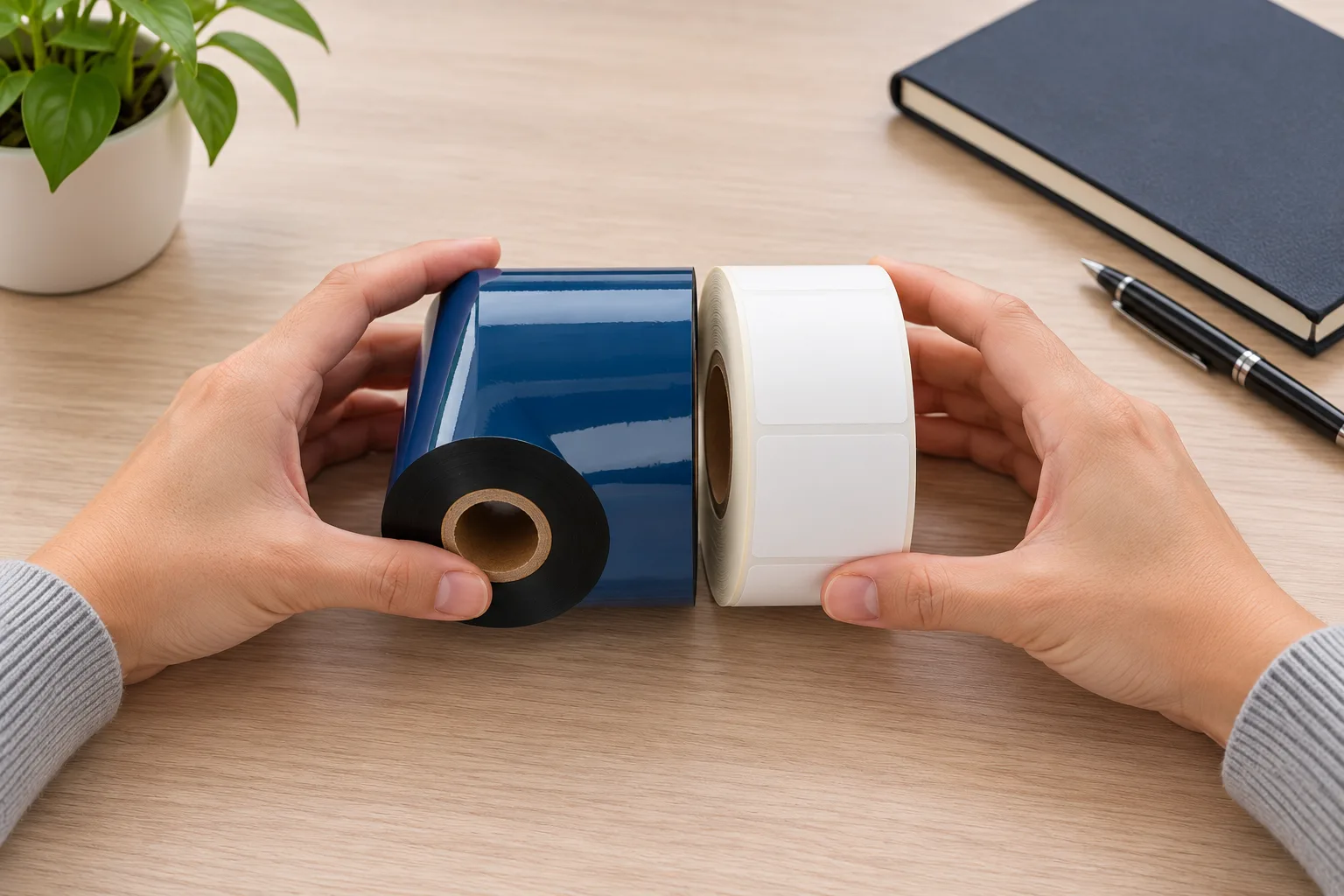
The ribbon ink transfers onto the label during printing. Winding describes whether the ink faces inward or outward around the roll core. Coated Side Out (CSO) means the ribbon is wound outward around the core, with the ink facing outward, and CSO thermal transfer ribbons are compatible with Zebra, Intermec and Printronix printers. Coated Side In (CSI) means the ribbon is wound inward around the core, with the ink facing inward, and CSI ribbons are compatible with Datamax and Sato printers. Ribbons are sold ink-side-in and ink-side-out for Zebra, Sato, Datamax, Intermec, and Printronix printers, so state the winding explicitly when you order a Zebra-compatible roll.
Verify Temperature, Pressure and Speed on a Sample Print
A thermal transfer printer forms the image when the print information transfers to the thermal print head and the individual printing dots are heated as required, melting the ribbon ink onto the label under pressure. Crisp, smudge-free labels therefore come from a balance of proper print head pressure, optimal temperature settings, appropriate ribbon-substrate compatibility, and correct print speed.
For print settings, consult your specific Zebra model's instructions and test on the actual label stock. The supplied excerpts do not establish a Zebra print head temperature setting. Confirm settings with pressure, ribbon-substrate compatibility and print speed in view.
The only reliable way to confirm a ribbon will perform in your application is to test it against your actual label stock, printer settings and operating environment. Testing matters because ribbons must be compatible with specific printers and materials, and it ensures the ribbon works effectively with the chosen printer and substrate, preventing issues like smudging or incomplete transfers. If the sample smudges or transfers incompletely, rebalance print head pressure, temperature, ribbon-substrate compatibility and print speed one lever at a time instead of swapping ribbons blindly.
Data and Evidence
The table below collects the specifications a buyer needs to confirm, the reported values, and the conditions attached to them. These entries summarize supplier guidance and internal verified excerpts, rather than company test results or model-specific approvals. Check the exact model's supplies list and validate performance with samples.
| What to confirm | Reported values and conditions |
|---|---|
| Ribbon width | Equal to or wider than the label; common widths are 25, 33, 40, 50, 60, 83, 110, 125, 165, and 220 mm |
| Roll length | Supplier overview: Zebra ZD, 74 m or 110 m; Zebra ZT, 300, 360, or 450 m. Not a compatibility approval for each model; check the exact model's supplies list |
| Core size | Desktop printers often need smaller cores; industrial printers take larger rolls — confirm against the printer's supplies list |
| Ink side | CSO (ink facing outward) compatible with Zebra, Intermec and Printronix; CSI (ink facing inward) compatible with Datamax and Sato |
| Print settings | Consult the specific Zebra model's instructions and test on actual label stock; these excerpts do not establish a Zebra print head temperature setting |
| Verification | Test on your actual label stock, printer settings and operating environment before ordering volume |
To verify a choice, print samples on your production label stock at your normal settings, check legibility and abrasion resistance, and expose the printed samples to the conditions they must survive, such as handling, moisture or outdoor light. The right ribbon depends on your specific label material, operating environment, durability requirements, print speed and production volume, so fix those inputs before comparing products. Your concrete next step: collect the label material, the exposure conditions, your Zebra printer model and its print speed, then request ribbon samples in the grades that come closest and run this test before ordering volume. Record the settings that produced the passing sample for reference when reordering.
Frequently Asked Questions
Which thermal transfer ribbon grade should I use for polyester labels on a Zebra printer?
Consider resin for polyester labels with demanding durability requirements, especially exposure to chemicals, heat or outdoor conditions. Wax/resin also suits some synthetic label stocks. Choose by required resistance and confirm performance on actual stock, printer settings and operating environment.
Do Zebra printers need coated side in or coated side out thermal transfer ribbons?
Coated side out. CSO thermal transfer ribbons are compatible with Zebra, Intermec and Printronix printers, while CSI ribbons, wound with the ink facing inward, are compatible with Datamax and Sato printers. State the winding when you order.
What ribbon roll length fits a Zebra ZD desktop printer?
A supplier overview lists 74 m or 110 m rolls for Zebra ZD desktop printers and 300, 360, or 450 m for Zebra ZT industrial printers. This does not establish compatibility for each model. Check your exact model's supplies list before ordering.
What print head temperature does a wax/resin ribbon need on a Zebra printer?
The supplied excerpts do not establish a Zebra print head temperature setting for wax/resin ribbon. Consult your specific model's instructions and test on your actual label stock, considering print head pressure, ribbon-substrate compatibility and print speed.
How wide should a thermal transfer ribbon be compared with the label?
The ribbon must be equal to or wider than the label. Common widths are 25, 33, 40, 50, 60, 83, 110, 125, 165, and 220 mm, so choose a width at least as wide as your label.
Recommended products for this industry
Silver Thermal Transfer Colour Washable Resin Printer Ribbon
High-performance silver thermal transfer washable resin ribbon, specifically designed for…
View details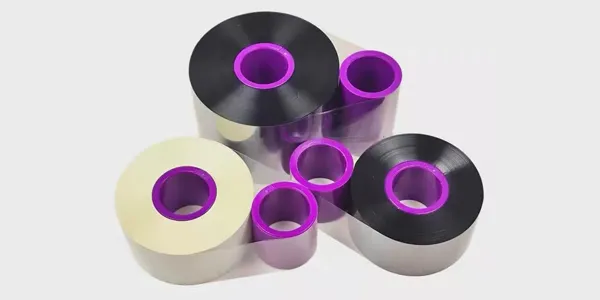
TTO Barcode Printer Thermal Transfer Colour Ribbon High-Speed Customisation
This TTO thermal transfer ribbon is suitable for a variety of label materials across…
View details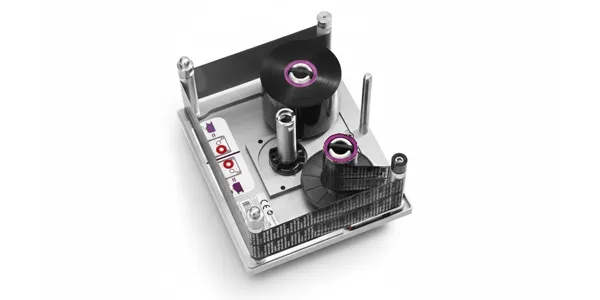
TTO Ribbon Printer High-Speed Customisation Model with Thermal Transfer Colour Ribbon
Highly durable TTO thermal transfer ribbons engineered for high-speed packaging lines…
View details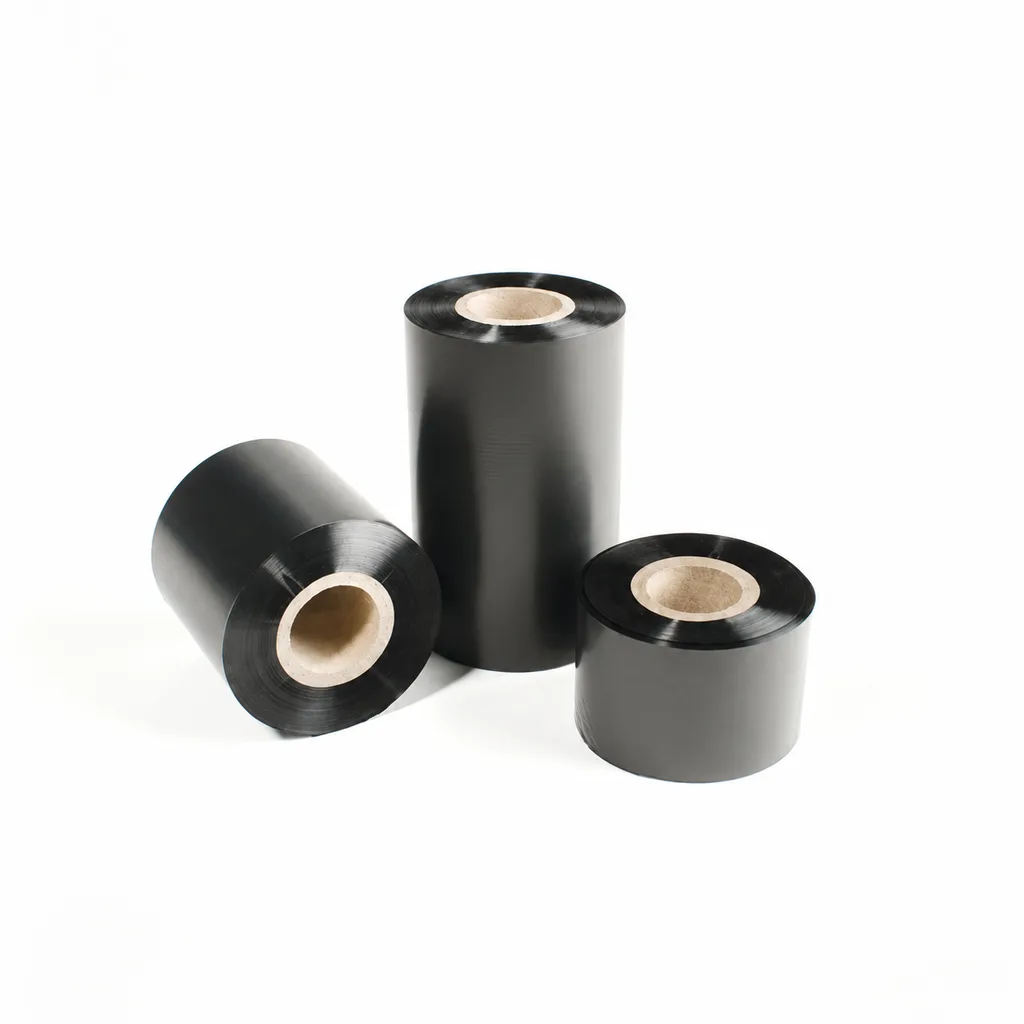
CL-Z112 Enhanced Wax Thermal Transfer Ribbon for Paper Labels and Tags
An enhanced wax thermal transfer ribbon with black ink for paper labels and tags used in retail, warehousing and logistics. It is specified for flat-head printing on desktop or industrial barcode printers at ≤8 inches per second (ips). Select it by checking the actual label material, printer configuration and handling conditions: image-quality, rub-resistance and cold-chamber results were obtained on coated paper, and print quality and image durability may vary with the printer and print medium.
View detailsNeed the right ribbon for your label application?
Share the label material, printer and operating environment. Our team will recommend a tested combination.
