
Zebra Thermal Transfer Ribbons for Industrial Printers: What Compatibility Means
Request a solution
- Original TTR manufacturer since 2013
- Automated coating and slitting
- IQC / IPQC / OQC control
- ANSI barcode grade testing
- -20°C to 120°C environmental testing
- Batch-level traceability
- ANSI barcode grade
- Batch traceability
- RoHS / REACH compliance
- SGS and MSDS documents on request
For buyers and print technicians, Zebra thermal transfer ribbons for industrial printers should be understood through printer fit, ink formulation and label material. A brand compatibility listing does not specify every roll dimension or establish performance on your label. Verify the exact printer requirements, then assess the ribbon on the intended stock and settings.
Key Takeaways
- Thermal transfer printing uses heat from the printhead to transfer ribbon ink onto a label.
- Wax, wax-resin and resin describe ink families rather than a complete printer compatibility specification.
- Ribbon selection includes formulation, width, core size and roll length.
- COLORFULTTR lists flat-head ribbon grades for Zebra printers separately from its near-edge TTO grade.
Understand what “for Zebra industrial printers” actually describes
Thermal transfer ribbons carry ink that a heated printhead transfers onto label material. In the phrase “Zebra thermal transfer ribbons for industrial printers,” the printer name describes the intended equipment, while thermal transfer describes the printing process. Neither part supplies a complete roll specification.
Start by distinguishing a ribbon sold under a manufacturer's brand from a ribbon described as compatible with that manufacturer's printers. For example, the COLORFULTTR TDS names Colorfulttr as the ribbon brand and lists Zebra among applicable printers for several flat-head grades. Read that as the supplier's stated application scope. It does not identify those consumables as Zebra-manufactured products or give an exact model-by-model approval.
“Industrial” also needs a narrower reading than “suitable for every industrial job.” The supplied ribbon-length reference describes longer ribbons as intended for industrial printers and shorter ribbons as typically intended for desktop printers. That describes a format distinction; it does not establish durability on a chemical label or compatibility with a particular machine.
When reviewing a listing, separate three questions: who supplies the ribbon, which printer configuration it is intended for, and which label application it supports. Keep those answers as separate entries in your specification. A familiar printer name can help identify a candidate, but the actual roll and printing combination still need checking.
Separate printing mode, printhead type and roll format
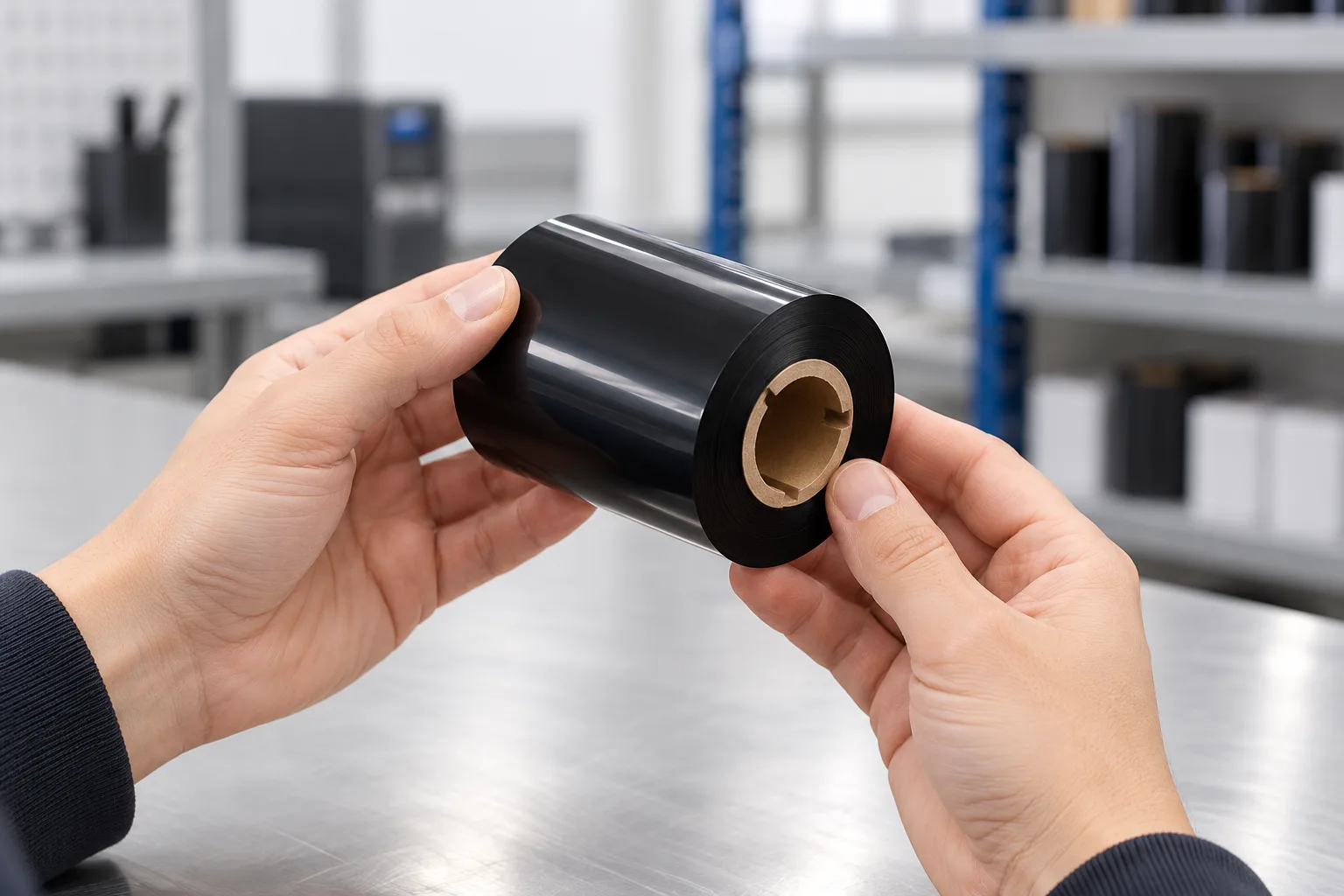
Direct thermal printing heats specially treated label material, whereas thermal transfer printing transfers ink from a separate ribbon. This distinction comes before comparing ribbon grades. Check the printing mode required for the intended job rather than assuming that the general term “thermal printer” means a ribbon is involved.
Printhead compatibility is another separate issue. COLORFULTTR identifies CL507, CL508, CL609 and CL807A as flat-head ribbons applicable to Zebra and Sato printers. It identifies CL926 as a near-edge TTO ribbon for coding equipment such as Videojet, DOMINO and Markem Imaje. Both groups use thermal transfer, but that shared process name does not make the listed grades interchangeable.
Roll format then determines what to verify against the machine. The current product matrix lists most Zebra models in a 1-inch-core, single-shaft, outside-ink, 300 m category. The wording “most” matters: this is a broad supplier listing, not a universal specification for all Zebra industrial models. Use the exact machine's requirements to resolve a candidate roll's suitability.
Record the ribbon width, core diameter, roll length and winding direction alongside the printer model. Outside-ink and inside-ink are identified as CSO and CSI in the current specification list. When changing suppliers, request those details explicitly instead of using only the description from the previous carton. If a detail is missing, leave that part of the match unresolved until it is confirmed.
Read wax, wax-resin and resin as material choices
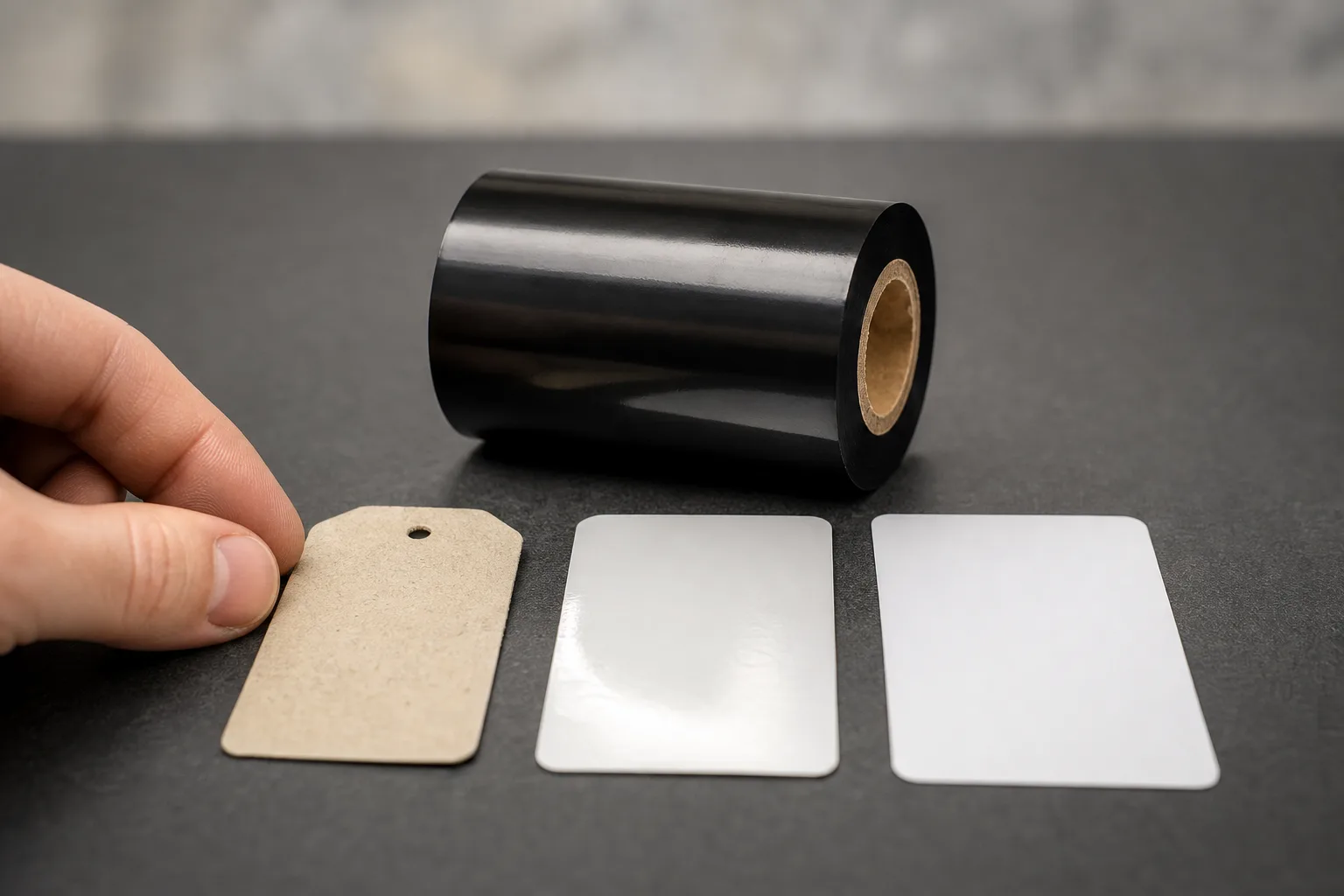
Wax, wax-resin and full resin are the three general thermal transfer ink families described in the supplied references. They answer a different question from core size or roll length: which formulation is a reasonable starting point for the label surface and its use?
The current COLORFULTTR matrix describes wax as economical, suited to paper applications and limited in scratch resistance. It describes wax-resin as combining print quality with durability and friction resistance. Its full-resin category emphasizes resistance to friction, heat and corrosion. These are category descriptions, so use them to frame an evaluation rather than to assign an untested service life.
The surface matters alongside the ink family. The current specification list places JT105 wax-resin on paper, PVC, tags, coated paper and synthetic paper. It lists CL500 and CL501 enhanced resin for PET, PVC and PP. These examples explain why “resin” and “Zebra-compatible” are incomplete descriptions on their own: one concerns ink family, while the other concerns intended printer application.
Write the intended exposure in plain terms before comparing grades. Will the printed label face routine handling, rubbing, washing or chemical contact? Then ask for a grade whose stated application matches that need. Do not turn a general resistance description into a numerical pass limit. The relevant performance belongs to the complete combination of ribbon, label stock, printer and settings.
A useful next reading is the thermal transfer ribbon selection guide for wax, wax-resin and resin, particularly when the unresolved question concerns formulation rather than roll fit.
Data and Evidence
The supplied COLORFULTTR documents support broad compatibility and product-category distinctions, while the supplied validation reference calls for checking the complete printed construction.
| Evidence | What it supports | What to verify for your job |
|---|---|---|
| Product matrix: most Zebra models appear under 1-inch core, outside-ink, 300 m format. | A starting roll format in the supplier's compatibility listing. | The exact printer's accepted ribbon format and required width. |
| TDS: CL507 and CL807A are RESIN flat-head grades listed for Zebra and Sato printers. | Stated printer application and formulation. | Fit and print results on the intended label stock. |
| Specification list: CL926 is a near-edge TTO grade and is excluded from flat-head barcode printers. | A clear boundary between these supplied ribbon applications. | Whether the job uses a flat-head label printer or the specified coding equipment. |
| TDS information is described as a general guide to material performance. | Reference information for evaluating a candidate. | Results under your actual printing and use conditions. |
Source documents: 公司现行产品矩阵(2026-10-02校订); 公司现行数字系型号规格清单; 公司碳带TDS与原始规格入口. The format listing is not a Zebra model manual, and the TDS is not a completed application test for your labels.
To turn these distinctions into a useful evaluation record, follow this sequence:
- Record the exact printer model and printing mode, then confirm the candidate roll's dimensions and winding direction.
- Identify the label stock and the exposure the printed image must withstand.
- Print the intended label design using the candidate ribbon, the actual stock and recorded machine settings.
- Assess the output against the job's agreed requirements, and retain the sample with its ribbon and stock identification.
If the available information only establishes brand-level compatibility, obtain the missing model or roll detail before deciding that the ribbon fits. If fit is established but application performance is unresolved, evaluate the printed combination rather than inferring durability from the category name. Your next step is to complete one specification record for the current Zebra printer and label stock, then use it to compare candidate ribbons consistently.
Frequently Asked Questions
Does a 1-inch core prove that a ribbon fits my Zebra industrial printer?
No. Core diameter is one part of the specification. Confirm ribbon width, roll length, winding direction and the exact printer model before treating the roll as a match.
Is COLORFULTTR ribbon listed for Zebra printers manufactured by Zebra?
The cited COLORFULTTR TDS identifies Colorfulttr as the brand and lists Zebra among applicable printers. That is a compatibility statement, not a statement that Zebra manufactured the ribbon.
Can I use CL926 TTO ribbon in a flat-head Zebra label printer?
CL926 is a near-edge TTO grade for coding equipment such as Videojet, DOMINO and Markem Imaje. The COLORFULTTR specification excludes its use in flat-head barcode printers.
Recommended products for this industry
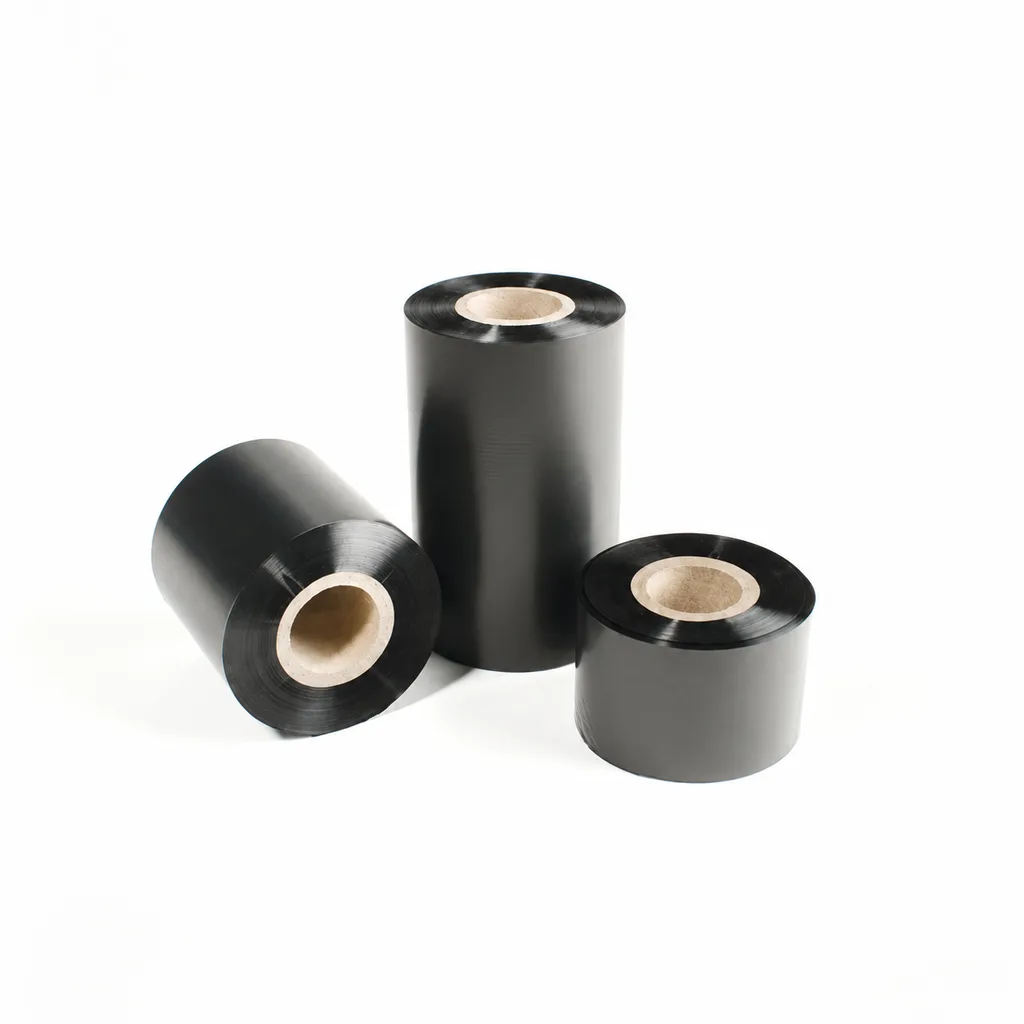
CL-Z112 Enhanced Wax Thermal Transfer Ribbon for Paper Labels and Tags
An enhanced wax thermal transfer ribbon with black ink for paper labels and tags used in retail, warehousing and logistics. It is specified for flat-head printing on desktop or industrial barcode printers at ≤8 inches per second (ips). Select it by checking the actual label material, printer configuration and handling conditions: image-quality, rub-resistance and cold-chamber results were obtained on coated paper, and print quality and image durability may vary with the printer and print medium.
View details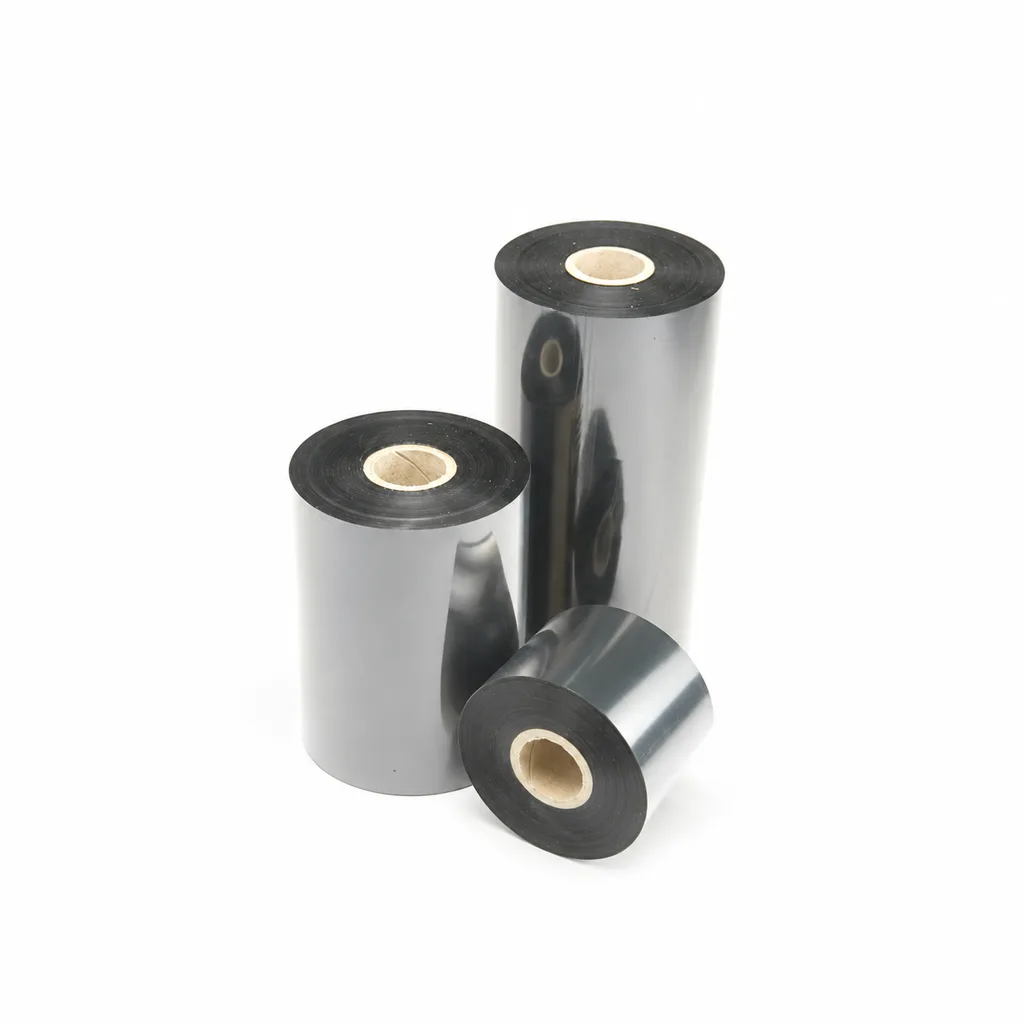
CL-Z203 Wax-Resin Thermal Transfer Ribbon for Barcode Labels
A black wax-resin thermal transfer ribbon for flat-head printing, with listed applications including retail, warehousing, logistics and garment tags. Select it against your actual label material and desktop or industrial barcode printer at speeds ≤6 ips (inches per second). Fine-line, small-text and durability results were obtained on coated paper; print quality and image durability may vary with the printer and printing substrate.
View details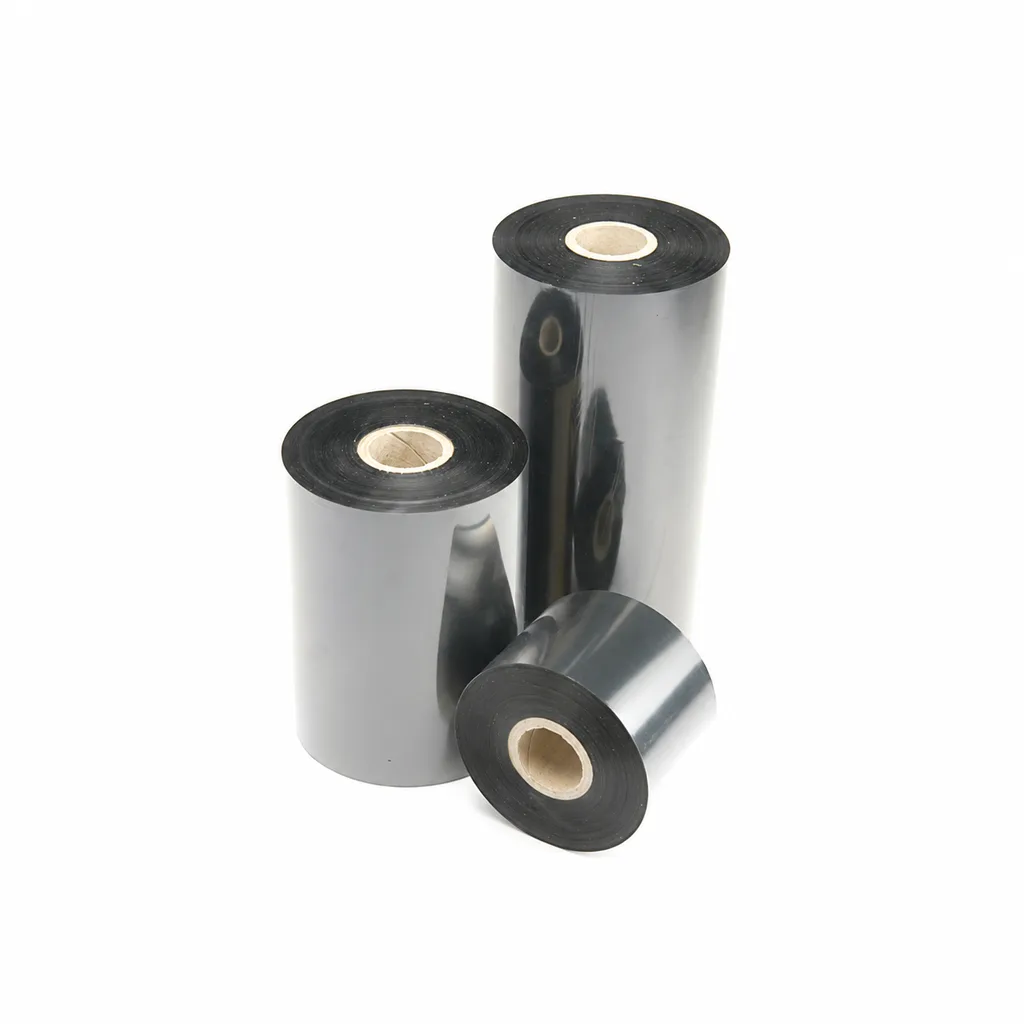
CL-Z213 Near-Edge Wax-Resin Thermal Transfer Ribbon for Barcode Labels
An enhanced black near-edge wax-resin thermal transfer ribbon for near-edge barcode printers and low- to medium-speed thermal transfer overprinting (TTO). Listed applications include retail labels, warehousing, garment tags and packaging identification. Match the printer, actual print medium and operating speed before selection: print quality and image durability can vary with the printer and substrate.
View details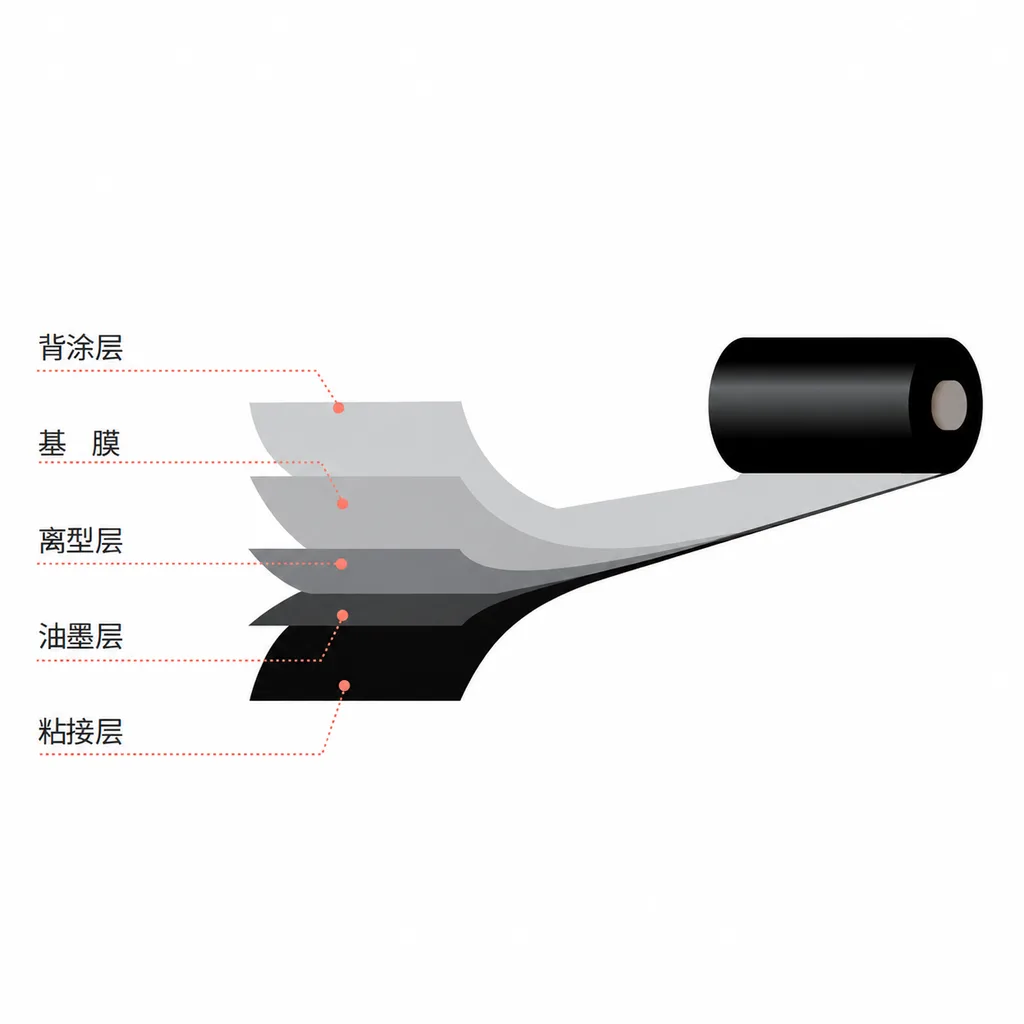
CL-Z312 Resin Thermal Transfer Ribbon for Packaging Printing
CL-Z312 is a black, general-purpose resin ribbon for thermal transfer overprinting (TTO), with packaging and retail label applications listed in the product information. Its abrasion, alcohol and oil resistance data were obtained on polyethylene terephthalate (PET). Select it against your actual packaging material, printer and production speed: print quality and image durability can vary with the printer and substrate, and the material chart percentages are not defined as pass rates.
View detailsNeed the right ribbon for your label application?
Share the label material, printer and operating environment. Our team will recommend a tested combination.
