
Thermal Transfer Ribbon Selection Guide: What Wax, Wax-Resin and Resin Mean
Request a solution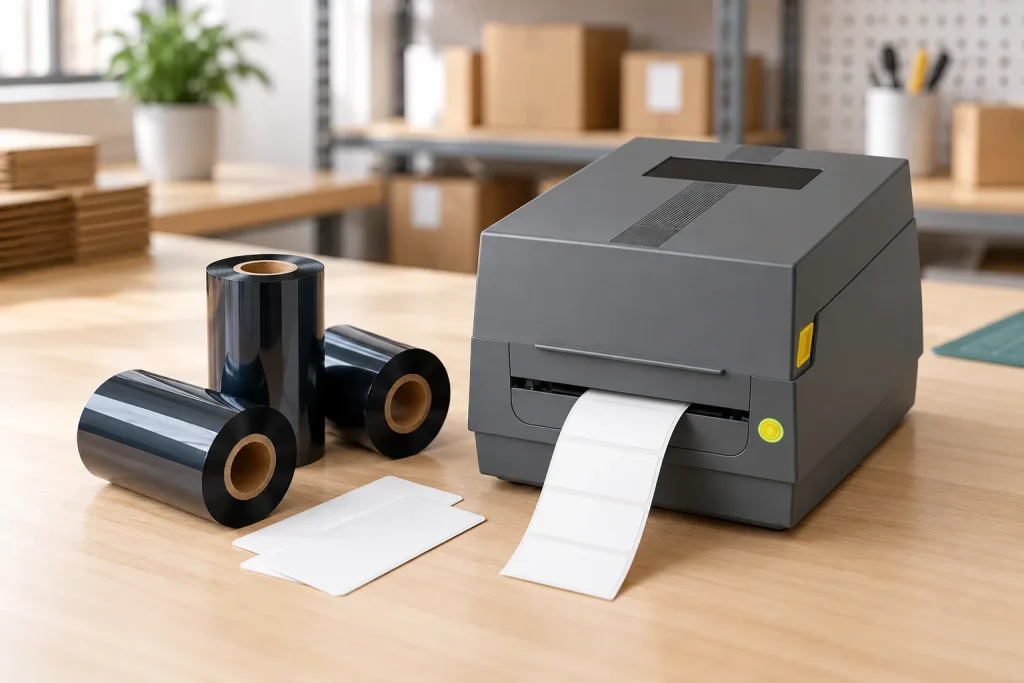
- Original TTR manufacturer since 2013
- Automated coating and slitting
- IQC / IPQC / OQC control
- ANSI barcode grade testing
- -20°C to 120°C environmental testing
- Batch-level traceability
- ANSI barcode grade
- Batch traceability
- RoHS / REACH compliance
- SGS and MSDS documents on request
This thermal transfer ribbon selection guide helps B2B buyers distinguish ink formulation, printer fit and application performance. Wax, wax-resin and resin are starting categories; the usable choice also depends on the label surface and printing system. Shortlist by material and exposure, confirm the roll specification, then validate the complete printed combination before approving a replacement.
Key Takeaways
- Thermal transfer printing uses printhead heat to transfer ribbon ink onto a label.
- Wax, wax-resin and resin describe ink families rather than complete compatibility specifications.
- Wax generally suits paper, wax-resin suits coated paper and selected synthetics, and resin suits demanding compatible synthetic surfaces.
- Ribbon width, core size, roll length and printer architecture belong in the selection decision.
- Performance should be validated on the actual facestock, printer and settings before release.
Understand what the ribbon family tells you
Thermal transfer ribbons contain an ink layer based on wax, resin or a blend of both. In printing, heat from the printhead releases ink onto the label beneath it. The ribbon is therefore one part of the printed construction: the receiving surface and printing conditions also matter.
These family names describe the ink formulation, not the label material. A resin ribbon and a polyester label are separate components that must work together. Likewise, “barcode ribbon” describes a use for the consumable; it does not identify a particular formulation or prove that a roll fits your machine.
The distinction from direct thermal printing is practical. Thermal transfer uses ribbon, while direct thermal uses direct thermal paper without ribbon. Confirm the intended printing mode before comparing consumables, especially when a printer offers both modes. Buying a different ribbon family does not answer a question about the paper or the selected print mode.
Keep three descriptions separate in your specification: the ink family, the printer requirements and the intended use. For example, “wax-resin for coated paper” provides a useful starting point but leaves the roll dimensions and production performance unresolved. Treat that description as a shortlist instruction, then add the missing details rather than assuming that the family name contains them.
Match the receiving surface and required durability
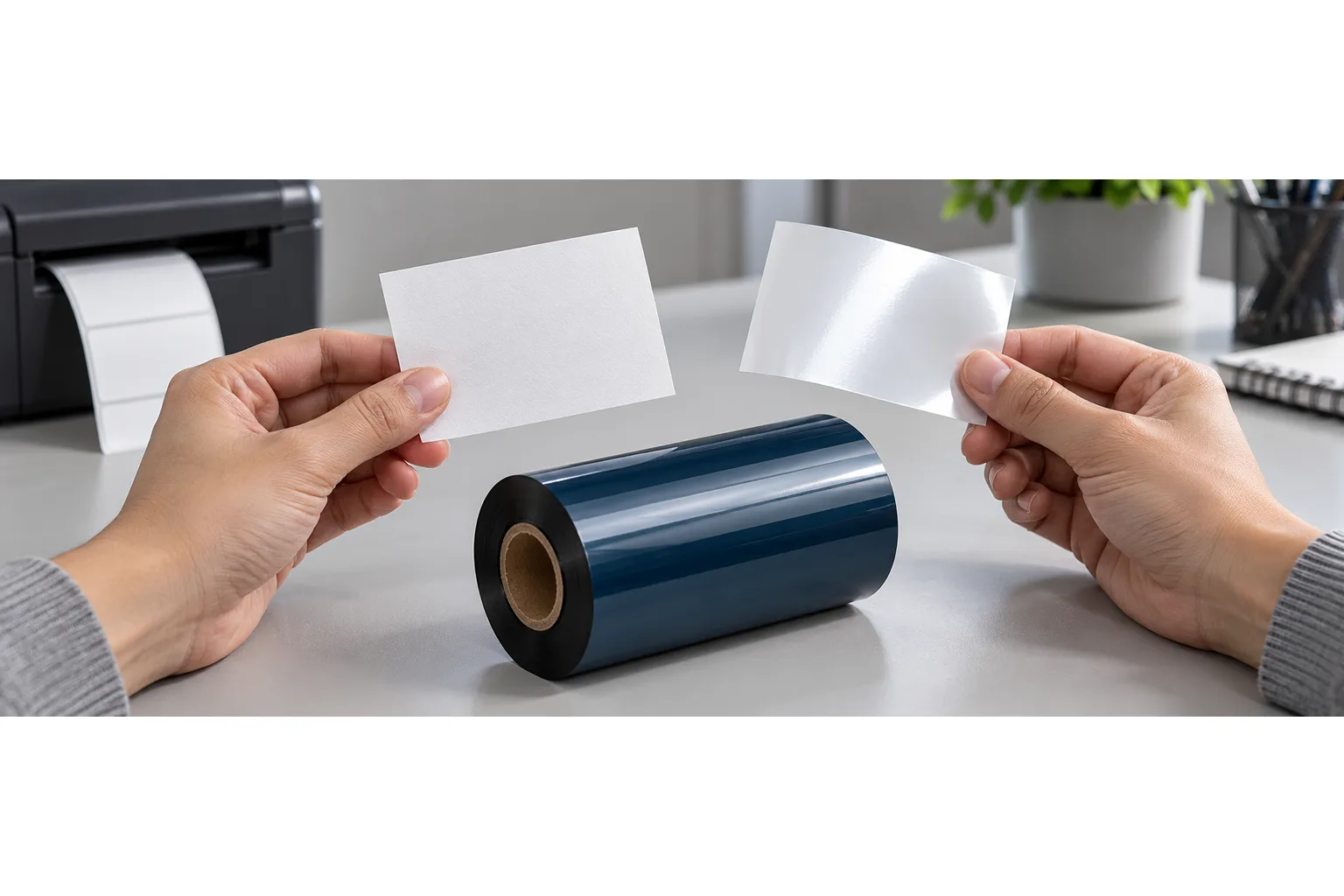
Wax inks generally anchor into porous paper fibers, while resin formulations are designed to adhere to compatible synthetic surfaces. This helps explain why selection begins with the actual receiving surface rather than the label’s application name. “Shipping label” tells you its purpose, but identifying the paper or film gives you a more useful basis for comparing ribbons.
Wax is a starting candidate for paper. Wax-resin broadens the shortlist to coated paper and selected synthetics and offers enhanced durability compared with wax. Full resin is a starting candidate for demanding synthetic films such as polyester, polyimide and vinyl. These are general directions, not approval of every coating within a material family.
Describe what the printed information must survive before choosing between candidates. Record the handling and environmental conditions relevant to the job, and distinguish an initial appearance requirement from a durability requirement. A ribbon that produces readable text during setup still needs evaluation against the conditions under which that text will be used.
For example, with coated paper, shortlist a compatible wax grade and a compatible wax-resin grade when both are proposed for the job. Compare the results against the required handling performance instead of choosing solely from the family name. For a synthetic label, identify its exact surface and ask which grade is intended for it. Do not treat all plastic labels as one interchangeable material.
Separate printer fit from wax, wax-resin and resin
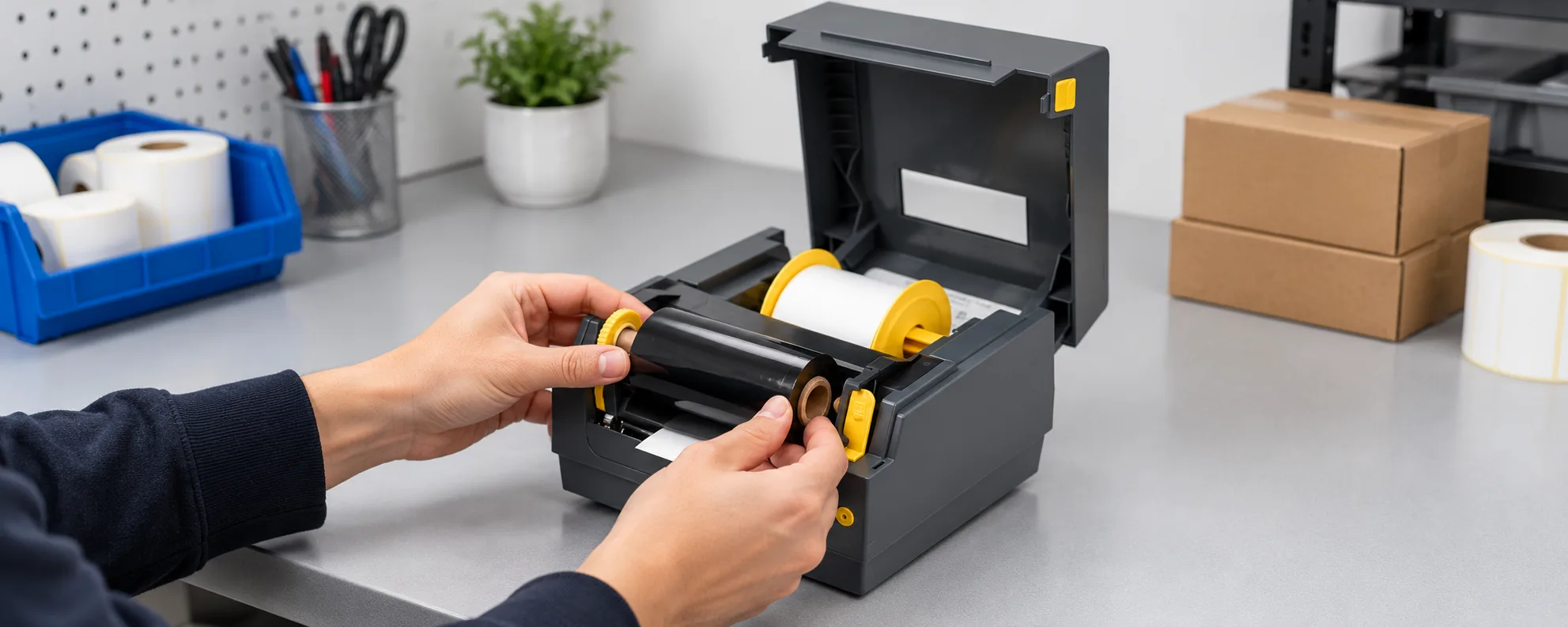
Ribbon selection also requires matching width, core size and roll length to the printer and label material. A suitable ink family does not establish mechanical fit. Record the printer’s exact model and check its specified roll requirements before ordering a trial or approving a supplier change.
Include ink-side orientation in that check. COLORFULTTR’s product matrix distinguishes inside-ink and outside-ink configurations in its printer adaptation guidance. Use the requirements for your particular machine rather than extending a configuration associated with one printer series to every printer from that brand.
Printhead architecture is another separate question. TTO means Thermal Transfer Overprinting, which applies codes to flexible packaging using a thermal printhead and wax-resin or resin ribbon. It is an application and printing-system description, not a fourth general ink family beside wax, wax-resin and resin.
COLORFULTTR’s TDS overview illustrates this distinction: it identifies CL926 as a near-edge TTO wax-resin ribbon, while CL507, CL508, CL609 and CL807A are flat-head ribbons. The shared presence of resin in a formulation does not establish that these products serve the same printing system. When changing suppliers, request confirmation of the intended printhead architecture as well as the formulation. Then compare roll construction with the machine’s requirements before evaluating print performance.
Validate a replacement as a printed combination
Ribbon performance belongs to the complete printed construction and should be validated on the actual facestock, printer and settings before release. This makes a supplier change a comparison of specific combinations, rather than a simple exchange of products carrying the same family name.
- Write a trial specification. Record the printer model, receiving material, proposed ribbon grade and roll requirements. State what the printed information needs to remain usable through.
- Print the intended content. Use the label surface and printing conditions intended for the job, and record the conditions alongside the sample.
- Compare appearance and service requirements. Check the printed content and assess the handling or exposure conditions that matter to its use. Agree the visible evidence and response before testing.
- Resolve failures before release. If a sample fails, review the ribbon-surface match and printing conditions with the supplier, then repeat the relevant comparison after a documented change.
Printing conditions include printhead pressure, temperature settings and speed as well as ribbon-substrate compatibility. Avoid interpreting a failed sample as proof that an entire ink family is unsuitable. Equally, do not turn one successful sample into a promise covering other label coatings or untested production conditions.
For the next trial, prepare one specification sheet and retain the resulting samples with their recorded conditions. That gives the technical team a concrete basis for approving the proposed ribbon or identifying what still needs adjustment.
Data and Evidence
The supplied material guidance supports a shortlist, while final approval depends on the exact printed combination. Use the following comparison to separate what a family name suggests from what your trial must establish.
| Selection item | Supported starting point | What to confirm |
|---|---|---|
| Wax | Porous and coated paper | The proposed grade on the actual paper surface and required handling |
| Wax-resin | Coated paper and selected synthetics; enhanced durability compared with wax | The exact film or paper coating and application requirements |
| Full resin | Demanding compatible synthetic films, including polyester, polyimide and vinyl | Grade suitability, printer compatibility and performance in use |
| Roll specification | Width, core size, roll length and ink-side configuration | The exact printer’s requirements |
| TTO versus flat-head | Different printing-system requirements within thermal transfer | The grade’s intended printhead architecture |
Evidence basis: the supplied references “Wax ribbons -”, “Wax-resin ribbons -”, “ribbon -” and “Ribbon performance -” support the general matching guidance. COLORFULTTR’s product matrix and ribbon TDS overview provide the roll-configuration and printhead examples. The TDS overview describes its information as a general material-performance guide, so its catalogue data should not be converted into universal printer settings or a production acceptance threshold.
Frequently Asked Questions
Can I choose a thermal transfer ribbon by label material alone?
Use label material to shortlist a formulation, then check printer compatibility and the durability required in use. Validate the selected grade on your own label surface and printer settings.
Does wax-resin ribbon work on every synthetic label?
No universal compatibility follows from the wax-resin name. The supplied guidance describes coated paper and selected synthetic surfaces, so confirm the exact label coating and test the proposed grade.
Can a TTO ribbon replace a flat-head label printer ribbon?
Do not assume interchangeability from the ink family. TTO describes an overprinting application, and COLORFULTTR lists its CL926 as a near-edge ribbon rather than a flat-head grade.
Does a sharp sample print prove long-term ribbon durability?
A sharp sample establishes initial appearance under the recorded conditions. Evaluate the printed construction against the handling and exposure requirements of its intended application before release.
Related Products & Guides
Recommended products for this industry
CL-Z203 Wax-Resin Thermal Transfer Ribbon for Barcode Labels
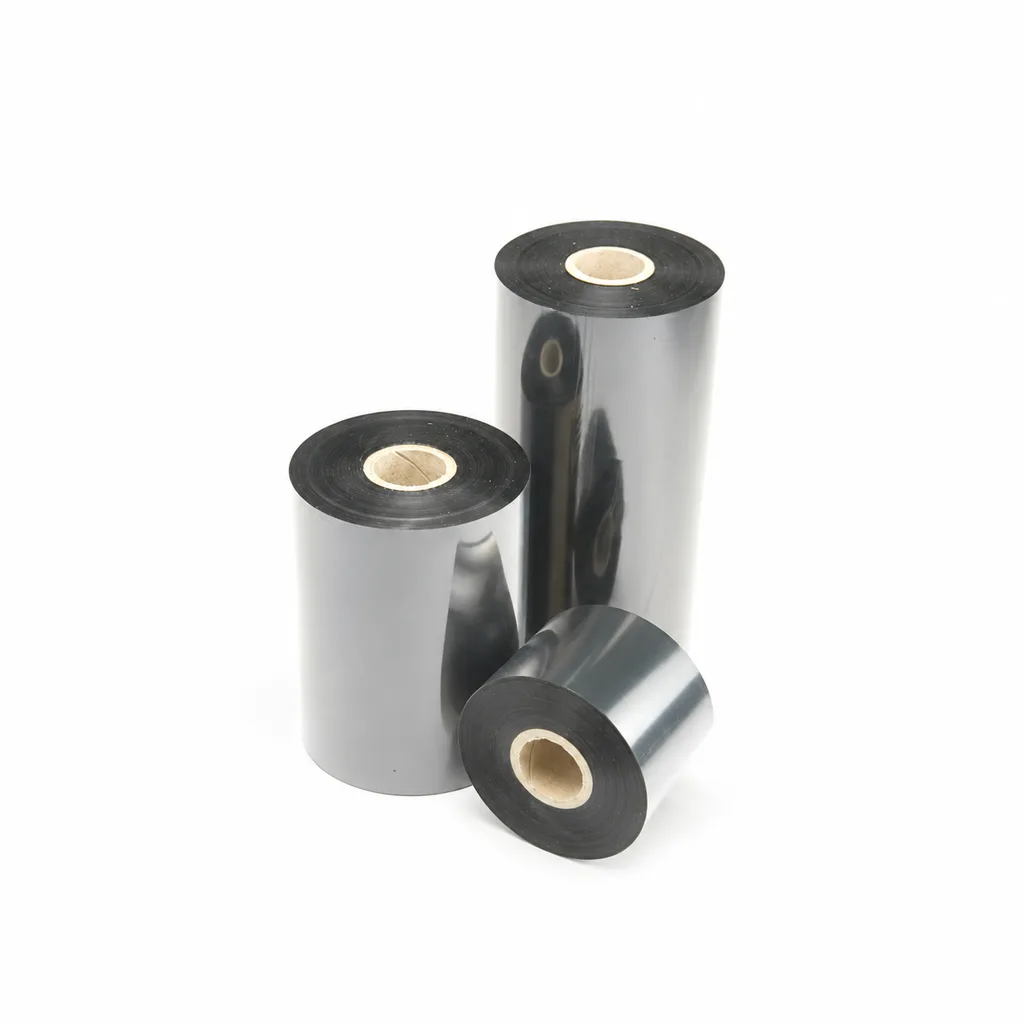
A black wax-resin thermal transfer ribbon for flat-head printing, with listed applications including retail, warehousing, logistics and garment tags. Select it against your actual label material and desktop or industrial barcode printer at speeds ≤6 ips (inches per second). Fine-line, small-text and durability results were obtained on coated paper; print quality and image durability may vary with the printer and printing substrate.
View details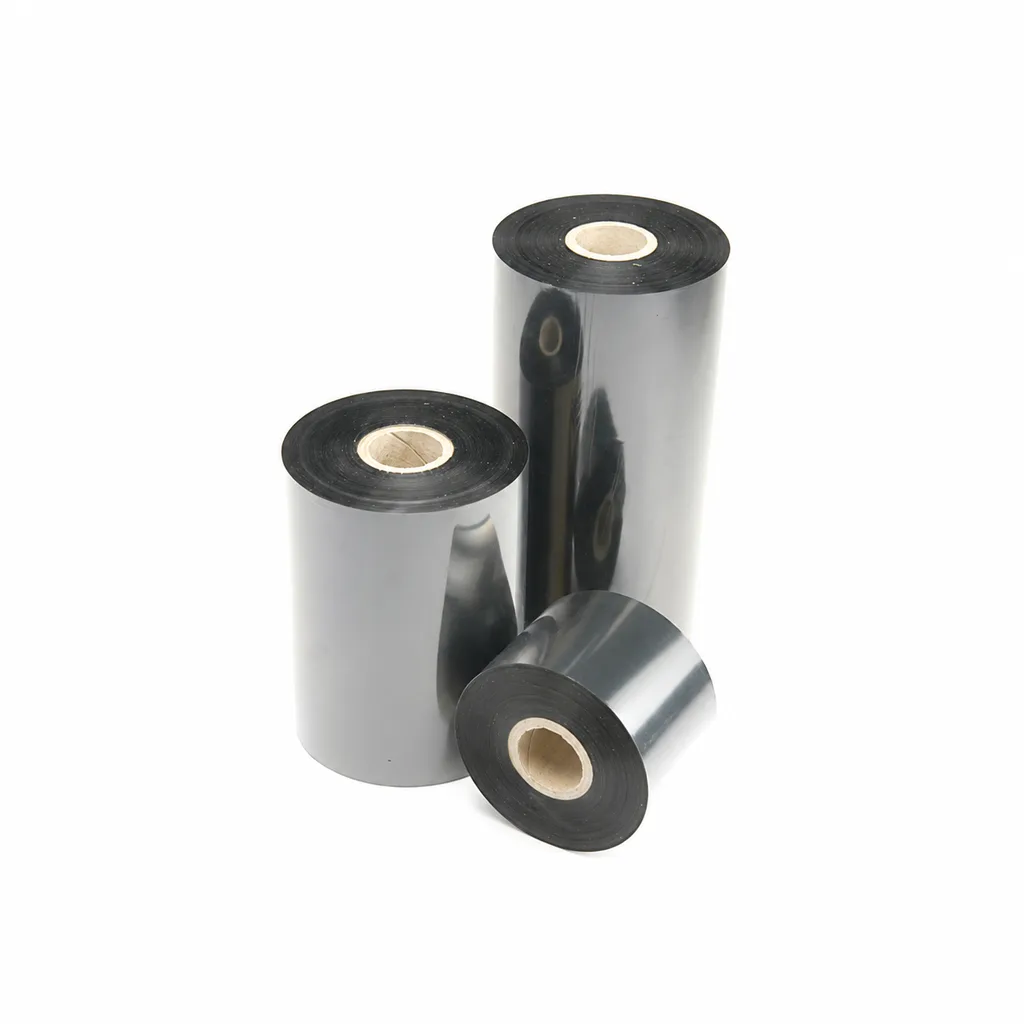
CL-Z213 Near-Edge Wax-Resin Thermal Transfer Ribbon for Barcode Labels
An enhanced black near-edge wax-resin thermal transfer ribbon for near-edge barcode printers and low- to medium-speed thermal transfer overprinting (TTO). Listed applications include retail labels, warehousing, garment tags and packaging identification. Match the printer, actual print medium and operating speed before selection: print quality and image durability can vary with the printer and substrate.
View details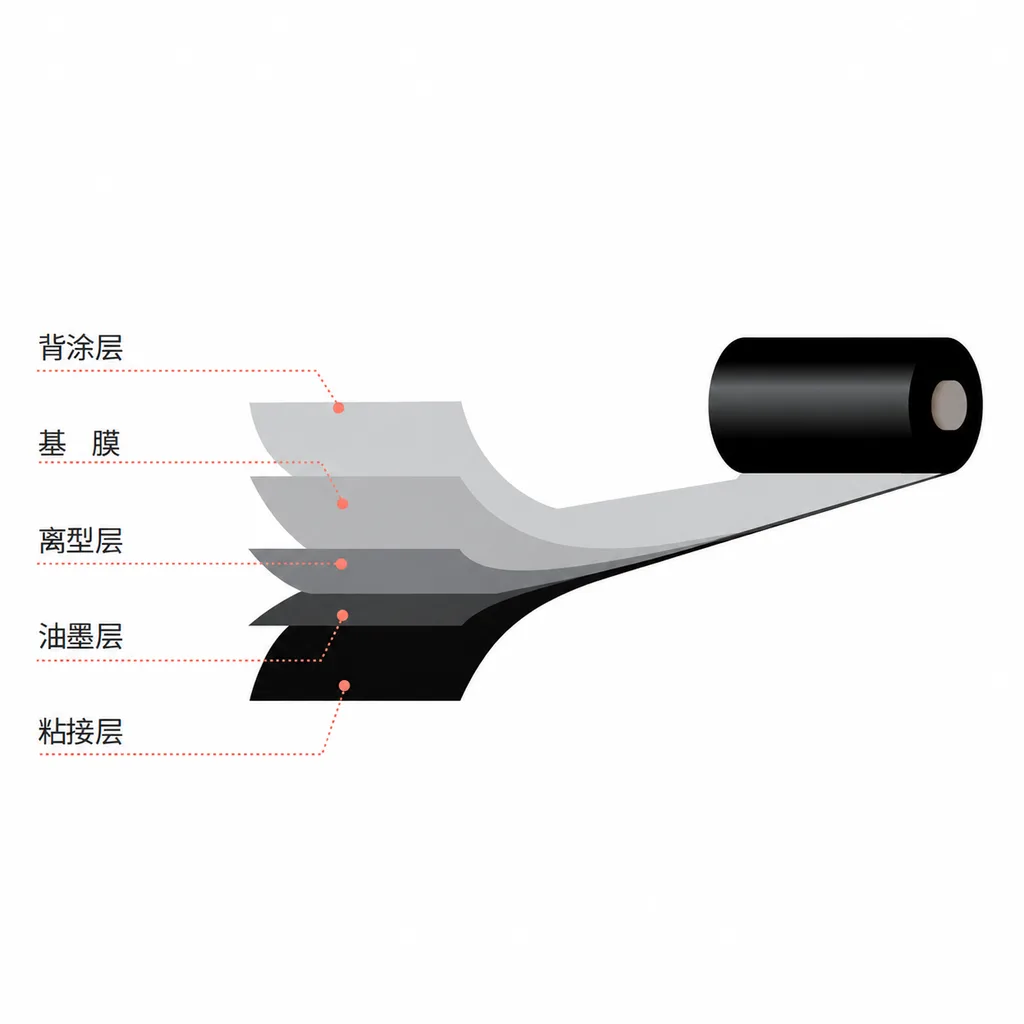
CL-Z312 Resin Thermal Transfer Ribbon for Packaging Printing
CL-Z312 is a black, general-purpose resin ribbon for thermal transfer overprinting (TTO), with packaging and retail label applications listed in the product information. Its abrasion, alcohol and oil resistance data were obtained on polyethylene terephthalate (PET). Select it against your actual packaging material, printer and production speed: print quality and image durability can vary with the printer and substrate, and the material chart percentages are not defined as pass rates.
View details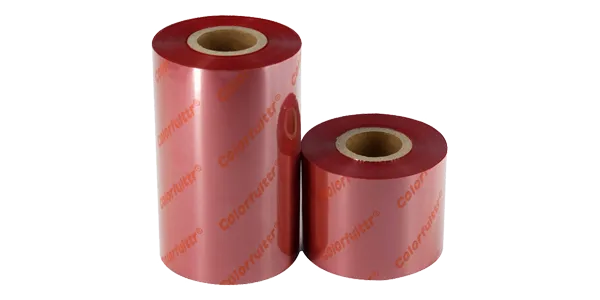
High-grade wax resin thermal transfer ribbon
Premium wax-resin thermal transfer ribbons are specifically engineered for diverse…
View detailsNeed the right ribbon for your label application?
Share the label material, printer and operating environment. Our team will recommend a tested combination.
