
Near Edge Ribbon Selection Guide: Matching Speed, Substrate and Formulation to Your Printer
Request a solution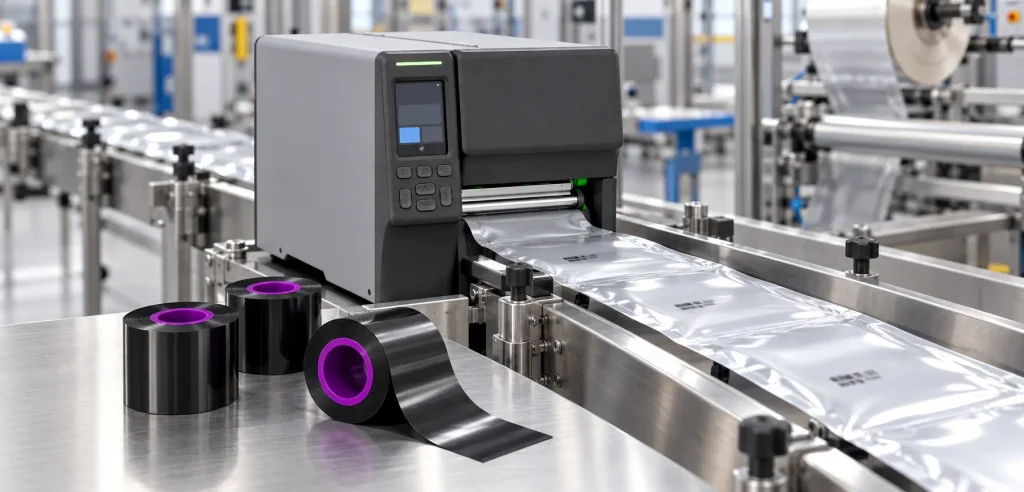
- Original TTR manufacturer since 2013
- Automated coating and slitting
- IQC / IPQC / OQC control
- ANSI barcode grade testing
- -20°C to 120°C environmental testing
- Batch-level traceability
- ANSI barcode grade
- Batch traceability
- RoHS / REACH compliance
- SGS and MSDS documents on request
Key Takeaways
- Near-edge, flathead and TTO printers each require their own ribbons: a near edge ribbon carries quick-release ink layers because the ribbon touches the label for only an instant before the peel point.
- Speed is the payoff: near-edge printers run more than twice as fast as flathead models, with speeds over 10 IPS the norm and up to 34 IPS in certain ribbon-printer combinations.
- Wax/resin is the standard construction for variable coding on flexible film — date, price, lot and bar codes — and resin grades extend the range into colors such as white and silver.
- Thinner PET carrier films put more ribbon on a roll: one documented TTO grade coats its wax/resin ink on a 4.0 micron PET film rated for speeds up to 40 ips, and supplier data ties thinner films to 15% less landfill waste.
- Match the formulation to your printer, substrate and line speed, then standardize the winning grade with its datasheet and a sample print at production speed.
What Makes a Near Edge Ribbon Different from a Flathead Ribbon
A near edge ribbon is built to release its ink in a fraction of the contact time a flathead ribbon gets. Near-edge thermal transfer printing uses an angled printhead design that places the heating elements close to the edge of the printhead, and the ribbon stays in contact with the labels only for an instant prior to the peel-point. A flathead printer works differently: the ribbon stays in contact with the label for some distance while passing the printhead, parting only after the peel point, and that longer contact gives the image better anchorage on the substrate.
That contact-time difference is why each printer type requires its own ribbons. Different TTR printers need different ribbons depending on the printhead, and a near-edge grade is designed to release the ink much quicker — exactly what faster print speeds demand. At the formulation level, near edge ribbons must contain a release layer that lets the ink transfer quickly to the substrate, and the very high speeds of TTO printers are why formulations add dedicated quick-release layers.
The trade is worth it on fast lines. Near-edge printers with their floating print-heads run more than twice as fast as flathead models, they work both as industrial stand-alone units and as in-line TTO coders, and the floating head adjusts to the thickness of the printed material — so moving between film gauges on food packaging calls for no head re-setting.
How to Match a Near Edge Ribbon to Your Printer and Application
A near edge ribbon only performs when it matches three anchors at once: your printer, your substrate and your line speed. Work through the following checks in order before you compare brands or prices.
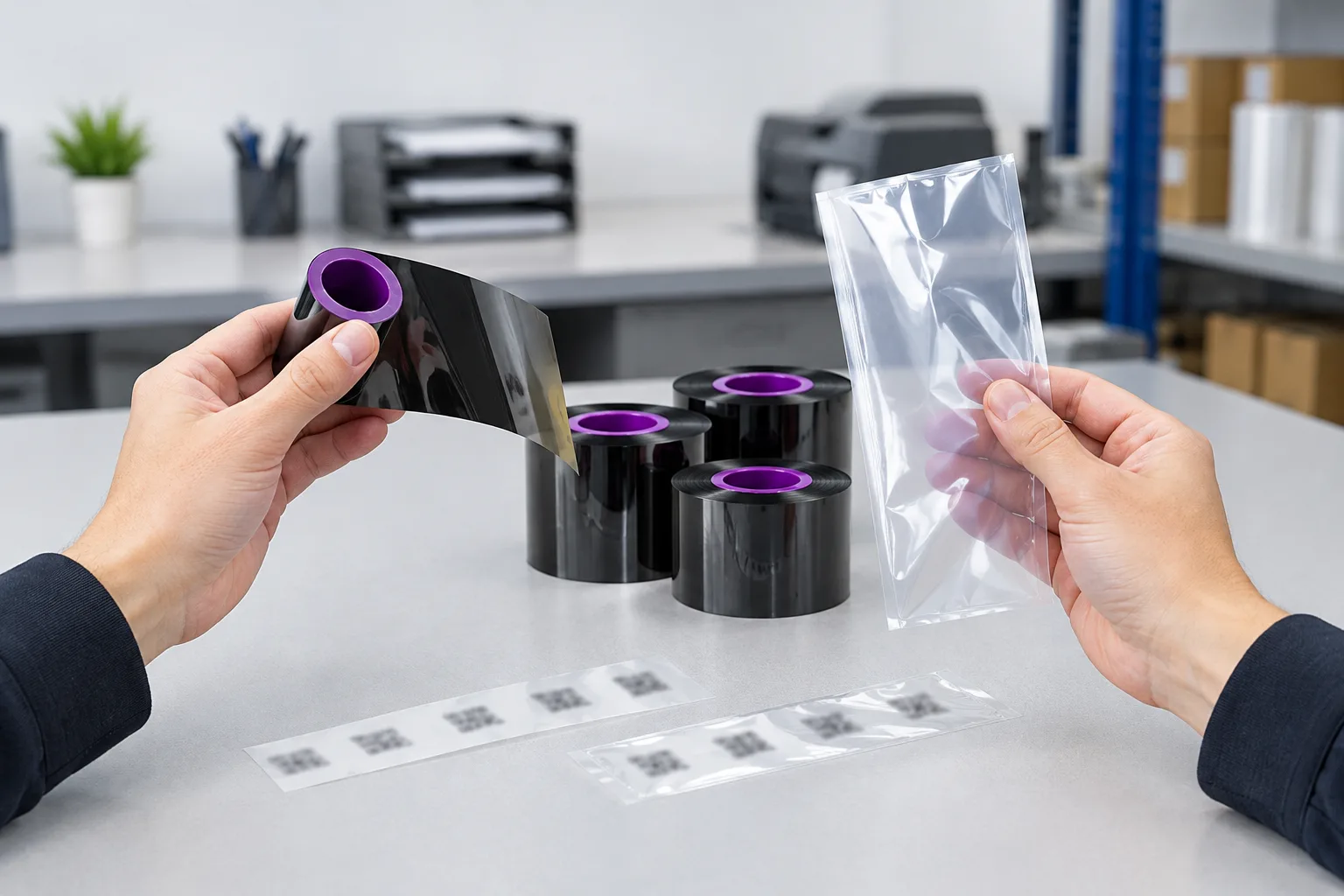
- Confirm printer type and ribbon format. Identify whether your coder is a near-edge or TTO printer, and note the ribbon width, core and ink-side orientation your manual specifies. Near-edge ranges are built around printer families — suppliers document wide selections compatible with the Videojet 9550 and other high-speed Videojet near-edge printers — so start from your exact model rather than a generic thermal transfer ribbon.
- Set the speed requirement. Check your line speed in inches per second. Over 10 IPS is the norm for near-edge printing and certain ribbon-printer combinations reach up to 34 IPS, while very high TTO speeds place the heaviest demands on ink release; shortlist grades whose documented ratings cover your speed.
- Choose the formulation for the substrate and job. Wax/resin near-edge grades are used to imprint date, price, lot and bar codes directly onto flexible packaging, and the blended ink prints on a wide variety of substrates including synthetics and glossy paper. Resin constructions round out the range where a different ink behavior or color is needed.
- Check carrier film and roll length. Near-edge ribbons are often made with a thinner PET film, which creates more ribbon capacity, reduces change-over time and produces less plastic waste; one documented premium wax/resin TTO grade is coated on a 4.0 micron PET carrier film rated for speeds up to 40 ips.
- Verify before volume. Use each candidate's datasheet to standardize performance across shifts and sites, then run a sample roll on your actual substrate at production speed and approve the grade only after the prints pass your checks.
Choosing Between Wax/Resin and Resin Near Edge Formulations
For most flexible-packaging coding, wax/resin is the near-edge construction to start with. TTO technology prints variable codes on flexible film with a thermal printhead and a wax-resin (or resin) ribbon, and near-edge formulations are commonly available in wax/resin and resin constructions for barcodes, lot numbers, expiration dates and prices.
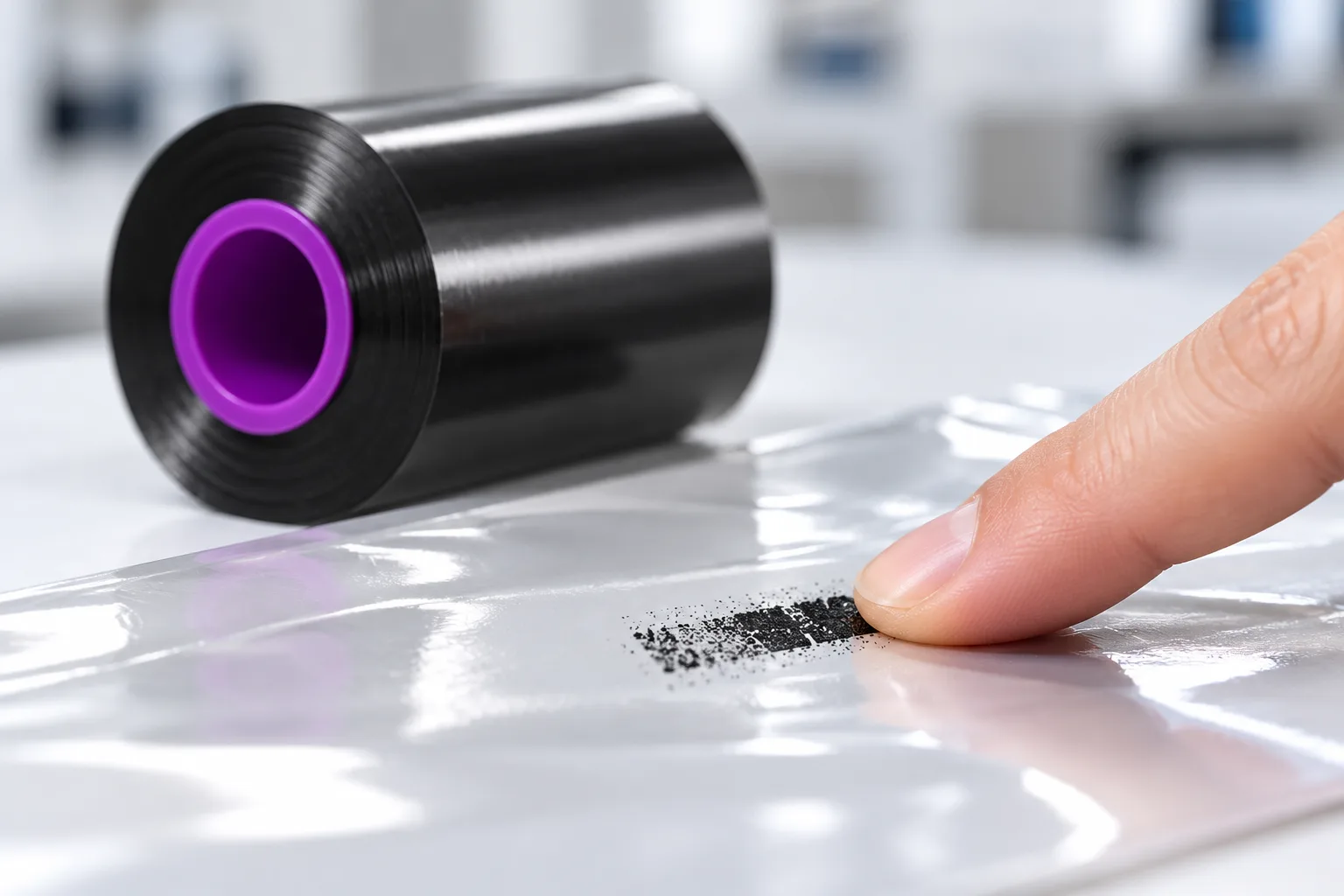
Judge wax/resin candidates on three documented properties: darkness, substrate range and durability. Blended wax/resin inks produce prints that are more durable and smudge resistant than full-wax prints, they adhere to a wide variety of substrates including synthetics and glossy paper, and darkness matters at speed — one supplier documents its V295 wax/resin grade, rated for print speeds up to 26 IPS (660mm per second), as one of the darkest near edge ribbons for flexible packaging.
Move to resin constructions when the application calls for something beyond standard black coding: supplier ranges document near-edge TTO ribbons in resin white and resin silver alongside wax/resin black. Whichever direction you shortlist, compare the finalists on your own film — print the same code layout at line speed on each grade, then check print density, edge definition and smudge resistance before you commit.
Data and Evidence
The comparison below condenses the documented differences that drive near edge ribbon selection. Treat the figures as category references from ribbon-maker documentation, not as guarantees for your specific printer-media combination.
| Factor | Flathead printing | Near-edge / TTO printing |
|---|---|---|
| Printhead position | Traditional horizontal position; ribbon stays in contact while passing the printhead | Floating head at an angle, heating elements close to the edge |
| Ribbon contact time | Contact for some distance, parting after the peel point for better image anchorage | Contact for only an instant prior to the peel point |
| Typical speeds | Generally 2-10 IPS | Over 10 IPS the norm; up to 34 IPS in certain ribbon-printer combinations |
| Ribbon requirement | Ink behavior tied to longer exposure at the printhead | Dedicated near-edge grades with quick-release ink layers |
Documented near-edge ribbon examples show the specification patterns worth comparing. Each figure belongs to its specific product entry and is not a universal standard for every printer:
| Documented example | Construction | Key documented specification |
|---|---|---|
| High-speed TTO grade (Z214) | Near-edge wax/resin | 4.0 micron PET carrier film; speeds up to 40 ips |
| Flexible-packaging grade (V295) | Near-edge wax/resin | Print speeds up to 26 IPS (660mm per second) |
| Near-edge TTO range (one supplier) | Wax/resin black, resin white, resin silver | Rolls 20-25% longer; 15% less landfill waste from thinner film |
Verify any shortlisted grade the same way: read the datasheet for release behavior, substrate coverage and speed rating, print on your actual film at production speed, then scan the codes and check the images for smudge resistance before approving the grade for volume orders.
Frequently Asked Questions
Can I use a flathead thermal transfer ribbon in a near-edge or TTO printer?
No — each printer type requires its own ribbons. Flathead grades are formulated around the longer contact time of a horizontal printhead, while near-edge printers need ribbons designed for rapid ink release. Order grades explicitly documented for near-edge or TTO use.
What speed rating does my near edge ribbon need?
Start from your measured line speed. Over 10 IPS is the norm for near-edge printing and certain ribbon-printer combinations reach up to 34 IPS; documented TTO grades carry ratings such as up to 26 IPS (660mm per second) or up to 40 ips. Pick a grade whose rating covers your speed.
Which near edge ribbon formulation should I use for date codes on flexible film?
Start with a wax/resin near-edge grade: these ribbons are used to imprint date, price, lot and bar codes directly onto flexible packaging, and the blended ink adheres to a wide variety of substrates including synthetics and glossy paper. Confirm smudge resistance on your actual film with a sample print.
Do near edge ribbons come in colors other than black?
Yes. Supplier ranges document near-edge TTO ribbons in resin white and resin silver alongside wax/resin black, so you can specify contrast printing where the application needs it.
How do I test a near edge ribbon before ordering in volume?
Request a sample roll, print your standard code layout at production speed on the real substrate, then check print density, edge definition and smudge resistance. Keep the approved grade's datasheet on file so performance stays standardized across shifts and sites.
Recommended products for this industry
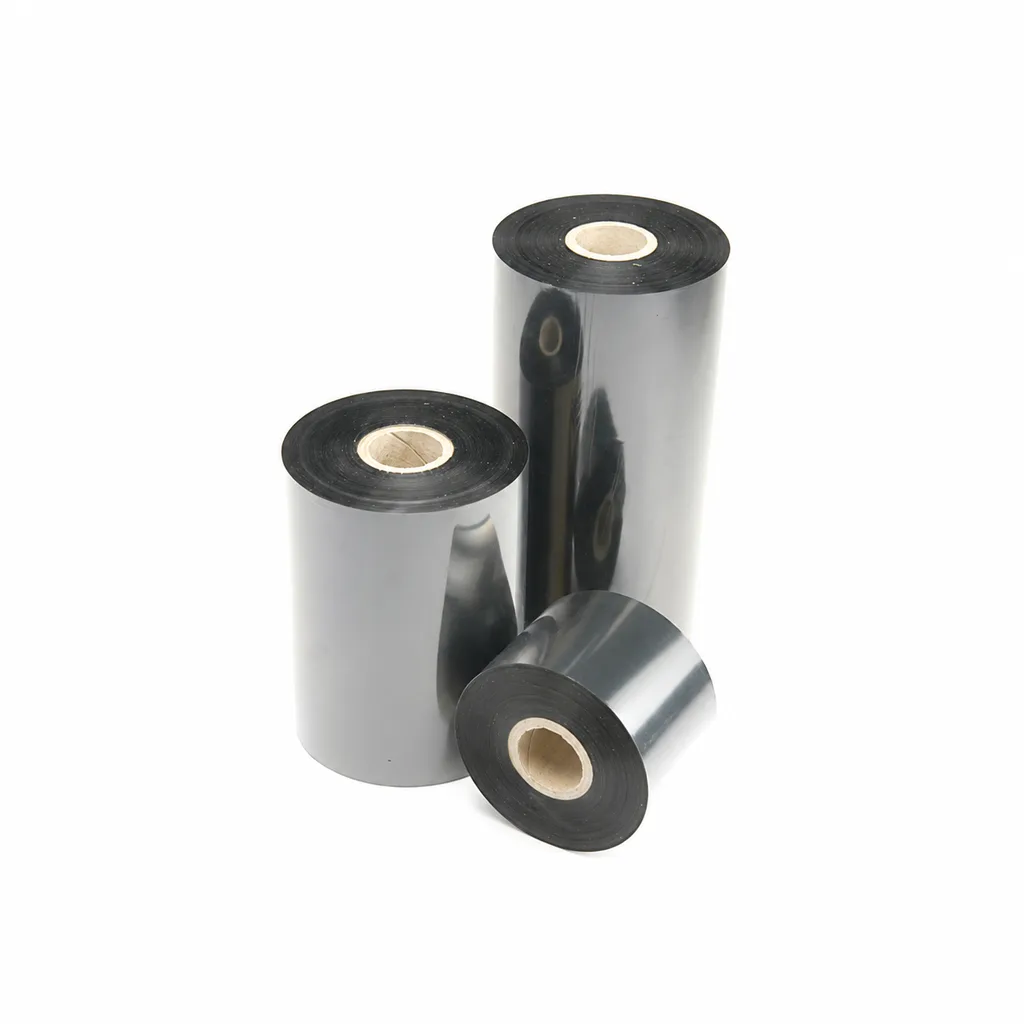
CL-Z213 Near-Edge Wax-Resin Thermal Transfer Ribbon for Barcode Labels
An enhanced black near-edge wax-resin thermal transfer ribbon for near-edge barcode printers and low- to medium-speed thermal transfer overprinting (TTO). Listed applications include retail labels, warehousing, garment tags and packaging identification. Match the printer, actual print medium and operating speed before selection: print quality and image durability can vary with the printer and substrate.
View details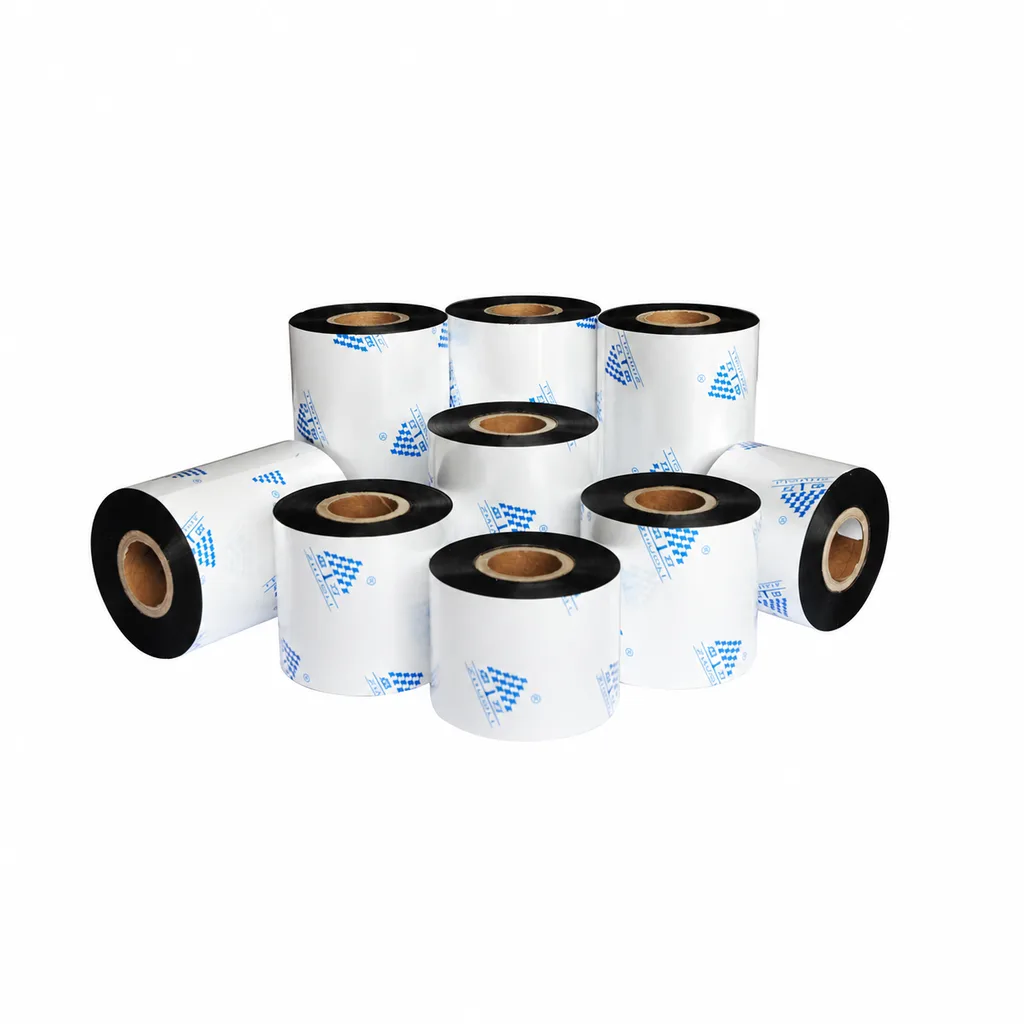
Near-Edge Wax-Resin Thermal Transfer Ribbon CL-Z212 for Barcode Labels
CL-Z212 is a general-purpose black wax-resin thermal transfer ribbon primarily for near-edge barcode printers, with use also described for low- to medium-speed thermal transfer overprinting (TTO). Listed applications include retail labels, garment tags, warehouse identification and packaging printing. Select according to printer type, actual printing speed and substrate: recommended conditions list near-edge printing at ≤10 inches per second (ips) and TTO at ≤20 ips. Print quality and image durability can vary with the printer and printing material, so trial printing on the intended substrate is necessary for selection.
View details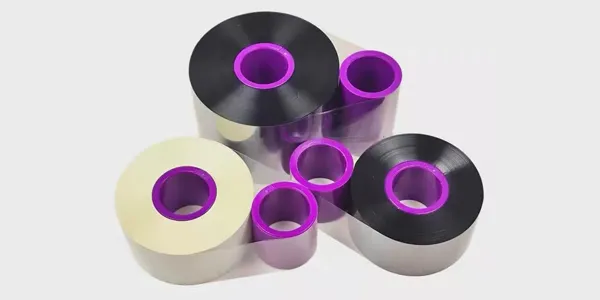
TTO Barcode Printer Thermal Transfer Colour Ribbon High-Speed Customisation
This TTO thermal transfer ribbon is suitable for a variety of label materials across…
View details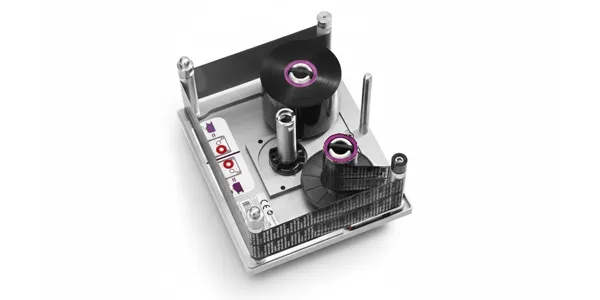
TTO Ribbon Printer High-Speed Customisation Model with Thermal Transfer Colour Ribbon
Highly durable TTO thermal transfer ribbons engineered for high-speed packaging lines…
View detailsNeed the right ribbon for your label application?
Share the label material, printer and operating environment. Our team will recommend a tested combination.
