

- Original TTR manufacturer since 2013
- Automated coating and slitting
- IQC / IPQC / OQC control
- ANSI barcode grade testing
- -20°C to 120°C environmental testing
- Batch-level traceability
- ANSI barcode grade
- Batch traceability
- RoHS / REACH compliance
- SGS and MSDS documents on request
Thermal transfer ribbon for labels supplies the ink that a thermal printhead transfers onto label stock. For buyers and print managers, wax, wax-resin and resin describe ink families, while printer fit and label surface determine which specific grade is suitable. Confirm the printing method and roll format, then assess the proposed ribbon on the production label material against its intended exposure.
Key Takeaways
- Thermal transfer uses ribbon ink, whereas direct thermal printing uses specially treated label material without a ribbon.
- Wax, wax-resin and full resin are the three general ribbon ink families.
- Label surface, printer architecture and required durability all affect the final ribbon choice.
- A ribbon family name does not establish compatibility with a particular printer or label stock.
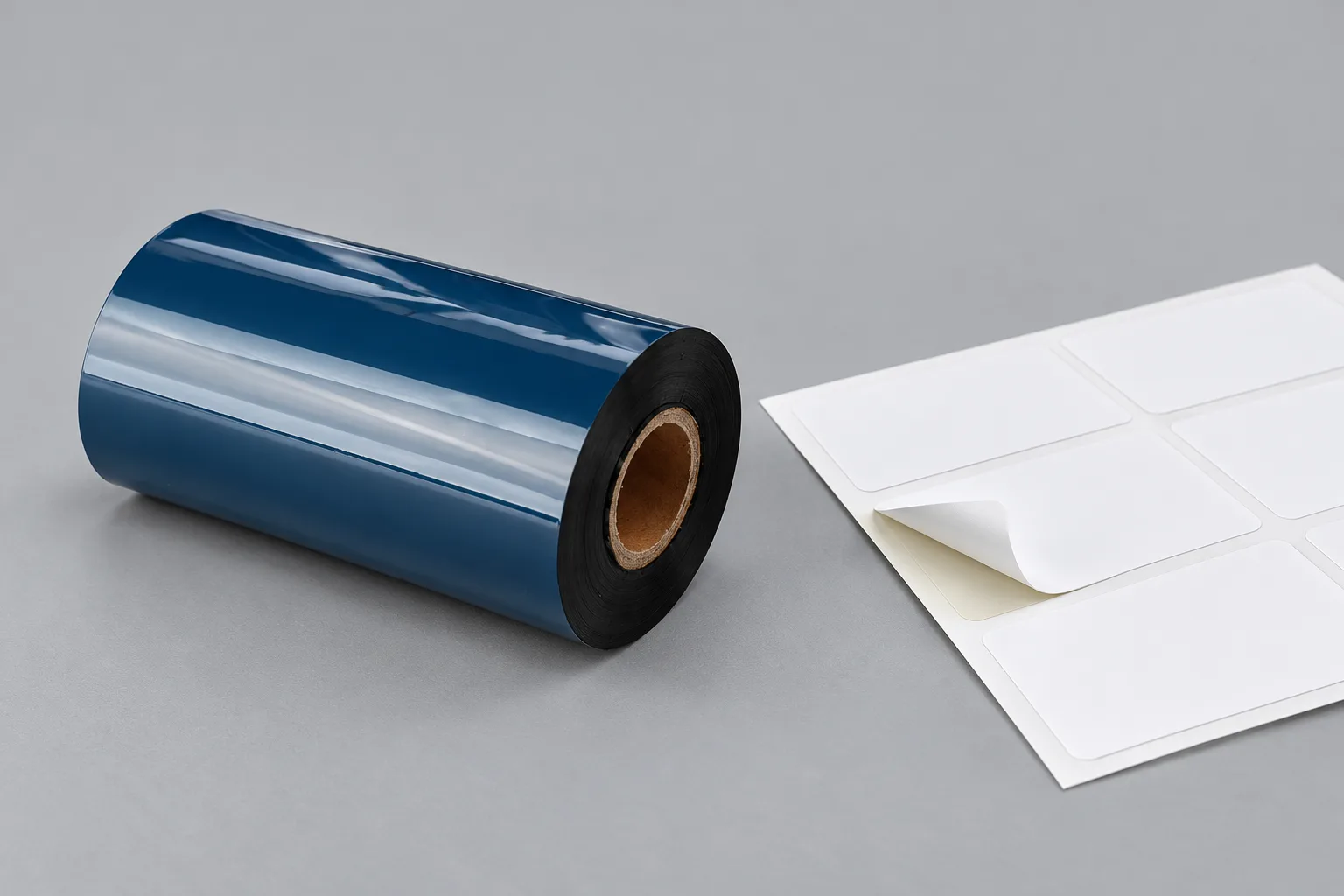
What thermal transfer ribbon contributes to a label
A thermal transfer ribbon carries an ink coating that moves onto the label when the printhead applies heat. The ribbon and the label are separate consumables: one supplies the printed image, and the other provides the surface receiving it. Understanding that separation helps make sense of specifications that otherwise sound interchangeable.
The ribbon consists of a polyester or other high-density film coated with wax-based, resin-based or blended ink. During printing, heated dots act against the back of the ribbon and release ink onto the label beneath it. The term thermal transfer therefore describes how the image reaches the label, rather than naming a particular label material.
Direct thermal printing creates an image by applying heat directly to specially treated label material. It does not use a separate ribbon. A listing that says only “thermal printer” leaves this distinction unresolved because that general term can refer to either method. Before comparing consumables, establish which method the printer supports and which mode the job will use.
For an existing label job, keep the label stock specification alongside the ribbon specification. “Thermal transfer label” identifies a printing approach, but the receiving surface still matters. A ribbon description alone cannot tell you how the image will perform on a label whose material or coating has not been identified.
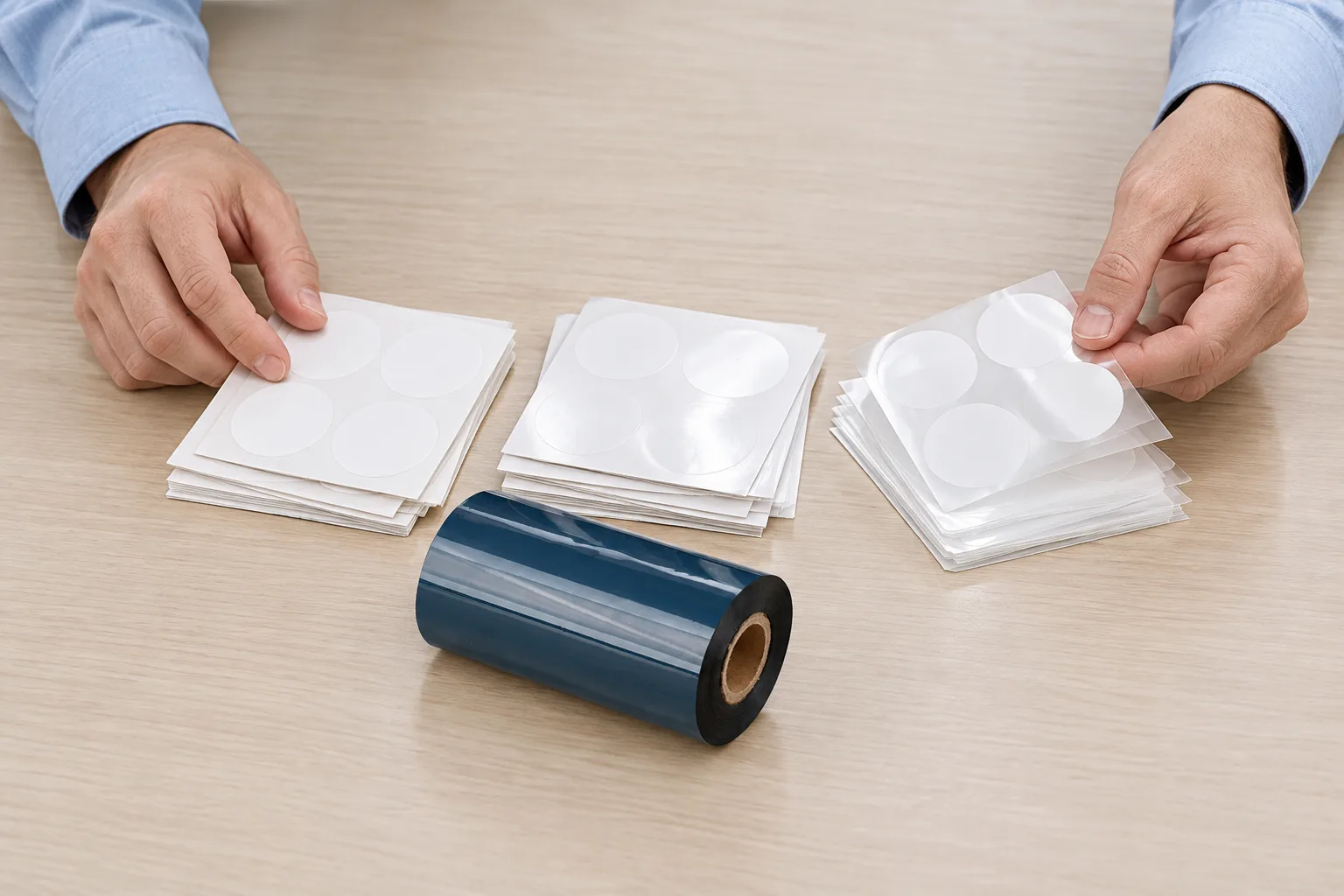
How wax, wax-resin and resin differ
Wax, wax-resin and full resin classify the ribbon’s ink formulation, with different material and durability applications. These names explain the broad options; they do not replace a grade-specific recommendation for the actual label surface.
Wax is commonly associated with paper labels and general-purpose printing. The COLORFULTTR product matrix describes its wax family as economical and printable at low temperature, while also noting limited scratch resistance. That makes wax a useful starting point for discussing a paper-label job, provided the label’s handling requirements are included in the discussion.
Wax-resin combines the two ink types and offers enhanced durability compared with wax. The supplied material guidance places it with coated paper and selected synthetic materials. “Selected” matters here: do not turn a broad material category into a promise for every coated film. Ask which label stock the proposed grade is intended to print.
Full resin is associated with demanding synthetic-film applications. The COLORFULTTR matrix describes its full-resin family in terms of friction, heat and corrosion resistance. Those are qualitative family characteristics, rather than a temperature rating or a chemical-test result for every grade. If the job needs a specific resistance, ask for evidence covering that condition.
The practical distinction is the balance between label material and image durability. Start with both requirements together, rather than treating resin as an automatic upgrade for every paper label or wax-resin as a universal compromise. For more detail on the middle family, see the wax-resin ribbon and printer matching guide.
Why the same ribbon description can hide different requirements
Ribbon compatibility depends on ink formulation, roll dimensions and printer architecture as well as the label material. A description such as “black resin ribbon” answers only part of the specification, leaving important questions about the machine and receiving surface open.
Width, core size and roll length belong in the printer-fit check. The COLORFULTTR specification list also distinguishes ink-side-in winding, CSI, from ink-side-out winding, CSO. Record the required winding with the other roll details instead of assuming that two rolls with the same width are equivalent.
Printhead architecture is a separate distinction from ink family. The supplied COLORFULTTR TDS overview identifies flat-head label ribbons and a near-edge TTO ribbon as different products. Its specification list states that the TTO range is not for flat-head barcode printers. Both ranges can contain familiar ink-family terms, so “wax-resin” by itself does not settle this question.
The source of the difference is the complete printing combination: the printer must transfer the ink properly, the label needs a suitable receiving surface, and the ink must meet the application’s durability needs. When reviewing a supplier change, ask for those three parts explicitly. Keep the current label-stock identity in the comparison rather than comparing ribbon names alone.
This distinction also keeps troubleshooting focused. An unclear print does not, by itself, prove that the ink family is wrong. First establish what combination was actually used before deciding whether to review the ribbon grade, label surface or printing conditions.
Data and Evidence
The supplied material guidance supports broad ribbon-family comparisons, while the COLORFULTTR specification list defines separate roll and printhead requirements. Use the following table to interpret a description, then confirm the exact combination rather than reading it as a universal compatibility chart.
| Description | Supported meaning | What to confirm |
|---|---|---|
| Wax | Generally suited to porous and coated paper | Whether the proposed grade meets the job’s handling needs |
| Wax-resin | Coated paper and selected synthetics; enhanced durability compared with wax | The exact label surface covered by the recommendation |
| Full resin | Demanding synthetic films such as polyester, polyimide and vinyl | Grade-specific evidence for the required exposure |
| CSI / CSO | Ink-side-in / ink-side-out winding | The winding required by the printer |
| TTO near-edge | A printer-architecture application distinct from the listed flat-head label ribbons | The specific printer and ribbon architecture match |
Source basis: supplied ribbon material guidance; 公司现行产品矩阵(2026-10-02校订); 公司现行数字系型号规格清单; 公司碳带TDS与原始规格入口. The family descriptions are selection guidance, not finished-label test results.
To verify a candidate, identify the production label stock, document the proposed ribbon grade and printer configuration, and agree what acceptable printed evidence will look like. Validate on the production substrate. Record the printing conditions with the sample so the result refers to an identifiable combination.
A readable sample establishes what that sample shows under its recorded conditions. It does not provide an unmeasured heat limit, chemical rating or service-life guarantee. For the next step, prepare a single comparison sheet containing the printer model, label-stock reference, roll requirements and intended exposure, then use it to review a sample.
Frequently Asked Questions
Does a direct thermal label printer need a thermal transfer ribbon?
Direct thermal printing uses specially treated thermal label material without a ribbon. Confirm the printer’s supported mode before specifying a thermal transfer ribbon.
Does a resin ribbon work with every synthetic label?
No universal match follows from the word resin. Check the exact label surface, ribbon grade, printer architecture and required durability, then validate the combination on production label stock.
Can a TTO ribbon be used in a flat-head label printer?
The COLORFULTTR specification list excludes its TTO near-edge ribbons from flat-head barcode printers. Treat printhead architecture as a separate compatibility requirement from wax-resin or resin formulation.
Related Products & Guides
Recommended products for this industry
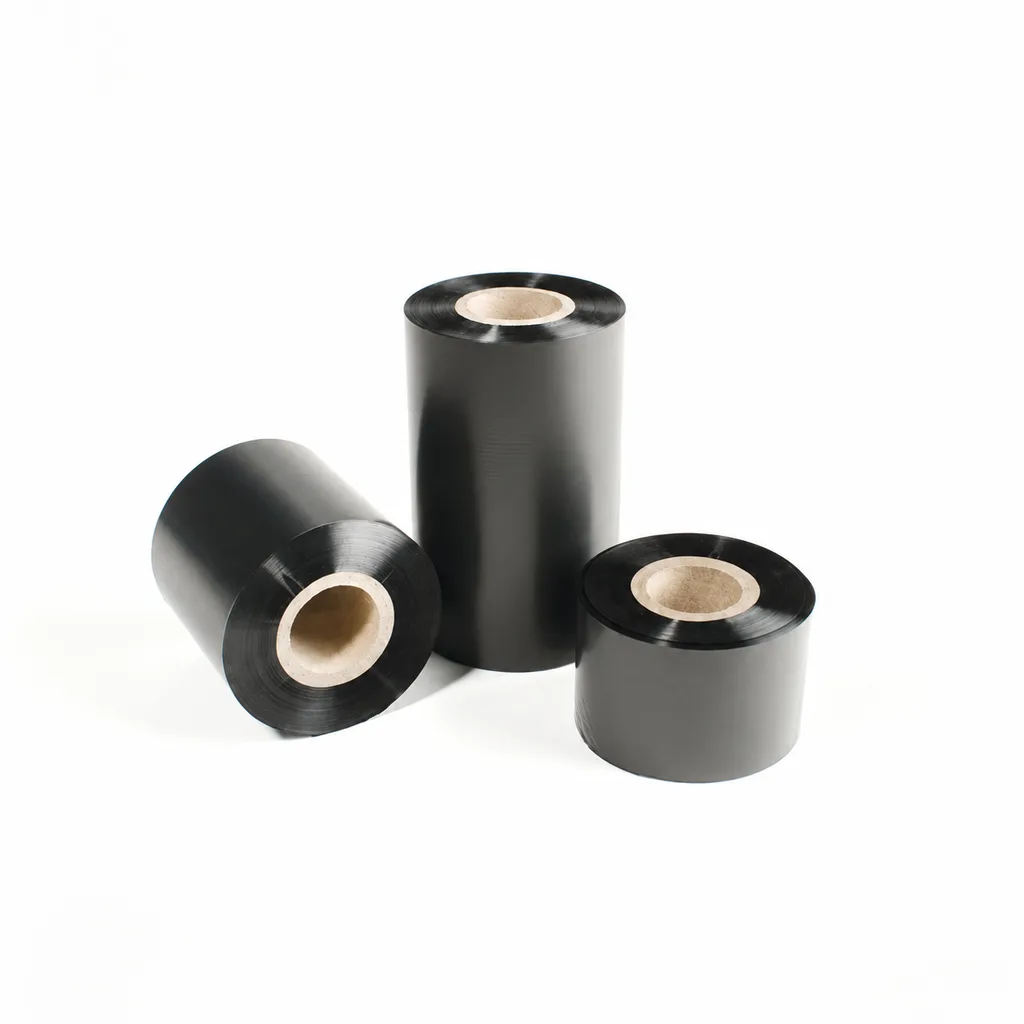
CL-Z112 Enhanced Wax Thermal Transfer Ribbon for Paper Labels and Tags
An enhanced wax thermal transfer ribbon with black ink for paper labels and tags used in retail, warehousing and logistics. It is specified for flat-head printing on desktop or industrial barcode printers at ≤8 inches per second (ips). Select it by checking the actual label material, printer configuration and handling conditions: image-quality, rub-resistance and cold-chamber results were obtained on coated paper, and print quality and image durability may vary with the printer and print medium.
View details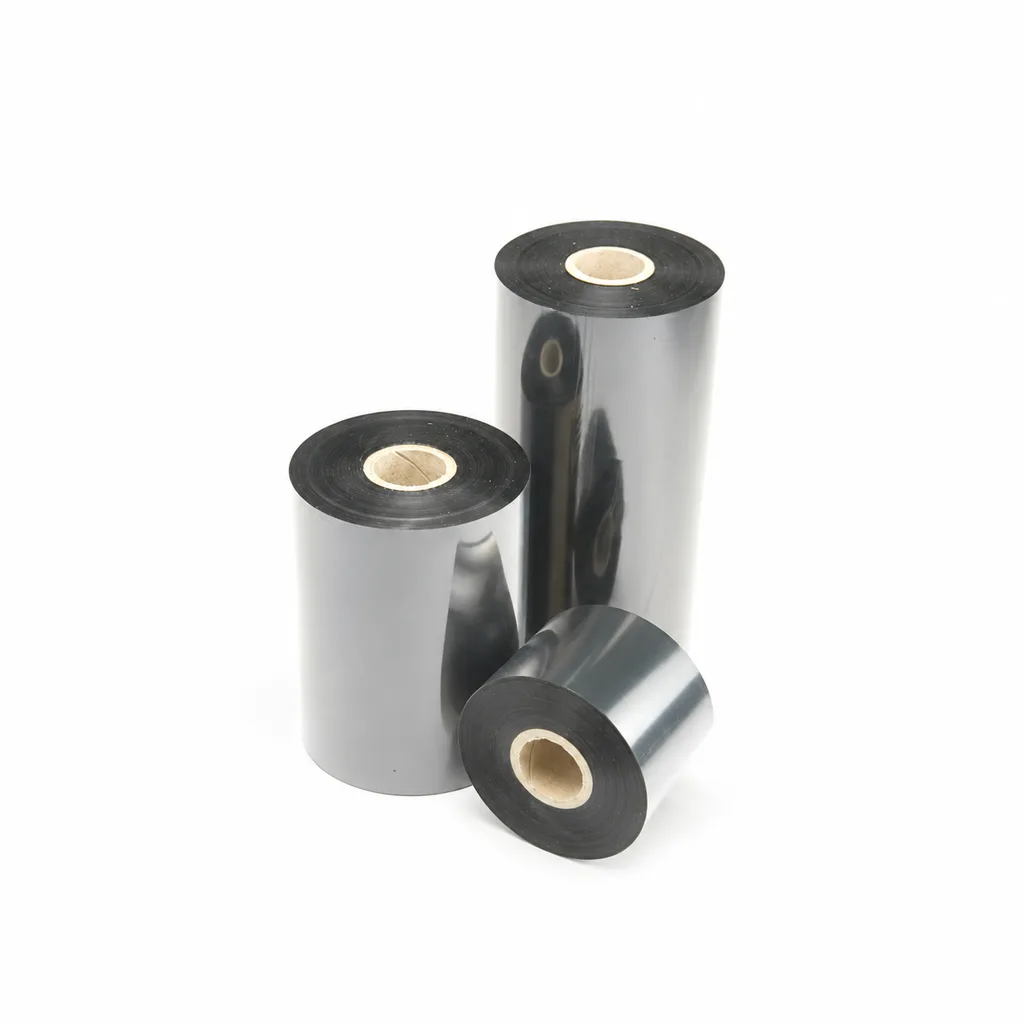
CL-Z203 Wax-Resin Thermal Transfer Ribbon for Barcode Labels
A black wax-resin thermal transfer ribbon for flat-head printing, with listed applications including retail, warehousing, logistics and garment tags. Select it against your actual label material and desktop or industrial barcode printer at speeds ≤6 ips (inches per second). Fine-line, small-text and durability results were obtained on coated paper; print quality and image durability may vary with the printer and printing substrate.
View details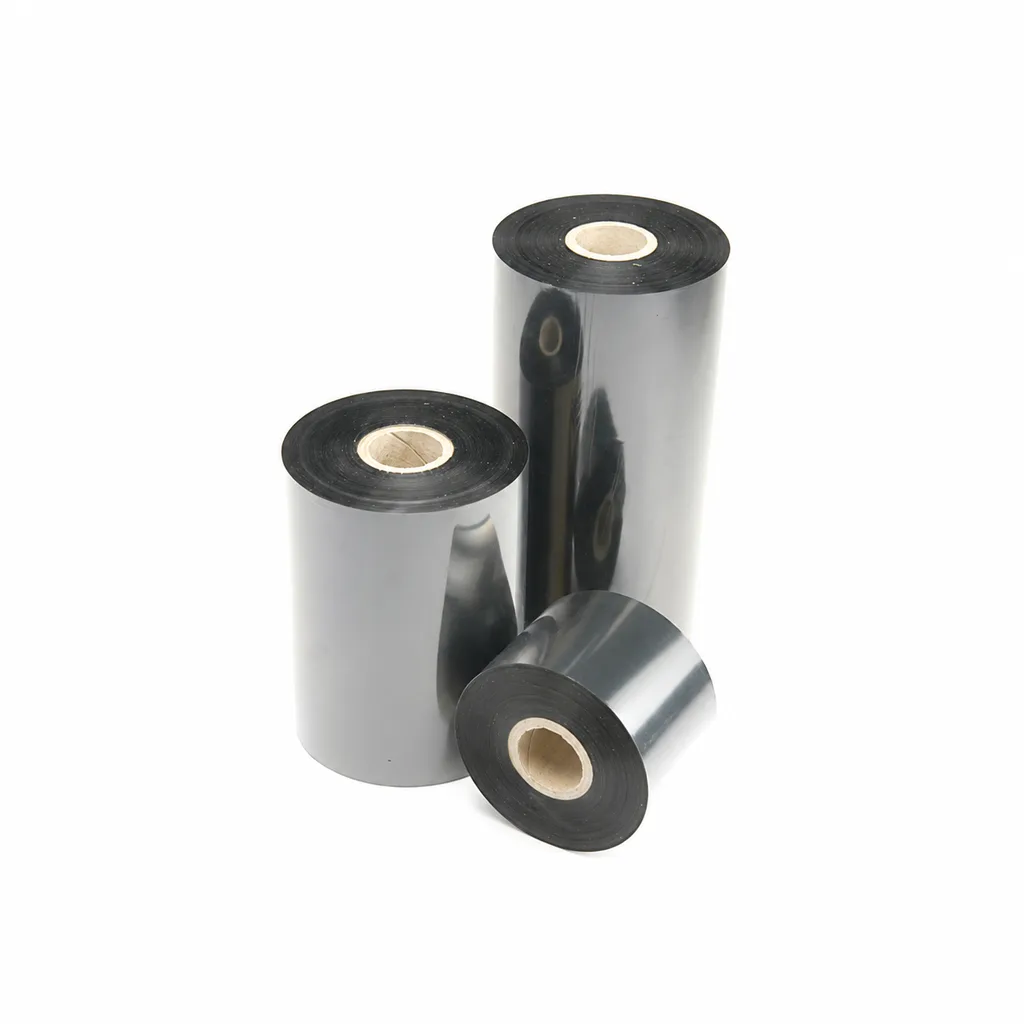
CL-Z213 Near-Edge Wax-Resin Thermal Transfer Ribbon for Barcode Labels
An enhanced black near-edge wax-resin thermal transfer ribbon for near-edge barcode printers and low- to medium-speed thermal transfer overprinting (TTO). Listed applications include retail labels, warehousing, garment tags and packaging identification. Match the printer, actual print medium and operating speed before selection: print quality and image durability can vary with the printer and substrate.
View details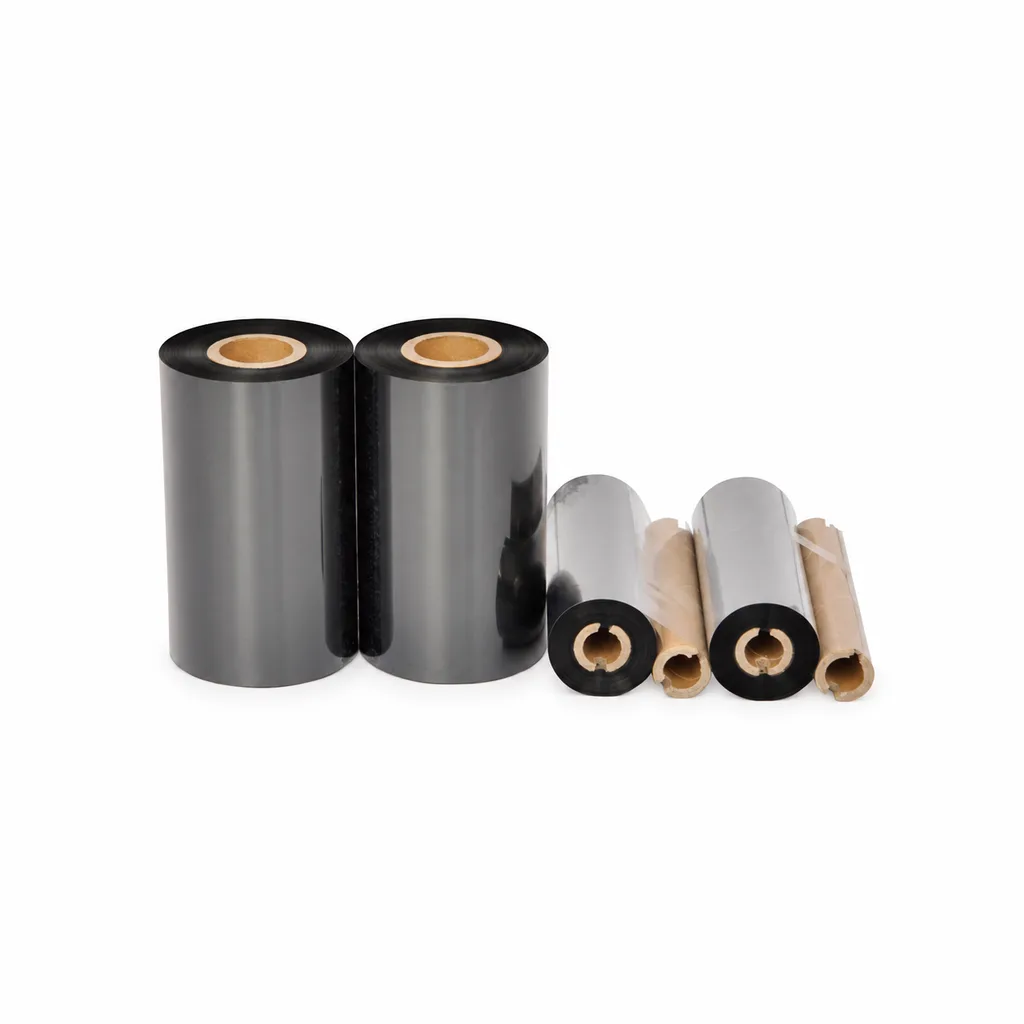
CL-Z908 Wax Thermal Transfer Ribbon for Barcode Labels and Tags
CL-Z908 is an economical black wax thermal transfer ribbon for label and tag printing. Listed applications include retail, warehousing, logistics, clothing tags, simple packaging and production line identification. It is intended for flat-head printing on desktop or industrial barcode printers at speeds of ≤6 inches per second (ips). Select it against your actual paper stock, printer and required image durability: print quality and image durability may vary with the printer and printing substrate.
View detailsNeed the right ribbon for your label application?
Share the label material, printer and operating environment. Our team will recommend a tested combination.
