- Original TTR manufacturer since 2013
- Automated coating and slitting
- IQC / IPQC / OQC control
- ANSI barcode grade testing
- -20°C to 120°C environmental testing
- Batch-level traceability
- ANSI barcode grade
- Batch traceability
- RoHS / REACH compliance
- SGS and MSDS documents on request
TTO means Thermal Transfer Overprinting: it applies codes to flexible film or labels using a thermal printhead and ribbon. Choose ribbon for the application and verify the setup with a representative sample.
Key Takeaways
- TTO stands for Thermal Transfer Overprinting.
- It applies a code to flexible film or labels using a thermal printhead and thermal ribbon.
- Different ribbons serve different applications.
- Ribbon choice depends on the application and its coding requirements.
What Does TTO Mean in Packaging?
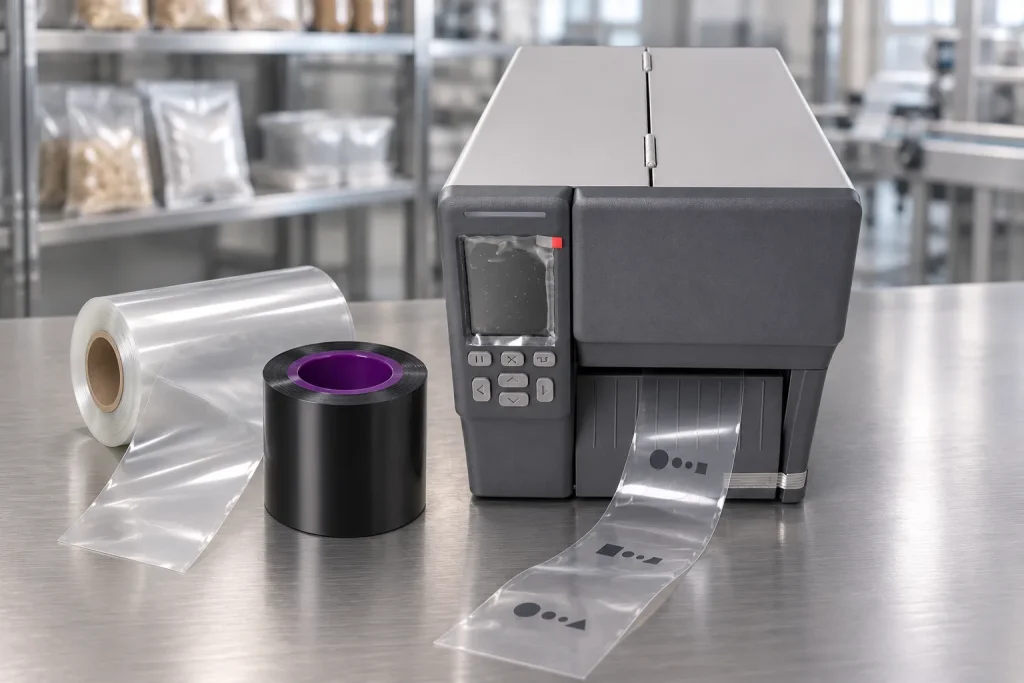
TTO means Thermal Transfer Overprinting. It describes a digital coding process in which a thermal printhead and thermal transfer ribbon apply information to flexible film or labels. The term refers to the printing method, not to one specific ribbon grade.
During printing, selected printhead elements heat the ribbon at the target image area. The ribbon ink transfers onto the material to form the code.
For a buyer, the practical distinction is that TTO is designed around coding on flexible packaging. Before choosing supplies, identify the actual material being printed and the printer installed on the line. The word “TTO” alone does not establish that a particular ribbon will work with every film, label, or printer.
How Should You Choose a TTO Ribbon?
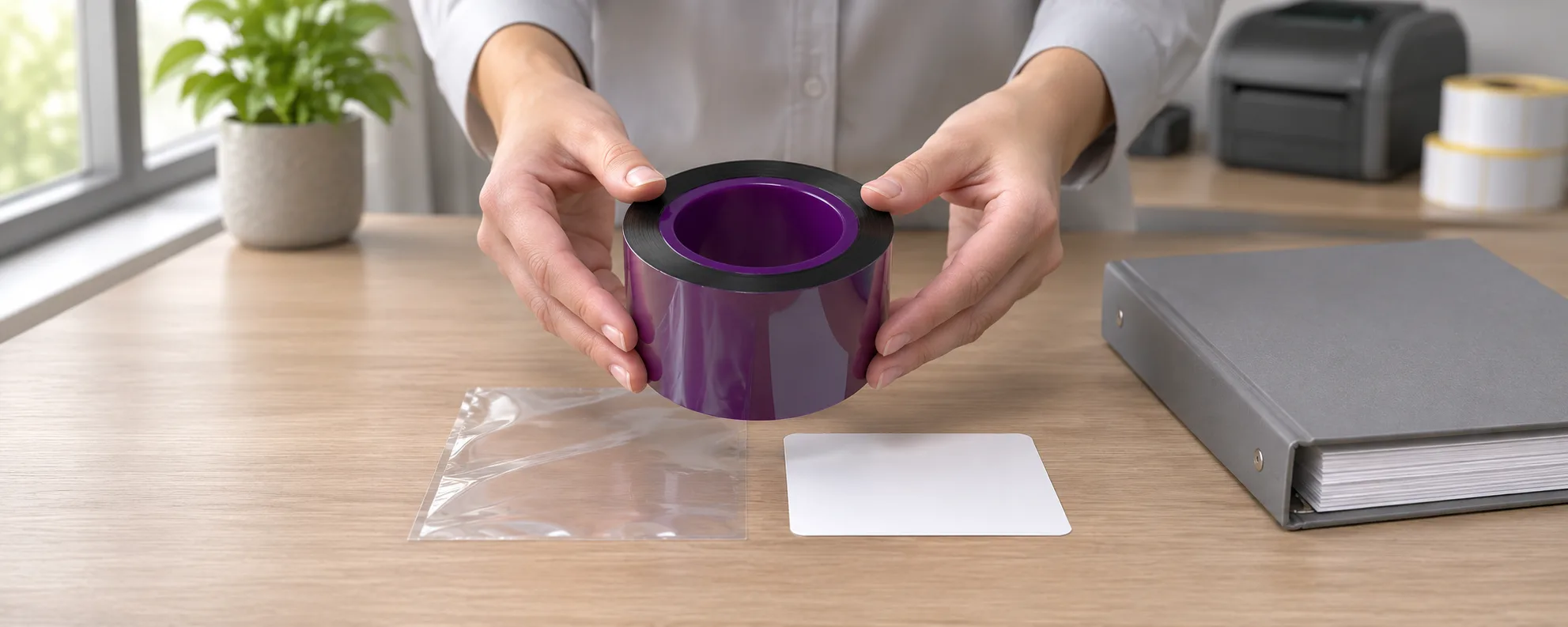
A TTO ribbon should be selected for the specific packaging material and coding requirements; different ribbons serve different applications. Start with the printer manufacturer’s required ribbon dimensions and configuration, then confirm the ink type and intended substrate with the ribbon supplier.
- Identify the substrate. Record whether the print surface is flexible film or a label and provide its material specification when available.
- Describe the code. Share what must be printed, the line’s operating pattern, and any relevant exposure or handling conditions.
- Check printer fit. Confirm ribbon width, length, core, and ink-side orientation against the TTO printer documentation.
- Run a representative sample. Use the intended material and printer settings. Check that the code is legible and that it remains acceptable after the handling relevant to your process.
Colorfulttr supplies thermal transfer ribbons, including wax, resin, and wax-resin options. For a TTO application, provide the printer model, ribbon dimensions, packaging material, and coding conditions so the ribbon choice can be reviewed against the actual job. Product-category information can guide a shortlist, but it does not replace a sample on the buyer’s equipment and material.
What Should You Verify Before Ordering?
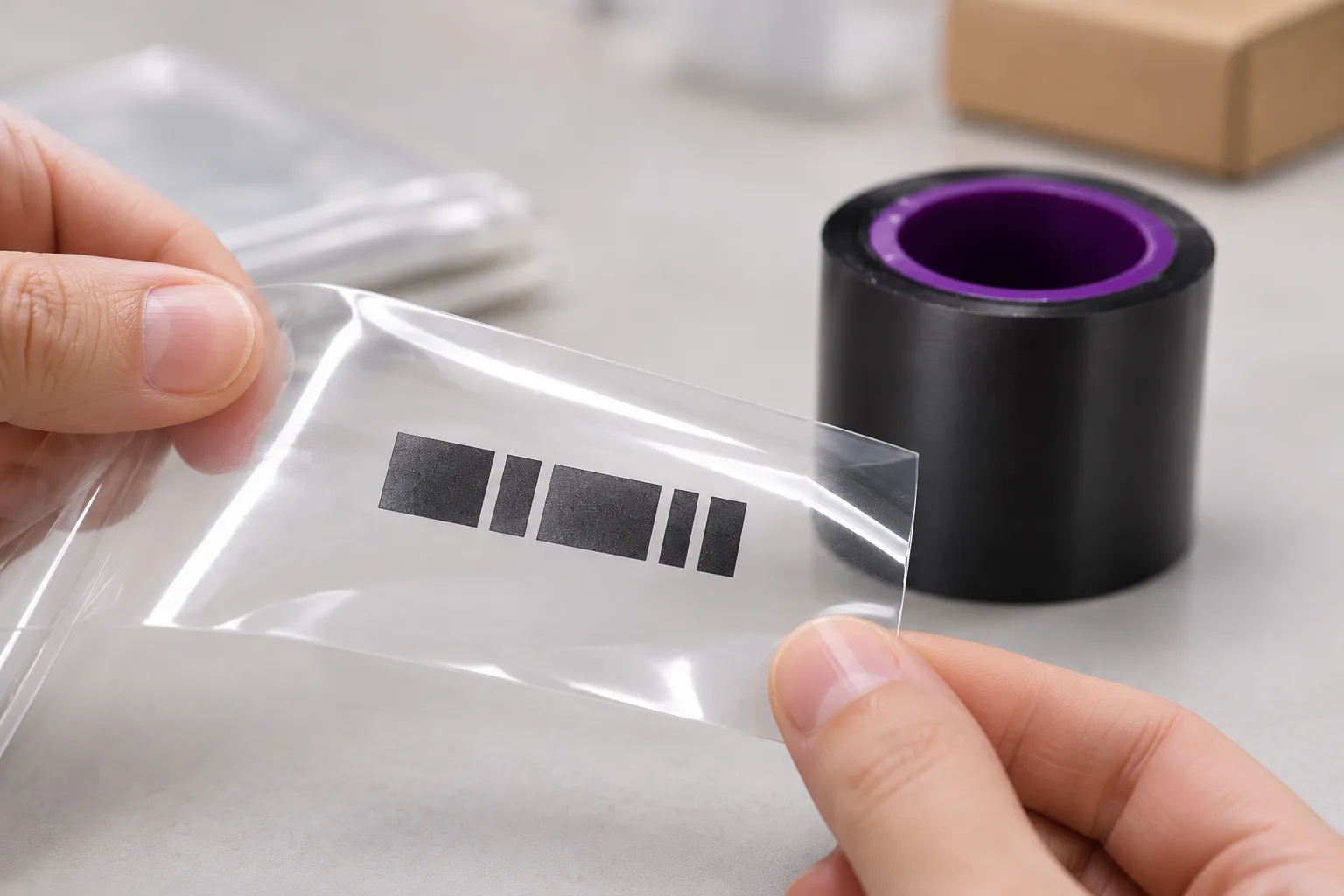
A sample print on the intended substrate is the useful decision point: it checks the proposed ribbon in the conditions that matter to the buyer. Confirm that the code is readable and that its appearance meets the packaging and downstream scanning requirements.
If the sample is unsatisfactory, first verify that the ribbon is installed in the required orientation and that the selected ribbon matches the printer specification. Then review the printer settings and print contact conditions using the equipment maker’s guidance. Re-test after changing one relevant factor at a time, so the result remains attributable to the change.
Do not infer universal compatibility from the TTO label or from a ribbon’s material category. Film composition, printer requirements, and the intended code all affect the selection. Colorfulttr can help review ribbon options when buyers share those details; the final suitability decision should follow a trial using the actual line setup.
Data and Evidence
Videojet’s technical document defines TTO as a process that applies a code to flexible film or labels using a thermal printhead and thermal ribbon. This definition explains the process; it does not certify compatibility for a particular printer-ribbon-substrate combination.
| Decision point | What to confirm | How to verify |
|---|---|---|
| Meaning | Thermal Transfer Overprinting | Check the equipment or process documentation |
| Material | Flexible film or label and its specific surface | Print a sample on the intended material |
| Ribbon | Printer-required size and suitable ink formulation | Compare supplier details with printer documentation |
| Result | Readable code for the intended handling and use | Inspect and test the sample in the relevant workflow |
Frequently Asked Questions
What does TTO stand for in packaging printing?
TTO stands for Thermal Transfer Overprinting, a process that transfers ribbon ink onto flexible film or labels using a thermal printhead.
Does TTO print directly on flexible packaging film?
TTO applies a code to flexible film or labels using a thermal printhead and thermal ribbon; confirm the specific material and printer setup with a representative sample.
How do I choose a ribbon for a TTO printer?
Match the ribbon to the printer requirements, packaging material, and coding conditions, then verify the combination with a sample on the intended substrate.
Recommended products for this industry
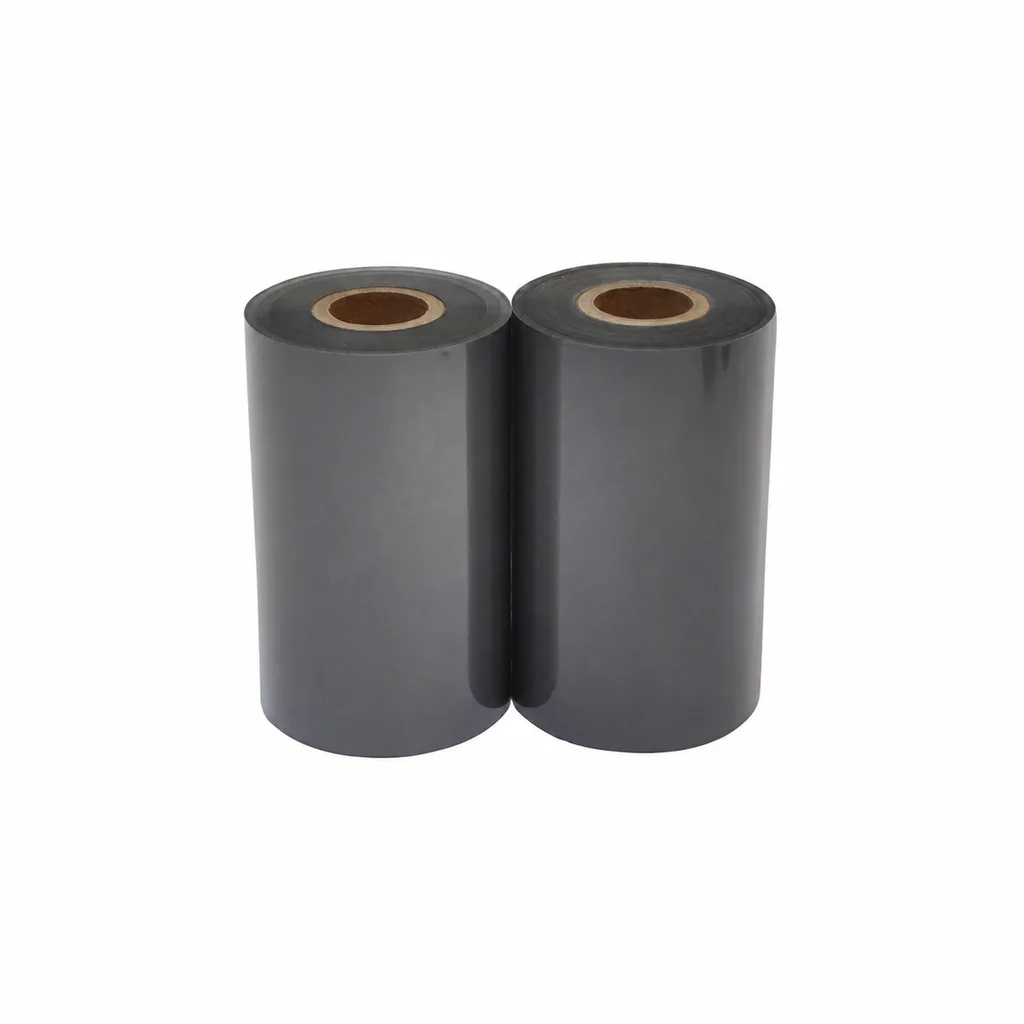
Black Resin Thermal Transfer Ribbon for Label Printing - CL-Z373
CL-Z373 is a black resin thermal transfer ribbon for label printing with desktop or industrial flat-head barcode printers at speeds of ≤6 ips (inches per second). Listed applications include electronics processing, tire identification, automotive manufacturing, pharmaceutical packaging, cosmetic labels and outdoor identification. Selection depends on the actual label material, printer and exposure conditions. Fine-line, small-character and resistance results were obtained on coated paper; print quality and image durability may vary with the printer and print substrate.
View details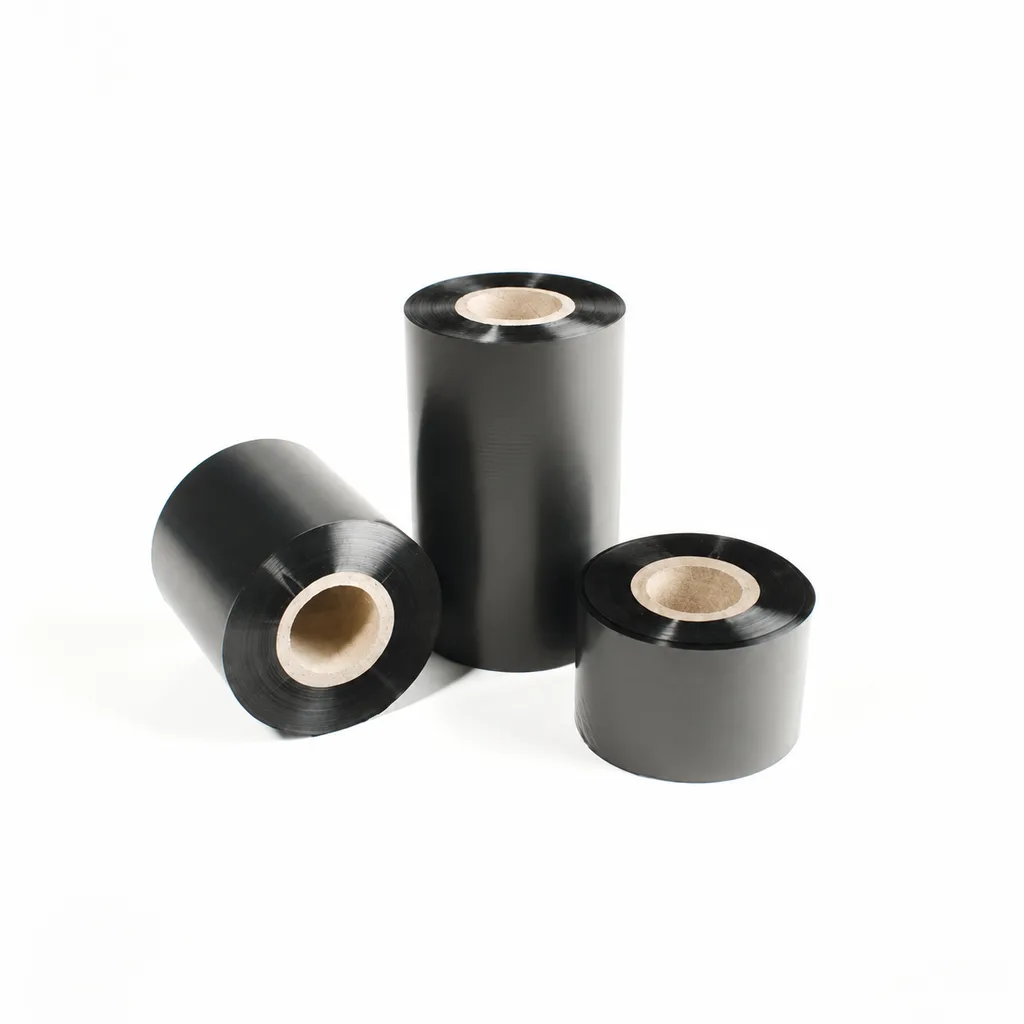
CL-Z112 Enhanced Wax Thermal Transfer Ribbon for Paper Labels and Tags
An enhanced wax thermal transfer ribbon with black ink for paper labels and tags used in retail, warehousing and logistics. It is specified for flat-head printing on desktop or industrial barcode printers at ≤8 inches per second (ips). Select it by checking the actual label material, printer configuration and handling conditions: image-quality, rub-resistance and cold-chamber results were obtained on coated paper, and print quality and image durability may vary with the printer and print medium.
View details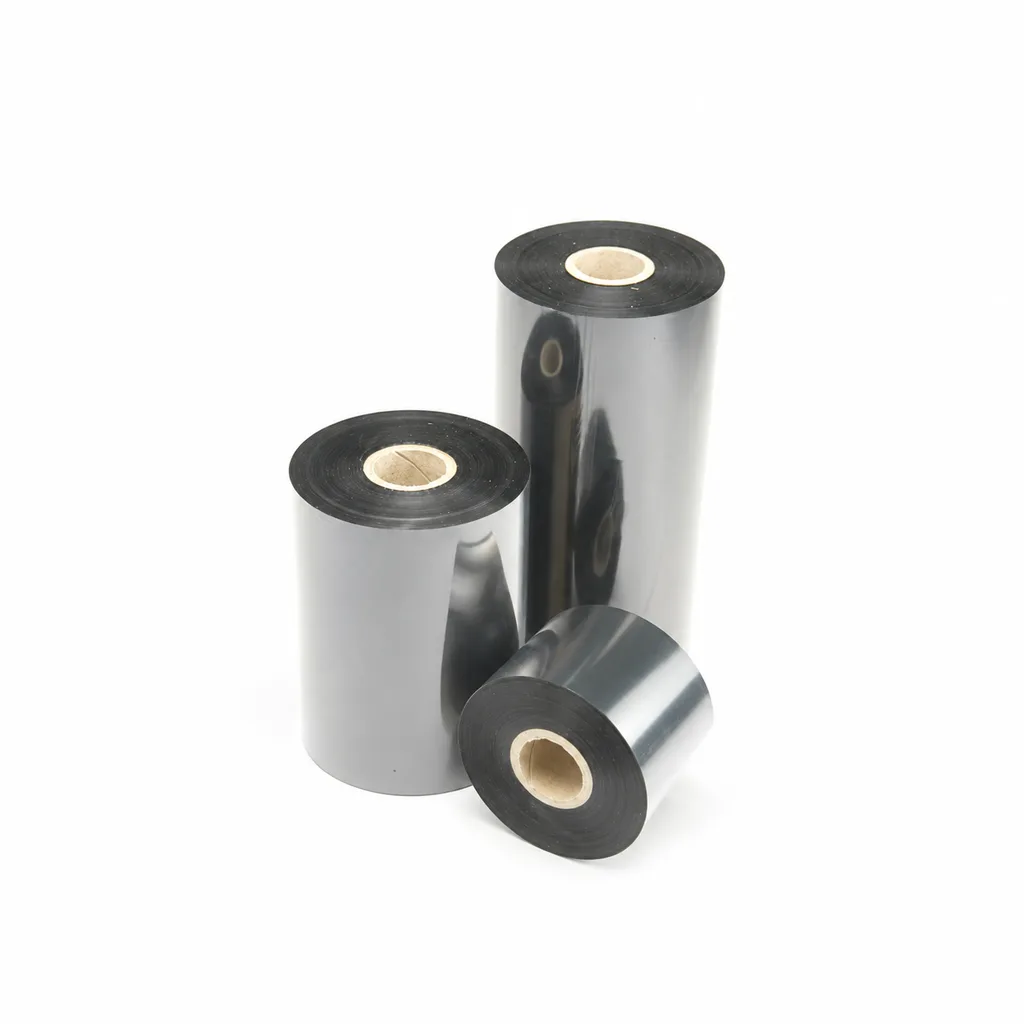
CL-Z203 Wax-Resin Thermal Transfer Ribbon for Barcode Labels
A black wax-resin thermal transfer ribbon for flat-head printing, with listed applications including retail, warehousing, logistics and garment tags. Select it against your actual label material and desktop or industrial barcode printer at speeds ≤6 ips (inches per second). Fine-line, small-text and durability results were obtained on coated paper; print quality and image durability may vary with the printer and printing substrate.
View details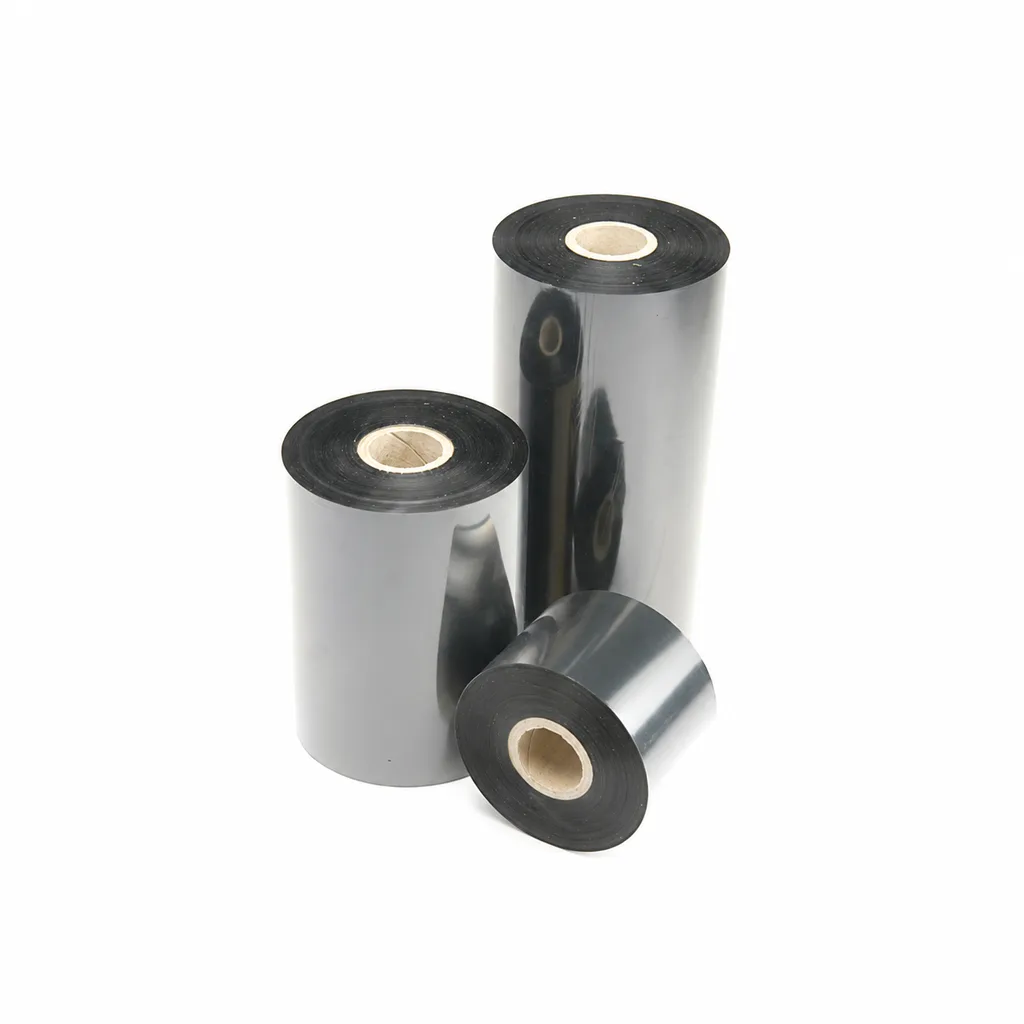
CL-Z213 Near-Edge Wax-Resin Thermal Transfer Ribbon for Barcode Labels
An enhanced black near-edge wax-resin thermal transfer ribbon for near-edge barcode printers and low- to medium-speed thermal transfer overprinting (TTO). Listed applications include retail labels, warehousing, garment tags and packaging identification. Match the printer, actual print medium and operating speed before selection: print quality and image durability can vary with the printer and substrate.
View detailsNeed the right ribbon for your label application?
Share the label material, printer and operating environment. Our team will recommend a tested combination.
