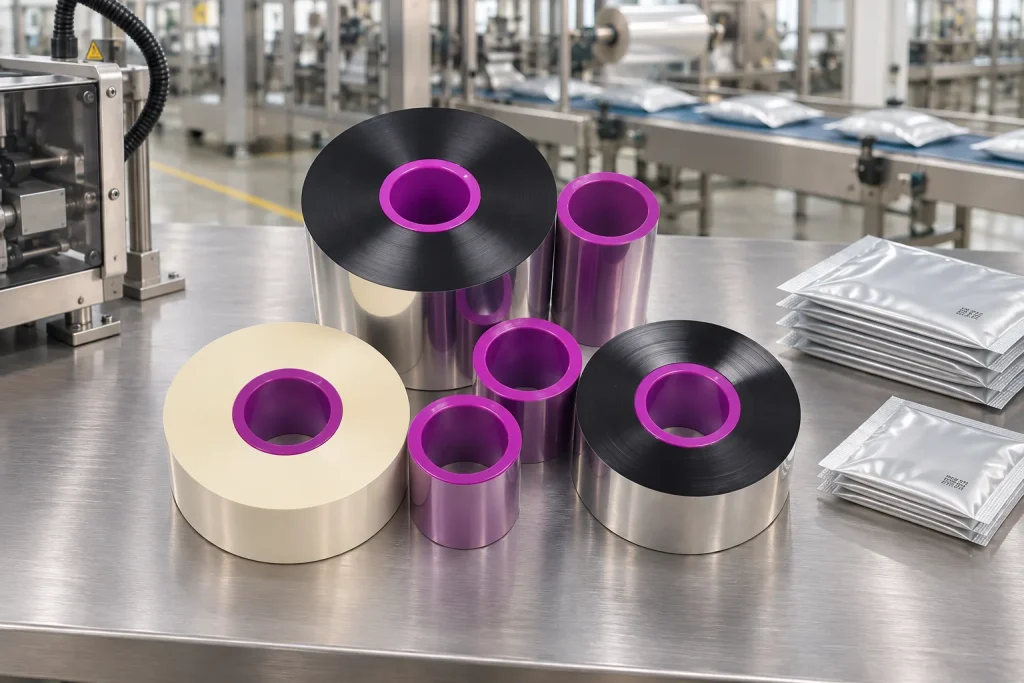
- Original TTR manufacturer since 2013
- Automated coating and slitting
- IQC / IPQC / OQC control
- ANSI barcode grade testing
- -20°C to 120°C environmental testing
- Batch-level traceability
- ANSI barcode grade
- Batch traceability
- RoHS / REACH compliance
- SGS and MSDS documents on request
Thermal transfer overprint (TTO) uses heat to transfer ink from a ribbon onto flexible packaging or labels. A thermal transfer overprinter can put changing information, such as dates and barcodes, directly onto a moving packaging web. For buyers, the right ribbon depends on the printer, the actual print surface and the conditions the finished code must survive.
Key Takeaways
- Match the ribbon to the printer and print surface.
- Test samples on the actual production line.
- Compare cost per usable code.
How thermal transfer overprinting works
The printer sends the code to a heated printhead. Heat transfers the ribbon’s ink to the material, where it forms the image. Near-edge systems separate ribbon and material quickly after transfer; flat-head designs keep them together for a short distance. Their different release requirements make printer compatibility the first selection check.
A continuous line prints while the web moves; an intermittent line prints during a pause. Tell the supplier which mode your machine uses and verify performance at your production settings. A ribbon that looks good on a stationary sample still needs a line trial.
Choose the coding method for the package
For flexible film needing small, changing codes, start with TTO. Its digital data handling makes it a useful candidate when date and batch information change frequently. Compare the complete system against your own line rather than selecting on ribbon price alone.
| Method | Where to investigate it | Buying question |
|---|---|---|
| TTO | Flexible film and variable data | Can the code be printed and verified on the actual film? |
| Hot stamping | Simple repeated codes | How much time and cost will code changes add? |
| Continuous inkjet | Non-contact coding needs | Will the surface and required code quality suit the system? |
Compare equipment, consumables, maintenance, changeover time and rejected packs over the same period. Ask for a demonstration using your code and packaging before choosing the method.
Match the ribbon to the material
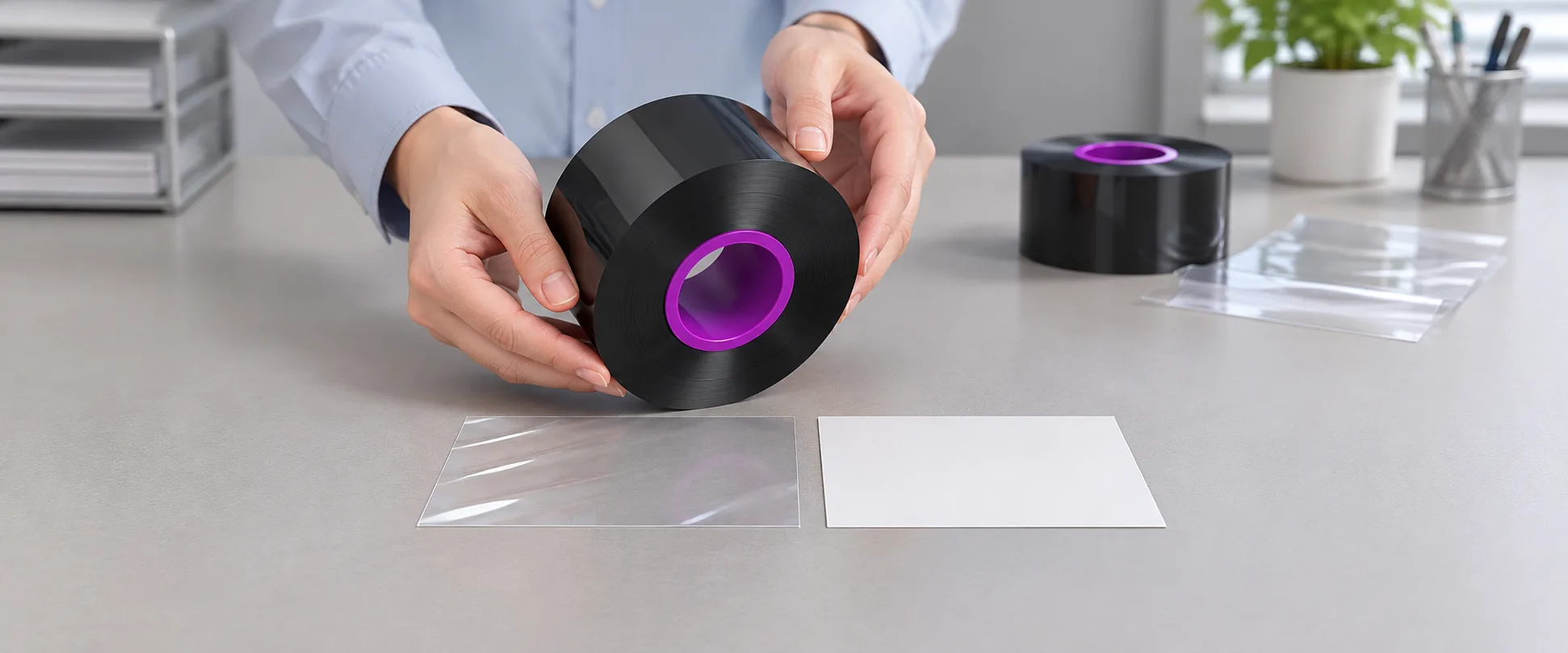
TTO can print variable information on flexible packaging materials. Applications include food and medication packs, while labels and other substrates may require their own printer and ribbon combination. The printed surface matters: identify the actual outer layer and coating, rather than relying only on the package description.
Near-edge ribbon choices include wax-resin and resin formulations. Resin ribbons are associated with resistance to heat and chemicals, but a formulation’s performance depends on the material and conditions. Start by asking suppliers for candidates suitable for your film and printhead, then compare samples against the real handling and storage requirements. Do not assume a resin ribbon will pass every durability test.
For label applications, Colorfulttr lists a TTO ribbon for multiple equipment brands and label materials. Supply the exact printer and material details when asking about the product; the listing does not establish compatibility with every machine or film.
Use this six-step buying checklist
- Identify the printer. Record its make, model, printhead type and the ribbon dimensions and orientation specified by the equipment maker.
- Identify the print surface. Provide the actual film or label, including coatings and the side to be printed. Different surfaces need different trials.
- Define the code. Share the smallest text, barcode, image size and the required verification standard. Include the changing data and available print area.
- Describe production. Give the operating speed, continuous or intermittent mode and expected production pattern. Test at the intended settings.
- List exposure. Describe rubbing, handling, storage and any heat or chemical contact. Agree on a relevant test with the supplier before comparing samples.
- Trial before ordering. Print on the actual material with the intended machine. Record settings and results, then verify a small production run before committing to a larger order.
Specifications to compare with suppliers
| Ask about | Why it matters | How to check |
|---|---|---|
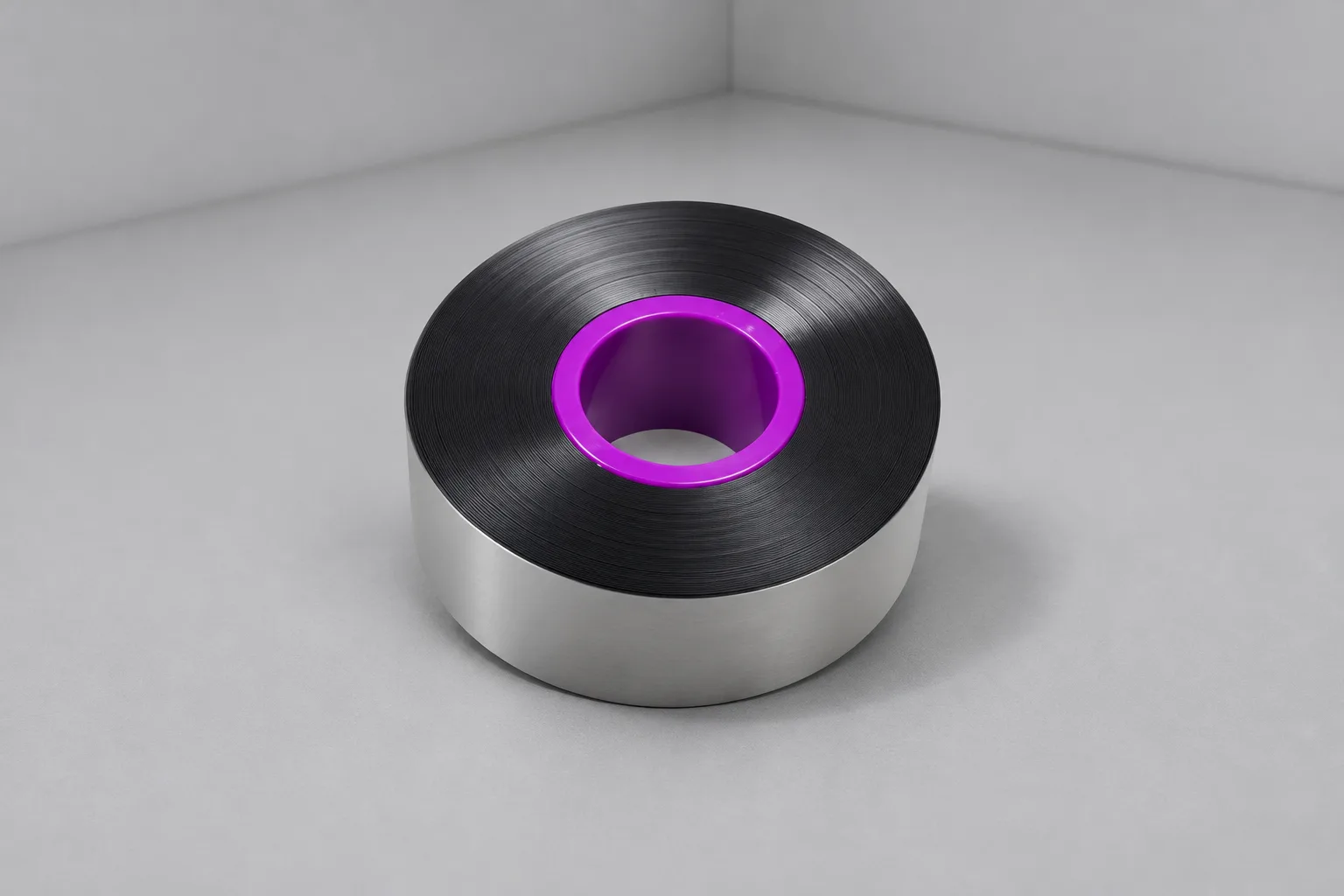
| Width, length, core and roll diameter | The roll must fit the machine and cover the code. | Compare the offer with the printer requirements. |
| Printhead compatibility | Release behavior differs between printer designs. | Provide the model and obtain a sample for that machine. |
| Print quality and durability | The code must remain readable in use. | Verify the printed sample and test it under agreed conditions. |
| Order and supply terms | Lead time and order quantity affect replenishment. | Request written terms for the exact specification. |
Compare cost per usable code
A lower roll price does not by itself establish a lower cost per usable code. Estimate usable codes per roll from usable ribbon length and actual ribbon advance per print, including the gap. Divide roll cost by that estimate, then add the cost of changeovers, setup waste and rejected codes for the comparison period.
Use the same code layout, production volume and acceptance rules for each candidate. Record actual roll changes and accepted output during the trial. A ribbon that costs more per roll may still be preferable if it reduces waste or downtime; the result depends on your line, not a universal price claim.
Check print problems in a sensible order
For faint or incomplete printing, first inspect the printed sample and confirm the ribbon is intended for the printer and substrate. Compare settings with the equipment instructions and test a suitable alternative with the supplier. Do not change several variables at once: keep a record so you can identify which change helped.
If a code rubs off or a barcode fails verification, repeat the test on the actual print surface and check the condition of the printhead. Compare a compatible ribbon candidate under the same conditions. For wrinkles or repeated marks, inspect ribbon loading and the machine’s guidance for tension and tracking. A sample trial and a record of the fault help the supplier investigate without assuming the ribbon is the sole cause.
Prepare a useful sample request
Colorfulttr lists a TTO ribbon for high-speed packaging lines. Ask for its specifications and a suitable sample against your machine and material; a listing is a starting point, not proof that your particular application has passed. Provide your code artwork, printer model, material sample, operating mode and the durability checks you need. Keep the accepted trial sample and settings as the reference for the order.
Data and Evidence
Record roll width, length, core and diameter against the printer specification. Verify code quality and durability on the actual material, and retain the operating settings and trial results for comparison.
Frequently asked questions
Can one ribbon be used with both printhead types?
Only if its supplier confirms compatibility with each printer. Near-edge and flat-head designs have different release requirements, so test the ribbon on each machine.
How many codes will a roll print?
Divide the usable ribbon length by the actual advance per code. Confirm the result during a production trial, including gaps and waste.
Is a TTO ribbon automatically approved for food contact?
Do not assume food-contact suitability from a packaging application. Ask for documentation covering the specific ribbon, contact conditions and applicable requirements.
Recommended products for this industry
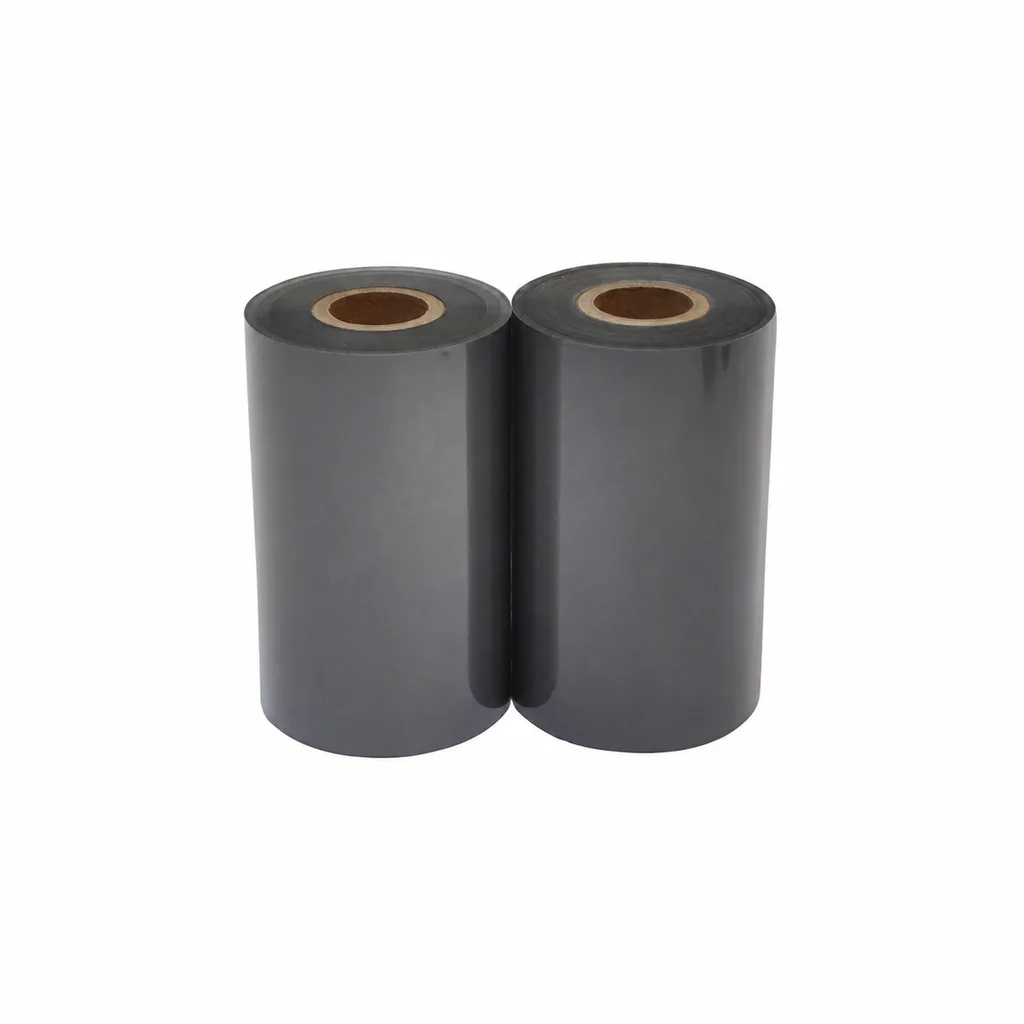
Black Resin Thermal Transfer Ribbon for Label Printing - CL-Z373
CL-Z373 is a black resin thermal transfer ribbon for label printing with desktop or industrial flat-head barcode printers at speeds of ≤6 ips (inches per second). Listed applications include electronics processing, tire identification, automotive manufacturing, pharmaceutical packaging, cosmetic labels and outdoor identification. Selection depends on the actual label material, printer and exposure conditions. Fine-line, small-character and resistance results were obtained on coated paper; print quality and image durability may vary with the printer and print substrate.
View details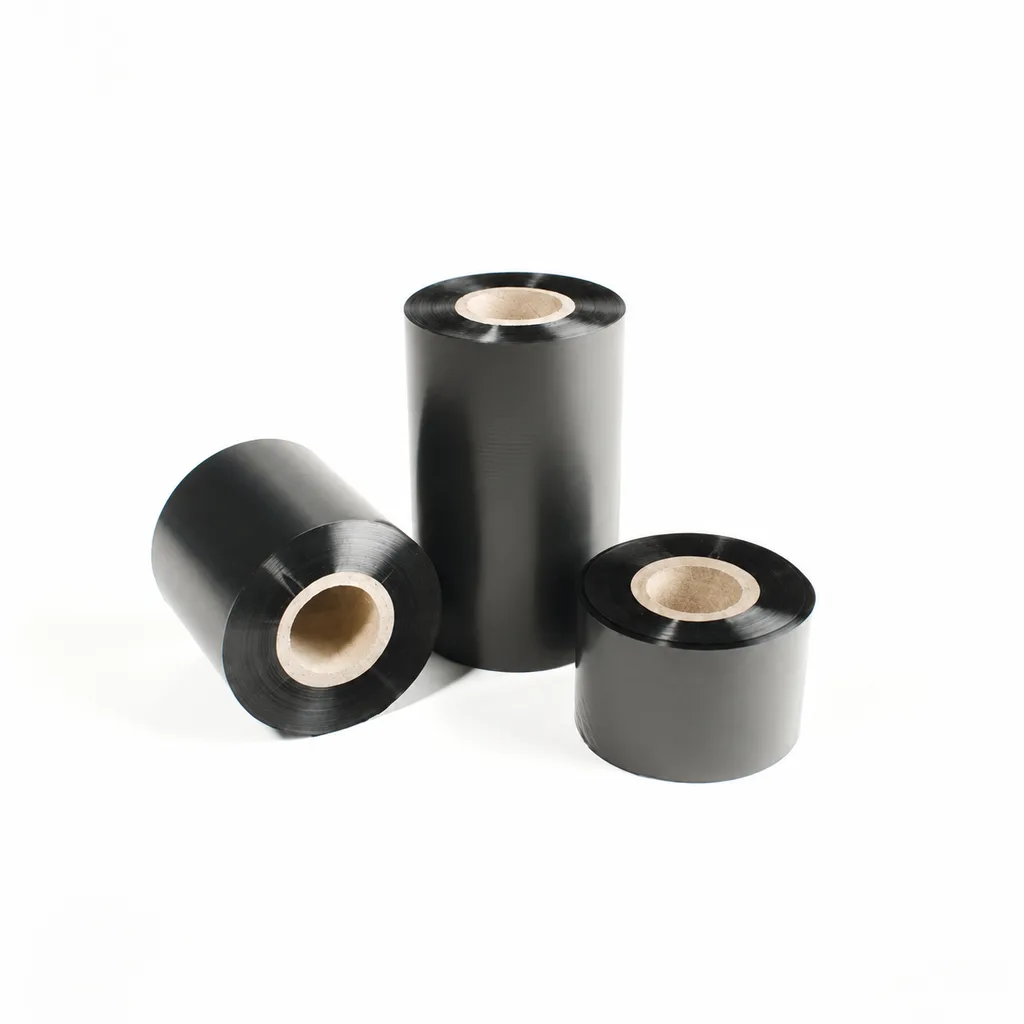
CL-Z112 Enhanced Wax Thermal Transfer Ribbon for Paper Labels and Tags
An enhanced wax thermal transfer ribbon with black ink for paper labels and tags used in retail, warehousing and logistics. It is specified for flat-head printing on desktop or industrial barcode printers at ≤8 inches per second (ips). Select it by checking the actual label material, printer configuration and handling conditions: image-quality, rub-resistance and cold-chamber results were obtained on coated paper, and print quality and image durability may vary with the printer and print medium.
View details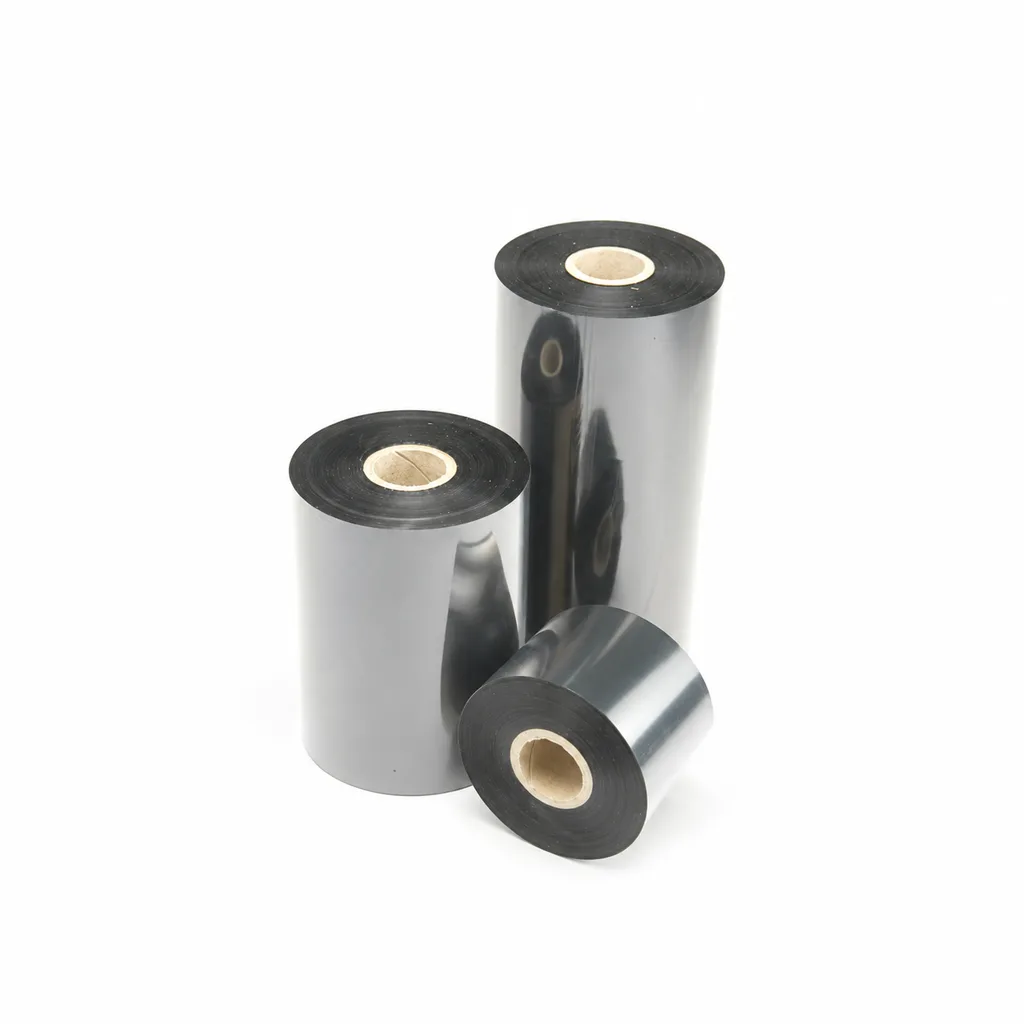
CL-Z203 Wax-Resin Thermal Transfer Ribbon for Barcode Labels
A black wax-resin thermal transfer ribbon for flat-head printing, with listed applications including retail, warehousing, logistics and garment tags. Select it against your actual label material and desktop or industrial barcode printer at speeds ≤6 ips (inches per second). Fine-line, small-text and durability results were obtained on coated paper; print quality and image durability may vary with the printer and printing substrate.
View details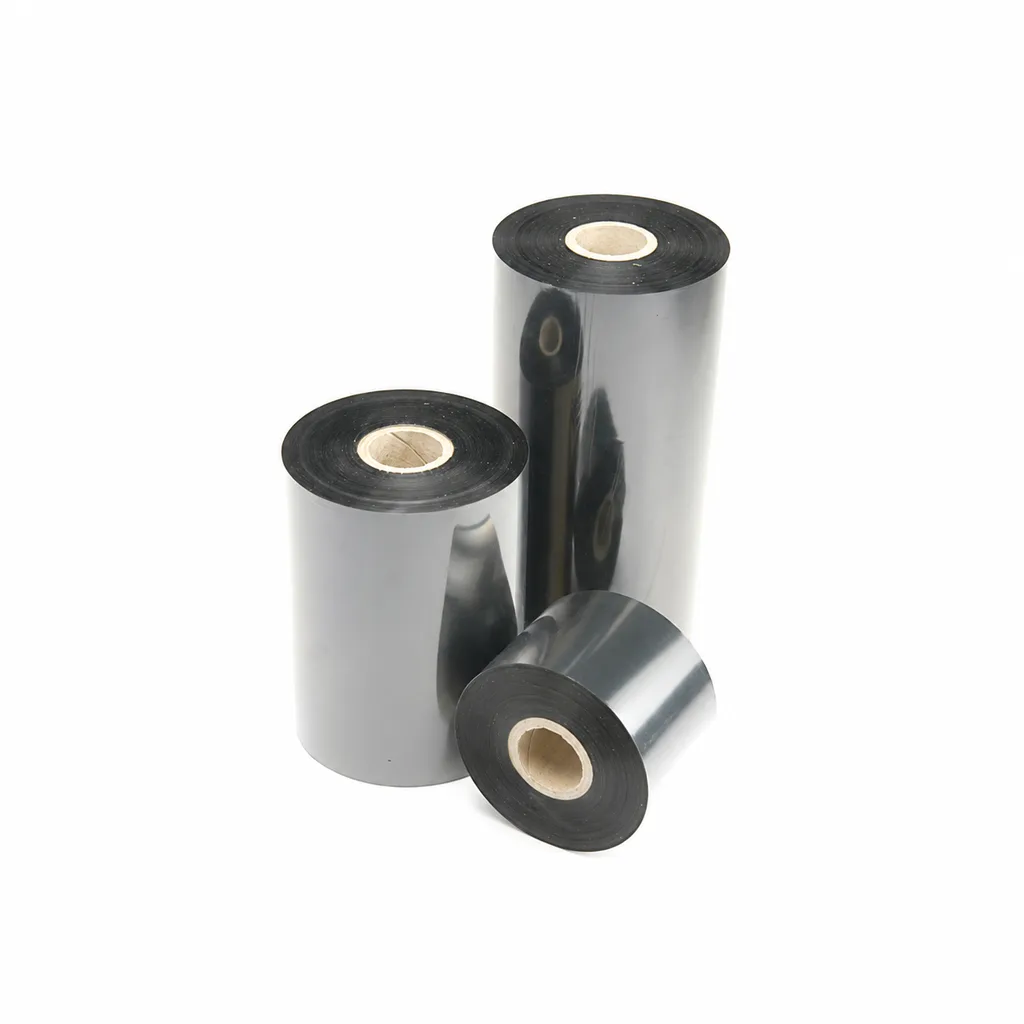
CL-Z213 Near-Edge Wax-Resin Thermal Transfer Ribbon for Barcode Labels
An enhanced black near-edge wax-resin thermal transfer ribbon for near-edge barcode printers and low- to medium-speed thermal transfer overprinting (TTO). Listed applications include retail labels, warehousing, garment tags and packaging identification. Match the printer, actual print medium and operating speed before selection: print quality and image durability can vary with the printer and substrate.
View detailsNeed the right ribbon for your label application?
Share the label material, printer and operating environment. Our team will recommend a tested combination.
