
Thermotransferband Explained: Ribbon, Printing Methods and Compatibility
Request a solution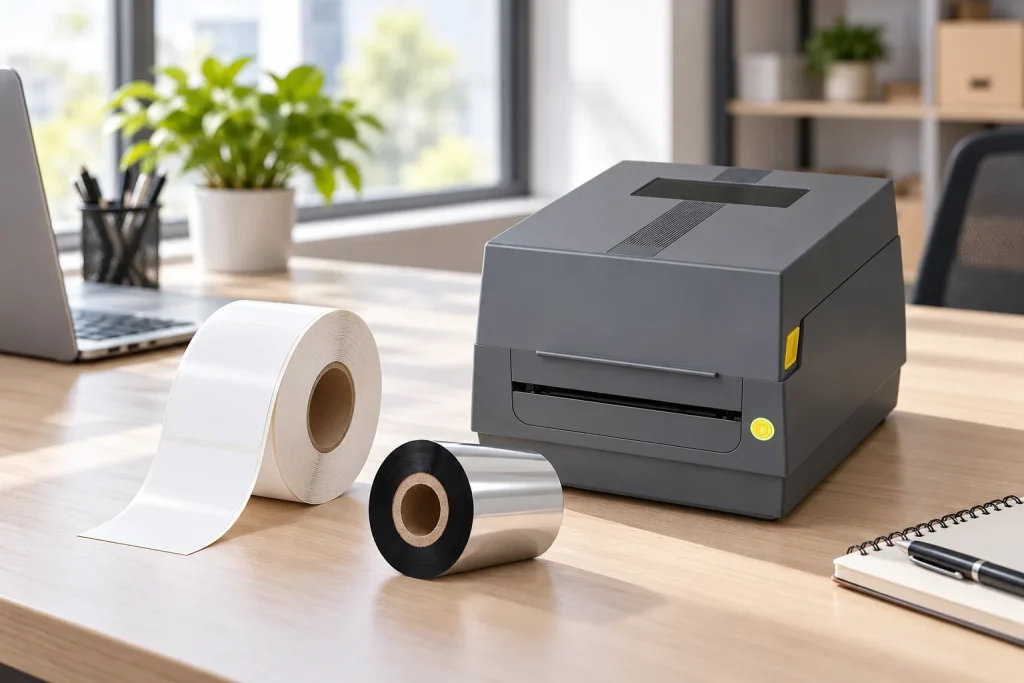
- Original TTR manufacturer since 2013
- Automated coating and slitting
- IQC / IPQC / OQC control
- ANSI barcode grade testing
- -20°C to 120°C environmental testing
- Batch-level traceability
- ANSI barcode grade
- Batch traceability
- RoHS / REACH compliance
- SGS and MSDS documents on request
For buyers reading a German consumables listing, Thermotransferband refers to the thermal transfer ribbon that supplies ink during printing. Distinguish this consumable from the label receiving the image and from direct thermal media, which print without a ribbon. The category name alone does not establish printer fit or print durability; verify the formulation, roll specification and intended label surface together.
Key Takeaways
- A thermal transfer ribbon carries ink on a thin film and releases it onto the label through heat from the printhead.
- Direct thermal printing uses specially treated media and does not require a ribbon.
- Wax, wax-resin and resin describe ink families with different application ranges.
- Ribbon compatibility depends on the printer and label material as well as the roll dimensions.
What Thermotransferband means in a printing specification
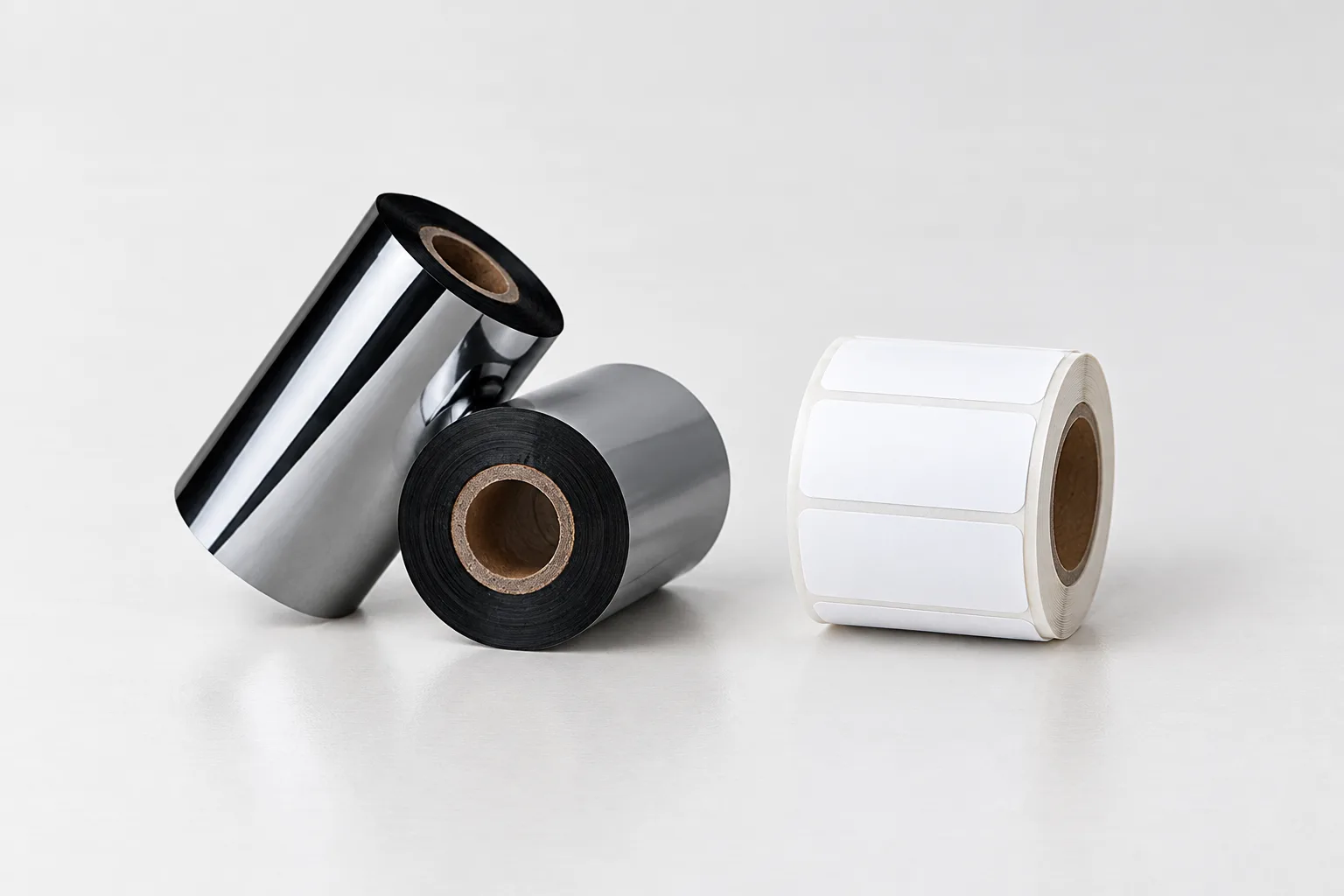
A Thermotransferband is the ink-bearing ribbon used in thermal transfer printing, rather than the label on which the finished information appears. If a specification lists both a ribbon and a label roll, treat them as separate consumables with separate requirements. Identifying that distinction is the first useful step when translating a purchase request or comparing two suppliers' descriptions.
The ribbon normally consists of a polyester film carrying wax-based, resin-based or mixed ink on one side. The other side has a lubricating coating that helps protect the printhead. During printing, heat and pressure transfer the image from the ribbon to the label. These construction and process details are described in the COLORFULTTR Production and Quality guide (生产工艺与品质-2025).
The important distinction is between the carrier and the transferred image: the film supports the ink, while the label receives the printed information. A description of the ribbon film therefore does not by itself identify the label material you should order. Keep the receiving surface in your specification instead of replacing it with the broad word “label.”
When discussing a replacement, use the English term “thermal transfer ribbon” alongside the original product term. Then ask for the actual ink family and roll specification. This keeps the conversation focused on what the consumable does and what must match, rather than treating a translated category name as a complete product identification.
Separate thermal transfer from direct thermal and TTO
Thermal transfer and direct thermal are different printing methods, even though both can be described as thermal printing. Thermal transfer uses ink from a ribbon; direct thermal applies heat to specially treated label material. Consequently, a request for “thermal labels” or a “thermal printer” needs clarification before you decide whether a ribbon belongs in the job.
For a practical example, COLORFULTTR's Printer Media Compatibility guide lists both printing modes for its JT desktop and Q light-industrial series. Its thermal transfer mode requires ribbon, while its direct thermal mode uses direct thermal paper without ribbon. This illustrates why the machine's selected mode matters as well as the general printer description.
TTO means Thermal Transfer Overprinting, a digital process that applies codes to flexible packaging with a thermal printhead and a wax-resin or resin ribbon. It belongs within thermal transfer technology, but the shared process name is not a reason to substitute any label-printer ribbon. Identify the equipment and the intended application first.
The same company compatibility guide specifically excludes its TTO near-edge ribbons from the JT and Q flat-head label-printer applications. Keep that restriction within its stated equipment scope rather than turning it into an unsupported rule about every printer. When a supplier offers a “thermal transfer” alternative, ask which printer application the proposed grade is intended for.

Read formulation and compatibility as separate questions
Wax, wax-resin and resin identify ribbon ink families, while width, core size and roll length describe the physical roll that must fit the printer. A match in one group does not establish a match in the other. Use the formulation to discuss the label surface and intended use, then use the roll specification to check the proposed replacement.
The COLORFULTTR current product matrix describes wax grades as economical, low-temperature-printing options with limited scratch resistance. It describes wax-resin grades as combining print quality with durability, and full-resin grades as offering resistance to friction, heat and corrosion. These are family-level descriptions, rather than a measured service-life guarantee for any particular printed label.
Material guidance also needs its conditions. The supplied wax/resin reference identifies coated paper and some films as applications. “Some films” should stay in the interpretation: do not expand it into compatibility with every film or coating. Ask for a grade recommendation against the actual receiving surface instead of choosing solely because the roll is described as resin or wax-resin.
For a supplier change, prepare a short comparison record. Put the current product and the proposed replacement side by side, leaving unknown fields visibly unconfirmed. A familiar color or matching width is a useful identification detail, but neither answers the full compatibility question. Resolve missing specification fields before treating the products as equivalent.
Data and Evidence
The supplied evidence supports checking ribbon formulation and physical specification against the printer and label material together. The following table separates the information to record from the conclusion it can support. It is a specification checklist, not a table of universal operating settings.
| Information to record | What it establishes | What to verify next |
|---|---|---|
| Printing method | Thermal transfer uses ribbon; direct thermal uses direct thermal media without ribbon. | Confirm the mode required for this printing job. |
| Ink formulation and label surface | The intended material pairing, such as wax-resin for coated paper and some films. | Identify the exact grade and receiving surface. |
| Ribbon width, core size and roll length | The physical specification to compare with the printer requirements. | Check the exact machine documentation rather than assuming a brand-wide fit. |
| Ink-side winding | Whether the offered roll is ink-side in or ink-side out. | Confirm the winding required by the printer. |
| Printer application | Whether the proposed grade is offered for the relevant label-printing or TTO application. | Check any equipment-specific exclusions. |
Source basis: the COLORFULTTR Production and Quality guide explains ribbon construction and image transfer; the current product matrix describes ink families; the Printer Media Compatibility guide distinguishes printing modes and states its TTO exclusions. The formulation, width, core and length check also follows the supplied “ribbon” reference. Ink-side-in and ink-side-out options are recorded in the company's current numeric-model specification list.
Before trying a replacement, write down what visible result you need and how you will judge it. The supplied “visible evidence” reference recommends agreeing that evidence before a sample test. Request a sample against the completed specification, print on the intended stock and compare the result with that agreed requirement. Keep the specification and observed result together so that your next discussion concerns a particular combination, rather than the category name alone.
Frequently Asked Questions
Does a thermal printer always need a Thermotransferband?
No. Thermal transfer printing uses a ribbon, while direct thermal printing uses specially treated thermal media without a ribbon. Check the printing mode specified for your machine and job.
Does wax-resin mean the ribbon is suitable for every film label?
No. Wax-resin is an ink formulation category. The supplied evidence identifies coated paper and some films as applications, so the exact label surface and printer still need to be matched.
Can I identify a replacement ribbon by width and color alone?
No. Record the formulation, core size, roll length and ink-side winding as well as width and color, then check them against the exact printer requirements.
Recommended products for this industry
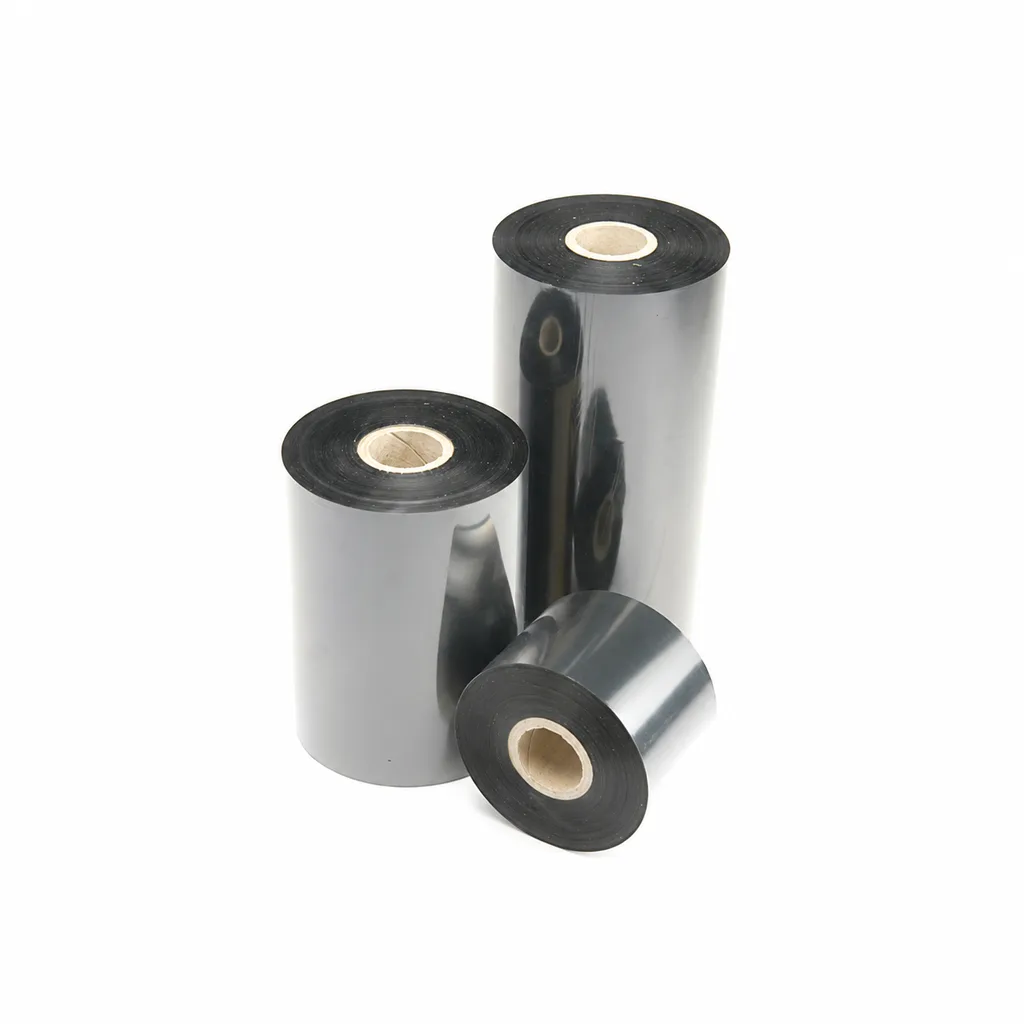
CL-Z213 Near-Edge Wax-Resin Thermal Transfer Ribbon for Barcode Labels
An enhanced black near-edge wax-resin thermal transfer ribbon for near-edge barcode printers and low- to medium-speed thermal transfer overprinting (TTO). Listed applications include retail labels, warehousing, garment tags and packaging identification. Match the printer, actual print medium and operating speed before selection: print quality and image durability can vary with the printer and substrate.
View details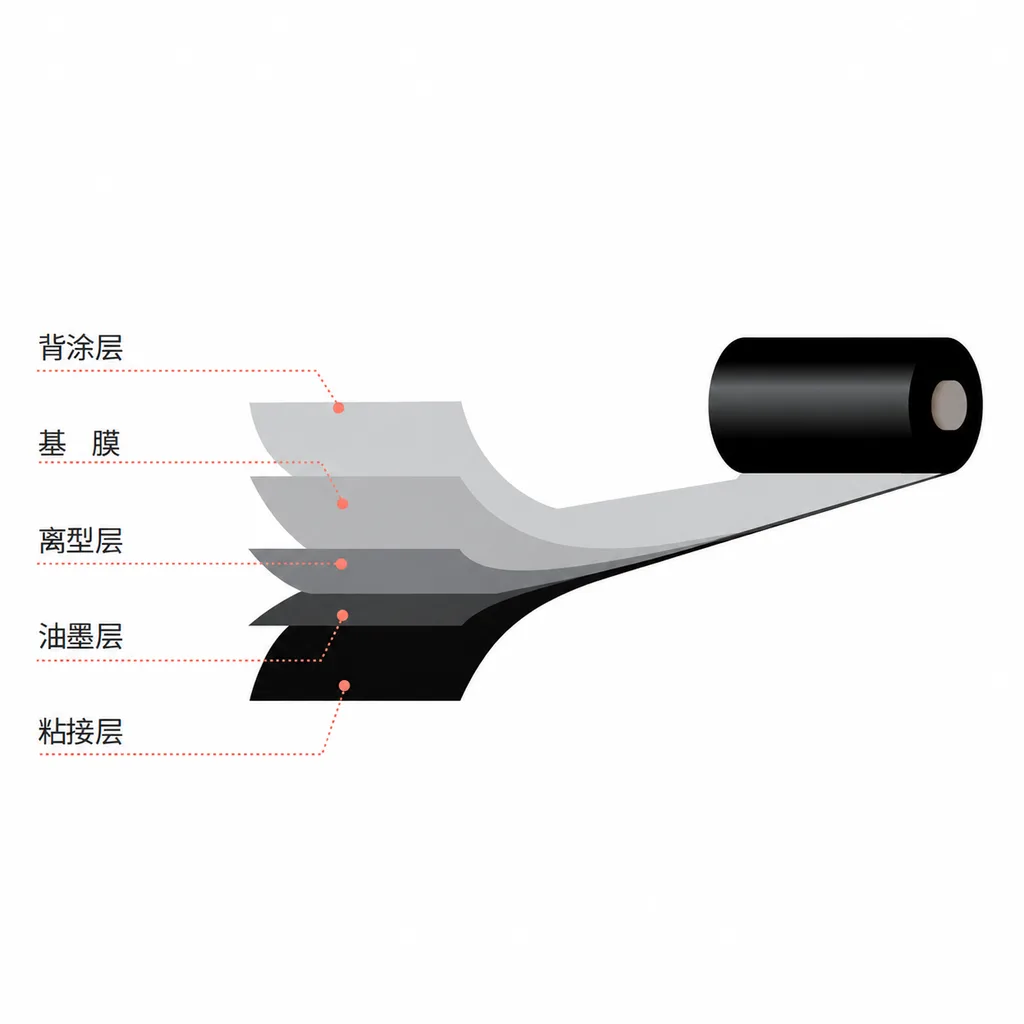
CL-Z312 Resin Thermal Transfer Ribbon for Packaging Printing
CL-Z312 is a black, general-purpose resin ribbon for thermal transfer overprinting (TTO), with packaging and retail label applications listed in the product information. Its abrasion, alcohol and oil resistance data were obtained on polyethylene terephthalate (PET). Select it against your actual packaging material, printer and production speed: print quality and image durability can vary with the printer and substrate, and the material chart percentages are not defined as pass rates.
View details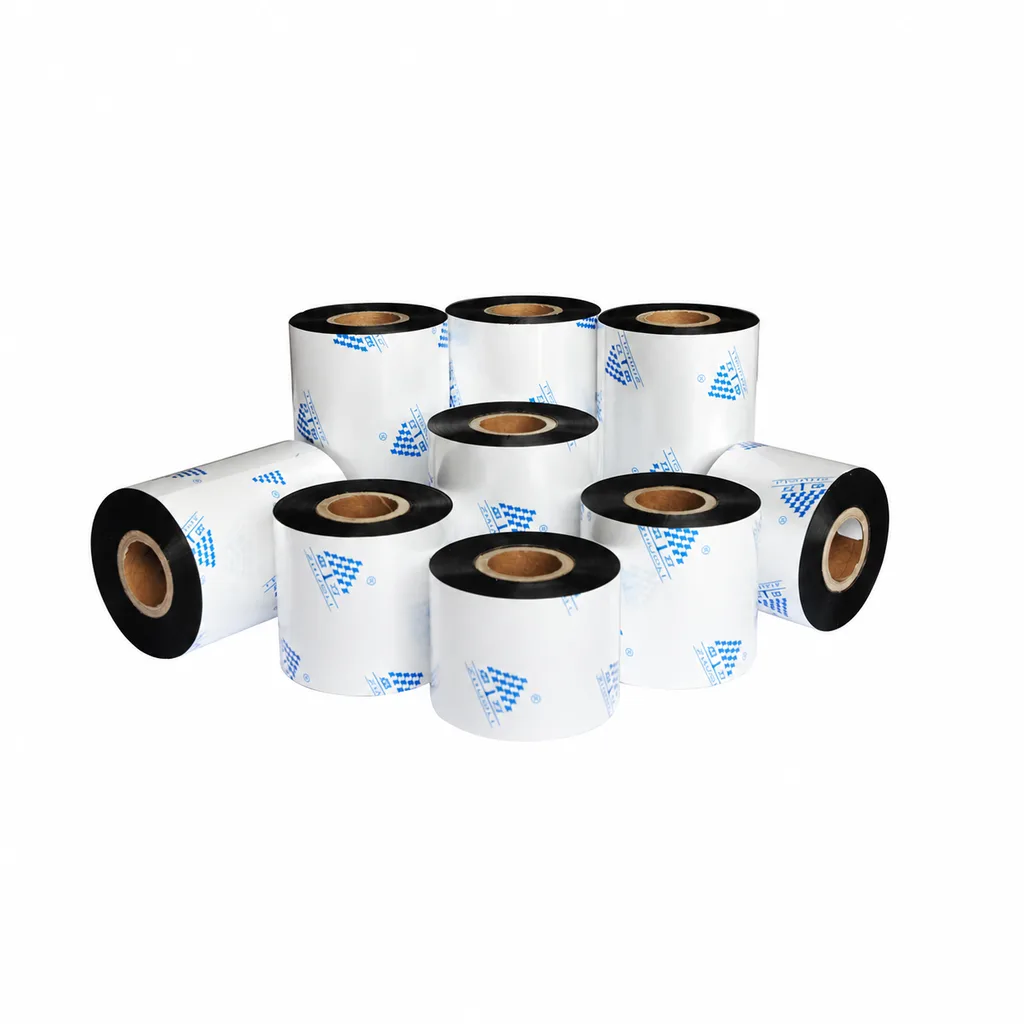
Near-Edge Wax-Resin Thermal Transfer Ribbon CL-Z212 for Barcode Labels
CL-Z212 is a general-purpose black wax-resin thermal transfer ribbon primarily for near-edge barcode printers, with use also described for low- to medium-speed thermal transfer overprinting (TTO). Listed applications include retail labels, garment tags, warehouse identification and packaging printing. Select according to printer type, actual printing speed and substrate: recommended conditions list near-edge printing at ≤10 inches per second (ips) and TTO at ≤20 ips. Print quality and image durability can vary with the printer and printing material, so trial printing on the intended substrate is necessary for selection.
View details
Thermal Transfer Intelligent Coding Machine
This series of thermal transfer coders represents a cost-effective intelligent coding…
View detailsNeed the right ribbon for your label application?
Share the label material, printer and operating environment. Our team will recommend a tested combination.
