Resin Thermal Transfer: How to Choose the Right Ribbon for Your Printer
Request a solution
- Original TTR manufacturer since 2013
- Automated coating and slitting
- IQC / IPQC / OQC control
- ANSI barcode grade testing
- -20°C to 120°C environmental testing
- Batch-level traceability
- ANSI barcode grade
- Batch traceability
- RoHS / REACH compliance
- SGS and MSDS documents on request
Key Takeaways
- Your printer's printhead type — flat-head or near-edge — is the first filter in any resin thermal transfer ribbon purchase.
- Near-edge printers need ribbons engineered for rapid release, and suppliers commonly offer these in wax/resin and resin formulations.
- Wax/resin ribbons blend wax and resin inks and print labels that are more durable and smudge resistant than full wax output, including on synthetics and glossy paper.
- Flat-head models hold the ribbon against the label longer for better image anchorage and generally print at speeds between 2 to 10 inches per second.
- Decode the listing line — printhead code, width, formulation, core, case pack — then confirm with a sample print on your own substrate before ordering full cases.
Start With Your Printhead Type, Not the Ribbon Catalog
Every resin thermal transfer purchase starts with a hardware fact, not a ribbon catalog: the printhead design inside your printer. Thermal transfer printers come in two designs, and each one sets different rules for how the ribbon meets the label.
Flat-head printers use a traditional horizontally positioned printhead. The ribbon stays in contact with the label for some distance while passing the printhead and parts after the peel point, which ensures better anchorage of the image on the substrate. These models generally print at speeds between 2 to 10 inches per second.
Near-edge printers flip that arrangement. Their angled printhead design places the heating elements close to the edge of the printhead, so the ribbon and substrate separate almost immediately after the image is transferred. That is what makes near-edge a printing technology designed for high-speed applications, and near-edge printers use floating print heads to achieve the quick release.
The quick separation also explains why ribbon choice is stricter on this side: near-edge printers require ribbons designed for rapid release characteristics. These ribbons use specialized release properties to allow the ink to transfer and separate quickly. Keep one limitation in view as well: near-edge printing isn't intended for every thermal printing application. If your job is lower-speed and general-purpose, confirm with the printer or ribbon supplier that near-edge is the right fit before you commit.
Practical move: confirm the printhead type in your printer's specification sheet or manual before you shortlist any ribbon. Near-edge units should be paired with ribbons marked for near-edge use, and listings make that easy to spot with an N/E code covered below.
Match Ribbon Formulation to Substrate and Durability Needs
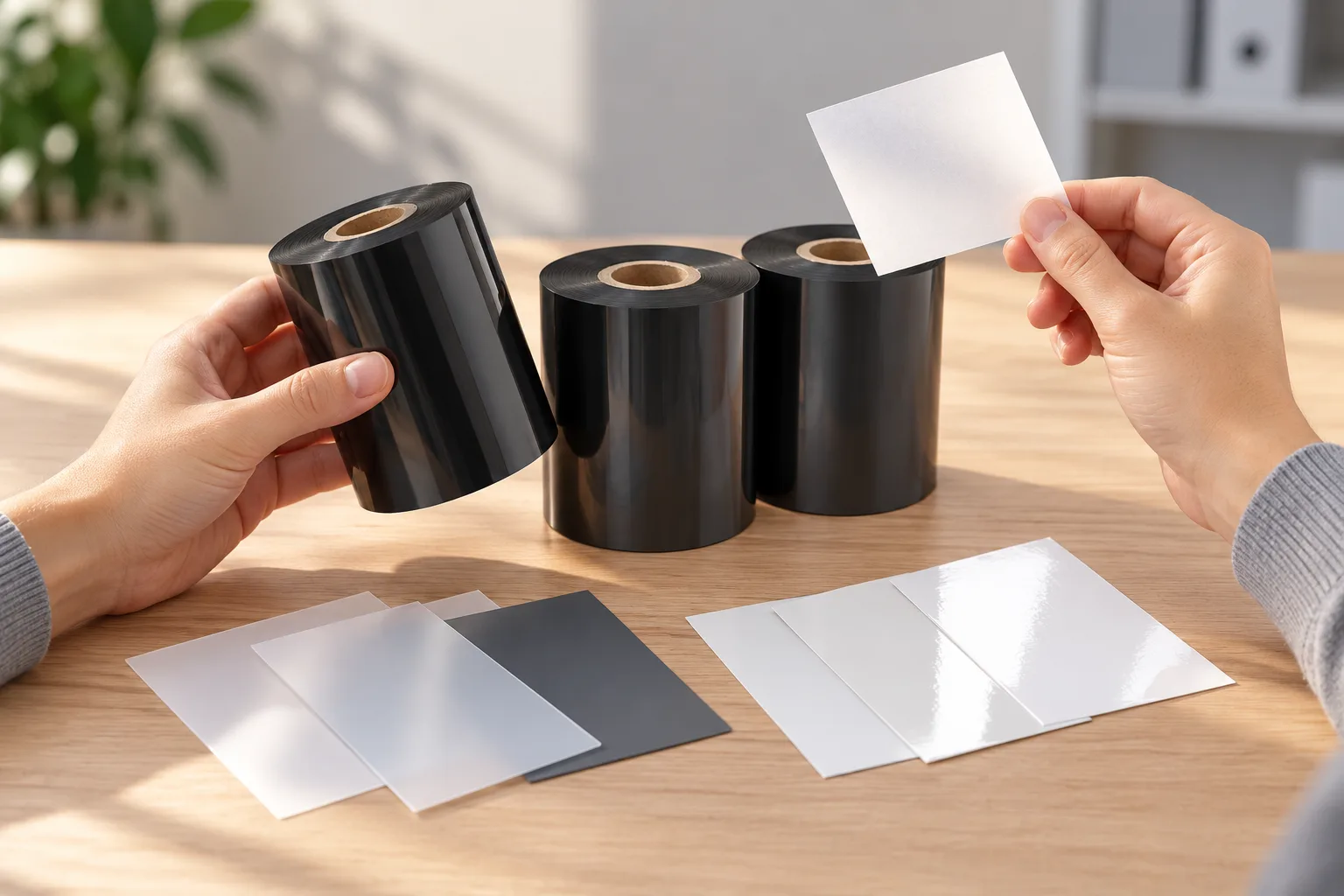
Near-edge ribbon formulations are commonly available in wax/resin and resin grades, which makes the resin thermal transfer decision a two-way comparison for most buyers. With the printhead type settled, the formulation choice becomes concrete.
A wax/resin ribbon is a defined quantity: wax/resin thermal transfer ribbons are made from a blend of both wax and resin inks. That blend delivers two practical advantages over a full wax ribbon. Labels printed using these ribbons are more durable and smudge resistant than labels printed using a full wax ribbon, and the blended ink allows printing on a wide variety of substrates, including synthetics or glossy paper. Image quality holds up as well, because wax/resin ribbons produce a high-quality label image with superior edge definition.
Use those properties as your sorting criteria. If your labels run on synthetic or glossy stocks, or they get handled hard enough to smudge, a wax/resin grade is the evidence-backed baseline. For the resin grades in the same near-edge lineup, make your supplier's data sheet and a sample print do the work: ask which grade they recommend for your exact substrate and handling conditions, and treat data-sheet values as starting conditions to confirm on your own stock rather than as batch acceptance criteria.
Decode the Ribbon Listing and Verify With a Sample Print
Ribbon listings compress the specs that matter into one line, so it pays to read them fluently. A typical universal thermal transfer ribbon listing reads: "Ribbon - Universal, Thermal Transfer, 130mm x 800M, Black, N/E, Wax/Resin, Cardboard Core, (12 Rolls/Case)".
Decoded, that line answers the five questions to ask before ordering. The ribbon is 130mm wide and 800M long, which has to cover your label web. It prints in black. Its formulation is wax/resin. The N/E code marks it for a near-edge printhead. And it winds on a cardboard core, shipped as 12 Rolls/Case.
Turn that decode into an ordering routine:
- Check that the printhead designation on the listing — N/E for near-edge — matches the printhead type you confirmed in your printer's manual.
- Check that the ribbon width covers your label stock and that the core type fits your printer's supply spindle.
- Match the formulation to your substrate plan: wax/resin covers synthetics and glossy paper with better smudge resistance than full wax, and your supplier can say which of their wax/resin and resin grades fits your exact material.
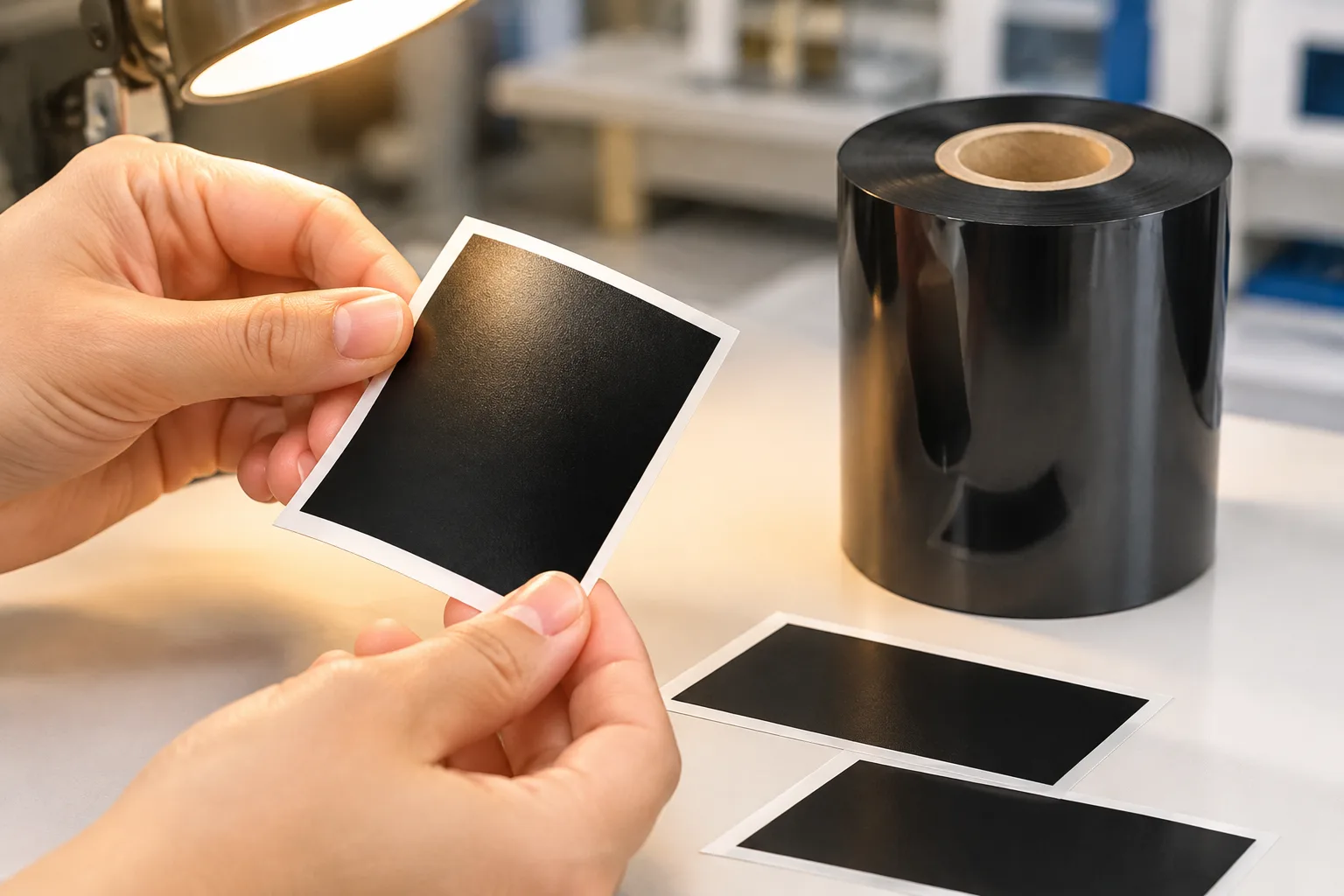
- Order a sample roll before a full case, print on your actual substrate at your normal settings, and inspect the labels for smudge, scuff, and edge quality before committing.
The last step is the one buyers skip and later regret. Listing values describe the ribbon under the seller's conditions; your production substrate, print speed, and handling are the conditions that decide whether labels survive. A sample print on your own line is the acceptance test that maps to your order.
Data and Evidence
This table condenses the verified differences between the two printhead designs. Confirm which column your printer falls into before you compare formulations.
| Attribute | Flat-head printers | Near-edge printers |
|---|---|---|
| Printhead design | Traditional horizontally positioned printhead | Angled design with heating elements close to the edge of the printhead, using floating print heads |
| Ribbon and label contact | Ribbon stays in contact with the label for some distance while passing the printhead, parting after the peel point | Ribbon and substrate separate almost immediately after the image is transferred |
| Image behavior | Better anchorage of the image on the substrate | Rapid release required — ribbons with specialized release properties |
| Typical speed | Generally 2 to 10 inches per second | Designed for high-speed applications |
On the formulation side, two published facts anchor the choice: near-edge ribbon formulations are commonly available in wax/resin and resin, and wax/resin blends print labels that are more durable and smudge resistant than full wax across substrates that include synthetics or glossy paper. Next step: pull together your printer model and label substrate, request sample rolls of both the wax/resin and resin grades designated for your printhead type, and run the sample print routine above on your own line.
Frequently Asked Questions
What is the difference between resin and wax/resin thermal transfer ribbons?
Wax/resin ribbons are made from a blend of both wax and resin inks, and labels printed with them are more durable and smudge resistant than labels printed with a full wax ribbon. The blended ink also prints on a wide variety of substrates, including synthetics or glossy paper. Near-edge ribbon formulations are commonly available in wax/resin and resin grades, so ask your supplier which grade matches your label material and confirm the choice with a sample print.
Can I use a flat-head ribbon in a near-edge thermal transfer printer?
Match the ribbon to the printhead. Near-edge printers require ribbons designed for rapid release characteristics, and these ribbons use specialized release properties that allow the ink to transfer and separate quickly. Check the listing for a near-edge (N/E) designation and confirm the match with your supplier before ordering.
What does N/E mean on a thermal transfer ribbon listing?
N/E marks a ribbon formulated for a near-edge printhead. In a typical listing — "Ribbon - Universal, Thermal Transfer, 130mm x 800M, Black, N/E, Wax/Resin, Cardboard Core, (12 Rolls/Case)" — the N/E code sits alongside the formulation, size, color, core, and case pack, so buyers can match the ribbon to a near-edge printer at a glance.
What print speed do flat-head thermal transfer printers support?
A flat-head versus near-edge comparison puts flat-head models generally at speeds between 2 to 10 inches per second. Near-edge printers are instead designed for high-speed applications. Confirm your printer's rating in its specification sheet before setting up a job.
How should I test a resin thermal transfer ribbon before ordering a full case?
Order a sample roll, print on your actual label substrate at your normal settings, and inspect the labels for smudge, scuff, and edge definition. Where your supplier offers both wax/resin and resin grades for your printhead type, run the wax/resin grade as a baseline for comparison, and treat catalog values as starting conditions rather than batch acceptance criteria.
Recommended products for this industry
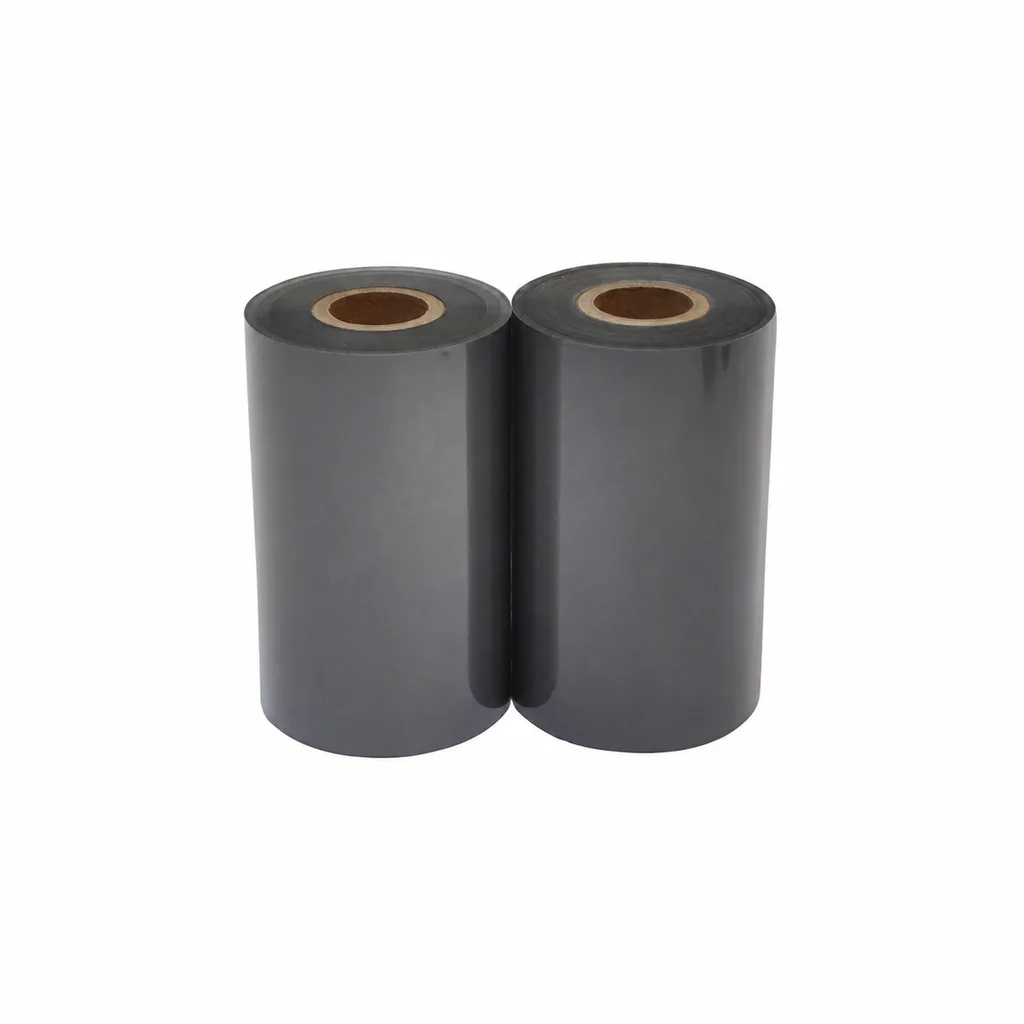
Black Resin Thermal Transfer Ribbon for Label Printing - CL-Z373
CL-Z373 is a black resin thermal transfer ribbon for label printing with desktop or industrial flat-head barcode printers at speeds of ≤6 ips (inches per second). Listed applications include electronics processing, tire identification, automotive manufacturing, pharmaceutical packaging, cosmetic labels and outdoor identification. Selection depends on the actual label material, printer and exposure conditions. Fine-line, small-character and resistance results were obtained on coated paper; print quality and image durability may vary with the printer and print substrate.
View details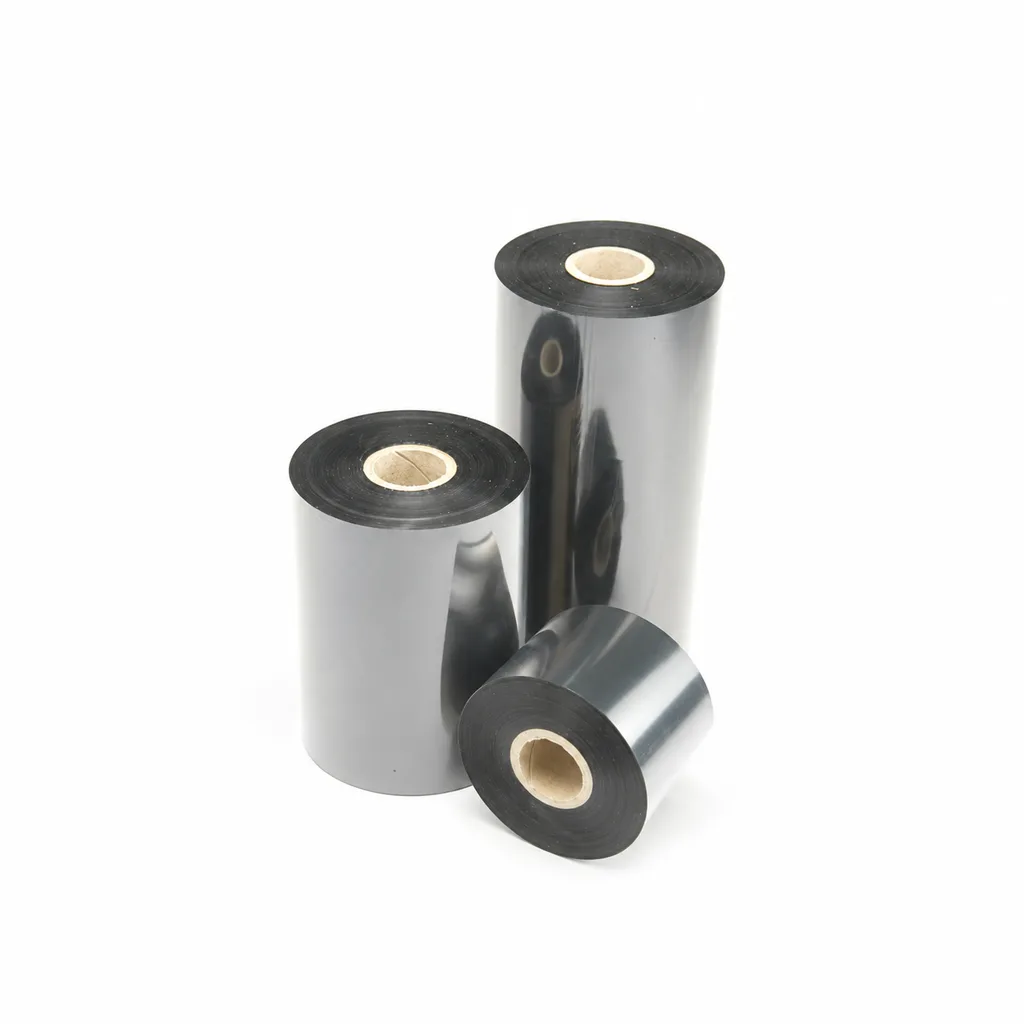
CL-Z203 Wax-Resin Thermal Transfer Ribbon for Barcode Labels
A black wax-resin thermal transfer ribbon for flat-head printing, with listed applications including retail, warehousing, logistics and garment tags. Select it against your actual label material and desktop or industrial barcode printer at speeds ≤6 ips (inches per second). Fine-line, small-text and durability results were obtained on coated paper; print quality and image durability may vary with the printer and printing substrate.
View details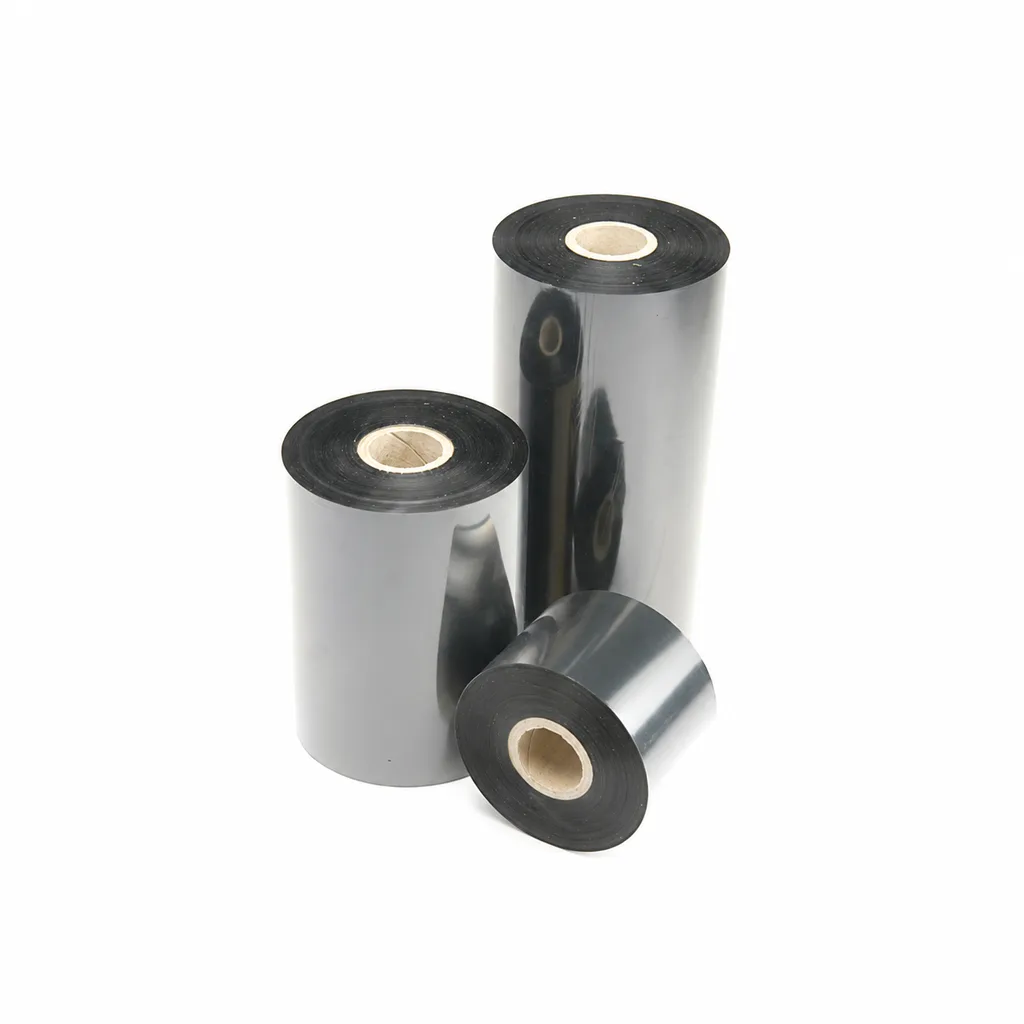
CL-Z213 Near-Edge Wax-Resin Thermal Transfer Ribbon for Barcode Labels
An enhanced black near-edge wax-resin thermal transfer ribbon for near-edge barcode printers and low- to medium-speed thermal transfer overprinting (TTO). Listed applications include retail labels, warehousing, garment tags and packaging identification. Match the printer, actual print medium and operating speed before selection: print quality and image durability can vary with the printer and substrate.
View details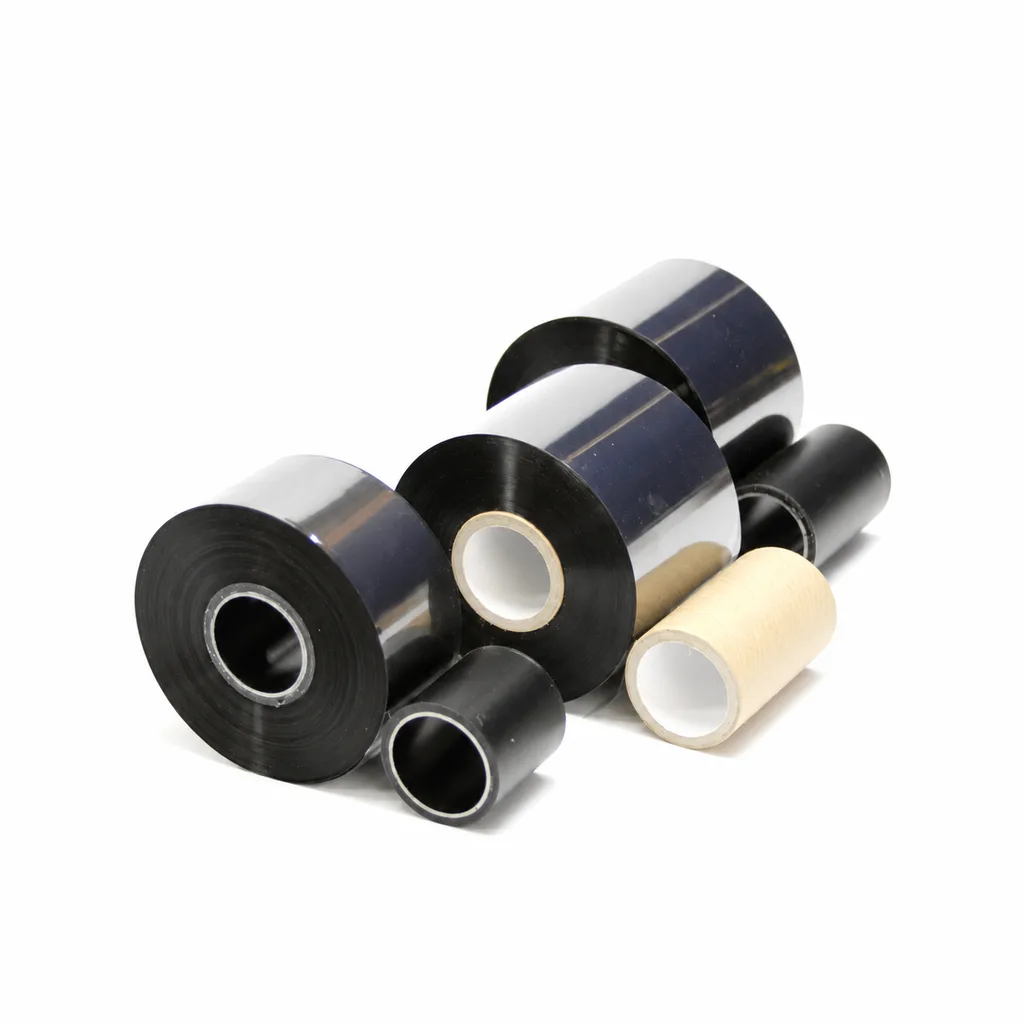
CL-Z215 Wax-Resin Thermal Transfer Ribbon for Packaging and Barcode Printing
CL-Z215 is a black, general-purpose wax-resin thermal transfer ribbon for thermal transfer overprinting (TTO) and near-edge barcode printers. Listed applications include retail labels, prepackaging, food packaging, pharmaceutical packaging, hot packaging and the frozen-food sector. Select it against your actual printer, printing material and required speed, then confirm print quality and image durability on that combination. The stated speed limits and durability results apply only within the documented conditions; they are not universal compatibility or long-term temperature guarantees.
View detailsNeed the right ribbon for your label application?
Share the label material, printer and operating environment. Our team will recommend a tested combination.
