
Pita Label Selection Guide: Matching Thermal Transfer Ribbons to Labels, Printers, and Application Stresses
Request a solution
- Original TTR manufacturer since 2013
- Automated coating and slitting
- IQC / IPQC / OQC control
- ANSI barcode grade testing
- -20°C to 120°C environmental testing
- Batch-level traceability
- ANSI barcode grade
- Batch traceability
- RoHS / REACH compliance
- SGS and MSDS documents on request
Key Takeaways
- Thermal transfer label printing places a layer of ribbon on top of the label at the print head and produces long-lasting, durable images on a wide variety of materials.
- Transfer ribbons are made by applying wax, resin, or a mixture to a polyester sheet, so the coating family is the first selection decision.
- The thermal transfer printing process produces long-lasting results that resist environmental elements like moisture, oil, and UV light.
- Matching the right ribbon to the label prevents fading, scratching, and poor print quality.
- Labels in demanding applications face abrasion, condensation, freeze-thaw cycles, and heat exposure, so the ribbon must be checked against those stresses.
What a Pita Label Ribbon Is and What You Are Actually Choosing
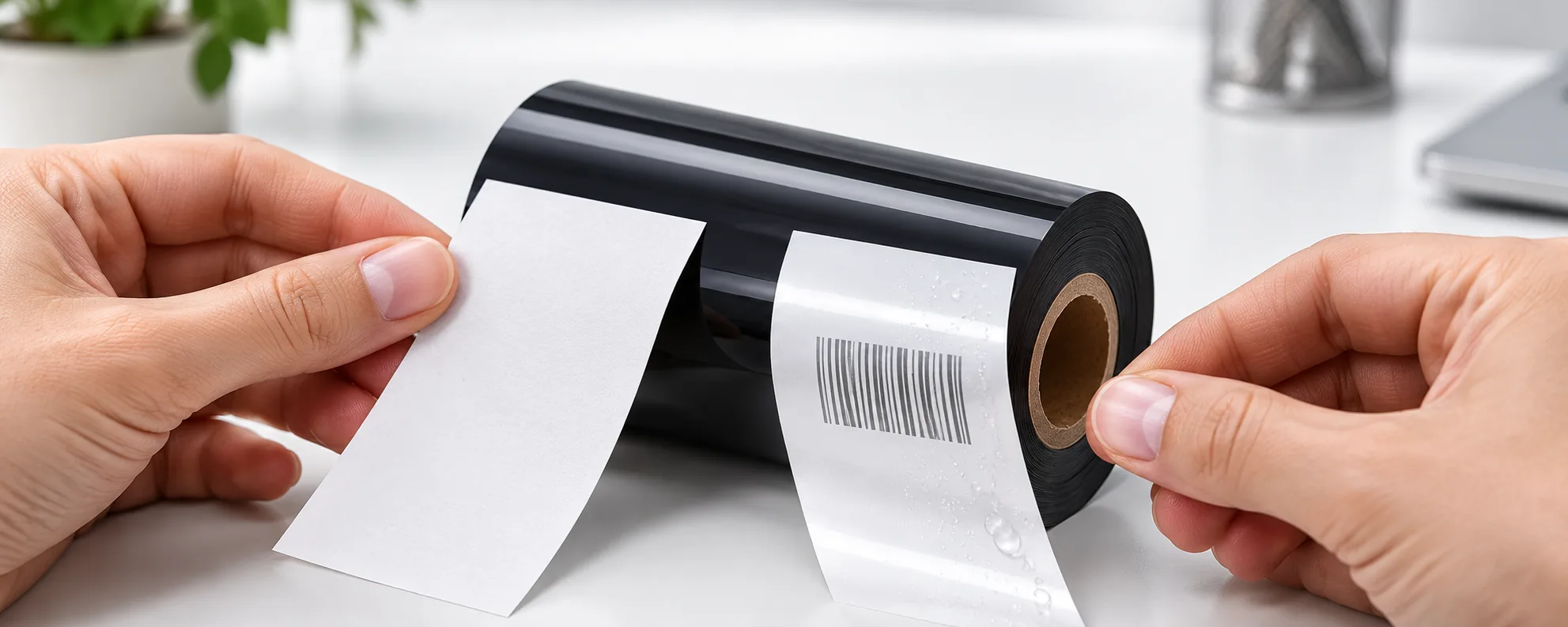
A pita label is printed on your own equipment with two supplies: label stock and ribbon. At the point of the print head, a layer of ribbon is placed on top of the label, and the coating that transfers there becomes the printed image — the barcodes, date codes, and variable data your operation runs on. The ribbon is therefore the supply this guide helps you select.
Every thermal transfer ribbon is built the same basic way: wax, resin, or a mixture is applied to a polyester sheet. What changes between products is that coating, and with it how the print behaves in your application. When the pairing is right, thermal transfer produces long-lasting, durable images on a wide variety of materials and the process resists environmental elements like moisture, oil, and UV light; when it is wrong, the same print fades, scratches, or loses quality.
For buyers, two consequences follow. The printer defines the ribbon's physical format — width, core, and winding — while the coating defines how the print behaves, so format and chemistry are separate decisions. And no datasheet proves a pairing works until a sample print on your own stock does, which is why this guide is built around matching and testing.
Match the Ribbon to Your Label Material and Application Stresses
Substrate compatibility is the first check in any pita label purchase. Thermal transfer ribbons print on both paper and synthetic substrates, but formulations differ, so confirm that the specific ribbon you are quoting covers your label material instead of assuming it. Fix the label's journey in writing at the same time — packaging line, storage, transport, and point of use — because every stage adds stress to the printed data, which must remain legible from production through final consumption.
Food and beverage labeling shows how concrete those stresses get. Labels in this sector carry expiration dates, lot numbers, ingredient lists, and allergen statements, and they meet continuous friction on high-speed fill-and-seal lines such as snack and chip bags, condensation during refrigerated storage, and repeated freezing and thawing as frozen meals move through subzero storage, transport, and reheating. Heat exposure during pasteurization or cooking challenges print stability further, and ink adhesion must withstand the temperature swings without cracking or fading.
The failure mode is not cosmetic. Those stresses crack, fade, or abrade printed data, and illegible allergen information can end in a recall because undeclared allergens are among the most common causes of food recalls. Apply the same test to your own application: name every stress the label meets, then ask your ribbon supplier which coating survives those conditions, and keep the recommendation tied to your conditions rather than a generic datasheet.
Check Printer Fit, Ribbon Width, and Print Settings Before Ordering Volume
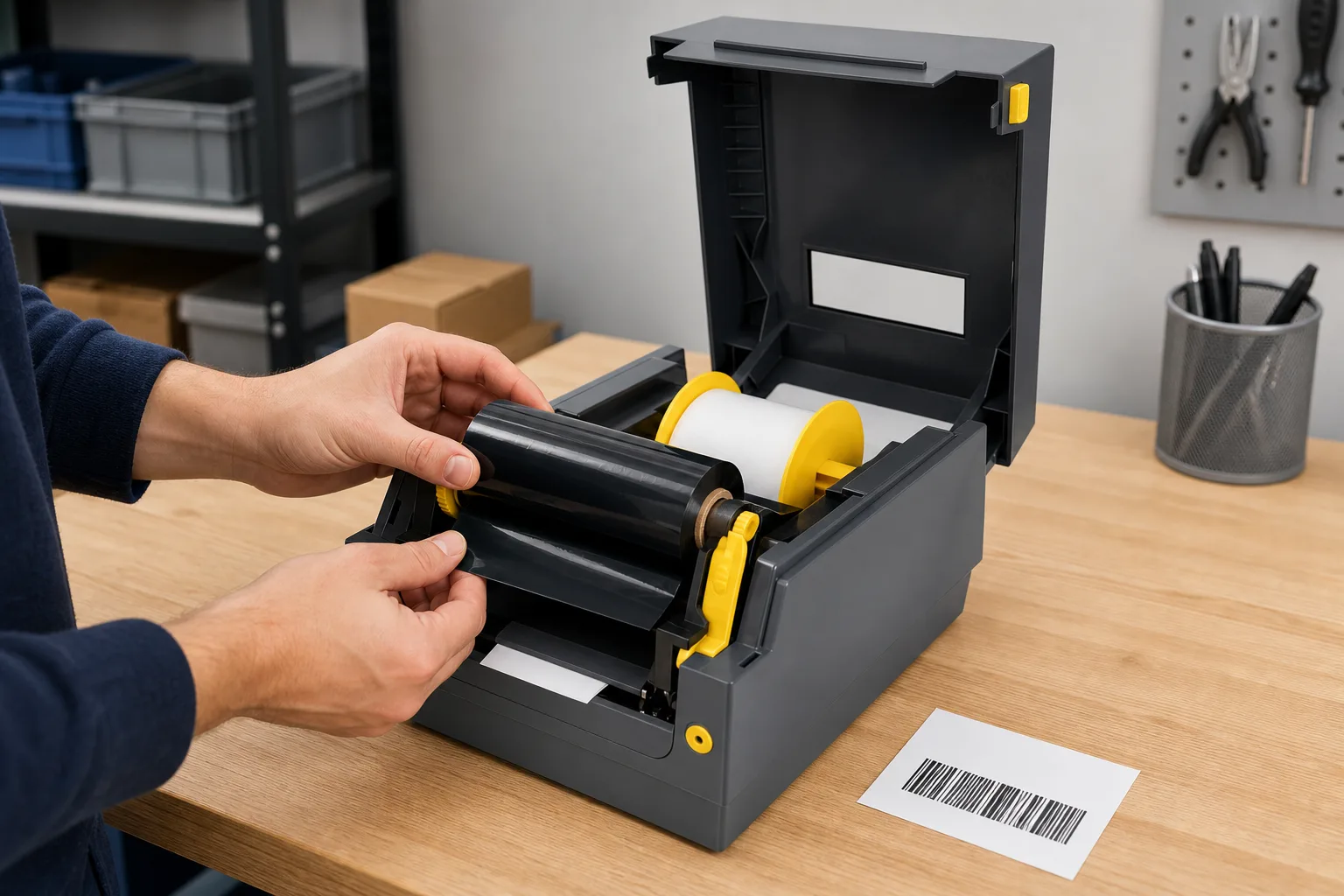
A ribbon that suits your application can still print badly if it does not fit the printer. Confirm the ribbon width, core size, and ink-side orientation your printer requires, and keep ribbon width matched to label width: the match prevents ribbon wrinkles and keeps the coating over the full print area.
Print settings come next, and they are tuned on your stock rather than assumed, because darkness, speed, and heat determine final print quality:
- Load the sample ribbon together with your production label stock.
- Print your real label design at default settings.
- Adjust darkness, speed, and heat in small steps until the image is dense and clean.
- Check the printed samples against the stresses from the matching section: line abrasion, refrigeration condensation, freeze-thaw, or process heat.
- Recheck for wrinkles across the full label width, and if they appear, confirm the width match and ribbon loading before continuing.
If prints stay faint or uneven after tuning, recheck the ribbon-label pairing itself instead of pushing settings further. Approve a volume order only after samples pass on the stock you actually run.
Data and Evidence
The table below condenses the selection into five checks, each tied to the reason it decides a pita label ribbon purchase.
| Selection check | What to confirm | Why it matters |
|---|---|---|
| Coating family | Wax, resin, or a wax-resin mixture on a polyester sheet | The coating transfers to the label and determines how the print behaves |
| Label substrate | The ribbon is formulated for your paper or synthetic material | Thermal transfer prints on a wide variety of materials, but formulations differ |
| Application stresses | Abrasion, condensation, freeze-thaw, and heat exposure the label will meet | These stresses crack, fade, or abrade printed data that must stay legible |
| Ribbon width and fit | Width matched to label width, plus the core and ink-side orientation the printer requires | A width mismatch causes ribbon wrinkles and gaps in print coverage |
| Print settings | Darkness, speed, and heat tuned by a test print | Settings decide the final print quality even when the ribbon is correct |
Verification is a sample, not a datasheet. Print your label design on production stock, tune darkness, speed, and heat, then expose the samples to representative conditions such as refrigeration, freeze-thaw cycles, or line friction. For labels carrying expiration dates, lot numbers, and allergen statements, legibility through the full product journey is the pass criterion. Next step: shortlist the coating family that fits your conditions, request single-roll samples, and run the test sequence above before approving volume.
Frequently Asked Questions
What is a pita label in thermal transfer printing?
It is a label printed with a ribbon: at the point of the print head, a layer of ribbon is placed on top of the label, and the transferred coating forms a long-lasting, durable image on the label material. In this guide, pita label refers to that ribbon-and-label pairing and to the ribbon you buy for it.
Which ribbon should I use for synthetic labels in frozen food storage?
Frozen storage combines condensation with repeated freezing and thawing, and ink adhesion must withstand those temperature fluctuations without cracking or fading. Shortlist coatings formulated for synthetic substrates, then sample-print and run the labels through your real freeze-thaw and reheating cycle before approving the order.
Why does my thermal transfer ribbon keep wrinkling?
Check width first: ribbon width should match label width. If the widths already match, reload the ribbon and inspect the print path, because wrinkling can also come from loading rather than the ribbon itself.
How do I test a new pita label ribbon before bulk ordering?
Print your production design on your actual label stock, adjust darkness, speed, and heat settings until the image is clean, then check the samples against the stresses they will face, including line abrasion, moisture, cold, and process heat. Approve bulk volume only after the samples pass.
Can one ribbon print on both paper and synthetic labels?
Formulations exist that print durable, high-resolution barcodes and date codes on both paper and synthetic substrates, but durability always depends on the stresses involved. Confirm substrate coverage with your supplier and validate with a sample print on every material you run.
Recommended products for this industry
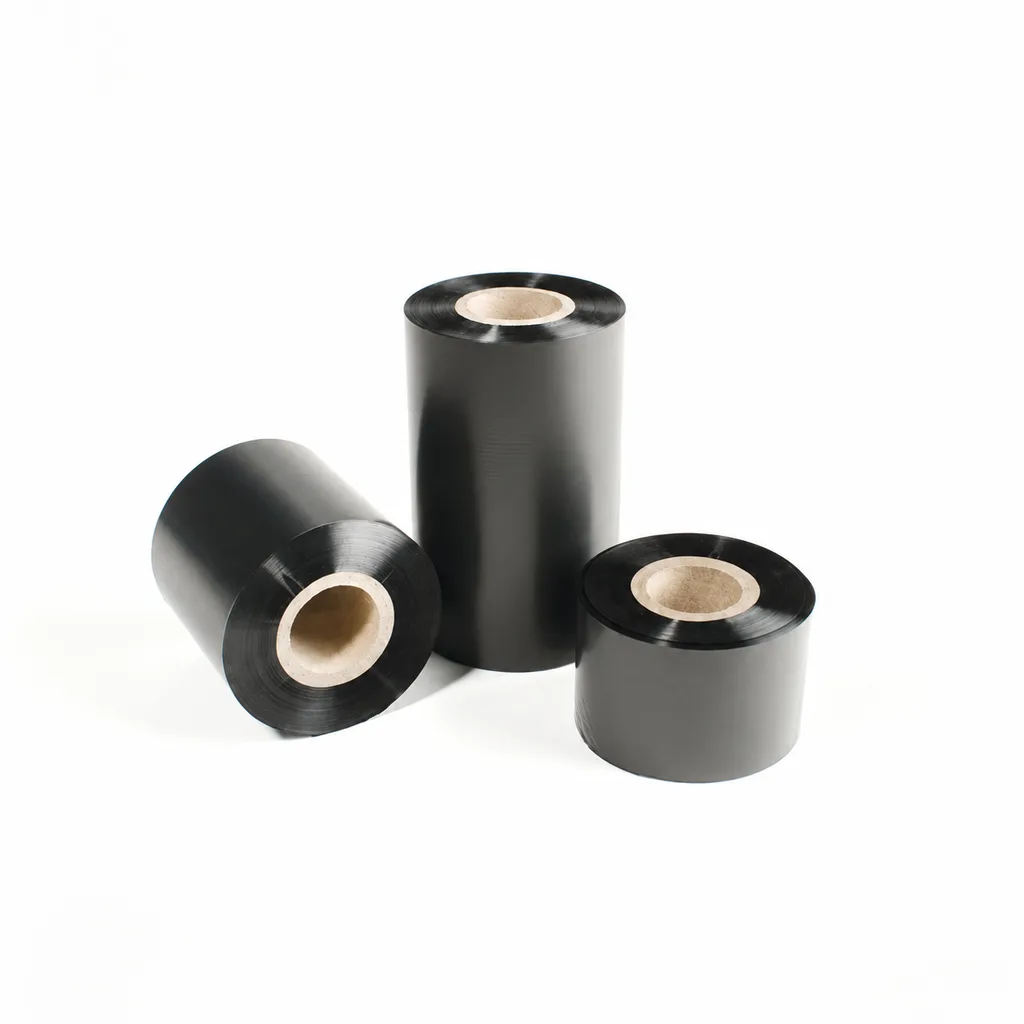
CL-Z112 Enhanced Wax Thermal Transfer Ribbon for Paper Labels and Tags
An enhanced wax thermal transfer ribbon with black ink for paper labels and tags used in retail, warehousing and logistics. It is specified for flat-head printing on desktop or industrial barcode printers at ≤8 inches per second (ips). Select it by checking the actual label material, printer configuration and handling conditions: image-quality, rub-resistance and cold-chamber results were obtained on coated paper, and print quality and image durability may vary with the printer and print medium.
View details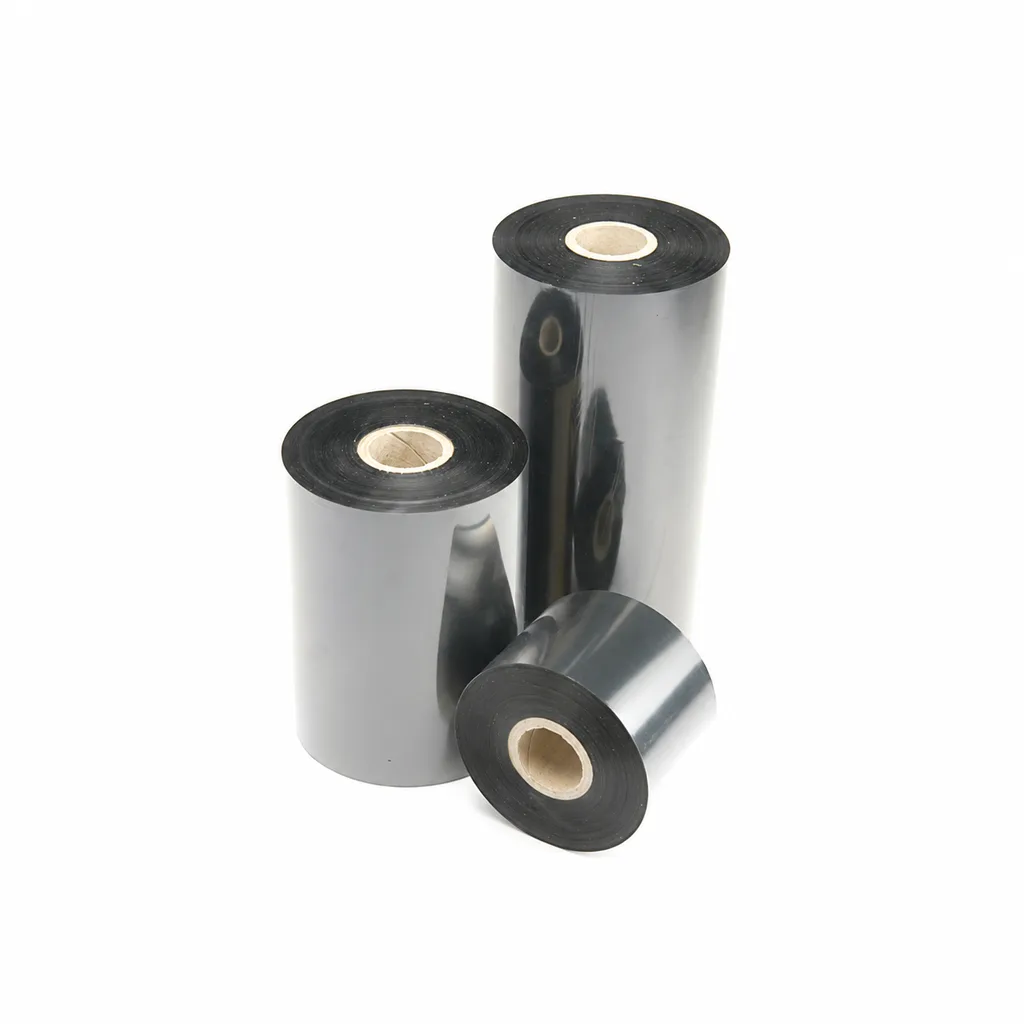
CL-Z213 Near-Edge Wax-Resin Thermal Transfer Ribbon for Barcode Labels
An enhanced black near-edge wax-resin thermal transfer ribbon for near-edge barcode printers and low- to medium-speed thermal transfer overprinting (TTO). Listed applications include retail labels, warehousing, garment tags and packaging identification. Match the printer, actual print medium and operating speed before selection: print quality and image durability can vary with the printer and substrate.
View details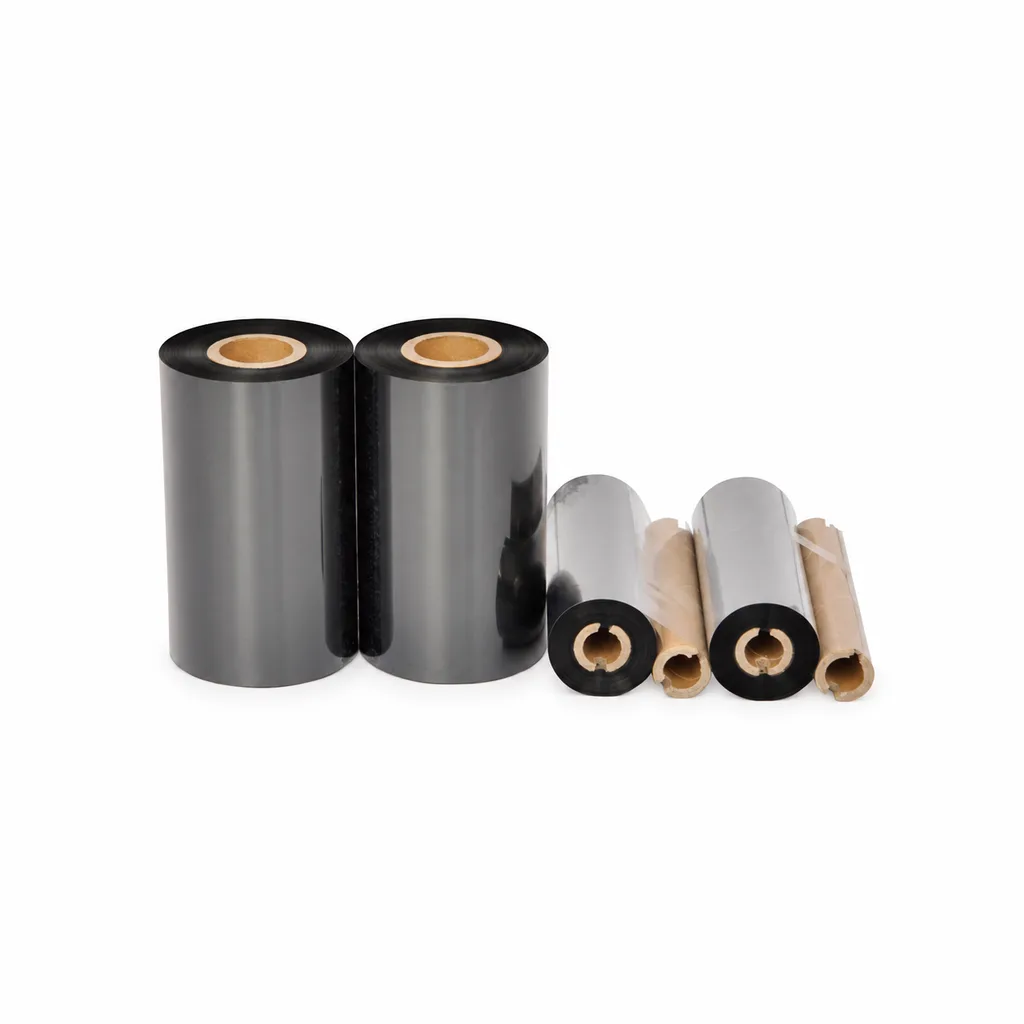
CL-Z908 Wax Thermal Transfer Ribbon for Barcode Labels and Tags
CL-Z908 is an economical black wax thermal transfer ribbon for label and tag printing. Listed applications include retail, warehousing, logistics, clothing tags, simple packaging and production line identification. It is intended for flat-head printing on desktop or industrial barcode printers at speeds of ≤6 inches per second (ips). Select it against your actual paper stock, printer and required image durability: print quality and image durability may vary with the printer and printing substrate.
View details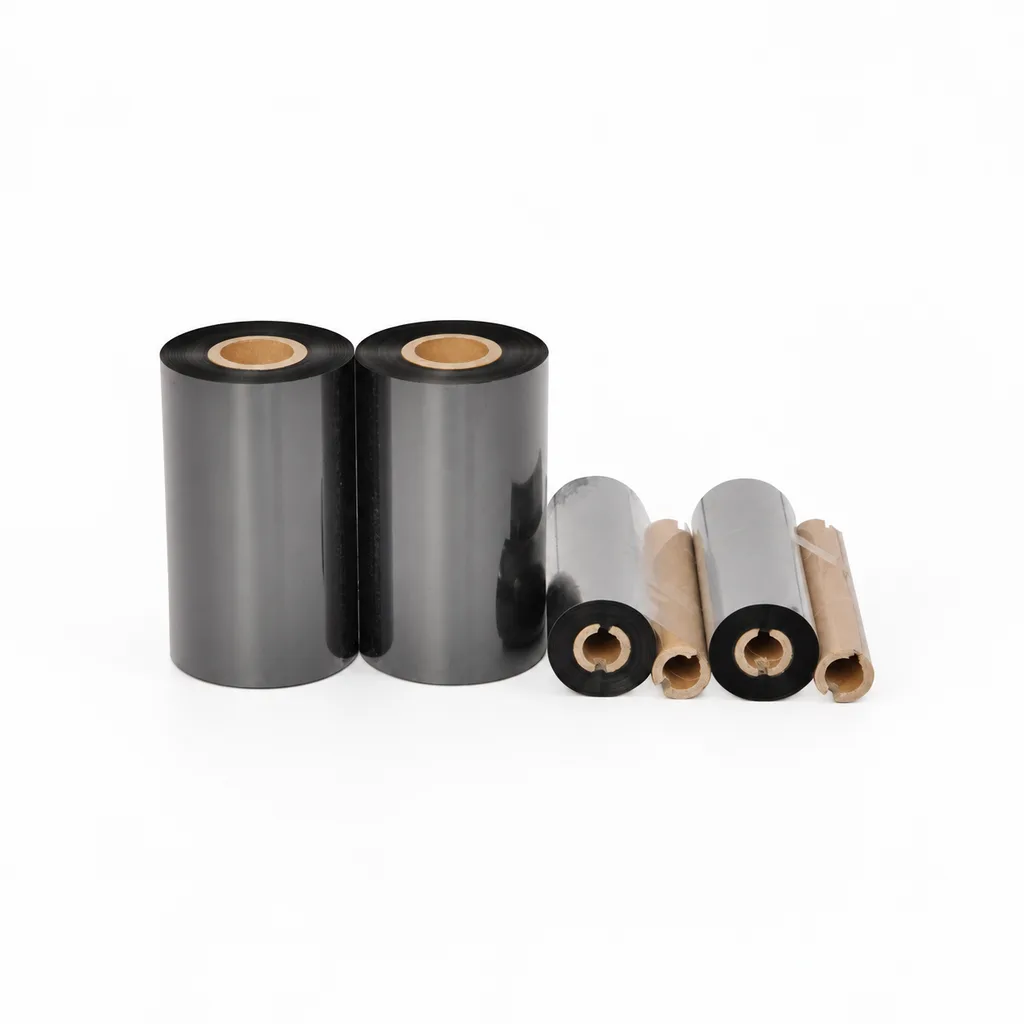
CL-Z908PLUS Wax Thermal Transfer Ribbon for Paper Labels
An economical black wax thermal transfer ribbon for flat-head printing of paper labels in retail, warehousing, logistics, simple packaging and production lines, with garment hangtags also listed as an application. The recommended printing speed is ≤8 inches per second (ips) on desktop or industrial barcode printers. Select it against your actual label material and printer: the material adaptability chart lists lower values for cardstock and hangtags, and print quality and image durability may vary with the printer and print medium.
View detailsNeed the right ribbon for your label application?
Share the label material, printer and operating environment. Our team will recommend a tested combination.
