
Label Bendera di Kabel: How to Choose the Right Cable Flag Label
Request a solution
- Original TTR manufacturer since 2013
- Automated coating and slitting
- IQC / IPQC / OQC control
- ANSI barcode grade testing
- -20°C to 120°C environmental testing
- Batch-level traceability
- ANSI barcode grade
- Batch traceability
- RoHS / REACH compliance
- SGS and MSDS documents on request
Key Takeaways
- Flag labels suit larger amounts of data on small diameter wire and cables such as fiber optic, which is the case suppliers cite for choosing them.
- A dedicated label printer's cable flag layout defaults to a 30 mm flag and accepts changes such as 40 mm once you select the cable's outside diameter and orientation.
- Some industrial flag and wrap-around constructions resist high-heat conditions up to 150°C/302°F; compare that rating with the worst temperature at the installation site.
- Wrap-around labels are the tidier choice for dense bundles in tight spaces, while flags are easier to read and lift for checking.
- Print a short sample batch with the ribbon and stock you plan to buy, and check legibility and adhesion on the actual cable before ordering in volume.
When a Flag Label Beats a Wrap-Around Label
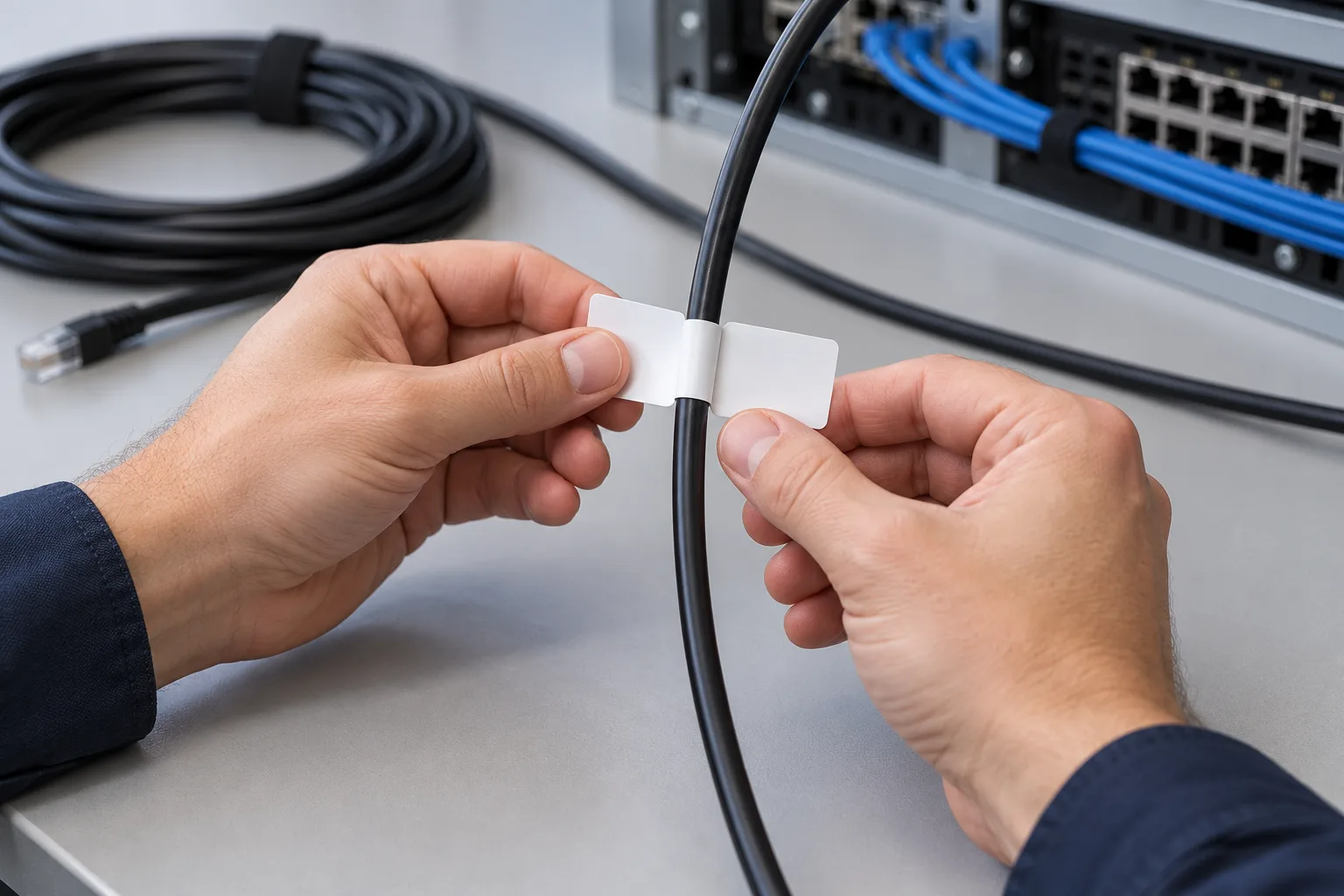
A flag label extends on either side of the cable like a small banner, and it is the right choice when a thin wire cannot carry all the text you need. Suppliers position flag labels for exactly that case: larger amounts of data on small diameter wire and cables such as fiber optic. If you tag ethernet, voice, or data lines, the label's job is to let a technician pick the right line quickly during troubleshooting and to mark lines for upcoming installs and repairs.
Reach for a wrap-around label instead when cables run in dense bundles through tight spaces. Wrap-around constructions are made to simplify organizing loose cables even with lots of cables grouped together, and a flag that stands proud of the bundle can snag or peel in those positions. Both styles can hold on round jackets — wire-label ranges are built to firmly adhere to curved wires — but the constructions differ, so pick a product rated for wire surfaces rather than a general flat-surface label.
In Indonesian procurement searches this style appears as label bendera di kabel, and the selection logic is the same: match the style to data load and cable diameter first, then narrow the choice by material, heat rating, and printer fit.
How to Size and Specify the Flag for Your Cable
The flag size starts from the cable's outside diameter (OD), because the label must grip that surface and still leave room for the printed wings. In a dedicated printer's cable flag layout, the flag sits on either side of the cable and the length is set at 30 mm by default; you can change it, and the published demo steps up to 40 mm when the text block needs more room. The same layout asks you to select the OD and the orientation, several orientations are available, and the preview shows how the flag will sit before you print.
- Measure the OD over the jacket, including any sleeve or existing wrap.
- Enter the OD in the label layout and pick the orientation that keeps the flag readable where the cable runs.
- Set the flag length: keep the 30 mm default for short identifiers, move to 40 mm or larger when the text needs more lines.
- Print one flag and fit it on the real cable; the wings should lie flat with no corner lift.
- Re-check the smallest text after fitting; if it is cramped, increase the flag length before shrinking the font.
Adhesion matters as much as size on thin or slick jackets. Choose a construction made to firmly adhere to curved wires, and check the heat rating for the site: industrial ranges include constructions that resist high-heat conditions up to 150°C/302°F, so compare that figure with the worst surface temperature the cable will see — near a motor or power supply, not just at room temperature — and confirm it on the datasheet of the exact product you order.
How to Print Cable Flag Labels In-House
You can print cable flag labels yourself on a dedicated labelling machine; Brother's PT-E560BT demonstration shows the workflow end to end. The printer handles the layout once you feed it a few inputs, so the process is closer to filling in a form than designing a label.
- Select the cable flag layout and enter the cable OD.
- Choose the orientation; the layout offers several, and you can change it until the preview matches how the flag should sit.
- Set the flag length — 30 mm by default, adjustable to sizes such as 40 mm.
- Press OK to confirm and print, then fit the flag on the cable with the wings on either side.
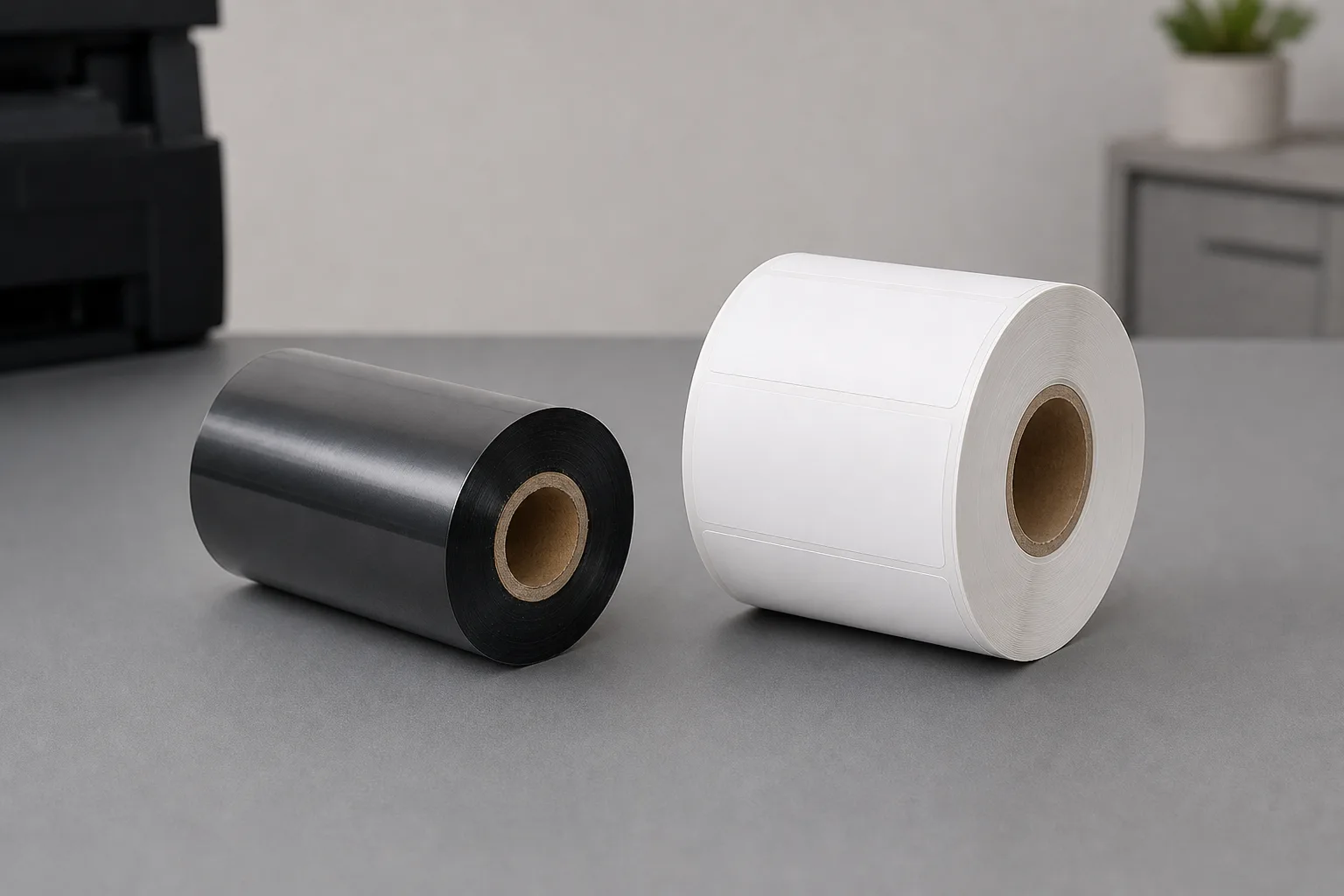
Thermal transfer printing adds two consumables to the order: the label stock and the ribbon. Check the printer's required ribbon width, core, and ink-side orientation before you buy, and match the ribbon grade to the facestock and to the conditions the label will face. Treat vendor ratings as starting points rather than batch acceptance criteria: run a short sample batch with the exact ribbon and stock combination, fit the flags on the actual cables, and check legibility, corner lift, and readability after handling before you release the full purchase order. If corners lift, switch to a wire-rated construction and retest; if text is tight, extend the flag length first.
Data and Evidence
The figures in this guide come from published supplier and manufacturer pages, and the table gathers them with their implications for an order. Catalog ratings describe the listed item, not every label on the market, so verify the datasheet of the exact product before you commit.
| Decision point | Published evidence | What it means for your order |
|---|---|---|
| Data capacity on thin wire | Flag labels suit larger amounts of data on small diameter wire and cables such as fiber optic. | Choose the flag layout for patch cords, control pairs, and any cable too thin for a full wrap of text. |
| Grip on round surfaces | Wire-label ranges are built to firmly adhere to curved wires. | Order wire-rated stock rather than a general flat-surface label for round jackets. |
| Heat resistance | Industrial ranges include constructions that resist high-heat conditions up to 150°C/302°F. | Compare the rating with the worst surface temperature at the site and confirm it on the datasheet. |
| Dense bundles | Wrap-around labels simplify organizing loose cables even with lots of cables grouped in a tight space. | Use wrap-around where flags would snag; keep flags for readable single-cable runs. |
| Printer defaults | Cable flag layout: flag on either side of the cable, set at 30 mm by default and adjustable, with the OD and orientation selectable. | Enter the OD first, then the orientation, then the flag length, and print a test flag before the batch. |
Concrete next step: measure the OD of one representative cable, set up the flag layout with its default 30 mm flag on the printer you plan to use, print a short sample on your chosen stock and ribbon, and fit the flags on the real cable — release the full order only after the sample passes the legibility and adhesion checks above.
Frequently Asked Questions
What flag label size should I use for small cables like fiber optic patch cords?
Start from the cable's outside diameter and the amount of text. The default flag in a dedicated printer's cable layout is 30 mm per side, and you can increase it — 40 mm in the published demo — when the text block needs more room. Print one label, fit it on the actual cable, and confirm the wings lie flat before running the batch.
Can cable flag labels handle high heat near equipment and panels?
Some industrial wire-label constructions are rated to resist high-heat conditions up to 150°C/302°F. Compare that figure with the worst surface temperature at your site, confirm the rating on the datasheet of the exact product, and test a fitted sample in place before ordering the full quantity.
Flag label or wrap-around label: which should I order for a dense cable bundle?
Wrap-around labels simplify organizing many cables grouped in a tight space, so they are the tidier choice inside dense bundles. Use flags where you need more text on thin wires or want a label that is easy to read and lift; use wrap-arounds where a standing flag would snag.
Can I print cable flag labels myself instead of buying pre-printed ones?
Yes. A dedicated label printer with a cable-flag layout takes the cable OD, an orientation, and a flag length, then prints the flag; the Brother PT-E560BT demonstration follows exactly those steps and finishes by pressing OK. Pair the label stock with a thermal transfer ribbon matched to it, and qualify the combination with a printed sample on the real cable.
What should I print on a cable flag label?
Print the identifiers a technician needs to pick the right line fast — suppliers point to quick identification of voice lines during troubleshooting and marking data lines for upcoming installs and repairs. Keep the text inside the flag area; if it will not fit legibly, increase the flag length rather than shrinking the font below readable size.
Recommended products for this industry
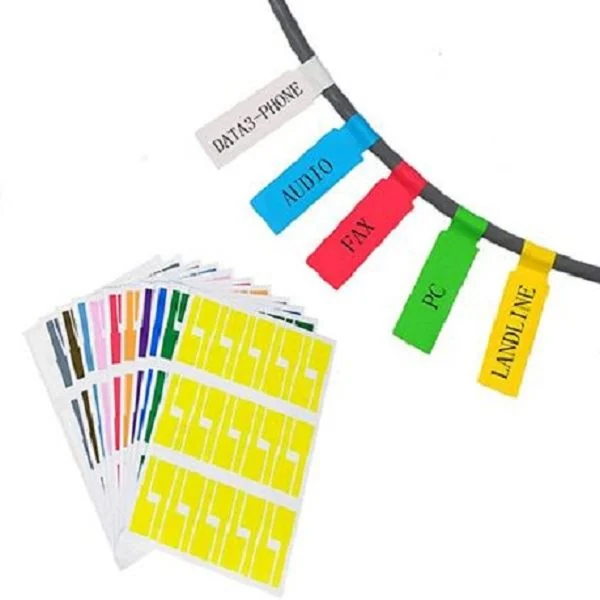
P-Type Flag Cable Label
Flag-shaped cable label for A4 laser printing and fast visual identification of dense…
View details
Cable Wrap and Outdoor Identification Label
Vinyl cable-wrap label for outdoor cables, harnesses and power infrastructure exposed to…
View details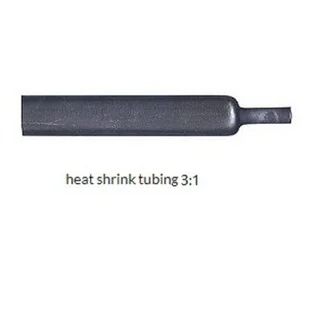
Heat-Shrink Cable Sleeve
Heat-shrink sleeve that locks cable identification tightly around wire bundles after…
View details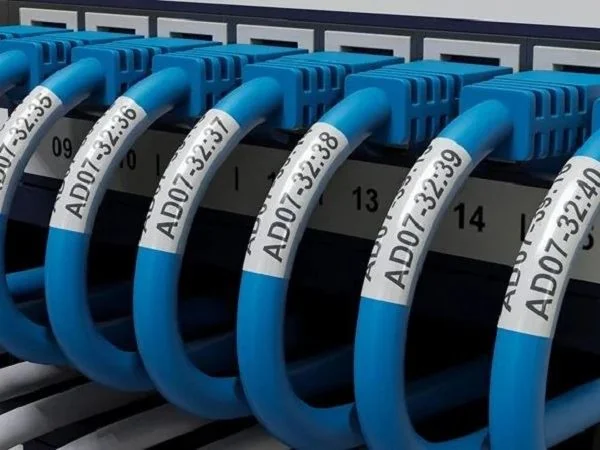
Vinyl Wrap-Around Cable Label
Flexible vinyl label that wraps around electrical, network and industrial cables while…
View detailsNeed the right ribbon for your label application?
Share the label material, printer and operating environment. Our team will recommend a tested combination.
