
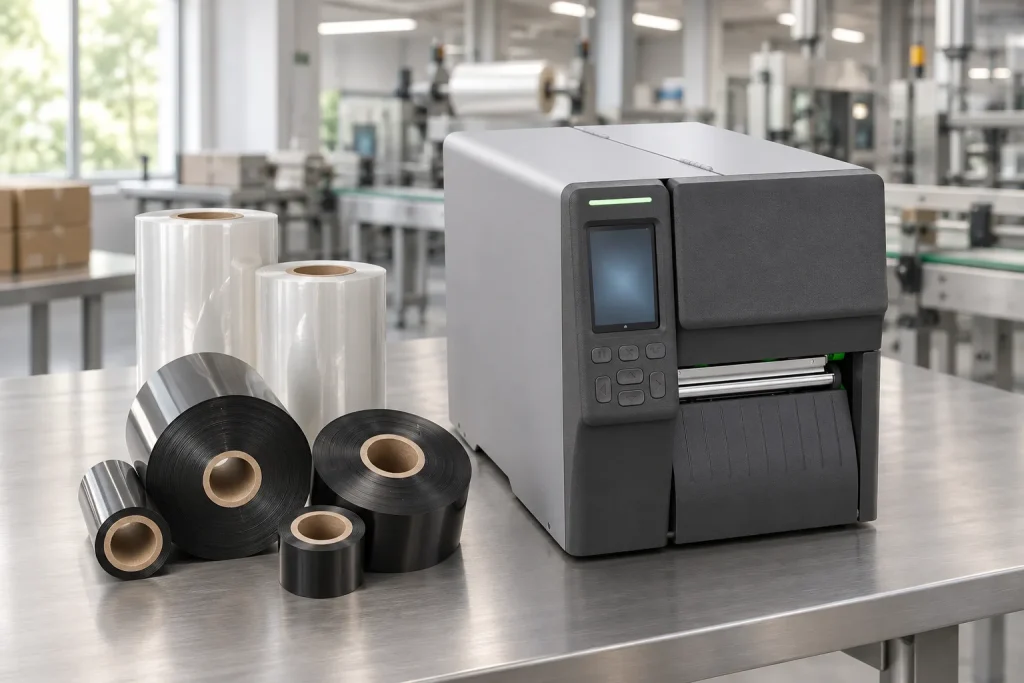
- Original TTR manufacturer since 2013
- Automated coating and slitting
- IQC / IPQC / OQC control
- ANSI barcode grade testing
- -20°C to 120°C environmental testing
- Batch-level traceability
- ANSI barcode grade
- Batch traceability
- RoHS / REACH compliance
- SGS and MSDS documents on request
Choose a wax/resin TTO ribbon by matching the printer, flexible packaging film, line speed and code exposure. The ribbon’s name alone cannot establish performance. Test samples on your actual line and set pass criteria before a volume order.
- Check exact printer compatibility, dimensions and winding.
- Trial the ribbon on actual film at production speed.
- Test scanning, adhesion and relevant exposure.
- Compare cost per acceptable code, not roll price alone.
What is a wax/resin TTO ribbon?
A thermal transfer overprinter transfers a coating from ribbon onto flexible packaging using a heated printhead. Coatings include wax, wax-resin and resin. Wax-only ribbons are not suitable for TTO (near edge) applications, so the practical choice is between wax-resin and resin grades. Print quality and durability depend on the ribbon, printer, film and operating conditions. See Clearmark’s explanation of TTO printing.
Choose by whether the code remains legible and scannable through the product’s real handling and storage journey. Match the complete printing setup rather than chemistry alone.
Where it fits on a packaging line
TTO prints variable information directly on flexible packaging, including on vertical bagging machines. Verify the precise code layout and scan result on your own line.
Intermittent and continuous systems move and print differently. Confirm the printer’s approved ribbon type and performance range; do not assume a grade works across both modes.
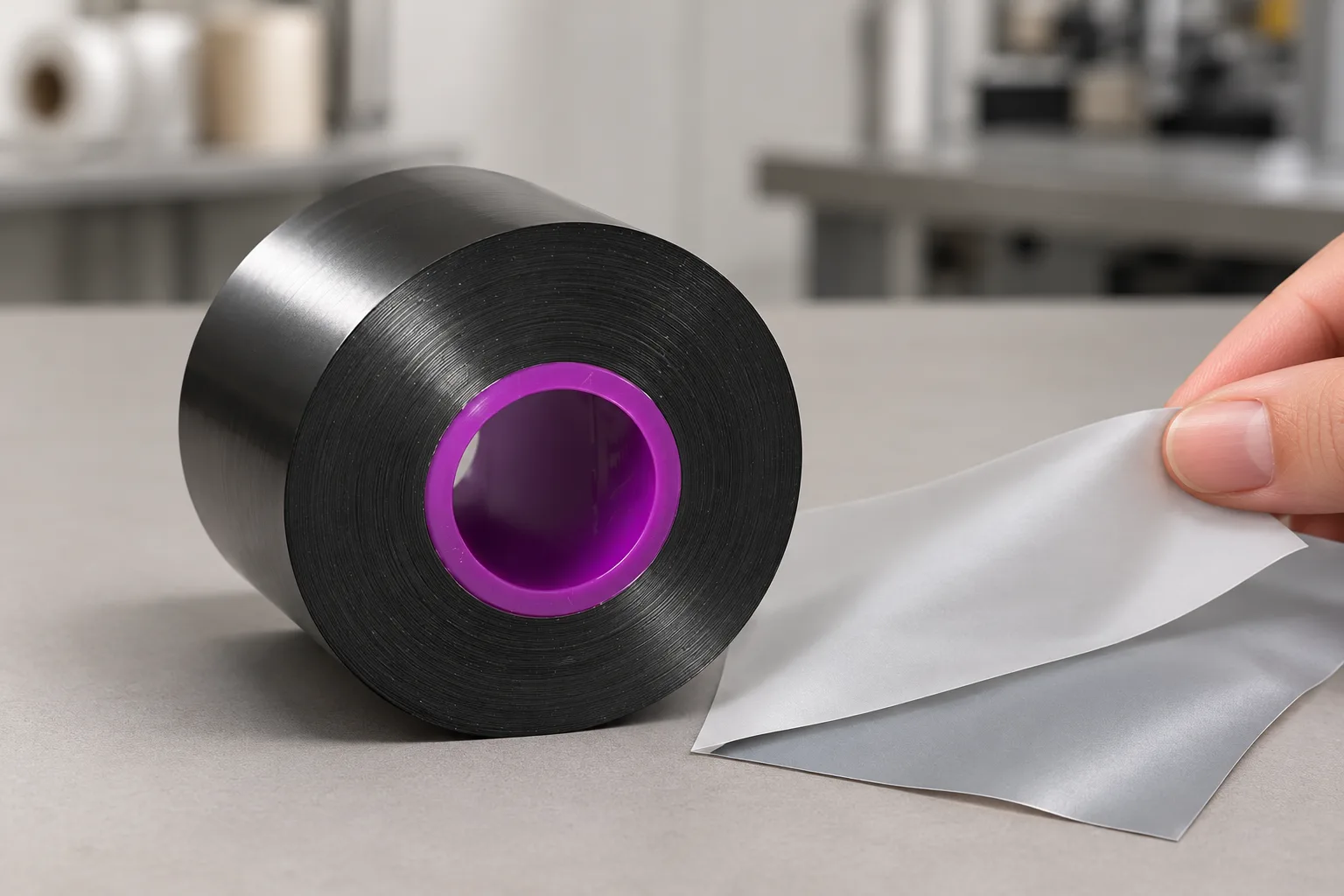
Match ribbon to film and exposure
| Film or condition | Starting point | Verify |
|---|---|---|
| PE or PP film | Trial a wax-resin grade documented for the exact film | Adhesion, contrast and rub resistance on actual film |
| BOPP or BOPET | Check stated compatibility and speed conditions | Whether the claim applies to your film grade and coating |
| Coated or top-coated film | Request a sample; do not infer from base polymer | Print and adhesion after coating and handling |
| Metallized laminate | Request application-specific evidence | Readability, adhesion and barcode scanning |
| Freezer, moisture or condensation | Reproduce actual exposure | Legibility and adhesion after the same cycle |
| Abrasion, chemical or heat exposure | Compare resin if wax-resin fails | Use documented conditions relevant to the application |
This is screening guidance, not universal compatibility. Supplier claims may be specific to ribbon, film and speed. If codes smear, rub off, fade or fail scanning under required conditions, do not approve that wax-resin option. Request a resin alternative and repeat the test.
Balance cost, durability and print quality
Compare cost per acceptable code rather than roll price alone. Include ribbon consumption, usable codes per roll, rejects, reprints, downtime and changeovers. Check small text, darkness and barcode scans at production speed, then assess smudging and scratching after realistic handling.
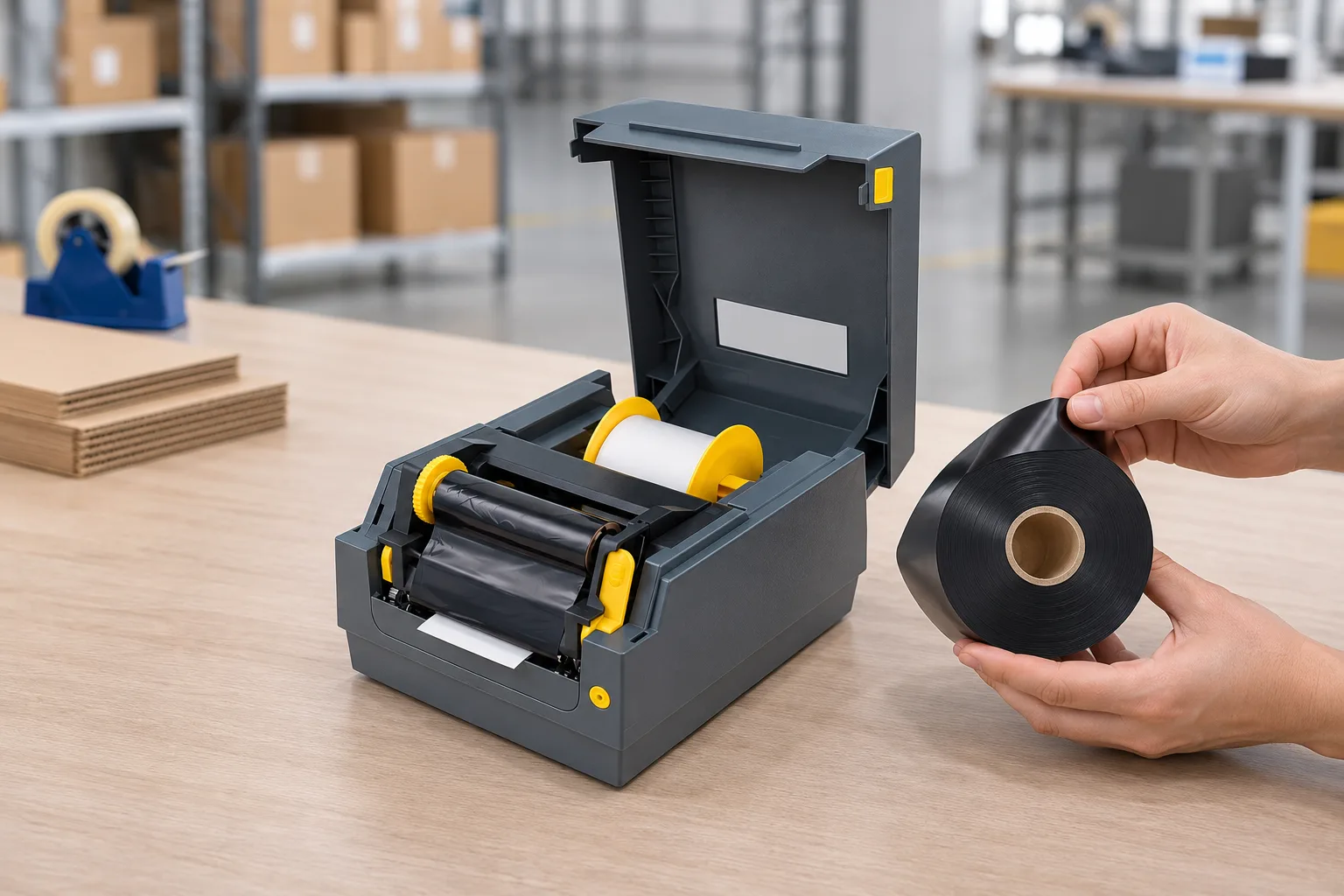
Check printer fit before ordering
Confirm printhead arrangement and compatibility for the exact printer make and model. Ribbon width, roll length, core and ink-in or ink-out winding must match printer requirements. A roll that physically fits may still transfer poorly.
Ask for recommended speed and settings for the selected ribbon and film. Follow printer and supplier guidance, then verify at intended production rate.
Request a sample and set acceptance criteria
- Share printer model, print mode, target speed and film specification.
- Request datasheet, compatibility details, dimensions, winding and test conditions.
- Print on actual film at production speed. Check legibility, barcode scanning, adhesion, rub and scratch resistance.
- Reproduce relevant cold, condensation, heat or chemical exposure. Agree pass criteria before ordering.
- Ask about batch consistency, minimum order, lead time and OEM support if relevant.
Approve against written criteria tied to the finished pack. Repeat trials if film, printer, settings or process changes.
Data and Evidence
The supplied TTO reference identifies flexible packaging and wax, wax-resin and resin coatings. It does not establish universal compatibility. Request the datasheet and documented test conditions; compare results using the same printer, film and speed, recording readability, scan results, adhesion and exposure outcomes.
FAQ
What does wax/resin mean on a TTO specification?
It describes a wax-resin ribbon coating. The name alone does not establish performance on your film; check data and trial it.
Can one wax/resin ribbon run on intermittent and continuous TTO printers?
Do not assume so. Confirm the exact printer and mode, then test at target speed.
Will codes survive freezing or condensation?
It depends on ribbon, film and exposure. Test the finished pack under actual conditions and inspect legibility and adhesion.
How do I choose ribbon width, length and core?
Follow the printer specification and supplier guidance for dimensions and winding.
How should I test before a volume order?
Print on intended film at production speed, scan the barcode, then run relevant exposure checks against agreed criteria.
When should I move to resin?
Consider resin if wax-resin fails required abrasion, chemical, heat or other exposure tests. Validate resin on the same printer and film.
Recommended products for this industry
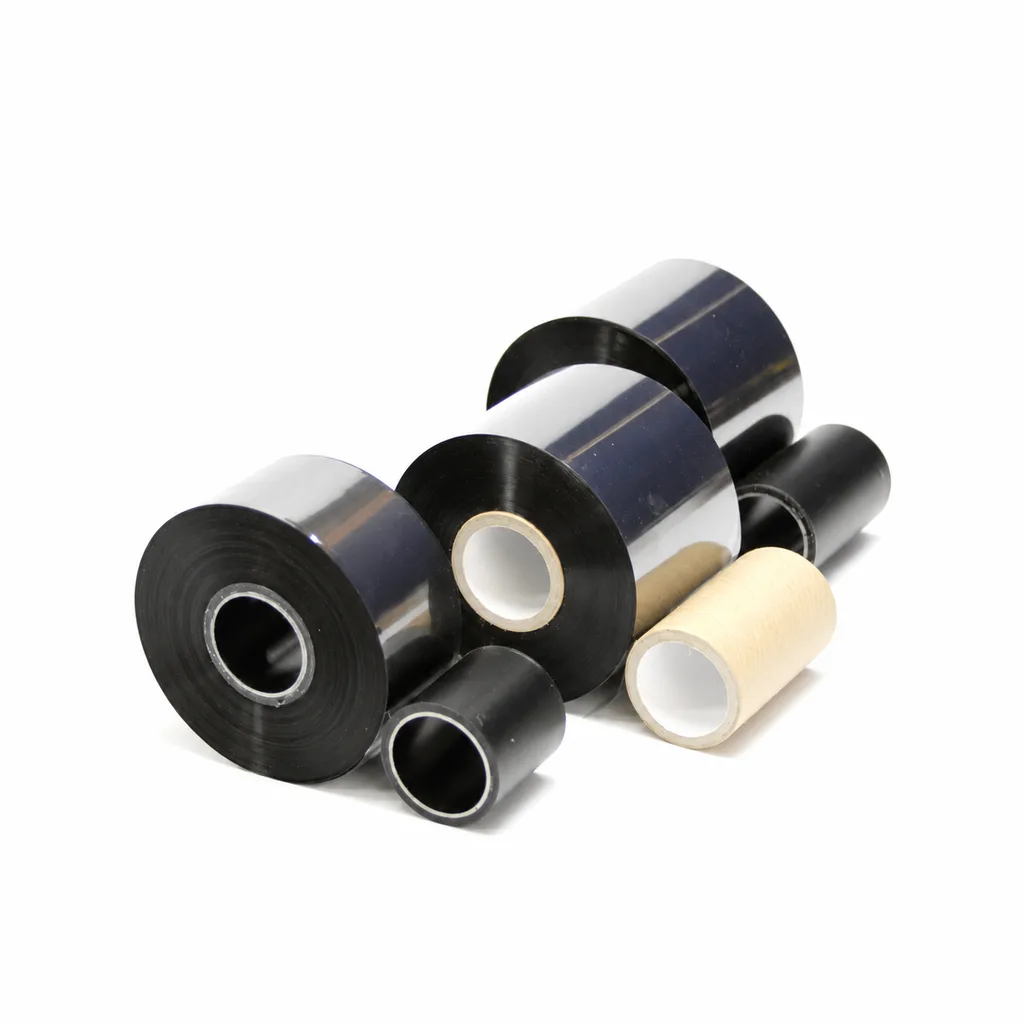
CL-Z215 Wax-Resin Thermal Transfer Ribbon for Packaging and Barcode Printing
CL-Z215 is a black, general-purpose wax-resin thermal transfer ribbon for thermal transfer overprinting (TTO) and near-edge barcode printers. Listed applications include retail labels, prepackaging, food packaging, pharmaceutical packaging, hot packaging and the frozen-food sector. Select it against your actual printer, printing material and required speed, then confirm print quality and image durability on that combination. The stated speed limits and durability results apply only within the documented conditions; they are not universal compatibility or long-term temperature guarantees.
View details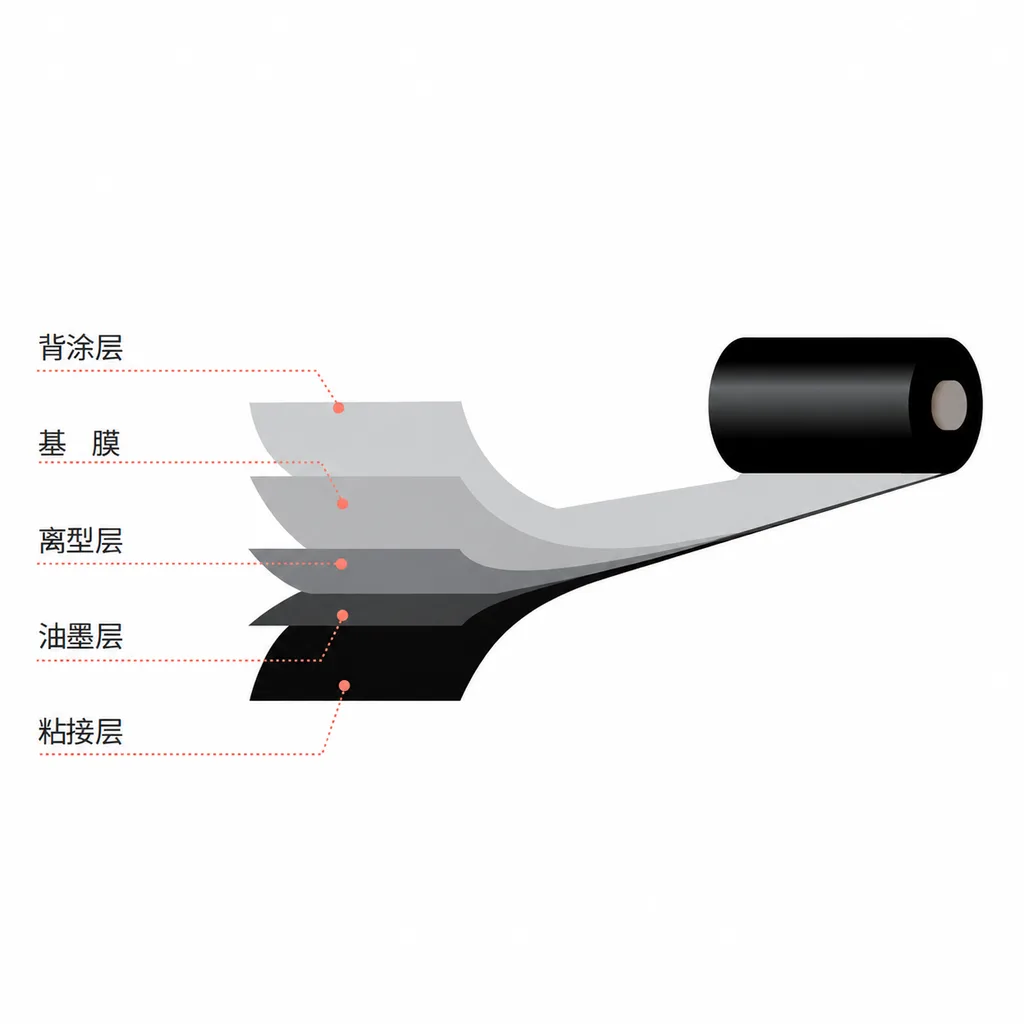
CL-Z312 Resin Thermal Transfer Ribbon for Packaging Printing
CL-Z312 is a black, general-purpose resin ribbon for thermal transfer overprinting (TTO), with packaging and retail label applications listed in the product information. Its abrasion, alcohol and oil resistance data were obtained on polyethylene terephthalate (PET). Select it against your actual packaging material, printer and production speed: print quality and image durability can vary with the printer and substrate, and the material chart percentages are not defined as pass rates.
View details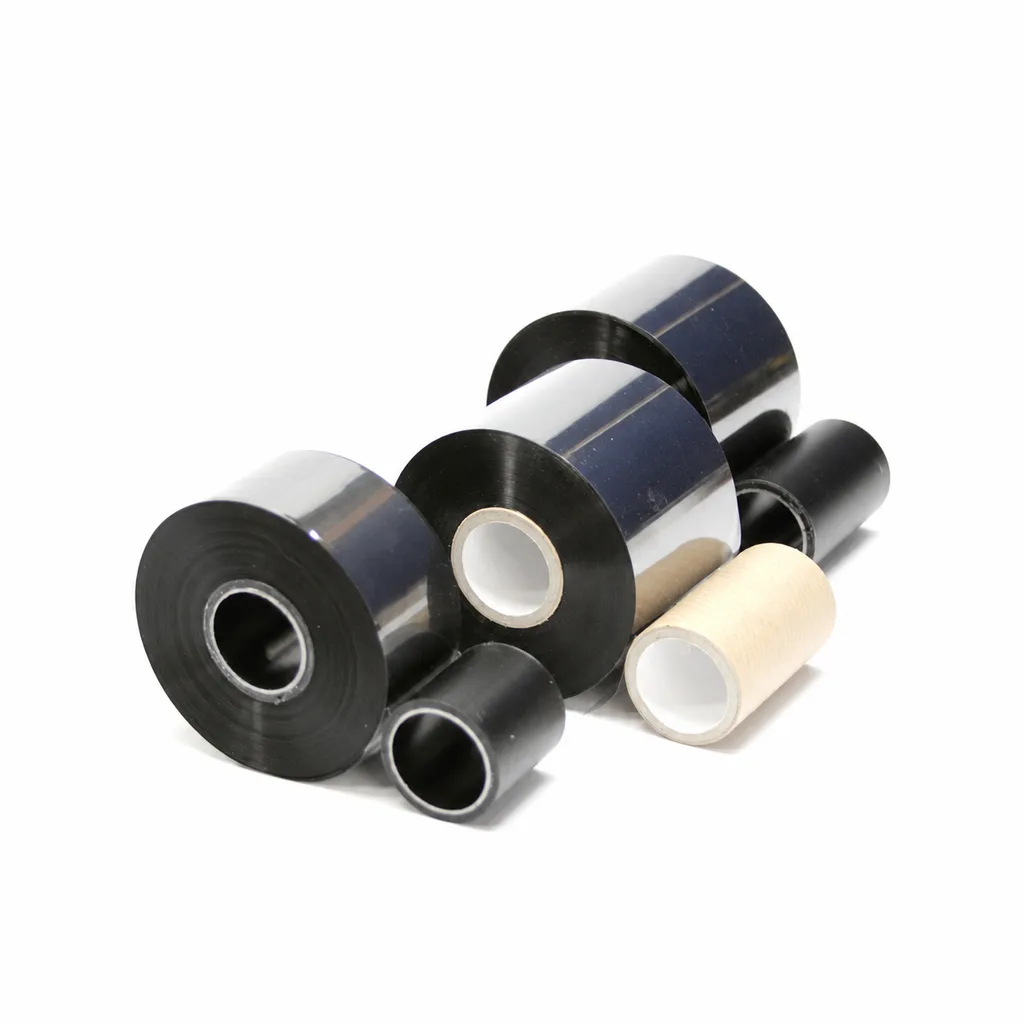
Enhanced Wax-Resin Thermal Transfer Ribbon for Packaging — CL-T074
CL-T074 is a black enhanced wax-resin thermal transfer ribbon for thermal transfer overprinting (TTO) printers. Listed applications include food packaging, pharmaceutical packaging, logistics labels, garment hangtags and retail labels. The recommended printing speed is ≤20 inches per second (IPS). Select against the actual printing material and operating conditions: the published polypropylene (PP) and polyethylene (PE) entries are PP 80%,PE 80%, but their percentage meaning and test method are not specified.
View details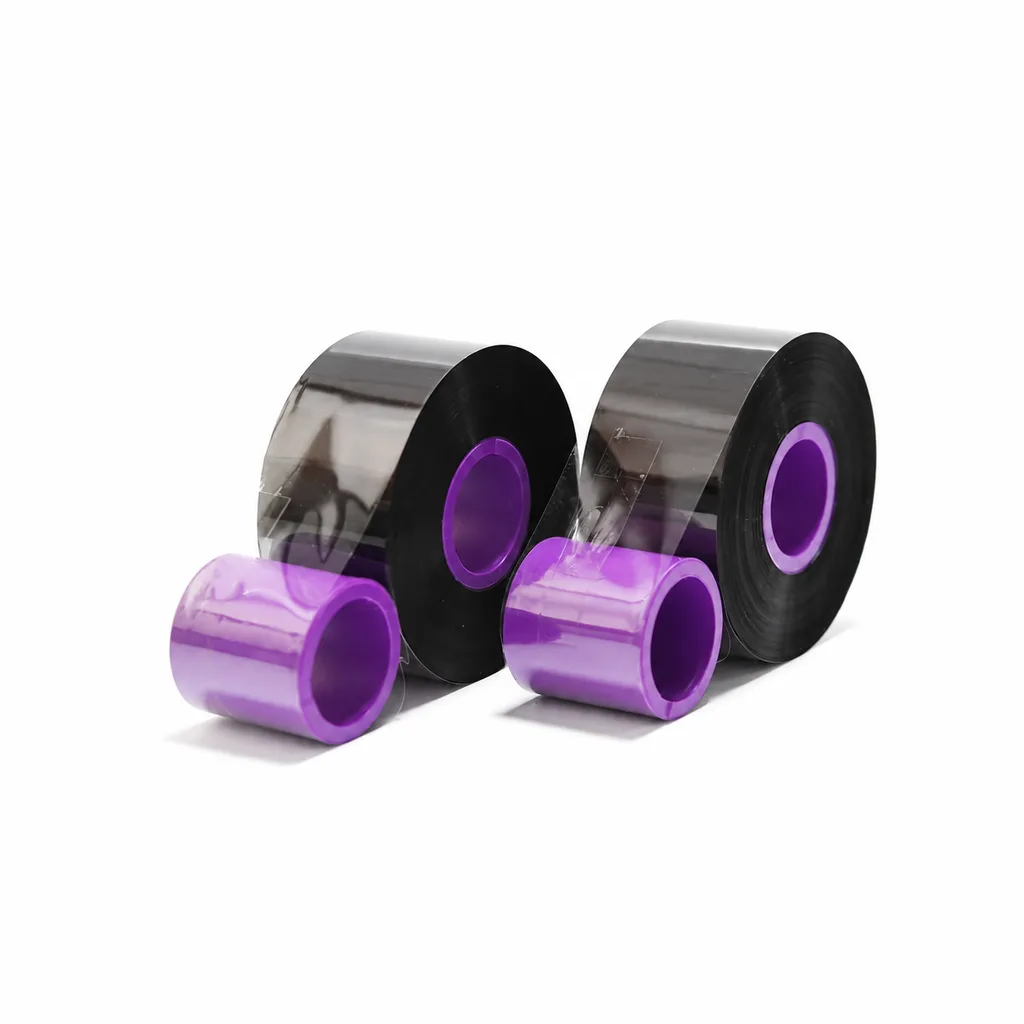
Near-Edge Wax-Resin Thermal Transfer Ribbon for Packaging Printing — CL-T075
CL-T075 is a near-edge wax-resin ribbon for thermal transfer overprinting (TTO) on packaging materials. Its stated high-speed printing capability is 70m/min(46inches/s) on biaxially oriented polypropylene (BOPP) and biaxially oriented polyethylene terephthalate (BOPET). Good resistance to tape adhesion is stated for polyethylene terephthalate (PET) and polyamide (PA). Select against the actual packaging material and distinguish these material-specific claims from the broader recommended-material list.
View detailsNeed the right ribbon for your label application?
Share the label material, printer and operating environment. Our team will recommend a tested combination.
