
Security Hologram Labels: Optical Features, Product Identity and Self-Printing
Request a solution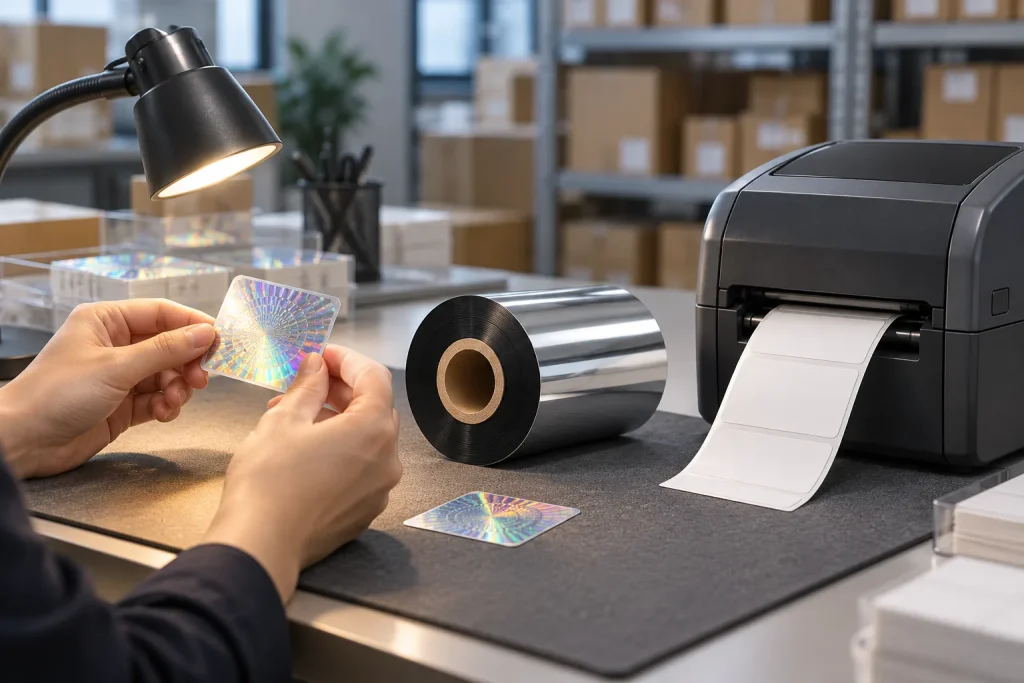
- Original TTR manufacturer since 2013
- Automated coating and slitting
- IQC / IPQC / OQC control
- ANSI barcode grade testing
- -20°C to 120°C environmental testing
- Batch-level traceability
- ANSI barcode grade
- Batch traceability
- RoHS / REACH compliance
- SGS and MSDS documents on request
For B2B buyers and print teams, security hologram labels provide defined optical features for physical inspection. A reflective surface alone does not establish product origin, while a QR opening a webpage differs from an individual identity checked by a verification service. Assess the inspection reference and checking responsibility first, then establish the evidence needed for any proposed in-house printing combination.
Key Takeaways
- A hologram security label supports physical inspection through defined optical features.
- A security application specifies the feature, an authorised reference and the person responsible for checking it.
- A webpage QR and an individual identity checked by a verification service serve different purposes.
- Packaging reuse, valid-code copying and unauthorised supply-chain movement require different controls.
Understand What a Security Hologram Label Actually Checks
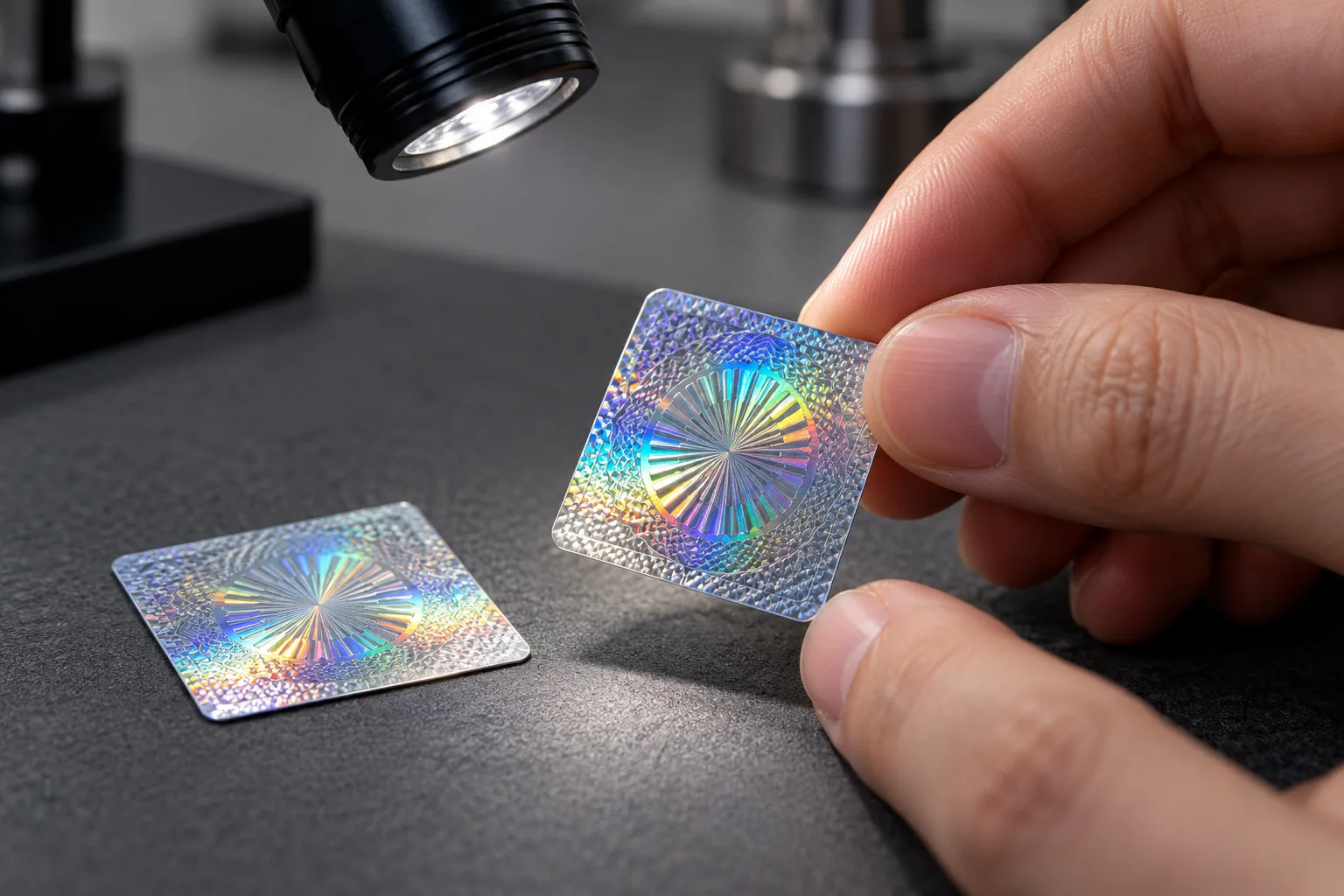
A hologram security label supports physical inspection through defined optical features, with an authorised reference and a designated checker. Identify what someone will inspect and how that observation will inform a decision.
The word hologram describes the optical element in this discussion. The security application adds a checking arrangement: a specified feature, a reference accepted by the responsible organisation and a person who performs the check. A label description that stops at its appearance leaves those questions unanswered.
Ask the team responsible for authentication to describe the expected observation in plain language. Request the authorised reference and identify who will compare the label against it. Agree what that person should do when the observation is uncertain before testing a sample. This turns a general request for a security label into a brief that the buyer and printer can review together.
Keep the conclusion as specific as the check. An observation about an optical feature should be recorded as that observation. A claim about the origin of the product needs an authentication process: a reflective or colour-changing surface does not establish origin by itself. The supplied references titled hologram security label, security application and reflective or colour-changing surface support these distinctions.
Separate Optical Appearance from QR and Serial Identity
A QR that opens a webpage differs from an identity assigned to an individual unit and checked by a verification service. This distinction matters when a label proposal includes both a hologram and a code: seeing both elements does not explain what the code checks.
Holostik describes QR and serial-number options alongside holographic security. That supports treating optical inspection and identity checking as separate questions within a proposed solution. It does not establish the operation or effectiveness of a particular buyer's verification service.
When reviewing a sample, ask what the QR contains and what happens after it is scanned. If it opens a webpage, describe that function accurately. If the proposal promises individual verification, request an explanation of the assigned identity and the service that checks it. Serial numbers identify individual items, but that definition alone does not describe a checking process.
Also name the problem the project is intended to address. Reusing original packaging, copying a valid code and moving goods through unauthorised supply-chain routes require different controls. Do not let a successful visual demonstration stand in for an explanation of those controls. For each relevant scenario, ask the responsible team what evidence it expects and what action follows. This keeps the discussion focused on the buyer's actual concern rather than the number of features shown on a sample.
Define the In-House Printing Task Before Choosing Consumables
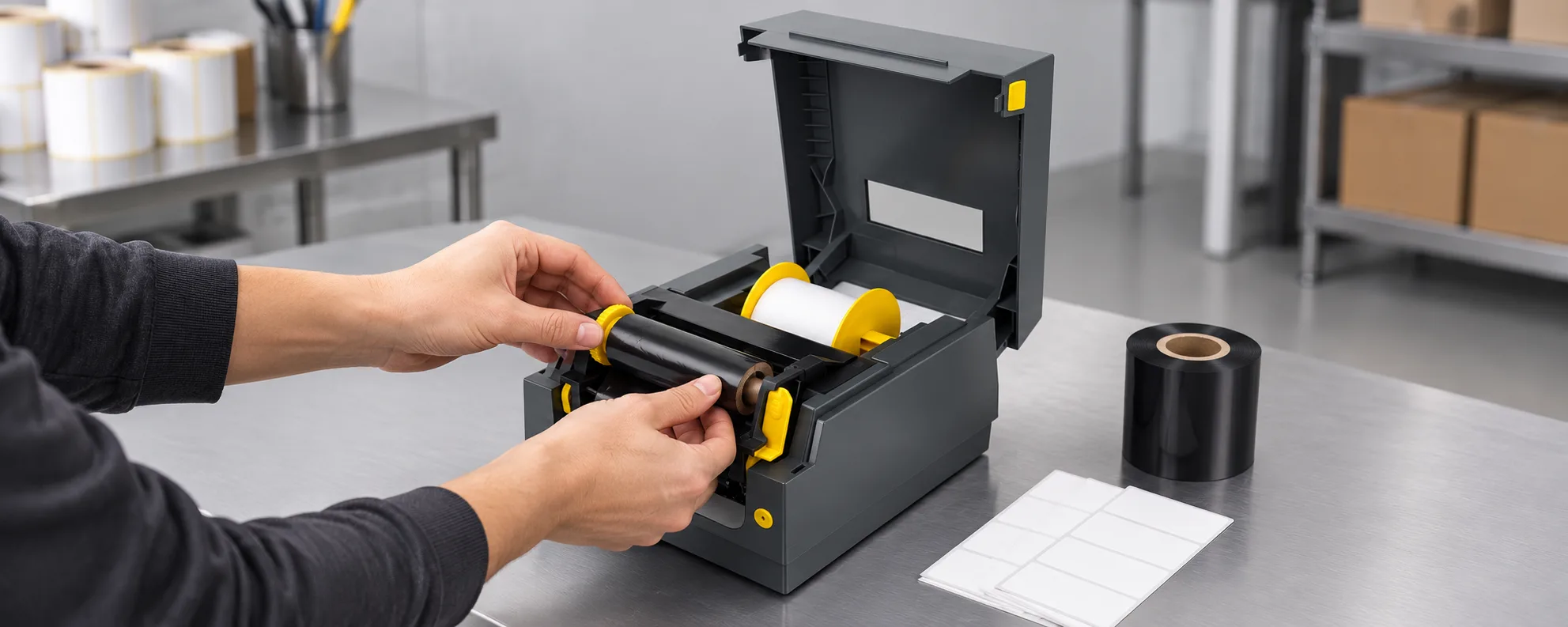
Thermal transfer printing uses heat and pressure at the printhead to transfer information from a ribbon onto a label. This explains the printing operation; it does not establish how an optical security feature is produced or authenticated.
For an in-house project, write down exactly what your printer is expected to add. Is the proposed task to print text or an individual identifier on specified stock? Or does the proposal claim that the printing operation creates the holographic feature itself? Keep those requests separate when discussing label stock, ribbon and equipment.
The supplied ribbons reference mentions ribbons capable of producing hologram-form images and images visible only under ultraviolet light. It gives no named ribbon, printer pairing or operating specification for those effects. Its existence statement therefore does not identify a COLORFULTTR product or establish compatibility with your printer and proposed label.
Use a short evidence brief before selecting a consumable:
- State the information or optical effect the printing operation must produce.
- Identify the exact proposed printer, ribbon and label stock for the trial.
- Record the optical reference and the person responsible for the security check.
- Agree the visible evidence and the user's response before testing the sample.
If a supplier changes, use the same brief to ask for evidence about the replacement combination. Where the proposal lacks a named product or trial evidence, leave that compatibility question open rather than assigning a generic ribbon setting.
Data and Evidence
The available evidence establishes distinctions between optical inspection, identity checking and printing, but supplies no validated hologram-specific printer-and-ribbon combination. The table separates the supported concepts from the questions to resolve in a proposed self-printing project.
| Element | Supported scope | Evidence to request for your project |
|---|---|---|
| Optical feature | Supports physical inspection through a defined feature. | The authorised reference and designated checker. |
| QR opening a webpage | Differs from individual identity checked by a verification service. | A description of the scan destination and any identity check. |
| Serial number | Identifies a specific individual item. | An explanation of how the proposed process checks that identity. |
| Special-effect ribbon | The ribbons reference mentions hologram-form and ultraviolet-visible images. | A named ribbon, exact equipment pairing and sample evidence. |
Reference titles for the table are hologram security label, security application, A QR that opens a webpage, Serial numbers and ribbons. The thermal transfer process explanation comes from COLORFULTTR's production and quality reference. These references establish the stated functions; they do not provide a universal print setting or a security acceptance threshold.
The next step is to complete the evidence brief for your intended printing task and agree the sample-check response. If the expected optical observation or identity-checking process remains undefined, resolve that specific question before treating a printing trial as proof of authentication.
Frequently Asked Questions
Does a colour-changing hologram label prove the product's origin?
A reflective or colour-changing surface does not establish origin by itself. Define the optical feature, authorised reference and person responsible for the check.
Does a QR on a hologram label mean each unit is verified?
A QR opening a webpage differs from an identity assigned to an individual unit and checked by a verification service. Ask which function the proposed QR performs.
Can I select a hologram-printing ribbon from a general ribbon description?
The supplied ribbon description mentions special optical effects but gives no named product or equipment pairing. Request evidence for the exact ribbon, printer and stock before choosing that combination.
Related Products & Guides
Recommended products for this industry
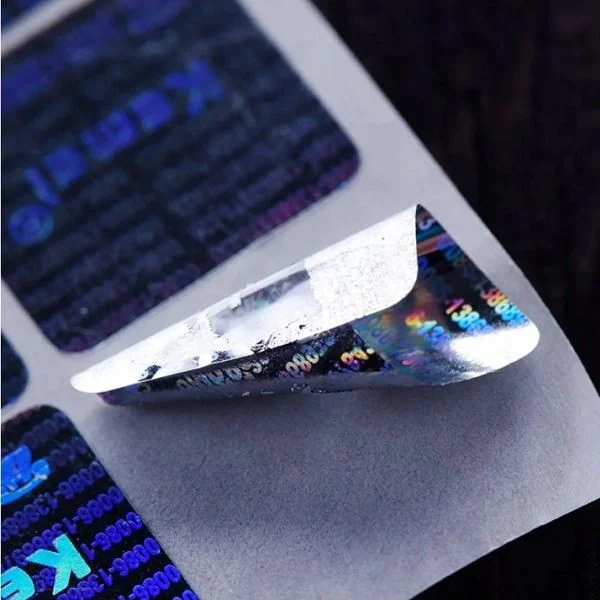
Hologram Security Label
Reflective holographic security label with visual authentication for brand protection and…
View details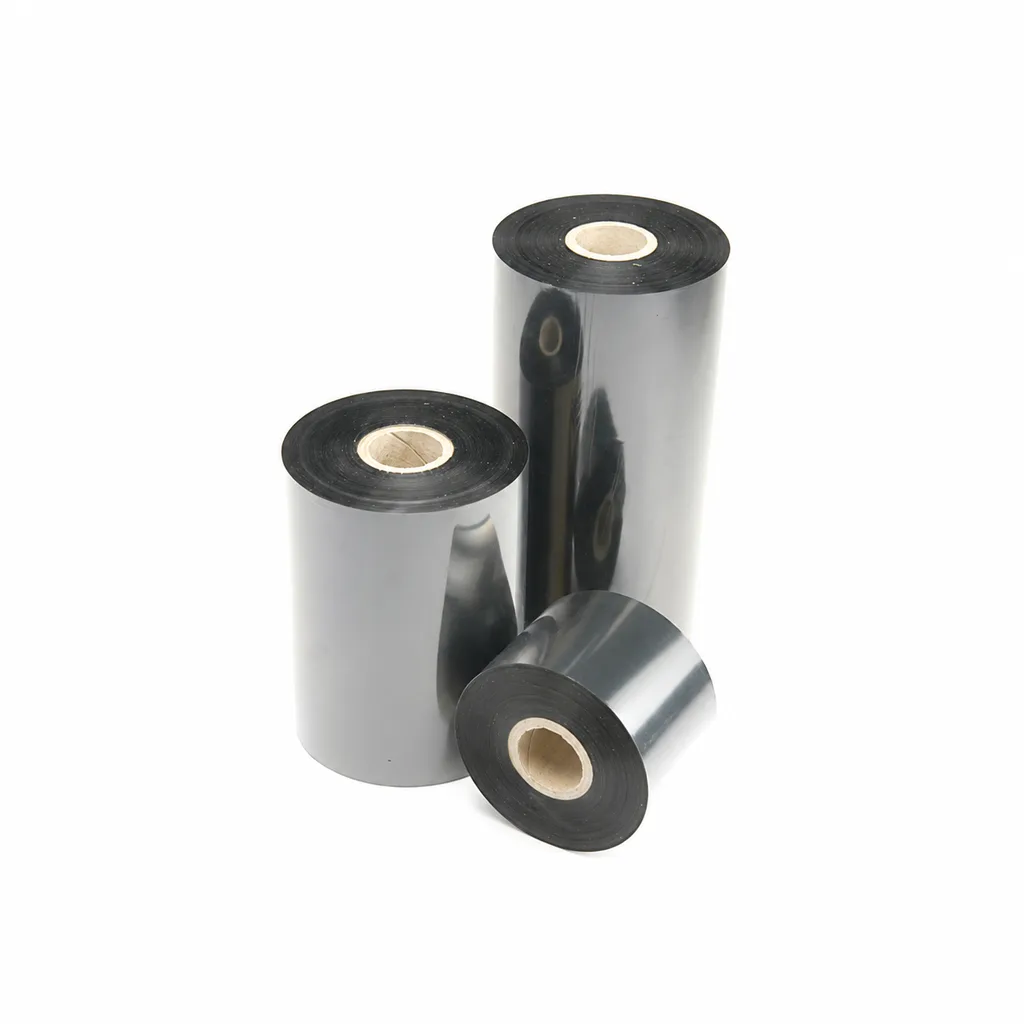
CL-Z213 Near-Edge Wax-Resin Thermal Transfer Ribbon for Barcode Labels
An enhanced black near-edge wax-resin thermal transfer ribbon for near-edge barcode printers and low- to medium-speed thermal transfer overprinting (TTO). Listed applications include retail labels, warehousing, garment tags and packaging identification. Match the printer, actual print medium and operating speed before selection: print quality and image durability can vary with the printer and substrate.
View details
Coated paper self-adhesive material
Featuring high-quality coated paper as its base, with stable adhesive properties and…
View details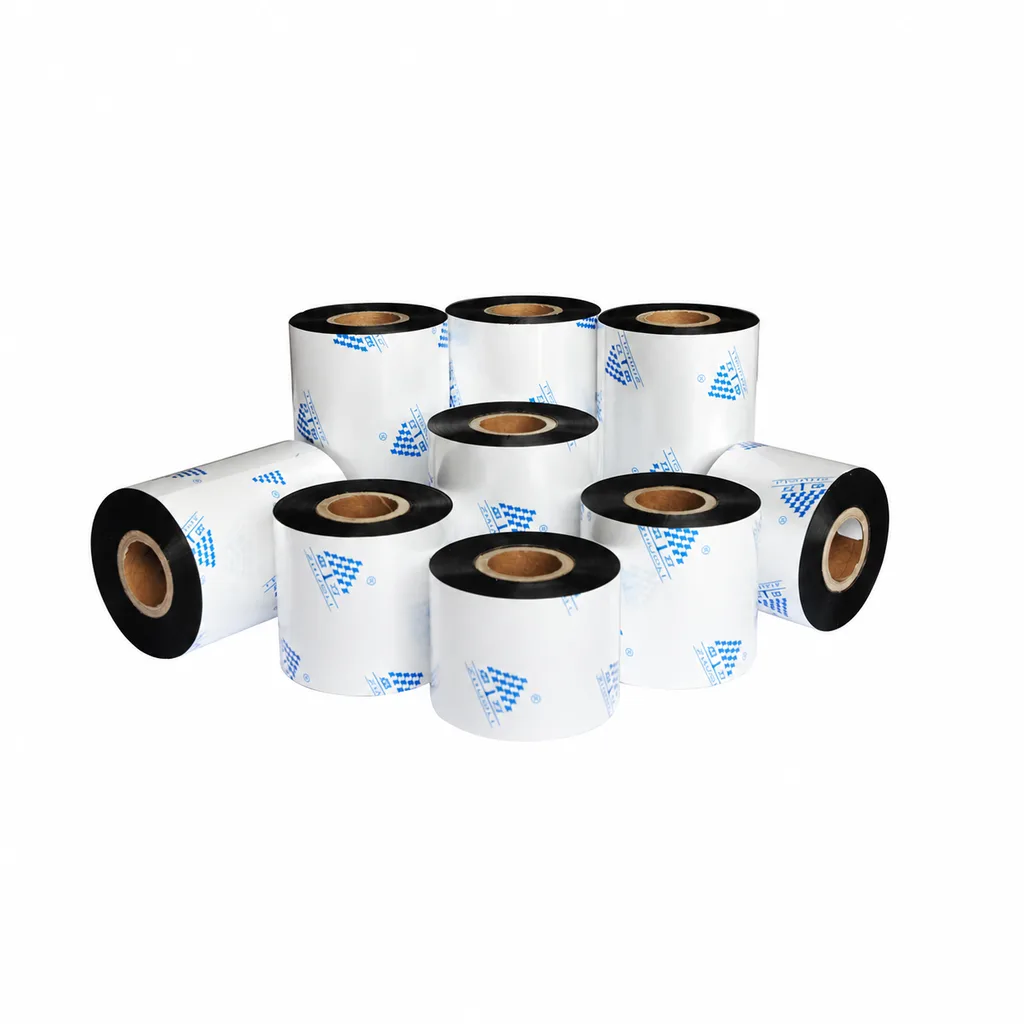
Near-Edge Wax-Resin Thermal Transfer Ribbon CL-Z212 for Barcode Labels
CL-Z212 is a general-purpose black wax-resin thermal transfer ribbon primarily for near-edge barcode printers, with use also described for low- to medium-speed thermal transfer overprinting (TTO). Listed applications include retail labels, garment tags, warehouse identification and packaging printing. Select according to printer type, actual printing speed and substrate: recommended conditions list near-edge printing at ≤10 inches per second (ips) and TTO at ≤20 ips. Print quality and image durability can vary with the printer and printing material, so trial printing on the intended substrate is necessary for selection.
View detailsNeed the right ribbon for your label application?
Share the label material, printer and operating environment. Our team will recommend a tested combination.
