How to Choose an Ink Ribbon Printer: Matching Printer Type, Ribbon, and Label
Request a solution
- Original TTR manufacturer since 2013
- Automated coating and slitting
- IQC / IPQC / OQC control
- ANSI barcode grade testing
- -20°C to 120°C environmental testing
- Batch-level traceability
- ANSI barcode grade
- Batch traceability
- RoHS / REACH compliance
- SGS and MSDS documents on request
Choose an ink ribbon printer by fixing three matches in order: the printhead type to where you print — flat-head or stand-alone near-edge for labels applied later, and thermal transfer overprint (TTO), which can use near-edge printheads, for coding flexible packaging on the line — the ribbon chemistry to your label material, and the ribbon width, core size, roll length, and ink-side winding to the printer itself. This guide is written for B2B buyers who print their own labels and package codes. It compares wax, wax-resin, and resin ribbons, lists the specifications to confirm before ordering, and ends with a trial-roll check you can run on your own labels and line before committing to volume.
Key Takeaways
- Distinguish printhead design from application: flat-head and stand-alone near-edge printers produce labels you apply later; near-edge printheads are also used in in-line TTO machines that code flexible packaging.
- Match ribbon chemistry to the label: wax for dry paper labels, wax-resin for very smooth or coated paper, synthetics, and glossy materials, pure resin for chemical, heat, or outdoor exposure on synthetic labels.
- Confirm width, core size, roll length, and winding direction before ordering: Coated Side In ribbons are recorded for Datamax and Sato printers, Coated Side Out ribbons for Zebra, Intermec and Printronix printers.
- Rule out wax-only ribbons for TTO applications, and expect smudging if you run wax on glossy plastic, because the ink cannot properly adhere to the surface.
Match the Printer Type to Your Printing Job
This guide covers thermal transfer ribbon printers within the broader ink ribbon printer search term. In these printers, the printhead heats resistive dots against the back of a ribbon, and the released ink transfers onto the label underneath. Machines differ mainly in printhead design, and that design decides where you can print, how fast, and which ribbons will run in the machine.
Flat-head printers are desktop or industrial stand-alone printers whose prints are produced first and applied to the final product afterwards. They generally print somewhat slower and can produce the most durable prints, because the label and ribbon have a longer exposure time to the heated printhead. If you print product, logistics, or shipping labels in batches and apply them later, compare machines in this group.
Near-edge printers appear both in industrial stand-alone printers and in in-line thermal transfer overprinters. A Thermal Transfer Overprinter (TTO) prints onto flexible packaging by melting a coating of ribbon so that it stays glued to the material once applied, in sync with the packaging line. TTO printers are commonly used in the food, beverage, pharmaceuticals and cosmetics industries, carrying barcodes and variable information such as best-by dates and serial numbers onto flexible packaging material such as PP, PET, aluminium, paper and Tyvek.
Decide first where the print lands: labels applied away from the line call for comparing flat-head and stand-alone near-edge machines, while date or batch coding directly onto film on the line calls for a TTO machine. Flat-head and near-edge describe printhead designs; TTO describes the packaging-printing application. Printhead design and application both influence the choice of ribbon: the very high speeds of TTO printers place high demands on the release speed of the ink on the ribbons, requiring specific quick-release layers in the formulation, so your printer choice narrows the ribbon shortlist from the start.
Choose Ribbon Chemistry for Your Label Material and Durability Needs
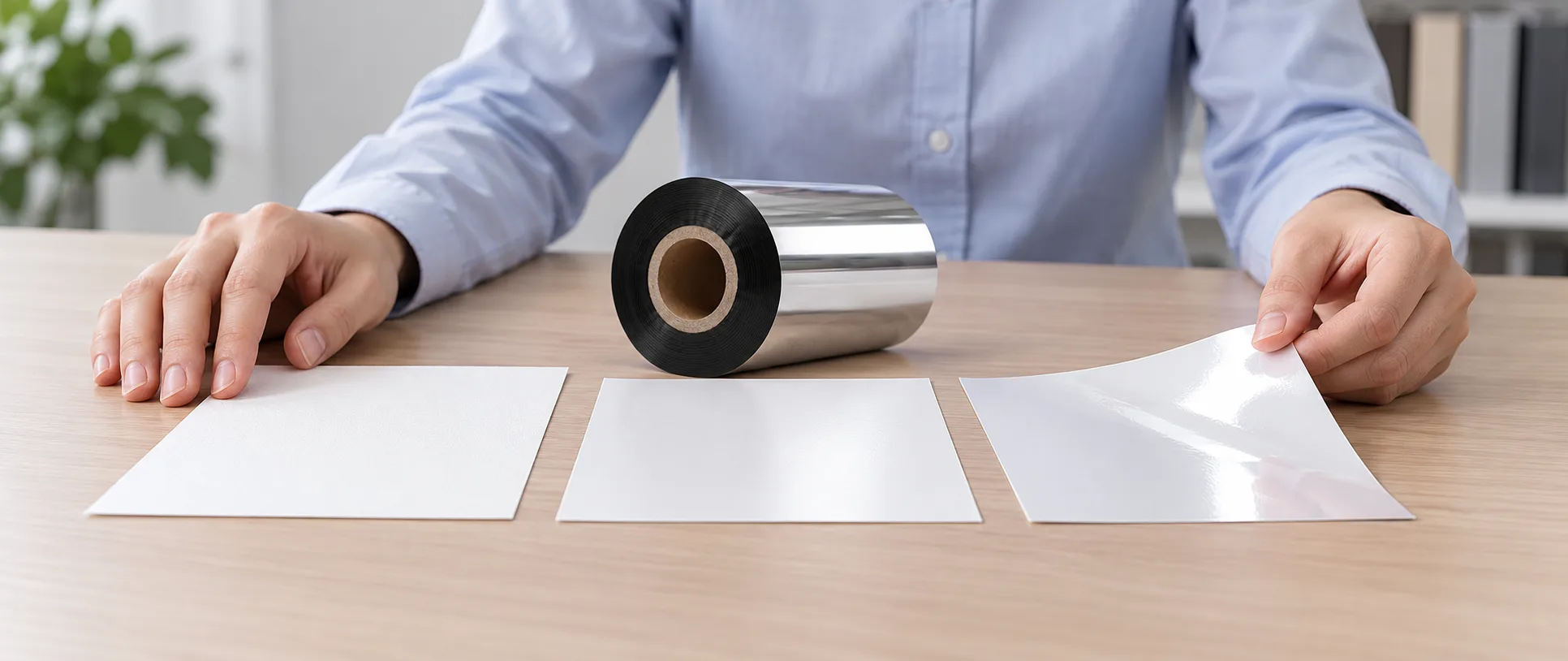
The thermal transfer printers discussed here run on three main ribbon chemistries — wax, wax-resin, and pure resin — and the chemistry must match both the label material and the environment the printed image will face.
Wax ribbons are the cost-effective option for standard indoor labeling on paper. They print onto paper labels, where the life of the label can be years, but the image must be kept dry and must not be abraded or subjected to certain chemicals or oil. Wax also brings a low printing temperature and the ability to print labels at high speeds — up to 254 mm/s. The limit is adhesion: wax works best with paper-based materials and struggles to adhere properly to synthetic substrates like polyester or polypropylene, and a wax ribbon on a glossy plastic substrate will almost certainly smudge because the ink cannot properly adhere to the surface.
Wax-resin ribbons are made from a blend of both wax and resin inks. They produce a finer image on very smooth paper or coated paper labels, and the blended ink allows printing on a wide variety of substrates, including synthetics or glossy paper. Labels printed with them are more durable and smudge resistant than labels printed with a full wax ribbon, though the image can only stand slight contact with water. For most buyers this is the compromise chemistry: moderate durability with versatile substrate compatibility at a mid-range price point.
Pure resin ribbons deliver maximum longevity but at premium prices. They create prints that withstand exposure to harsh chemicals, solvents, oils, and cleaning agents without smudging or fading, which suits regulatory-compliance and long-term-readability applications on synthetic labels. Resin needs more heat and dwell time for proper transfer, so wax generally allows faster printing where speed matters.
Rule out two mismatches early: ribbons with a wax only ink layer are not suitable for TTO applications, and smudging — blurry, unclear, or easily smeared prints — means the ink transferred improperly to the substrate, with a chemistry-to-material mismatch being one possible cause.
Confirm Width, Core Size, Roll Length, and Ink Side Before Ordering
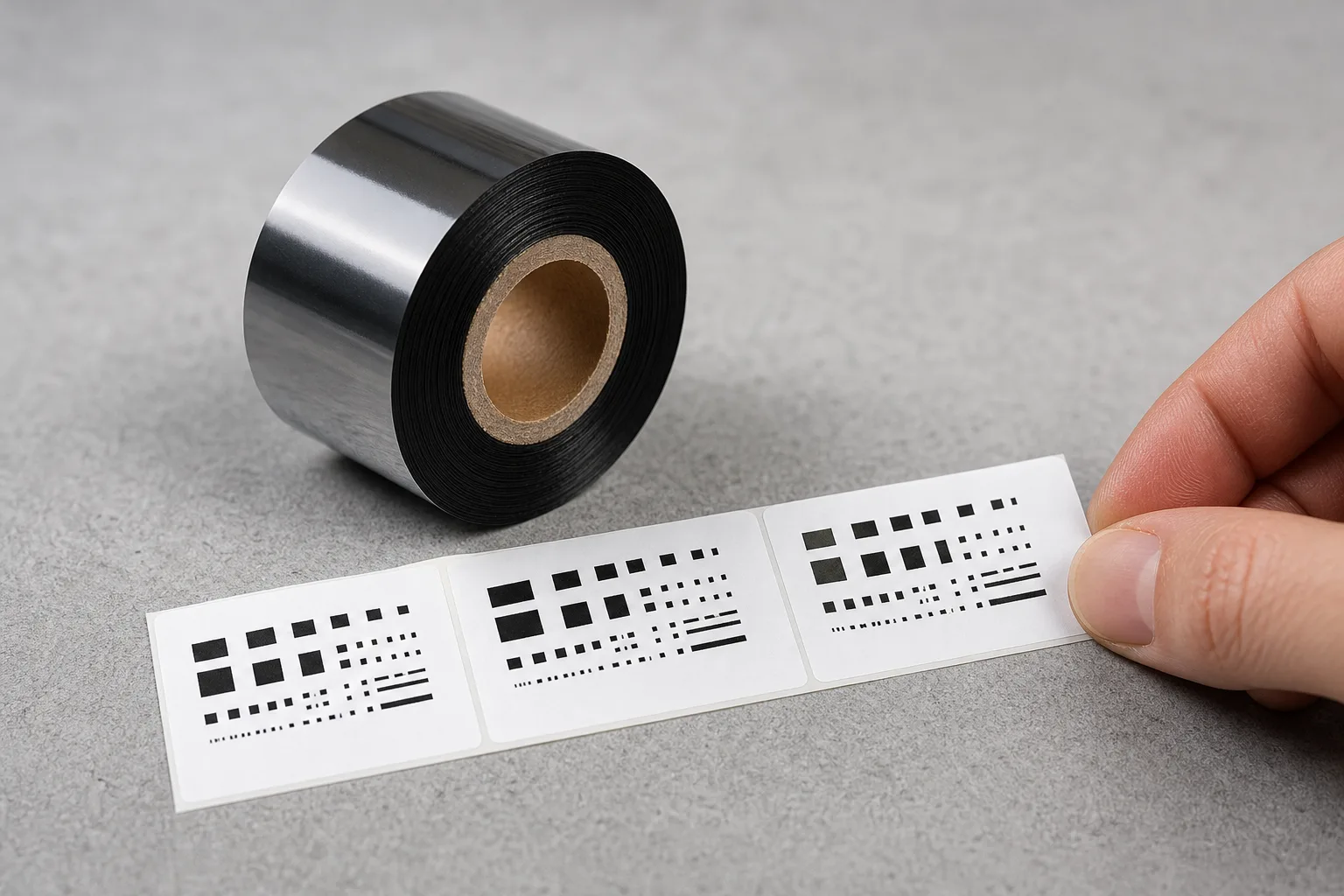
Every ink ribbon printer accepts ribbons only within a defined width, core size, roll length, and winding direction. Confirm all of these before you place an order: choosing the right ribbon starts with matching ink formulation, width, core size, and roll length to your printer and label material, and a knowledgeable supplier makes that process far easier.
Winding direction matters as much as chemistry. Coated Side In (CSI) means the ribbon is wound inward around the core, with the ink facing inward, and CSI ribbons are recorded as compatible with Datamax and Sato printers. Coated Side Out (CSO) means the ribbon is wound outward around the core, with the ink facing outward, and CSO ribbons are recorded as compatible with Zebra, Intermec and Printronix printers.
Printhead type adds one more filter. Near edge ribbons must contain a release layer which allows the ink to quickly transfer to the substrate, and in-line TTO printing is done at high speeds of 20 IPS, which needs ribbons that release the ink at high speeds and enable long production runs without unnecessary changeovers. When the printer is already on your floor, the choice of ribbon follows from the selected substrate and the application requirements.
- Write down the printer model, the printhead type, the maximum ribbon width, the core size, and the ink-side direction the printer requires.
- Write down the label material and every condition the print must survive: moisture, abrasion, chemicals, oils, heat, outdoor exposure.
- Get a trial roll of the shortlisted chemistry and print your own labels at production speed.
- Inspect the prints: blurry, unclear, or easily smeared prints point to improper ink transfer, while excessive print head pressure can cause too much ribbon ink to be deposited on the substrate. Check pressure as a possible cause without ruling out other transfer problems. Validate the trial prints against the moisture, abrasion, chemical, oil, heat, or outdoor conditions required for your actual application, using your agreed acceptance requirements. If the prints do not meet those requirements, pause bulk purchasing, recheck the material and printer-compatible specifications, and contact the supplier before another trial.
Data and Evidence
The table below consolidates the recorded behavior of the three ribbon chemistries across materials, durability, cost, and speed. The notes after it state the conditions attached to each figure so you can verify the choice on your own line.
| Ribbon chemistry | Best-fit materials | Durability and limits | Cost and speed notes |
|---|---|---|---|
| Wax | Paper labels and paper-based materials | Must stay dry; no abrasion, certain chemicals, or oil; struggles on polyester and polypropylene | Cost-effective; low printing temperature; speeds up to 254 mm/s |
| Wax-resin | Very smooth or coated paper; synthetics and glossy paper | More durable and smudge resistant than full wax; slight contact with water only | Mid-range price; moderate durability with versatile substrate compatibility |
| Pure resin | Synthetic labels facing chemical, heat, or outdoor exposure | Withstands harsh chemicals, solvents, oils, and cleaning agents; maximum longevity | Premium price; needs more heat and dwell time than wax |
Conditions behind the numbers: the 254 mm/s figure is recorded for wax ribbons printing labels at high speeds thanks to a low printing temperature, and the 20 IPS figure applies to in-line TTO printing, not to desktop label printers. Construction matters beyond the ink itself — a thermal transfer ribbon has additional layers that influence printing quality and durability, and the ribbon ink has to be of appropriate quality to ensure the required durability of the printed image for the particular application. Your verification path: match the order specifications against the printer manual, run the trial roll on your production labels, and check both print appearance and resistance to the conditions your application requires before ordering a full case. If either check fails, pause bulk purchasing, recheck the material and compatible ribbon specifications, and contact the supplier to revise the shortlist and repeat the trial.
Frequently Asked Questions
Which ribbon should I use in an ink ribbon printer coding food packaging on the line?
For in-line TTO work, rule out wax-only first: ribbons with a wax only ink layer are not suitable for TTO applications. In-line printing is done at high speeds of 20 IPS, so the ribbon must release the ink at those speeds, and TTO wax-resin ribbons are most often used by manufacturers of food and hygiene products. Confirm the exact grade against your film or pouch material with your ribbon supplier.
Can I run a wax ribbon on glossy plastic or synthetic labels?
Using a wax ribbon on glossy plastic carries a high smudging risk because the ink cannot properly adhere to that surface. Wax also struggles to adhere properly to synthetic substrates like polyester or polypropylene; validate it on the actual material rather than treating every synthetic label as prohibited. Consider a compatible wax-resin grade for synthetics or glossy paper, or a pure resin grade when chemical, heat, or outdoor resistance is required, and verify the trial prints against your application requirements.
What do Coated Side In and Coated Side Out mean when I order a ribbon?
Coated Side In (CSI) means the ribbon is wound inward around the core, with the ink facing inward, and is recorded as compatible with Datamax and Sato printers. Coated Side Out (CSO) means the ribbon is wound outward around the core, with the ink facing outward, and is recorded as compatible with Zebra, Intermec and Printronix printers. Check the ribbon path in your printer manual before ordering.
How can I test a ribbon before buying a full case?
Narrow the choice by matching ink formulation, width, core size, and roll length to your printer and label material, then get a trial roll and print your own labels at production speed. Inspect the result: blurry, unclear, or easily smeared prints indicate improper ink transfer, while excessive print head pressure can cause too much ribbon ink to be deposited on the substrate. Also validate resistance to the moisture, abrasion, chemicals, oils, heat, or outdoor conditions your application requires, using your agreed acceptance requirements. If appearance or resistance is unacceptable, pause bulk purchasing, recheck the material and compatible ribbon specifications, and contact the supplier before repeating the trial.
Recommended products for this industry
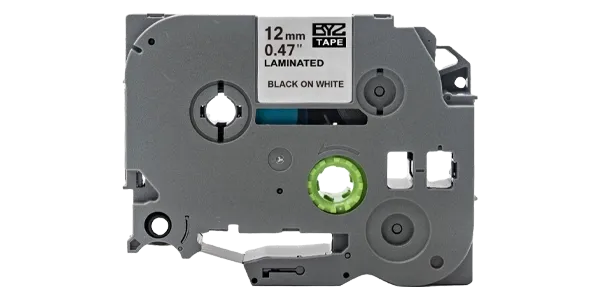
Brother Compatible Label Ribbons (TZe Series)
This Brother-compatible label ribbon (TZe series) is manufactured using high-quality…
View details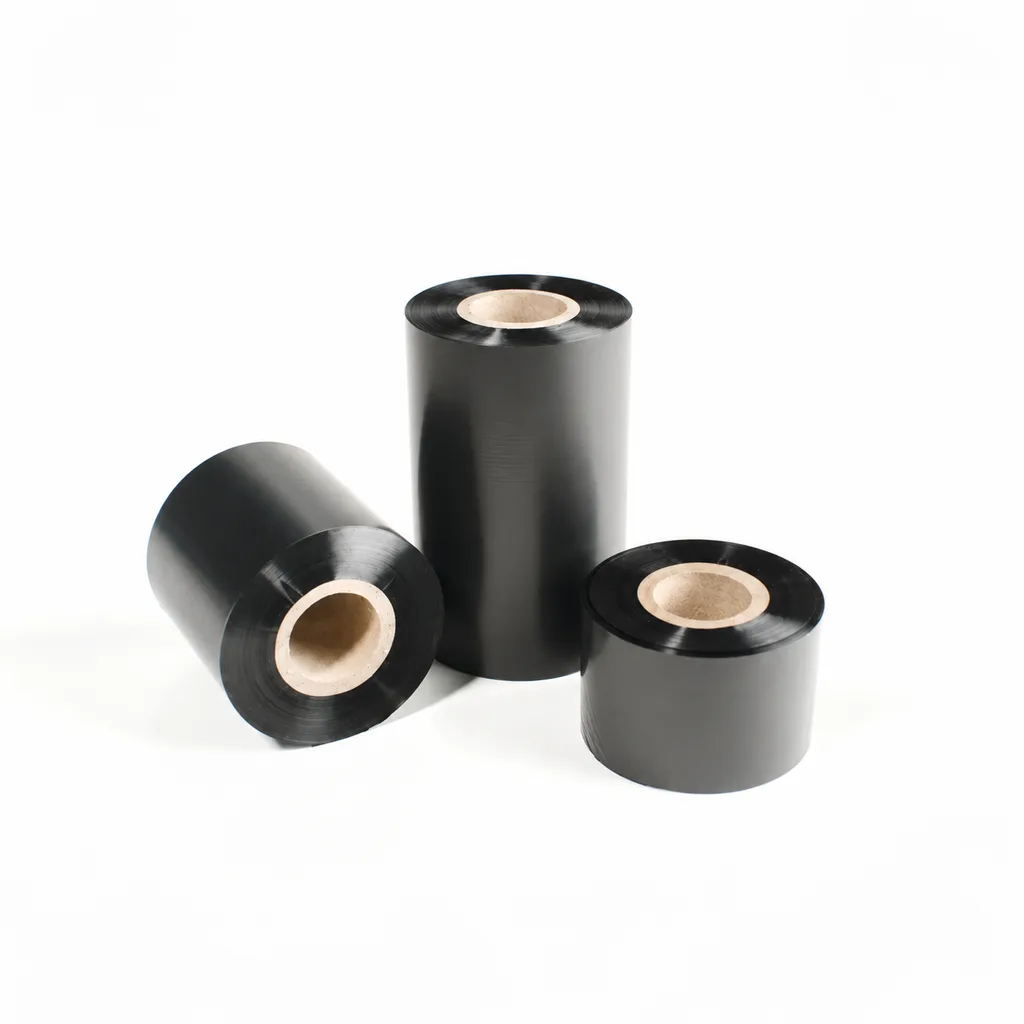
CL-Z364 Thermal Transfer Ribbon for Wash-Care Labels
An economical black thermal transfer ribbon for wash-care label printing on flat-head desktop or industrial barcode printers at ≤4 ips (inches per second). The documented materials include satin ribbon, nylon-coated ribbon and thermoplastic polyurethane (TPU). Select it against your actual label material, printer and washing process: print quality and image durability can vary with the printer and printing substrate.
View details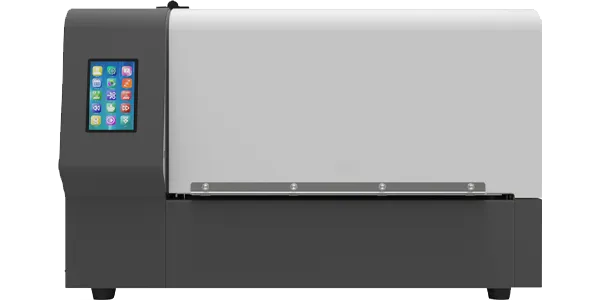
AL10-D Dual-Colour Label Printer
It can enhance industry productivity, optimise supply chain management, reduce…
View details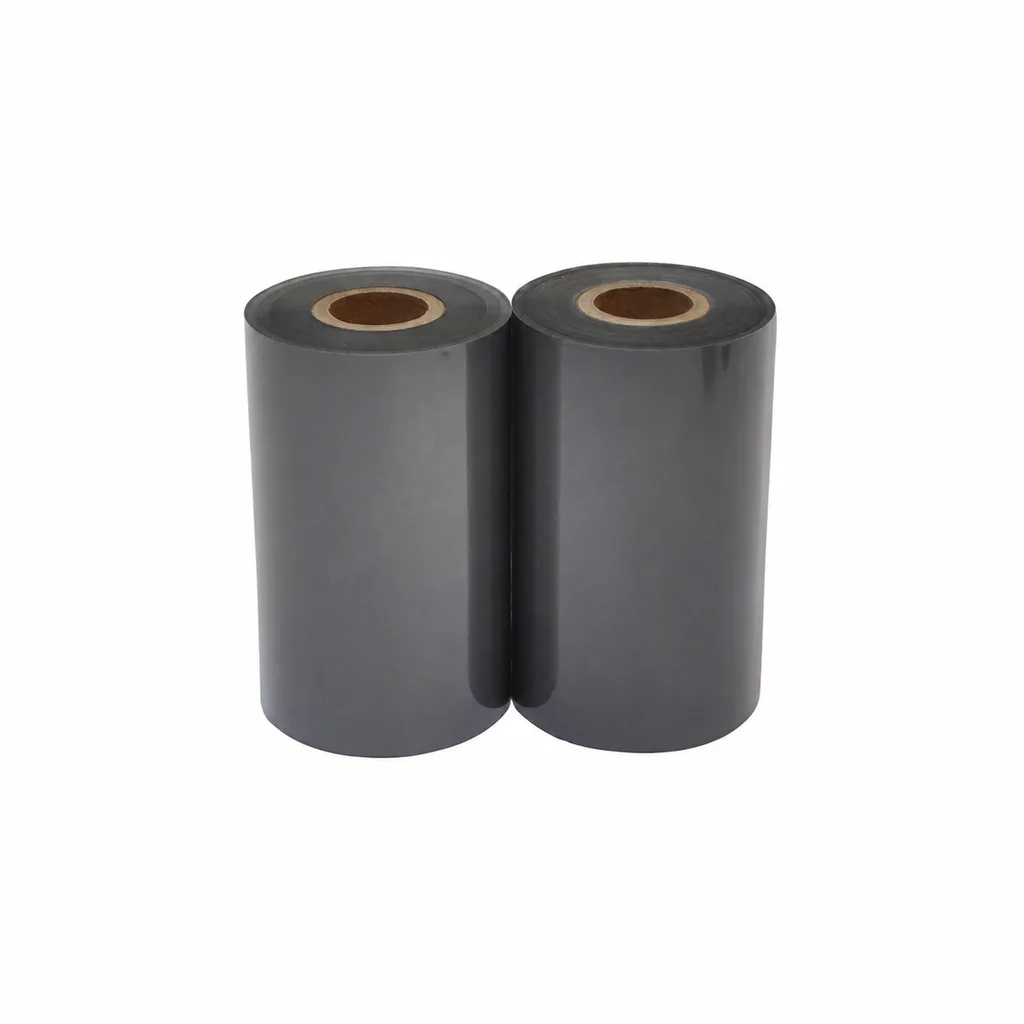
Black Resin Thermal Transfer Ribbon for Label Printing - CL-Z373
CL-Z373 is a black resin thermal transfer ribbon for label printing with desktop or industrial flat-head barcode printers at speeds of ≤6 ips (inches per second). Listed applications include electronics processing, tire identification, automotive manufacturing, pharmaceutical packaging, cosmetic labels and outdoor identification. Selection depends on the actual label material, printer and exposure conditions. Fine-line, small-character and resistance results were obtained on coated paper; print quality and image durability may vary with the printer and print substrate.
View detailsNeed the right ribbon for your label application?
Share the label material, printer and operating environment. Our team will recommend a tested combination.
