
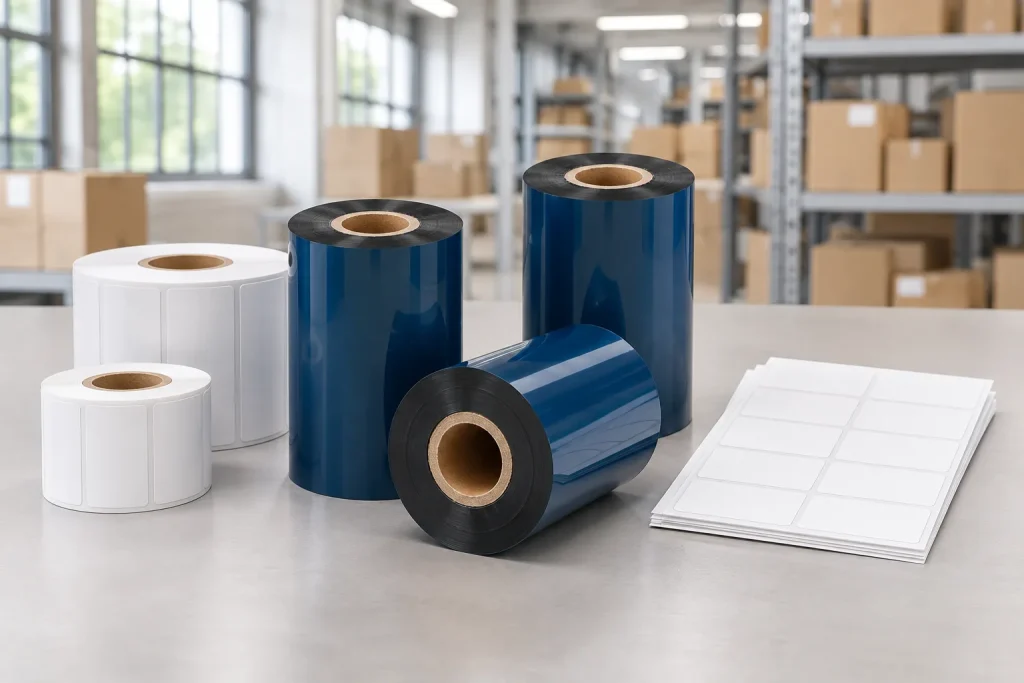
- Original TTR manufacturer since 2013
- Automated coating and slitting
- IQC / IPQC / OQC control
- ANSI barcode grade testing
- -20°C to 120°C environmental testing
- Batch-level traceability
- ANSI barcode grade
- Batch traceability
- RoHS / REACH compliance
- SGS and MSDS documents on request
For a Zebra thermal transfer ribbon, first confirm that your printer and labels use thermal transfer. Match the ribbon formulation to the label surface and required durability, then verify the roll dimensions and ink orientation against the exact printer. A trial with your own labels and scanner is the practical final check before a volume order.
Key Takeaways
- Direct thermal media does not require a ribbon, while thermal transfer media does.
- Wax is a starting choice for coated paper, while resin is an option for synthetic labels exposed to tougher conditions.
- The ZT231 specifies outside-coated ribbon and a 25 mm core.
- Zebra recommends ribbon at least as wide as the media to protect the printhead from wear.
- Confirm a ribbon and label combination by printing and scanning samples under the intended conditions.
Confirm the Print Method and Label Requirements
A Zebra printer using thermal transfer media needs a ribbon; direct thermal media prints without one. Check the exact printer model, its installed options and the label stock before comparing ribbons. A printer name alone does not tell a supplier which media you intend to use or whether the installed configuration accepts the roll you have in mind.
Direct thermal media has a heat-sensitive surface; thermal transfer uses heat to move ink from a ribbon onto the label. If the labels are intended for a short-lived task, direct thermal may be a useful option when the printer and media support it. For labels that must remain readable through handling, heat or chemical exposure, consider thermal transfer and select the ribbon and label together for those conditions.
Write down what the label must do before requesting a quotation: its surface material, how long it needs to remain legible, where it will be used and what it will contact. A warehouse location label and a temporary picking label can require different choices even when they are printed on the same machine. Ask the label supplier for the exact facestock and coating rather than describing it only as white or glossy.
Finally, decide how the printed result will be assessed. A clear-looking barcode is useful, but scanning it with the equipment used in the operation is a separate check. Keep an example of the approved label and the conditions used to produce it so that a later purchase can be compared against the same requirements.
Choose a Ribbon Formulation for the Label Surface
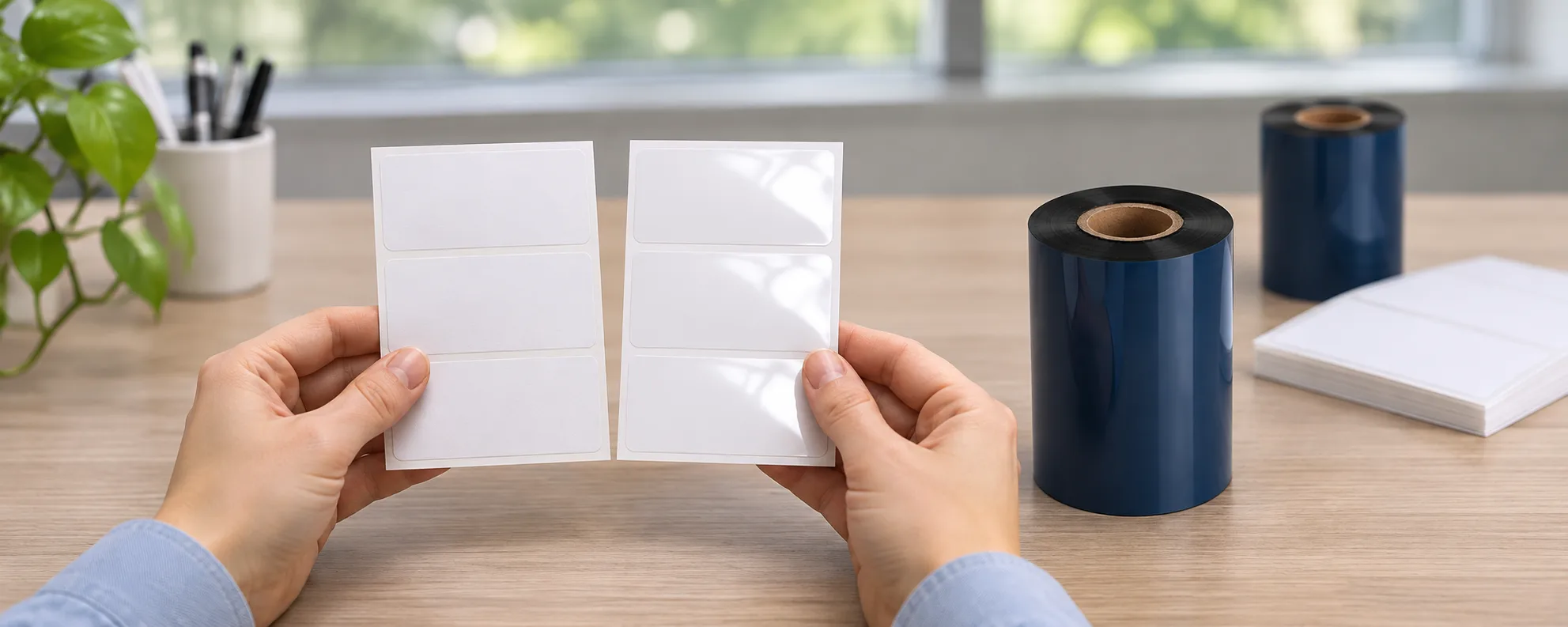
Wax, wax-resin and resin ribbons are different starting points for matching a thermal transfer label to its intended use. The choice is a combination of the label surface and the wear or exposure the printed image must withstand; a formulation name alone does not establish that a particular roll is suitable.
For coated paper used in dry, everyday conditions, start by evaluating wax. It is a practical candidate when the printed information does not face the same exposure as an industrial identification label. Check that the paper is intended for thermal transfer and test the actual combination rather than substituting a different paper after approval.
For coated paper or polypropylene that needs more resistance to rubbing and moisture, evaluate wax-resin. For polypropylene or polyester exposed to solvents or heat, resin is a starting point. These are selection directions, not a promise that every ribbon in a category will perform identically on every coating or in every environment.
When comparing candidates, use the same label stock and design. Ask the supplier which ribbon is intended for that surface and what conditions its recommendation covers. If the label stock changes, repeat the trial: a result obtained on one material does not establish the result on another. Choose the candidate that meets the actual reading and durability requirement, not simply the one with the most demanding-sounding formulation.
Check the Roll Against Your Zebra Model
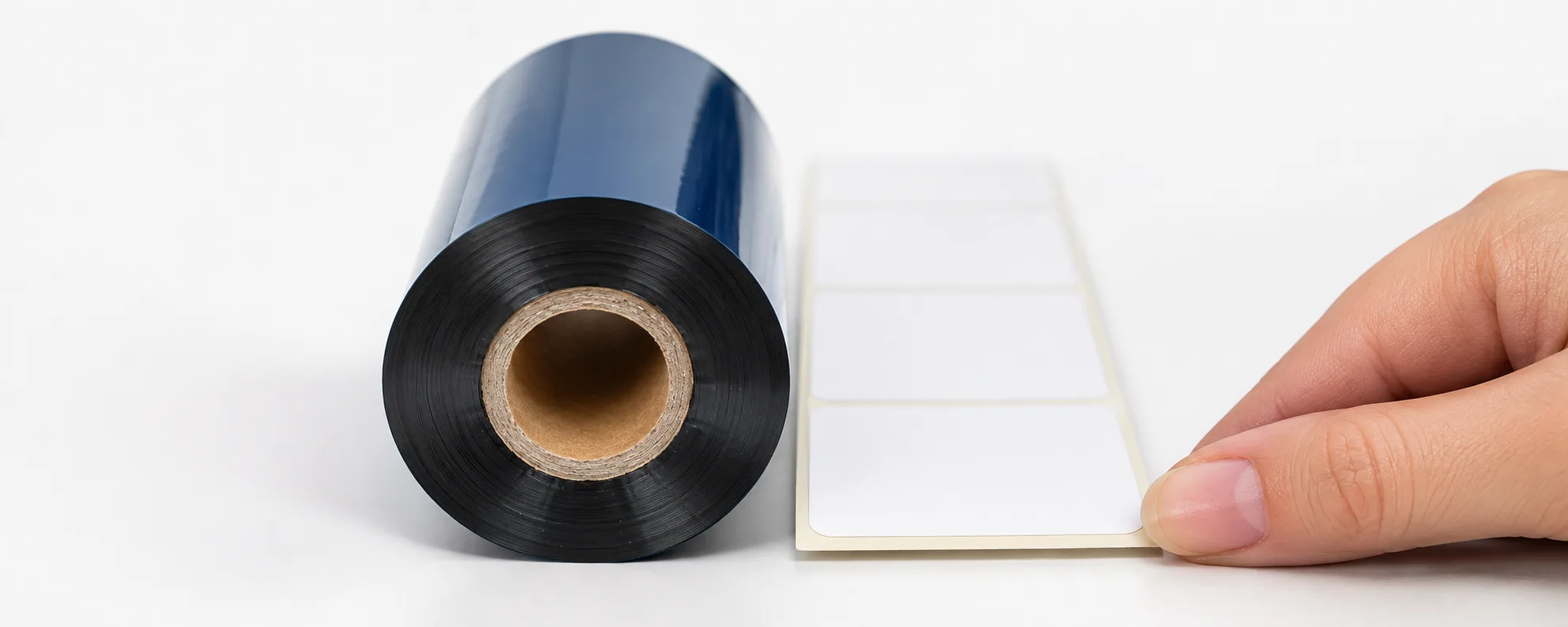
The ribbon must fit the specific Zebra printer and its installed hardware as well as the label. Before ordering, compare width, core, roll length and outside diameter with the printer documentation. Also confirm whether the ink coating faces out or in, and whether the printer uses a roll or a particular cartridge format.
For example, the Zebra ZT231 ribbon specification lists a 25 mm core, a maximum ribbon length of 450 m and a maximum roll size of 81.3 mm. Its thermal transfer option requires ribbon coated on the outside. Those values are an example for that model, not a universal Zebra specification; check the manual for the exact model and configuration you own.
Coated side out means the inked surface faces the outside of the roll. Do not assume the same orientation applies to every configuration: Zebra lists an optional spindle for inside-coated ribbon on the ZT411 and ZT421. Ask the supplier to confirm the coating orientation and core format in writing, and compare them with the installed spindle before opening a bulk shipment.
Measure the complete media width, including its backing where relevant, and check it against the printer instructions. Zebra recommends a ribbon at least as wide as the media to protect the printhead from wear. The roll must also remain within the printer's stated width limits. When considering a compatible non-Zebra ribbon, provide the model, installed option, media details and required roll dimensions; a compatible listing does not by itself establish performance on your particular label.
Data and Evidence
Zebra's published specifications provide model-specific limits, while the ribbon and label combination needs a separate practical trial. Use the following checks to compare a proposed roll with the actual job.
| Decision | Evidence or starting point | What to verify |
|---|---|---|
| Print method | Direct thermal uses no ribbon; thermal transfer uses a ribbon. | Printer option, print mode and label type |
| Label surface | Coated paper: wax; polypropylene or polyester with solvent or heat exposure: resin. | Specific coating and intended exposure |
| ZT231 roll | Outside-coated; 25 mm core; maximum length 450 m. | Exact model and installed thermal transfer option |
| Ribbon width | Zebra recommends ribbon at least as wide as the media. | Media width and printer width limits |
Request a sample in the intended roll format and print the actual label design on the intended media. Check text, edges and barcodes, then scan with the equipment used in the operation. Expose samples to the handling and conditions relevant to the job and check them again; agree the acceptance criteria with the receiving or operating team before a bulk order.
If the sample does not meet the requirement, first verify the roll orientation, width and media identification against the printer and supplier instructions. Check that the intended print mode is selected and record the printer settings used. Then discuss the specific result with the ribbon and label suppliers before changing one variable and repeating the trial. Keep the approved ribbon and label details with the order so that both sides can identify the tested combination.
Frequently Asked Questions
Does a Zebra direct thermal printer need a ribbon?
No. Direct thermal media is printed without a ribbon; check your model and print mode before ordering.
Does every Zebra printer use outside-wound ribbon?
Check the exact model and installed spindle. The ZT231 requires outside-coated ribbon, while an optional inside-coated ribbon spindle is available for the ZT411 and ZT421.
Can a compatible ribbon be approved without a trial?
A compatibility description is a starting point, not proof for your label and conditions. Print and scan samples on the actual printer and retest after the expected exposure.
Recommended products for this industry
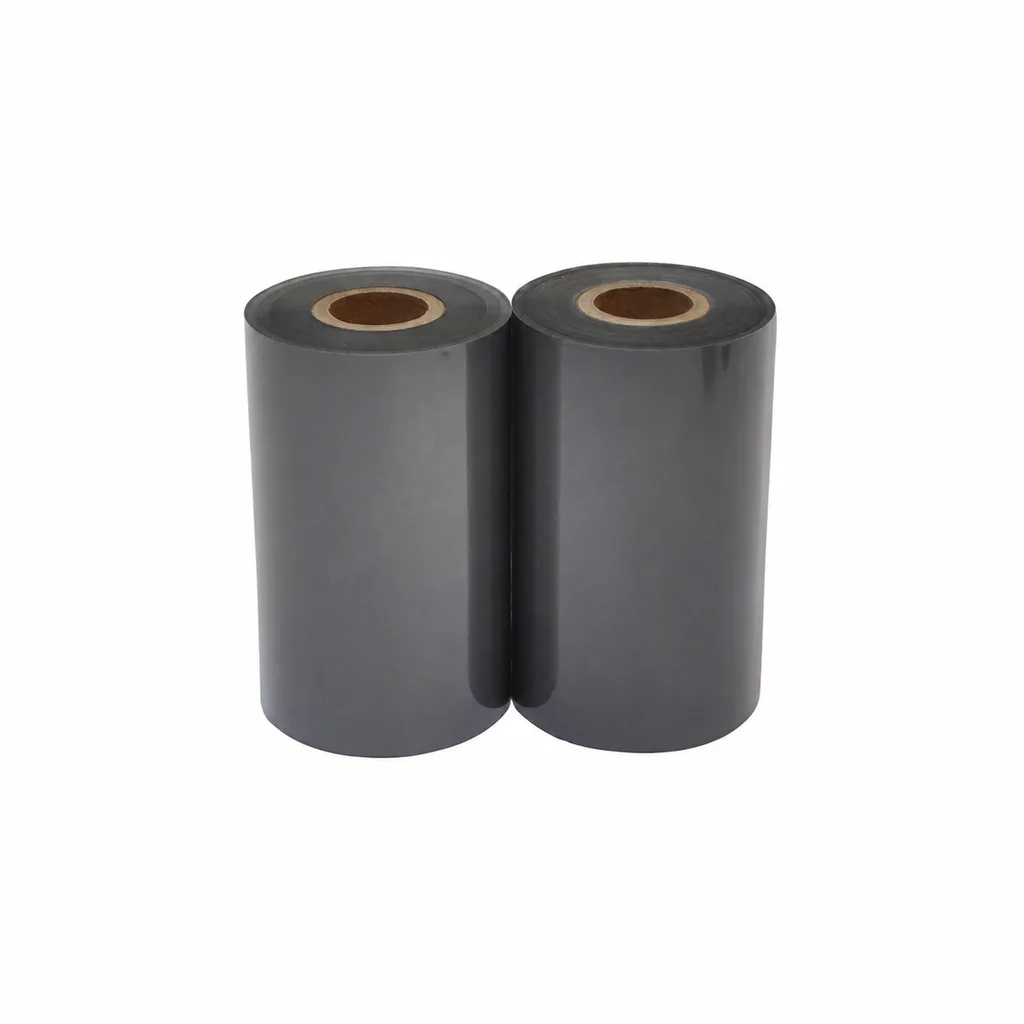
Black Resin Thermal Transfer Ribbon for Label Printing - CL-Z373
CL-Z373 is a black resin thermal transfer ribbon for label printing with desktop or industrial flat-head barcode printers at speeds of ≤6 ips (inches per second). Listed applications include electronics processing, tire identification, automotive manufacturing, pharmaceutical packaging, cosmetic labels and outdoor identification. Selection depends on the actual label material, printer and exposure conditions. Fine-line, small-character and resistance results were obtained on coated paper; print quality and image durability may vary with the printer and print substrate.
View details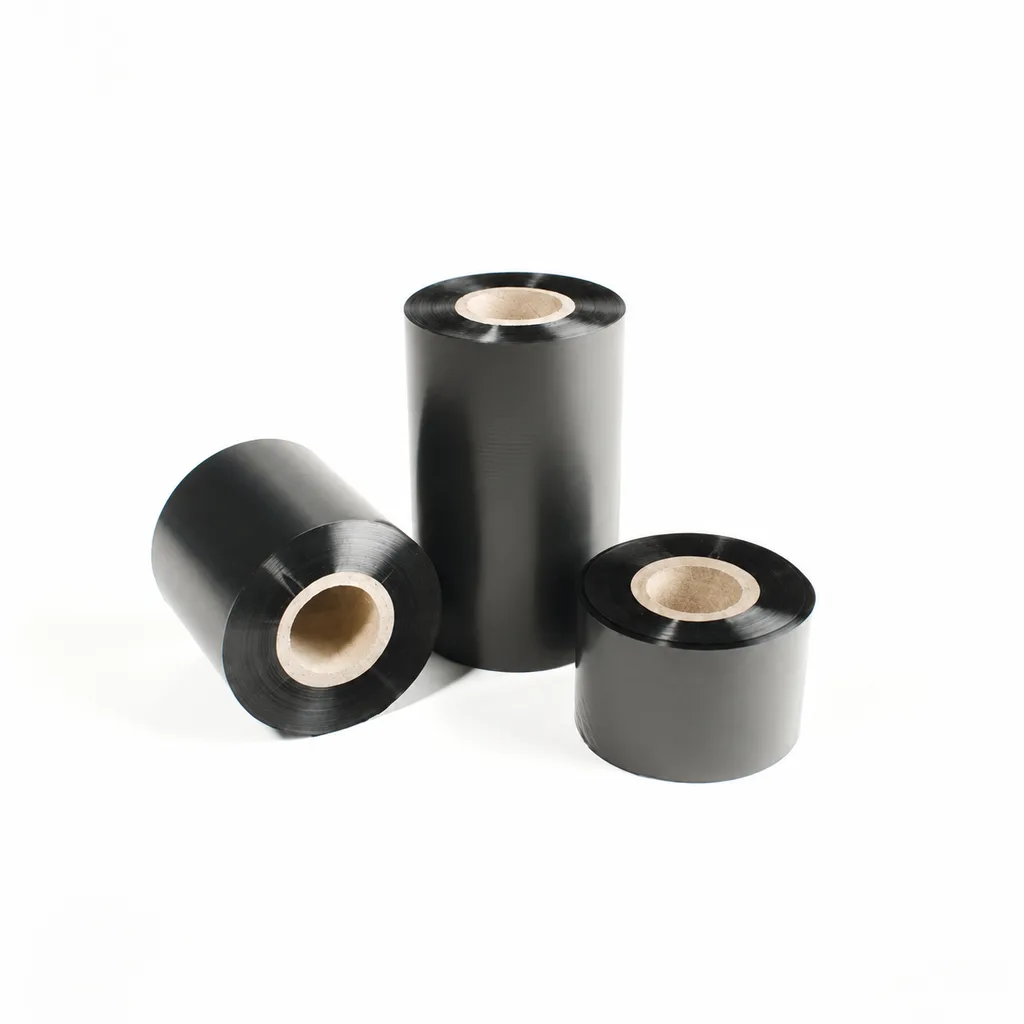
CL-Z112 Enhanced Wax Thermal Transfer Ribbon for Paper Labels and Tags
An enhanced wax thermal transfer ribbon with black ink for paper labels and tags used in retail, warehousing and logistics. It is specified for flat-head printing on desktop or industrial barcode printers at ≤8 inches per second (ips). Select it by checking the actual label material, printer configuration and handling conditions: image-quality, rub-resistance and cold-chamber results were obtained on coated paper, and print quality and image durability may vary with the printer and print medium.
View details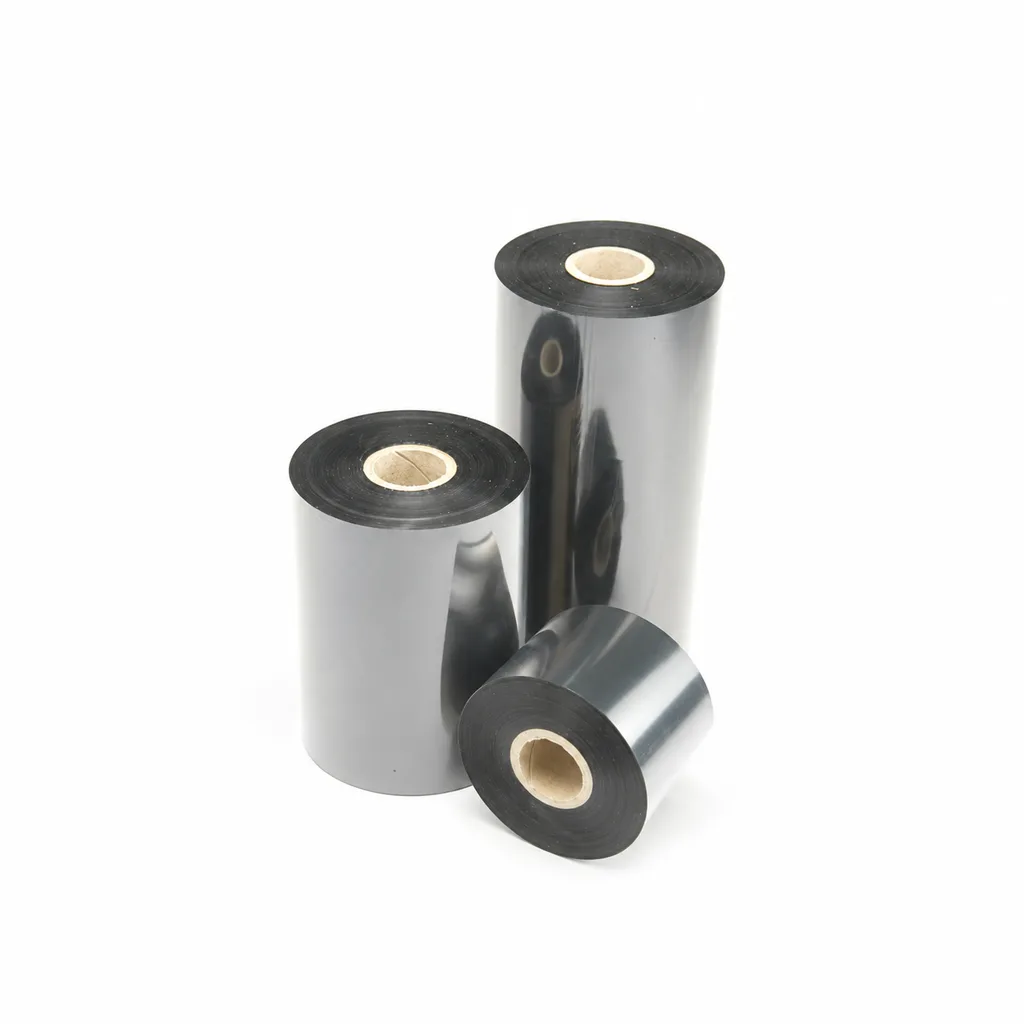
CL-Z203 Wax-Resin Thermal Transfer Ribbon for Barcode Labels
A black wax-resin thermal transfer ribbon for flat-head printing, with listed applications including retail, warehousing, logistics and garment tags. Select it against your actual label material and desktop or industrial barcode printer at speeds ≤6 ips (inches per second). Fine-line, small-text and durability results were obtained on coated paper; print quality and image durability may vary with the printer and printing substrate.
View details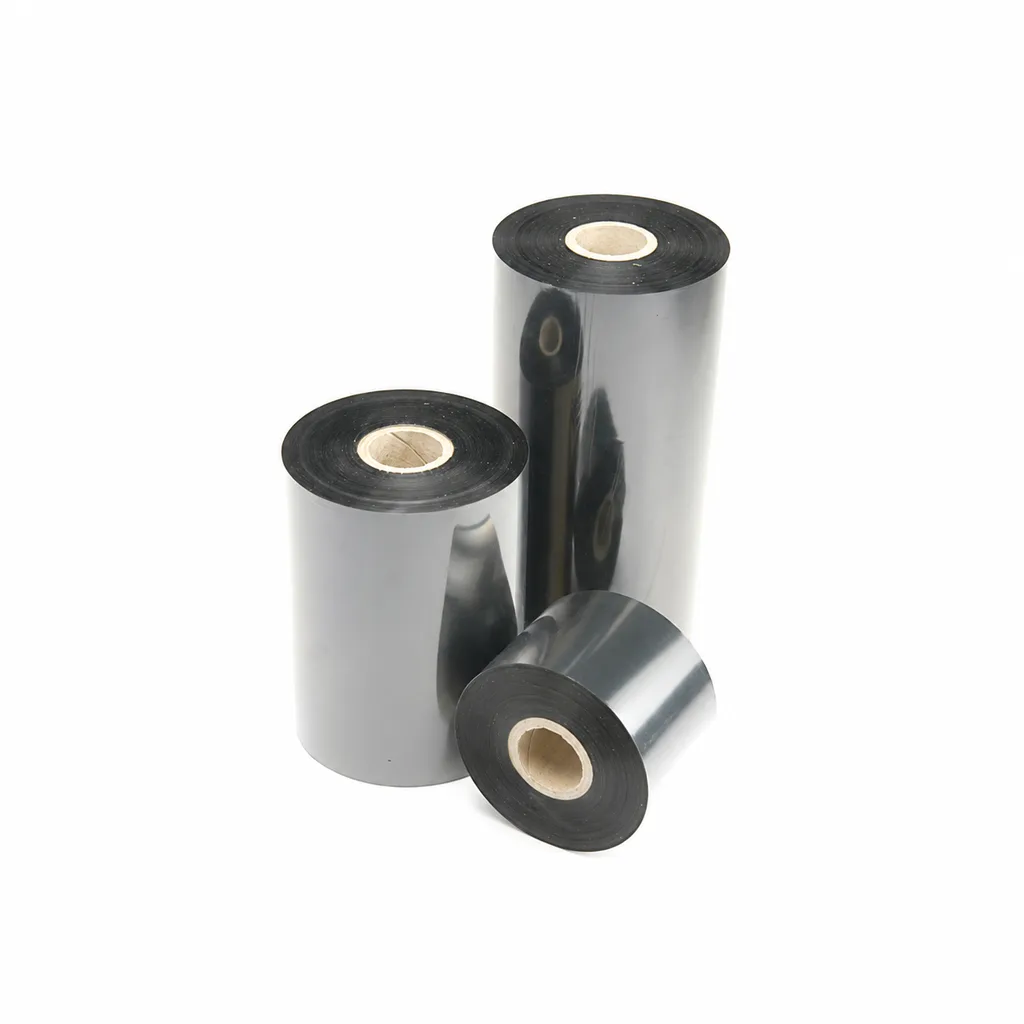
CL-Z213 Near-Edge Wax-Resin Thermal Transfer Ribbon for Barcode Labels
An enhanced black near-edge wax-resin thermal transfer ribbon for near-edge barcode printers and low- to medium-speed thermal transfer overprinting (TTO). Listed applications include retail labels, warehousing, garment tags and packaging identification. Match the printer, actual print medium and operating speed before selection: print quality and image durability can vary with the printer and substrate.
View detailsNeed the right ribbon for your label application?
Share the label material, printer and operating environment. Our team will recommend a tested combination.
