
- Original TTR manufacturer since 2013
- Automated coating and slitting
- IQC / IPQC / OQC control
- ANSI barcode grade testing
- -20°C to 120°C environmental testing
- Batch-level traceability
- ANSI barcode grade
- Batch traceability
- RoHS / REACH compliance
- SGS and MSDS documents on request
Buyers selecting a TTR ribbon should match the printing equipment, the material being printed and the demands of the finished application. Existing equipment sets the compatibility boundary; a new printing project should begin with application requirements. Confirm a candidate through a sample assessment of print quality and durability using the intended equipment and material.
Key Takeaways
- Printer type and printhead requirements influence which thermal transfer ribbon is suitable.
- For an existing printer, substrate and application requirements guide the ribbon choice within the equipment’s requirements.
- Near-edge printheads are used in industrial stand-alone printers and in-line thermal transfer overprinters.
- High-speed TTO printing places specific demands on ink release from the ribbon.
- Print quality, durability and equipment compatibility belong in the final assessment.
Start with the Equipment You Have or Plan to Buy
TTR ribbon selection depends on the printer’s requirements, including its printhead type. Thermal transfer ribbon is a printer consumable, but that description alone does not establish whether a particular roll suits your equipment. Begin the purchase discussion with the printer rather than a general request for “TTR ribbon.”
If a printer is already installed, identify the equipment and confirm whether it uses a flat-head or near-edge printhead. DNP’s selection guidance distinguishes these printhead types and explains that different printers require different ribbons. Ask the ribbon supplier to confirm the proposed candidate against the actual equipment requirements before you move on to application testing.
If you are buying a printer for a new project, reverse the starting point: describe the application before choosing the equipment. Specify what you will print on, what the finished print needs to communicate and what durability it must provide. Ask prospective suppliers to explain how their proposed printer and ribbon combination addresses those requirements.
Keep equipment compatibility and application suitability as separate purchasing questions. A compatibility confirmation answers whether a candidate belongs in the equipment discussion. A sample assessment answers whether that candidate gives the result your application needs. Request both before treating a recommendation as an approved purchasing specification.

Match the Ribbon to the Substrate and Finished Use
The selected substrate and application requirements guide ribbon choice when a TTR printer is already available. The substrate is the material you intend to print on; the application describes how the resulting print will be used. Put both in the same request so the supplier evaluates a complete printing requirement.
Describe the actual material rather than giving only a broad project name such as “packaging” or “labels.” Offer a representative sample for evaluation and explain the information you need to print. The purpose is to compare candidates against your intended job, with the printer requirements already established.
Next, describe the durability and print quality you need. DNP identifies both as factors to assess alongside equipment compatibility. Turn that guidance into a practical brief: explain what must remain readable and which conditions the finished print will encounter. Ask the supplier which candidate they propose for that combination and what evidence supports the recommendation.
Compare the complete fit rather than selecting on a single performance description. A recommendation should address the material, the equipment and the intended use together. If a supplier cannot explain how a candidate fits one of those conditions, leave that point open in the sample request instead of assuming it is covered.
For a buying decision, record which requirements are essential and which are preferences. This gives the supplier a clear basis for proposing alternatives and gives your team a consistent basis for reviewing them. It also keeps the comparison focused on the print you need to produce yourself.

Distinguish Stand-Alone Printing from High-Speed TTO
Near-edge printheads are used in industrial stand-alone printers as well as in-line thermal transfer overprinters, or TTO printers. “Near-edge” describes the printhead category, while “TTO” identifies the overprinting equipment context. Use the equipment details to clarify the requirement rather than treating these terms as separate, interchangeable ribbon specifications.
DNP describes flat-head equipment as desktop or industrial stand-alone printers producing prints that are later applied to the final application. Its guidance also explains that very high TTO speeds demand rapid ink release and specific quick-release layers in the ribbon formulation. This makes the printing setup an essential part of the ribbon discussion.
For a flexible-packaging TTO application, include the intended line speed with the printer and substrate details. The supplied TTO selection guidance identifies all of these as matching factors. Ask the supplier to evaluate the proposed ribbon for that operating context and to state the conditions behind the recommendation.
Do not turn a general description of either printhead category into a guaranteed result for your job. Use the category to narrow the candidate list, then assess the proposed combination. If your team is comparing equipment approaches, ask each supplier to address the same substrate, print-quality requirements and durability needs.
The practical trade-off is between the requirements of your production setup and the result the printed material must achieve. Resolve that comparison through a defined application brief and a representative sample assessment, rather than selecting a ribbon because its description mentions speed or durability in isolation.
Data and Evidence
The available selection evidence supports matching equipment, substrate and application requirements, followed by an assessment of print quality and durability. It does not supply a universal operating setting or a product-specific performance threshold for this buying decision. Use candidate documentation and your application requirements to define the sample assessment.
| Decision point | Evidence-supported basis | Buyer action |
|---|---|---|
| Installed printer | Different printers require ribbons suited to their printhead requirements. | Identify the equipment and request compatibility confirmation. |
| New equipment | Application requirements should be checked before acquiring a printer. | Define the intended material and finished-use requirements first. |
| Substrate and use | Substrate and application requirements guide selection for an existing printer. | Provide representative material and a written application brief. |
| TTO operation | High-speed TTO requires suitable ink-release behavior; formulation must match equipment, substrate and line speed. | Include the intended production conditions in the candidate review. |
| Final approval | Print quality, durability and equipment compatibility need assessment. | Review sample results against agreed requirements before approval. |
DNP’s guide provides the equipment and application selection framework. The supplied TTO guide adds the explicit need to match formulation to line speed. These are selection principles, rather than evidence that a particular supplier’s ribbon has passed your application tests.
Use the following sequence to turn those principles into a purchase decision:
- Prepare a brief containing the printer, printhead category, actual substrate and intended use.
- Request a candidate recommendation with its supporting compatibility information and stated application conditions.
- Arrange a sample assessment on the intended equipment and material, using criteria agreed for your application.
- Review print quality and durability against those criteria and document the accepted combination.
If the sample does not meet the agreed requirements, record which requirement was missed and return the result to the supplier for review. Ask for a revised candidate or clarification of the proposed conditions, then assess that proposal before approving it. Your next step is to prepare the application brief and request a sample for the specific combination you plan to use.
Frequently Asked Questions
How should I choose a TTR ribbon for an existing printer?
Start with the printer and printhead requirements, then narrow the choice by the actual substrate and application requirements. Assess print quality and durability with that combination before approving an order.
Does a TTO printer use a near-edge printhead?
Near-edge printheads are used in in-line TTO printers as well as industrial stand-alone printers. Confirm the specific equipment requirements because high-speed TTO printing requires suitable ink-release behavior.
Should I select the printer or the TTR ribbon first for a new application?
Define the application requirements before buying a printer. Use the intended substrate, required print quality and durability to guide the equipment and ribbon discussion.
Recommended products for this industry
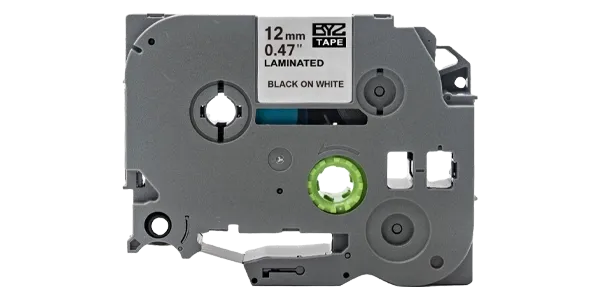
Brother Compatible Label Ribbons (TZe Series)
This Brother-compatible label ribbon (TZe series) is manufactured using high-quality…
View details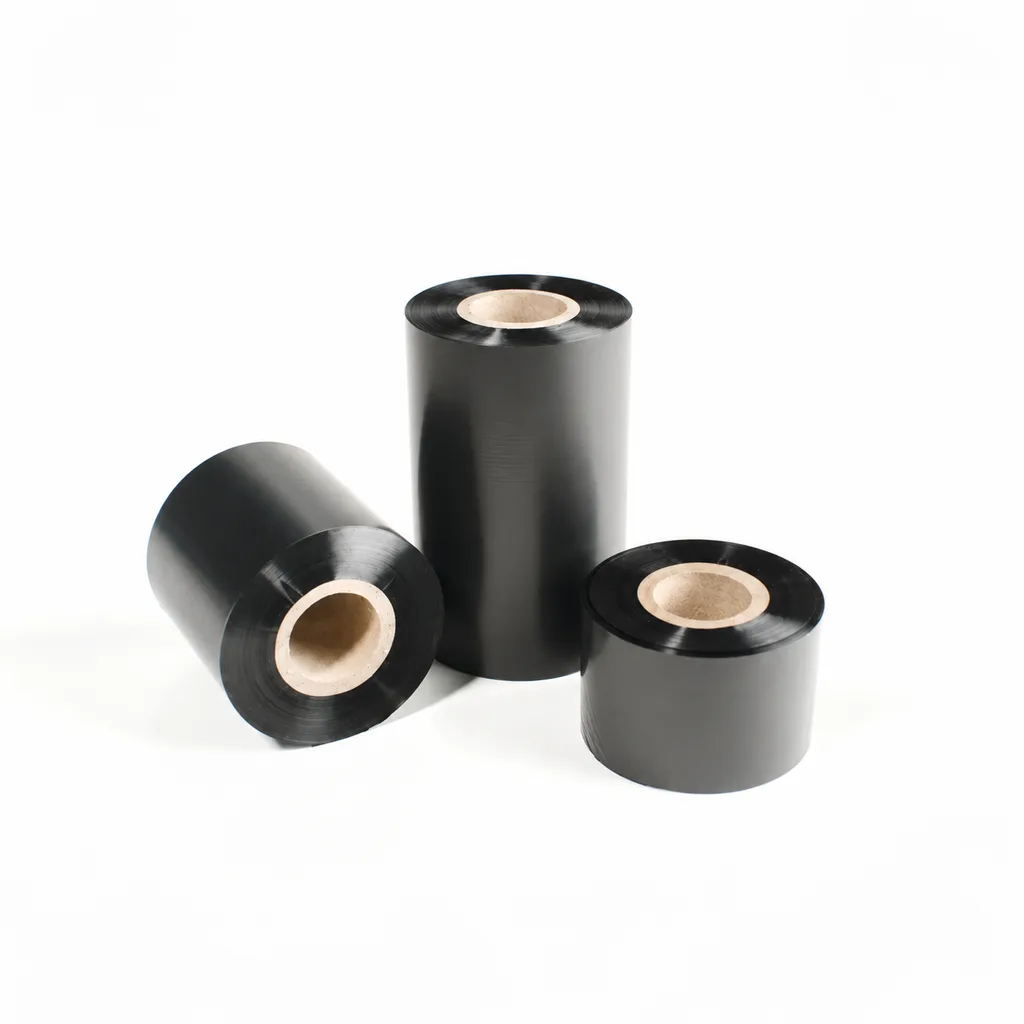
CL-Z364 Thermal Transfer Ribbon for Wash-Care Labels
An economical black thermal transfer ribbon for wash-care label printing on flat-head desktop or industrial barcode printers at ≤4 ips (inches per second). The documented materials include satin ribbon, nylon-coated ribbon and thermoplastic polyurethane (TPU). Select it against your actual label material, printer and washing process: print quality and image durability can vary with the printer and printing substrate.
View details
Full-colour card printer ribbon YMCKO
Compatible with Seaory S20/S21/S22/S22K card printers, supporting high-definition…
View details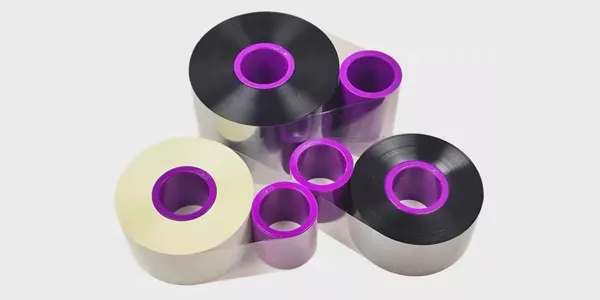
TTO Barcode Printer Thermal Transfer Colour Ribbon High-Speed Customisation
This TTO thermal transfer ribbon is suitable for a variety of label materials across…
View detailsNeed the right ribbon for your label application?
Share the label material, printer and operating environment. Our team will recommend a tested combination.
