How to Choose a Thermal Printing Ribbon: A Practical Buyer’s Guide
Request a solution
- Original TTR manufacturer since 2013
- Automated coating and slitting
- IQC / IPQC / OQC control
- ANSI barcode grade testing
- -20°C to 120°C environmental testing
- Batch-level traceability
- ANSI barcode grade
- Batch traceability
- RoHS / REACH compliance
- SGS and MSDS documents on request
A thermal printing ribbon transfers ink to a compatible label or package when heated by a thermal printhead. Choose it by matching ribbon chemistry to the printable surface, printer type, required durability, and production conditions. Wax, wax-resin, and resin are useful starting categories, but a production test confirms the right combination.
Key Takeaways
- Thermal transfer printers use ribbons; direct thermal printers print on heat-sensitive material without one.
- Wax is a common economical option for paper; wax-resin suits coated paper and some films; resin is considered for demanding applications.
- Printer style, roll dimensions, core, and winding direction determine fit.
- Test the ribbon, label, and printer together under the actual production conditions.
What a thermal printing ribbon does
A thermal printing ribbon, often called a thermal transfer ribbon, carries an ink layer that a heated printhead transfers onto a label, tag, film, or other compatible substrate. In thermal transfer printing, the printhead heats selected points on the ribbon so the ink bonds to the receiving material and forms text, barcodes, dates, or other variable information. The ribbon is therefore one part of a three-part match: printer, ribbon, and substrate. A suitable ribbon must work with the printer’s printing method and produce an image that remains readable in the application.
First confirm that your process is thermal transfer. Direct thermal printing heats a specially treated label directly and does not use a ribbon; thermal transfer uses a ribbon as the ink source. If you already have a thermal transfer printer, record its printhead type and the ribbon width, length, core, and winding direction it accepts. Check the printer manual or supplier specification for these physical details rather than assuming that rolls with the same ink type will fit.
Next describe the job in plain terms: what material is being printed, how long the marking must remain legible, and what it will face—rubbing, moisture, heat, chemicals, sunlight, or repeated handling. These conditions, plus print speed and image quality, help narrow the ribbon type. A low-cost ribbon is not economical if it produces unreadable codes or requires repeated reprinting.
Compare wax, wax-resin, and resin ribbons
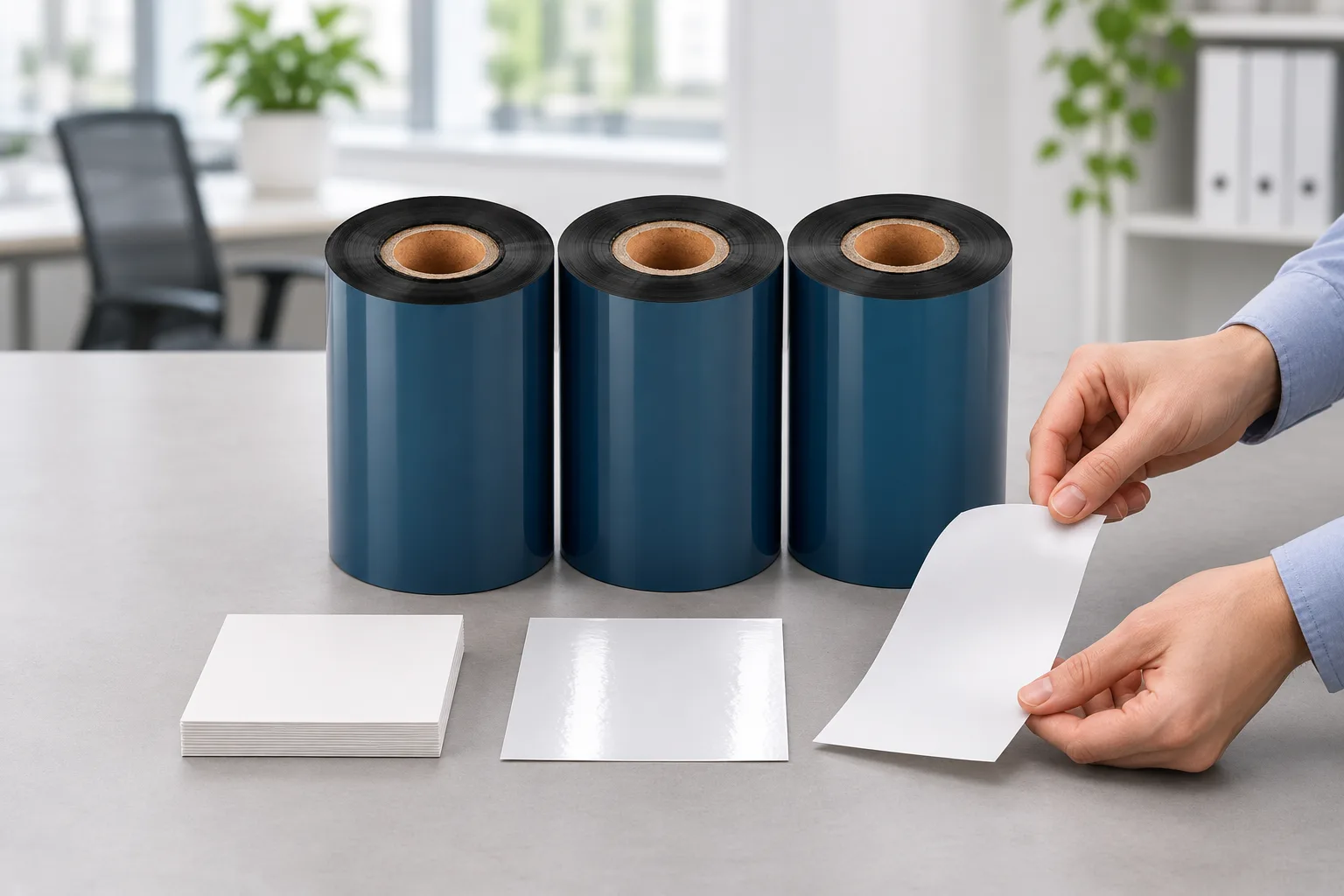
Wax is the usual starting point for general-purpose paper labels and high-speed work where the printed surface faces modest wear. It is commonly the most economical choice and is designed for paper labels. Consider wax when the label material is paper, the information is temporary or handled lightly, and cost per print matters. Verify that the chosen wax formulation is compatible with the paper face stock and printer.
Wax-resin is a middle option when paper alone is not enough or when the print needs more resistance to abrasion and smudging. It is commonly used with coated papers and some films. It can suit jobs that need a balance between print durability, image quality, and cost, but “wax-resin” is not a guarantee of compatibility with every synthetic label. Test the exact ribbon and face stock together.
Resin is generally considered when the label must withstand demanding conditions or when printing on synthetic materials. Resin formulations can offer resistance to heat and chemicals, but they often need printer settings appropriate to the ribbon and substrate. Check the specific product data and application conditions; do not assume that every resin ribbon has identical durability or that it will print well on an unapproved material.
These categories are useful screening rules, not a substitute for a compatibility check. Ribbon formulations vary, and the same label material can have different coatings. Ask for recommendations against the actual label construction and printer, then confirm with a print trial.
Match the ribbon to the label material
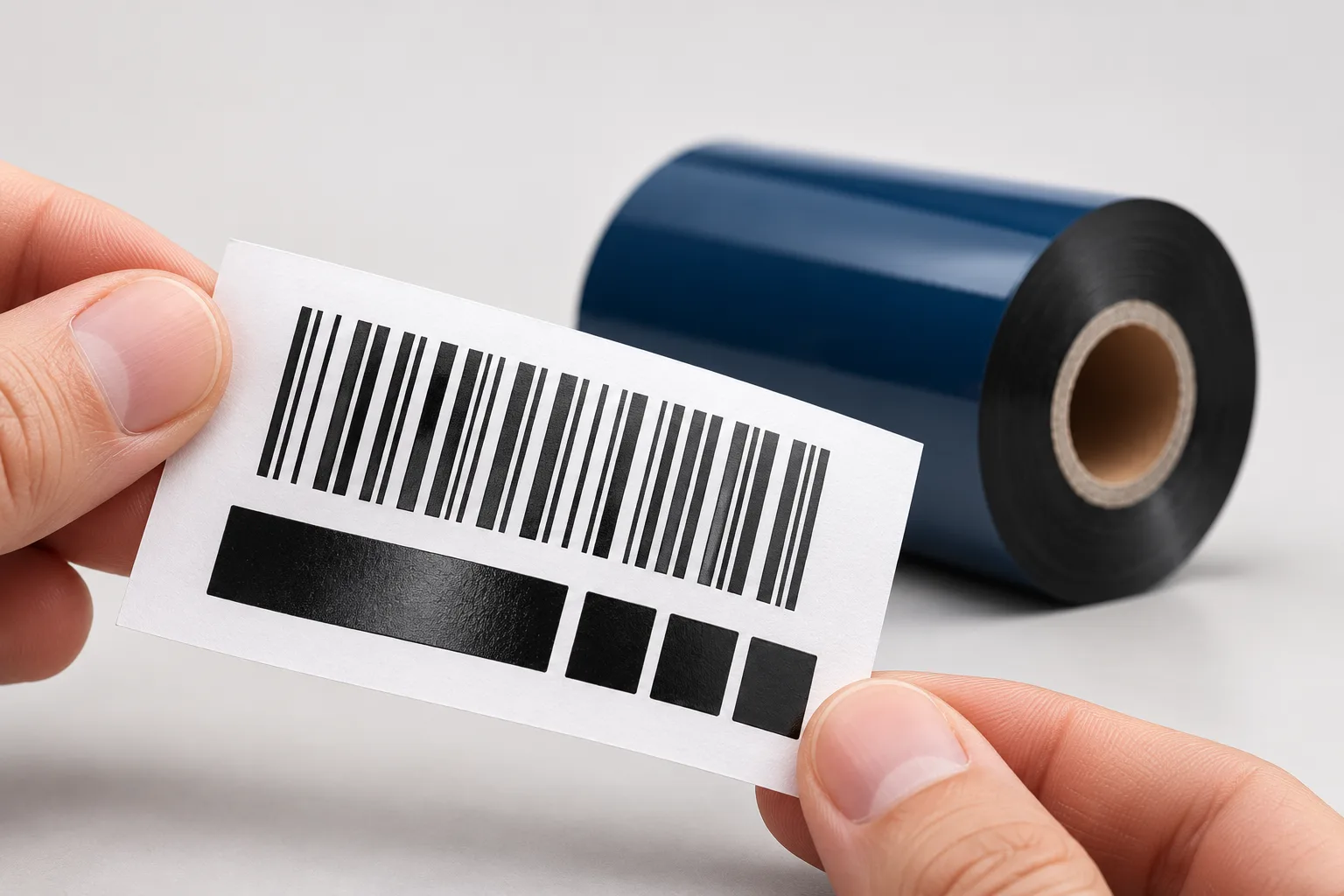
Start with the label supplier’s description of the printable surface, not only the label’s broad material name. Paper may be uncoated, coated, or top-coated; films and synthetic materials also vary by surface treatment. The ribbon ink must transfer cleanly to that surface. As a practical first pass, compare wax with paper labels, wax-resin with coated paper and some films, and resin with synthetic labels or applications that need higher resistance. Treat each pairing as a candidate to test rather than a universal rule.
During the test, print the smallest text and narrowest barcode used in production. Check whether the image is sharp, complete, and consistently readable across the roll. Then expose sample labels to the actual handling and environment: rub them, allow them to contact expected liquids or cleaners, and assess heat or chemical exposure only when those conditions apply. A label that looks good immediately after printing may not remain legible after the real process.
Also confirm that the label itself is suitable for the use. Ribbon choice cannot compensate for an incompatible or poorly specified face stock. For durable identification, the ribbon, label surface, adhesive, and application conditions should be considered together. Keep the successful ribbon and label combination documented so later purchases use the same validated specification.
Check printer type and operating settings
A ribbon must fit the printer physically and match its printing mechanism. Many label printers use flat-head printheads; thermal transfer overprinters (TTO) use a near-edge arrangement for coding flexible packaging. Printer types have different requirements and compatibility with ribbon types, so a ribbon marketed for one machine style should not automatically be assumed to work in another. Confirm the printhead style in the equipment documentation and follow the ribbon manufacturer’s compatibility guidance.
Before ordering, confirm roll width and length, core diameter, ribbon winding direction, and whether the printer uses an ink-side-in or ink-side-out roll. These are machine-specific fit questions. A roll with the right chemistry can still be unusable if its dimensions or winding do not match the printer.
Set heat, darkness, pressure, and speed according to the printer and ribbon guidance. Too little energy can leave incomplete transfer; excessive energy or unsuitable settings can affect image quality and consumable life. If print quality is inconsistent, change one setting at a time and keep a record of the result. Recheck the combination after changing ribbon formulation, label material, speed, or printer.
Special case: TTO ribbons for flexible packaging
Thermal Transfer Overprinting is a digital method for applying codes to flexible packaging, such as film or packaging labels, using a thermal printhead and ribbon. It is used where production needs variable information such as dates, lot codes, or barcodes directly on packaging. Near-edge printing and TTO are closely associated in this application, but the printer maker’s documentation should determine the correct ribbon specification for a particular machine.
For TTO selection, begin with the packaging surface and the information to be printed. Confirm that the ribbon is specified for the machine’s near-edge/TTO printhead, then compare the required line speed, image content, and resistance to rubbing or heat exposure. A packaging line may run at a different speed and use different substrates from a general-purpose label printer, so do not use an ordinary flat-head ribbon recommendation without verifying it for the TTO system.
Ask the equipment or ribbon supplier to confirm the exact fit and operating window. Trial the ribbon on the production packaging at representative speed and settings. Check code readability at the point of printing and after the packaging has passed through expected handling and storage. These steps help prevent selecting solely by ribbon material category when printer geometry and line conditions also matter.
A quick purchasing checklist
- Identify the printing method: direct thermal needs no ribbon; thermal transfer does.
- Write down the printer model, printhead type, supported ribbon dimensions, core, and winding direction.
- Specify the label or packaging surface, including its coating when known.
- State the required print life and exposure to rubbing, moisture, heat, or chemicals.
- Choose a candidate wax, wax-resin, or resin formulation based on the material and durability target.
- Test the exact ribbon-label-printer combination using real production content and conditions.
- Record the approved settings and reorder specification.
When comparing offers, ask for the ribbon formulation, compatible printer style, recommended substrate, roll dimensions, and technical data for the conditions that matter. If the supplier cannot confirm a critical compatibility point, treat it as an open item and request a sample or written confirmation before committing to a large production order. The best choice is the tested combination that meets image, durability, and machine-fit requirements at an acceptable operating cost.
Data and Evidence
The supplied evidence identifies thermal transfer printing as a heat-based process that transfers ink from a ribbon onto a substrate. It describes wax ribbons as an economical option for high-speed printing on paper labels, and wax-resin ribbons as mainly suited to coated paper and some films. A separate technical source describes resin ribbons as resistant to high temperatures and chemicals. These are starting points for selection, not performance guarantees for every formulation.
Validate the choice with the exact printer, ribbon, and printable surface. Confirm roll width, length, core, winding, printer-head compatibility, and recommended settings against manufacturer documentation. Print representative text and barcodes, then check readability and durability after the real handling, exposure, and line-speed conditions. Keep the validated specification and test result with the purchasing record; repeat the check when a material, printer, or operating condition changes.
Frequently Asked Questions
What is a thermal printing ribbon?
It is an ink-coated ribbon used in thermal transfer printing. Heat from the printer’s printhead transfers ink from the ribbon onto a compatible label or other substrate.
Do all thermal printers need a ribbon?
No. Thermal transfer printers use ribbons; direct thermal printers print by heating specially treated label material directly.
Which ribbon is best for paper labels?
Wax is a common economical starting point for paper labels. Coating, handling, and durability needs may make wax-resin or another formulation a better candidate, so test the actual label stock.
When should I consider a resin ribbon?
Consider resin for synthetic materials or applications with demanding durability requirements, such as exposure to heat or chemicals. Verify the product data and test it with the specific label and printer.
Can I use a standard label ribbon in a TTO printer?
Do not assume so. TTO uses a near-edge printing arrangement for packaging coding. Confirm compatibility with the TTO machine documentation and ribbon supplier.
How do I know whether a ribbon will fit my printer?
Check the printer documentation for printhead type, ribbon width and length, core size, and winding direction. Confirm the complete specification before ordering.
Recommended products for this industry
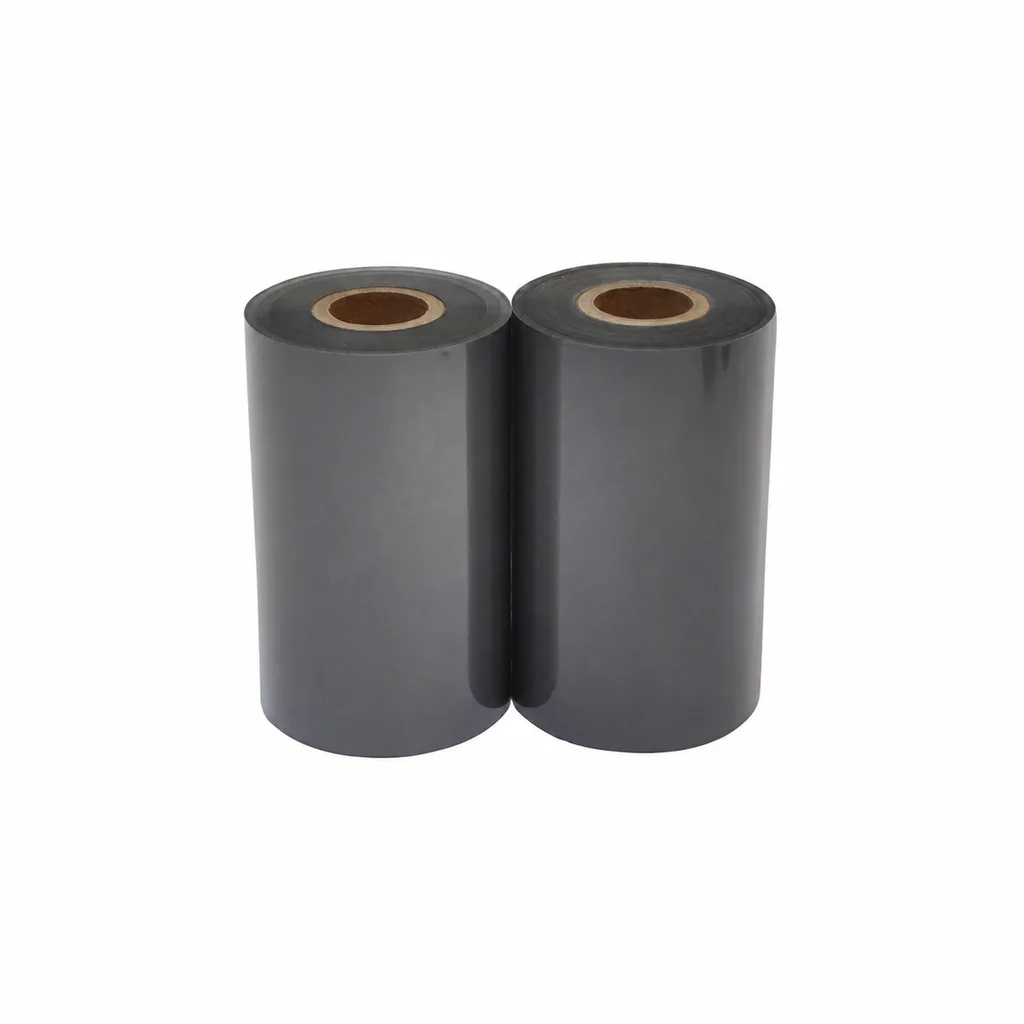
Black Resin Thermal Transfer Ribbon for Label Printing - CL-Z373
CL-Z373 is a black resin thermal transfer ribbon for label printing with desktop or industrial flat-head barcode printers at speeds of ≤6 ips (inches per second). Listed applications include electronics processing, tire identification, automotive manufacturing, pharmaceutical packaging, cosmetic labels and outdoor identification. Selection depends on the actual label material, printer and exposure conditions. Fine-line, small-character and resistance results were obtained on coated paper; print quality and image durability may vary with the printer and print substrate.
View details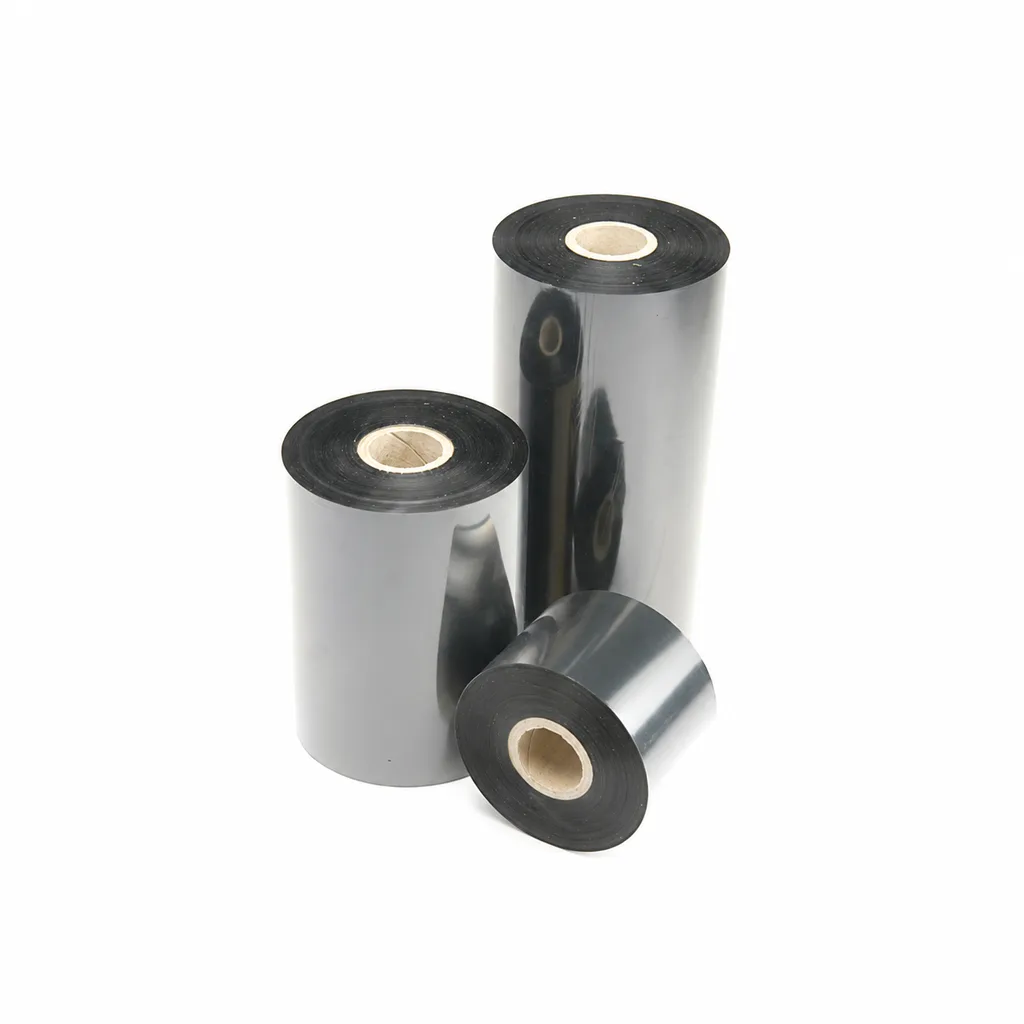
CL-Z213 Near-Edge Wax-Resin Thermal Transfer Ribbon for Barcode Labels
An enhanced black near-edge wax-resin thermal transfer ribbon for near-edge barcode printers and low- to medium-speed thermal transfer overprinting (TTO). Listed applications include retail labels, warehousing, garment tags and packaging identification. Match the printer, actual print medium and operating speed before selection: print quality and image durability can vary with the printer and substrate.
View details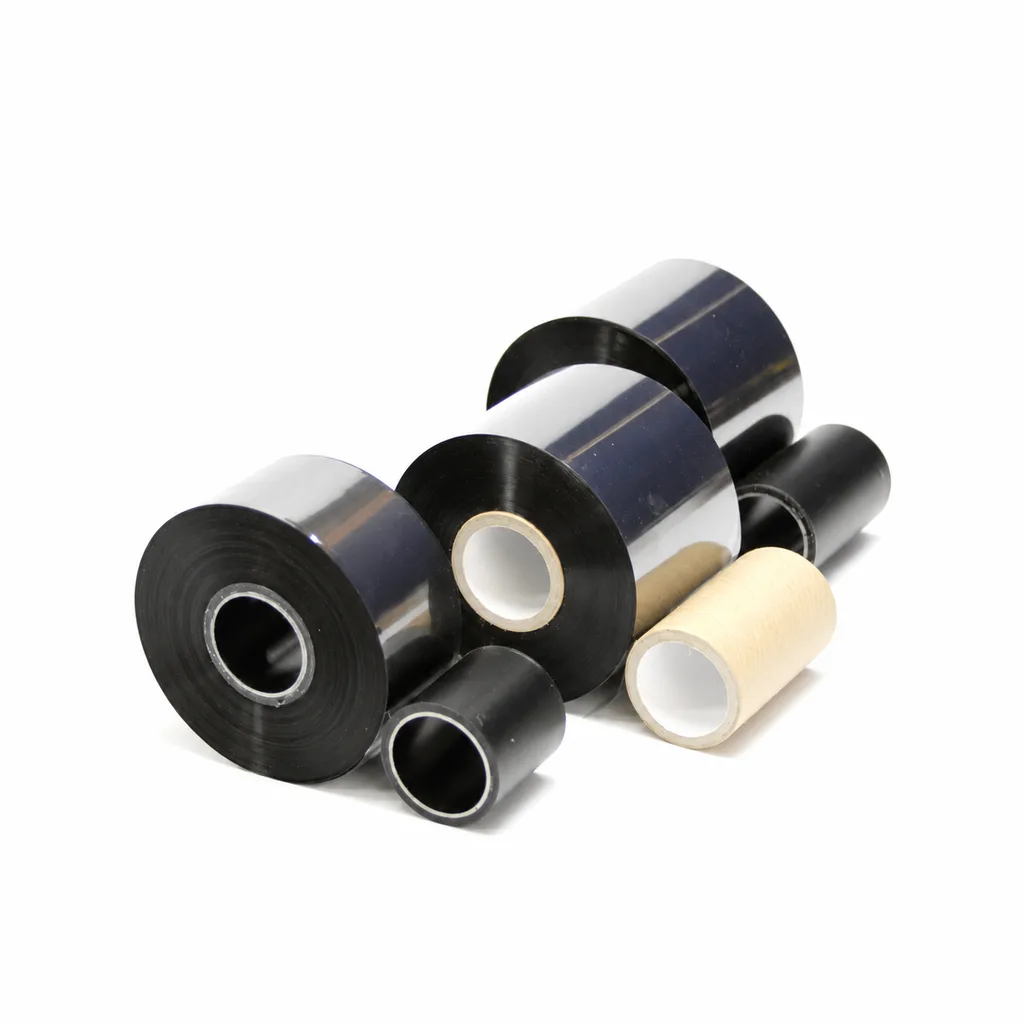
CL-Z215 Wax-Resin Thermal Transfer Ribbon for Packaging and Barcode Printing
CL-Z215 is a black, general-purpose wax-resin thermal transfer ribbon for thermal transfer overprinting (TTO) and near-edge barcode printers. Listed applications include retail labels, prepackaging, food packaging, pharmaceutical packaging, hot packaging and the frozen-food sector. Select it against your actual printer, printing material and required speed, then confirm print quality and image durability on that combination. The stated speed limits and durability results apply only within the documented conditions; they are not universal compatibility or long-term temperature guarantees.
View details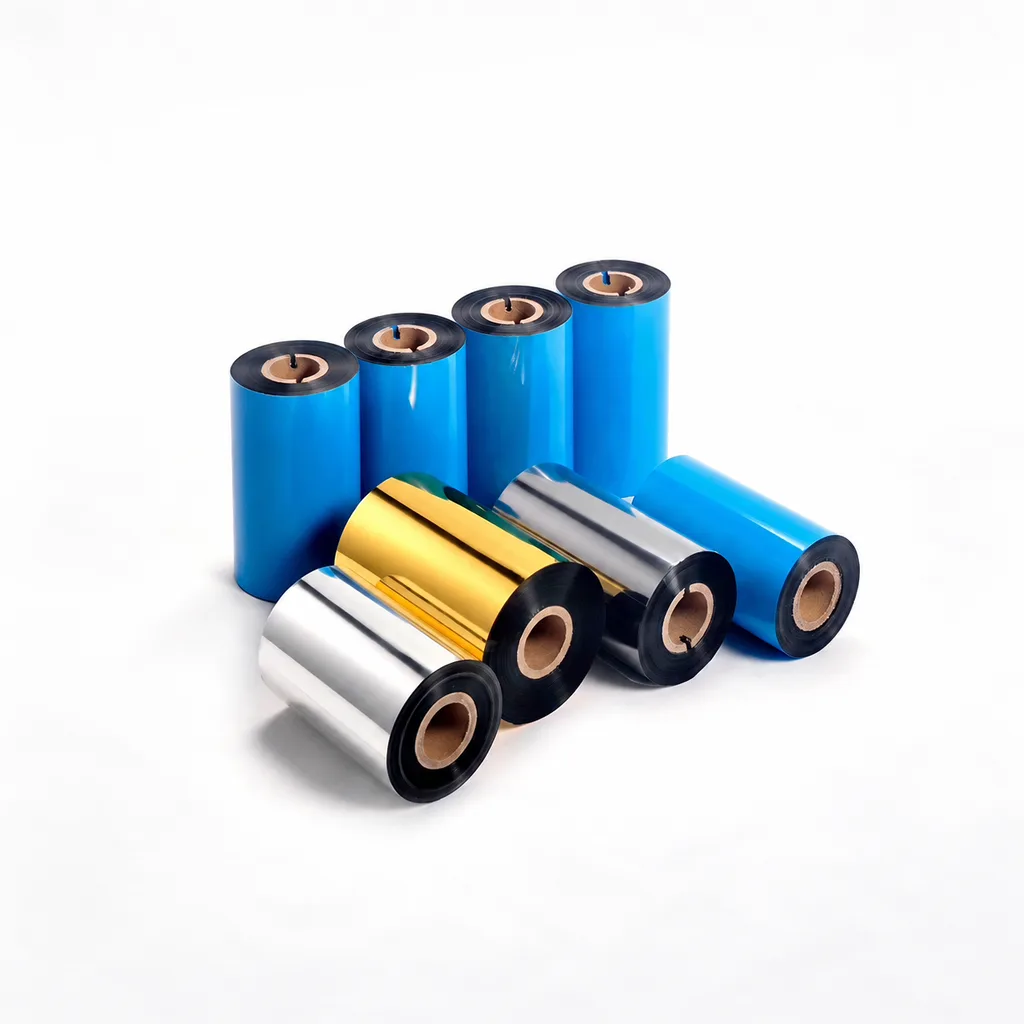
CL-Z302 Enhanced Resin Thermal Transfer Ribbon for Label Printing
A black enhanced resin thermal transfer ribbon for label printing with flat-head desktop or industrial barcode printers at ≤6 ips (inches per second). Listed applications include cosmetics labels, pharmaceutical packaging, electronics processing and automotive identification. Select it against your actual label material and exposure conditions: the reported abrasion, alcohol, water-immersion and low-temperature results were obtained on coated paper, and print quality and image durability may vary with the printer and printing substrate.
View detailsNeed the right ribbon for your label application?
Share the label material, printer and operating environment. Our team will recommend a tested combination.
