
- Original TTR manufacturer since 2013
- Automated coating and slitting
- IQC / IPQC / OQC control
- ANSI barcode grade testing
- -20°C to 120°C environmental testing
- Batch-level traceability
- ANSI barcode grade
- Batch traceability
- RoHS / REACH compliance
- SGS and MSDS documents on request
Choose a resin thermal transfer ribbon when label durability under abrasion, chemicals, weather, or heat matters, but treat resin as a candidate grade rather than proof of compatibility. Match the actual label surface and printer requirements, then test the ribbon, printer, and label together under intended conditions.
Key Takeaways
- Resin ribbons are candidates for demanding durability requirements.
- A ribbon grade alone cannot confirm printer or label compatibility.
- Check winding, ink side, width, roll dimensions, and printhead type.
- Run a representative print and exposure test before ordering.
Choose Resin for the Label and Exposure
Resin is a candidate when labels face abrasion, chemicals, heat, weather, or frequent handling. Ricoh describes full resin ribbons as offering superior durability under weather, extreme temperatures, chemicals, abrasion, or frequent touch.
Start with the label face and coating, then list actual exposures such as rubbing, cleaners, moisture, temperature, or outdoor use. Polyester film may be considered as a synthetic substrate, but the specific surface treatment and ribbon grade still matter. Compare wax-resin when the label is coated paper or exposure is less demanding; resin may involve higher cost and lower print speed, so choose against the application requirement.
Colorfulttr’s supplied company information identifies thermal transfer ribbons as a core product and lists resin-based ribbons among its material types. For a specific selection, provide the label material or specification, printer model, and exposure conditions so the proposed ribbon can be checked. A material category alone does not establish compatibility.

Check Printer Fit
A resin ribbon must meet printer loading and printhead requirements as well as label needs. Confirm winding direction, coated-side orientation, permitted width, core and roll dimensions, and whether the printer uses a flat-head or near-edge printhead.
- Check the exact printer manual for ribbon width, core, roll capacity, winding, and head type.
- Compare those requirements with the candidate ribbon’s technical information.
- Confirm the coated side faces the label and winding matches the printer.
- Exclude candidates outside stated printer limits before sampling.
Do not infer fit from a shared printer brand or ribbon grade. If specifications are unclear, ask the equipment or ribbon supplier to confirm the exact combination.
Test a Sample Before Ordering
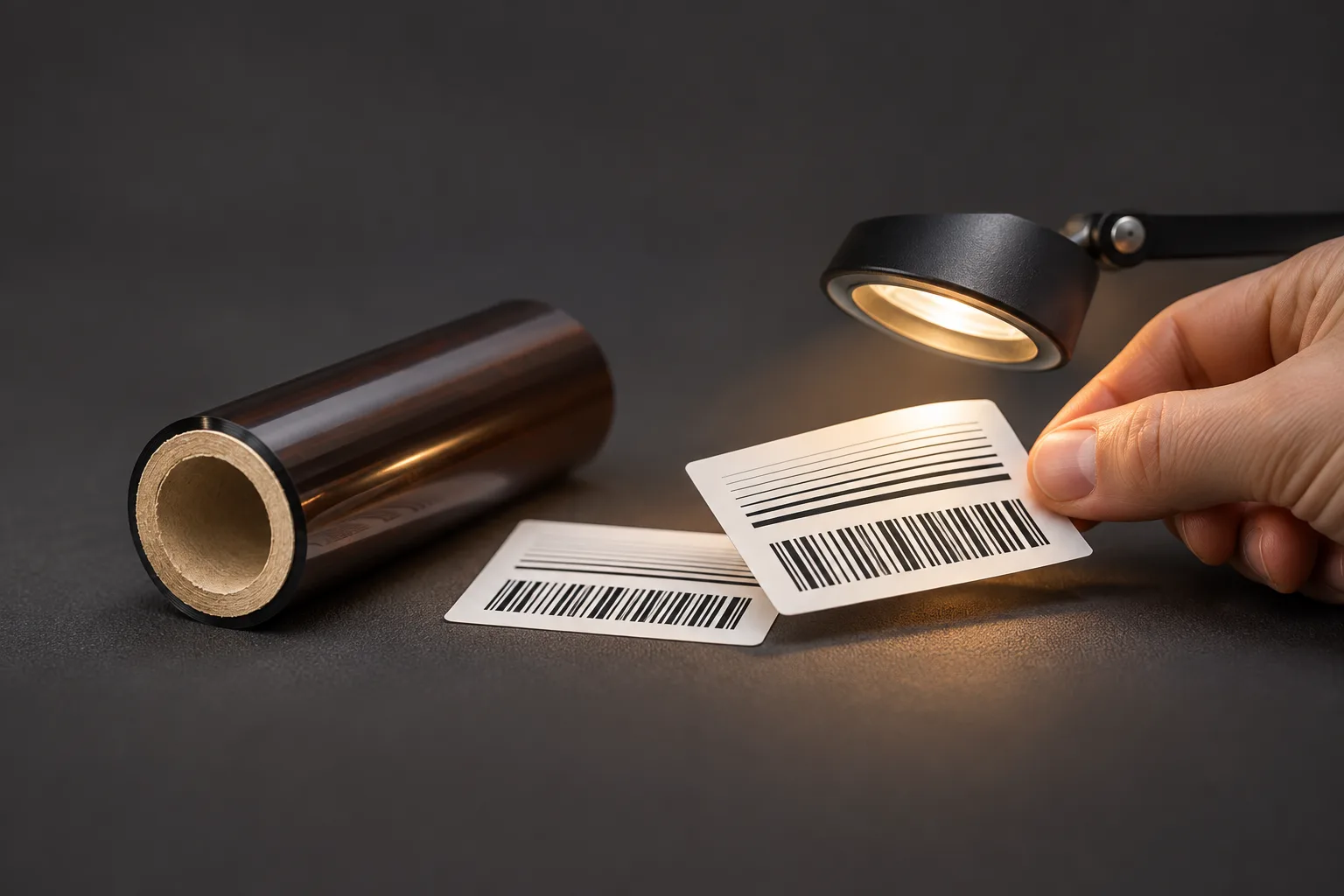
Reproduce the label, printer, artwork, and exposure expected in use. Print text, fine lines, and barcodes on the intended label using manufacturer-recommended settings. Check readability and scan performance, then reproduce expected rubbing, cleaner, moisture, heat, or storage exposure.
- Record printer model, label material and finish, ribbon identification, and settings.
- Inspect fine detail, barcode edges, smearing, missing print, and wrinkles.
- Apply the actual exposure and compare legibility afterward.
- Approve only a tested combination that meets the application need.
If the result fails, recheck loading orientation and whether the ribbon suits the printhead and label. Review recommended settings rather than raising heat arbitrarily. Share the sample, label details, printer model, and settings with the supplier to reassess the candidate.
Data and Evidence
Use this guide to screen options and confirm the combination with a sample test.
| Factor | Verify | Purpose |
|---|---|---|
| Label and exposure | Face, coating, abrasion, chemicals, heat, weather, handling | Defines whether resin is a relevant candidate. |
| Printer fit | Winding, coated side, width, core, roll capacity, head type | Confirms loading and equipment fit. |
| Print quality | Fine text, barcode edges, smearing, scan results | Checks readability in the intended setup. |
| Durability | Actual abrasion, chemical, temperature, moisture exposure | Makes the test reflect real use. |
Ricoh’s overview describes resin for demanding exposure. A compatibility guide likewise calls for checking printer fit, substrate, and testing. These are general selection references, not Colorfulttr test results.
Frequently Asked Questions
Is a resin ribbon suitable for every synthetic label?
No. Check the specific coating, ribbon grade, printer, and exposure with a sample.
How do I confirm a resin ribbon fits my printer?
Compare winding, coated-side orientation, width, core and roll capacity, and printhead type with the exact printer requirements.
What should I test before a production order?
Print on the intended label, check text and barcode readability, and reproduce expected exposure before approving the combination.
What information should I send Colorfulttr?
Provide printer model, label material, ribbon dimensions and winding requirement, and the exposure the print must withstand; confirm by sample.
Recommended products for this industry
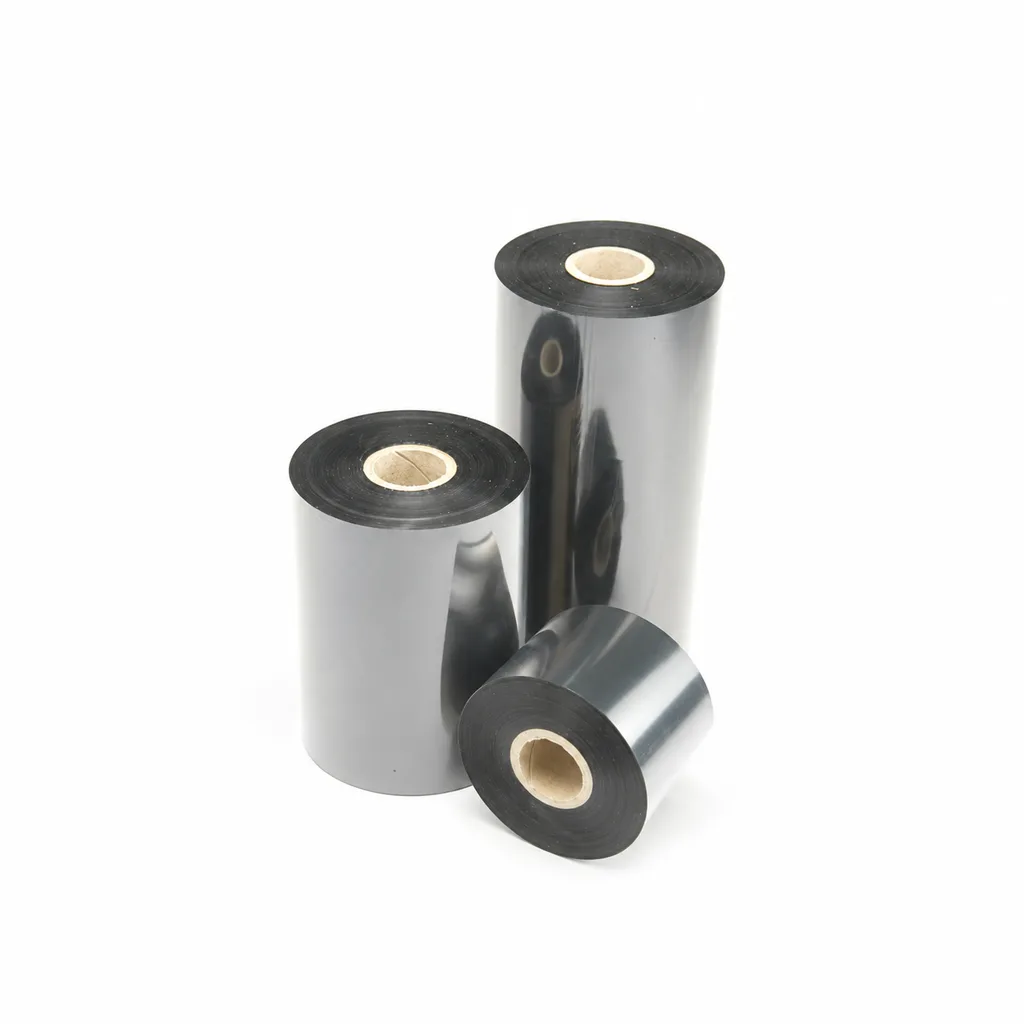
CL-Z203 Wax-Resin Thermal Transfer Ribbon for Barcode Labels
A black wax-resin thermal transfer ribbon for flat-head printing, with listed applications including retail, warehousing, logistics and garment tags. Select it against your actual label material and desktop or industrial barcode printer at speeds ≤6 ips (inches per second). Fine-line, small-text and durability results were obtained on coated paper; print quality and image durability may vary with the printer and printing substrate.
View details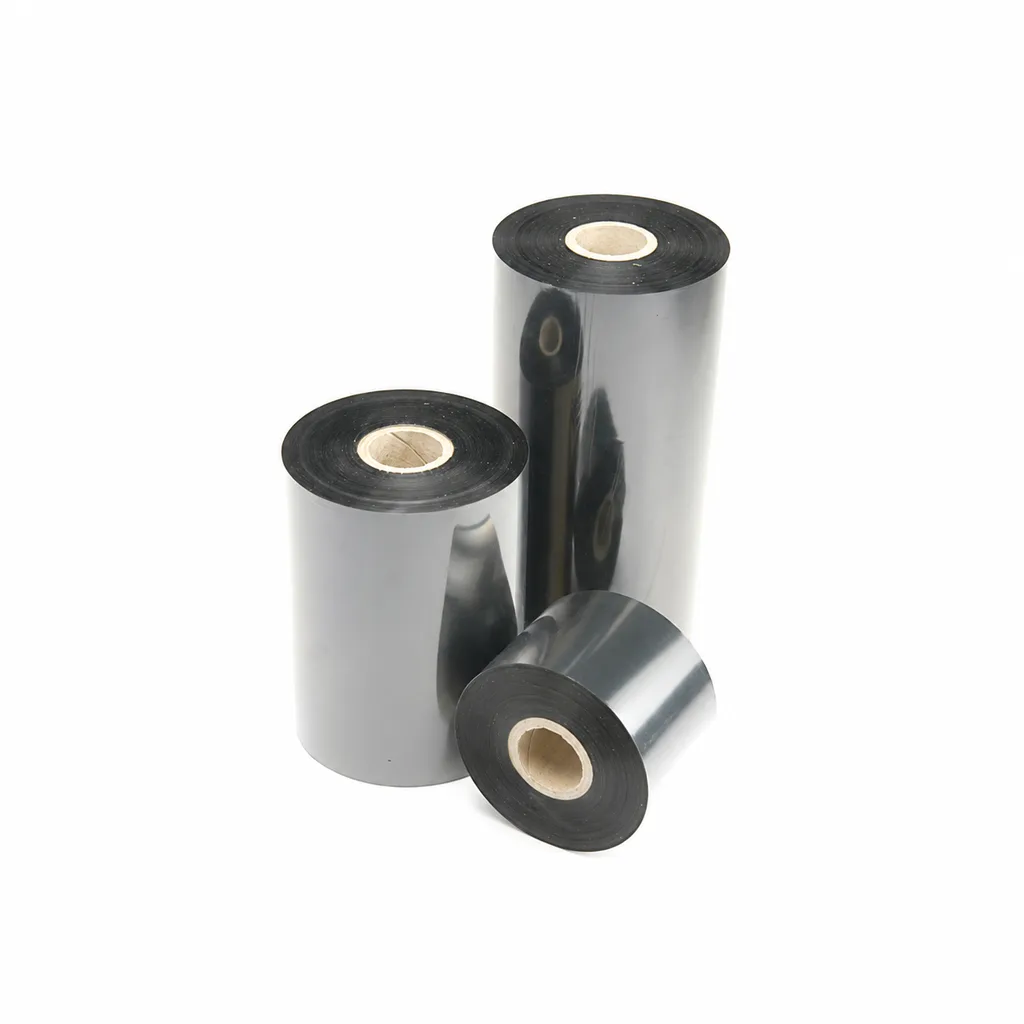
CL-Z213 Near-Edge Wax-Resin Thermal Transfer Ribbon for Barcode Labels
An enhanced black near-edge wax-resin thermal transfer ribbon for near-edge barcode printers and low- to medium-speed thermal transfer overprinting (TTO). Listed applications include retail labels, warehousing, garment tags and packaging identification. Match the printer, actual print medium and operating speed before selection: print quality and image durability can vary with the printer and substrate.
View details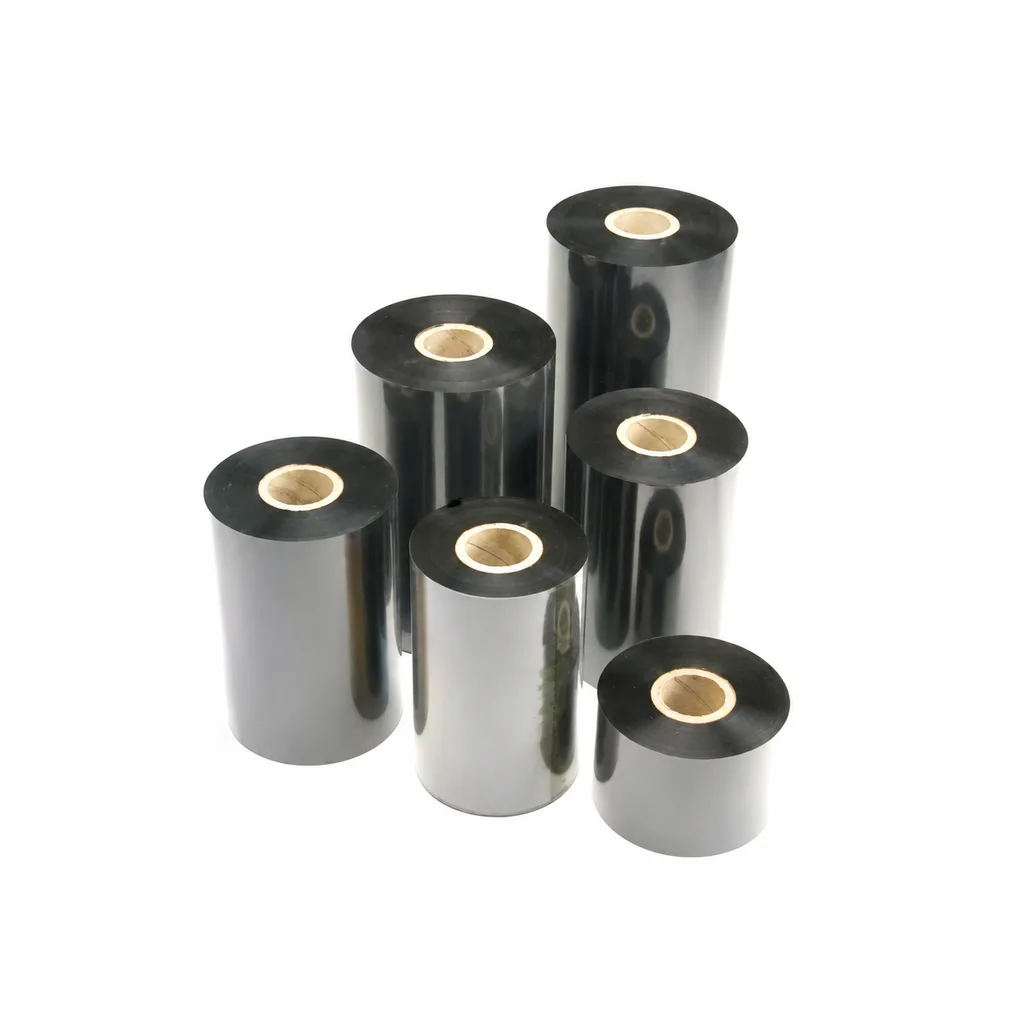
CL-Z308 Resin Thermal Transfer Ribbon for Film and Paper Labels
A black resin thermal transfer ribbon for printing film and paper labels with flat-head printers. Listed applications include retail labels, warehousing, logistics transport, garment hang tags and food packaging. The recommended printing speed is ≤8 inches per second (IPS). Select it by printer type and actual label material, and confirm the required ribbon width, length, core and ink-side orientation before ordering; these dimensions are not specified in the available product data.
View details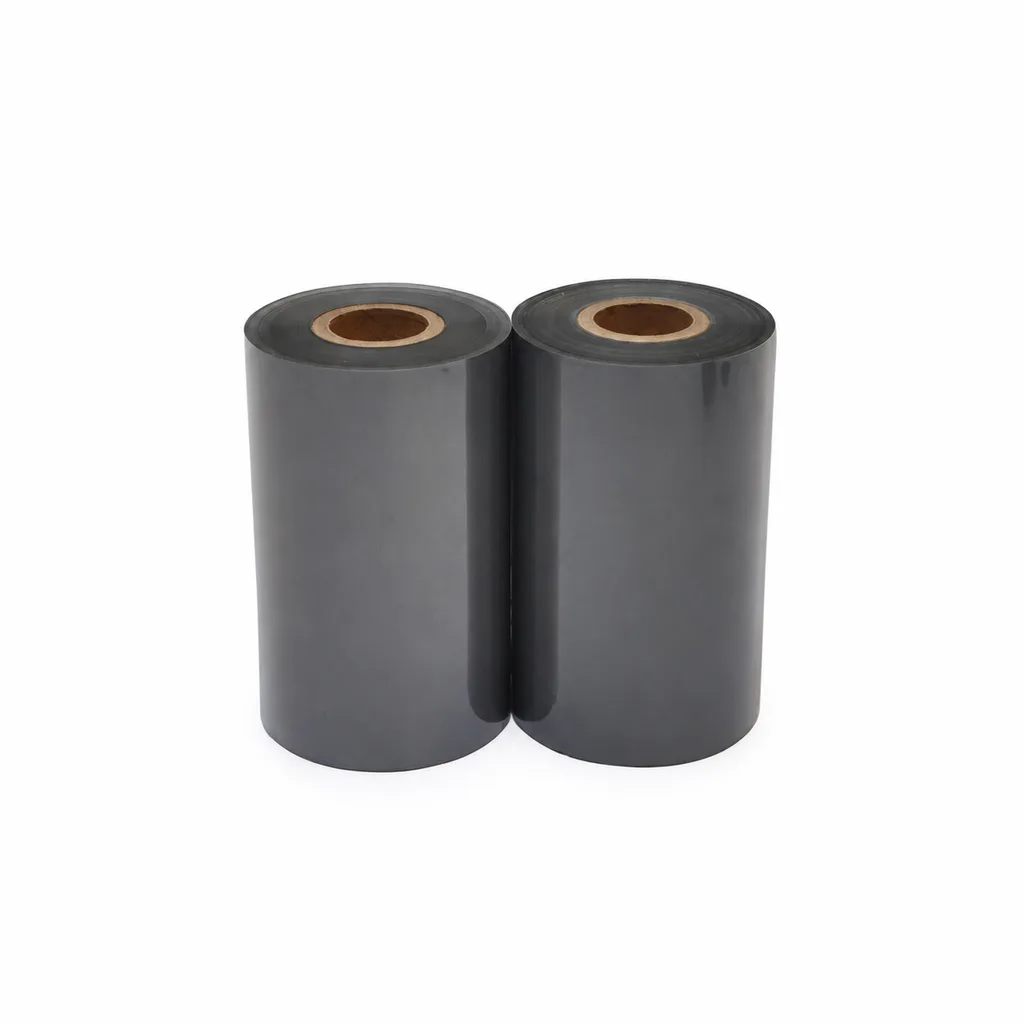
CL-Z309 Resin Thermal Transfer Ribbon for Coated Paper Labels
A black, low-temperature resin thermal transfer ribbon for fine lines and small text on coated paper labels. It is recommended for flat-head desktop or industrial barcode printers at ≤8 inches per second (ips). Select it against your actual label material, printer and print energy settings: the reported image and durability results were obtained on coated paper and may vary with other printers or media.
View detailsNeed the right ribbon for your label application?
Share the label material, printer and operating environment. Our team will recommend a tested combination.
