- Original TTR manufacturer since 2013
- Automated coating and slitting
- IQC / IPQC / OQC control
- ANSI barcode grade testing
- -20°C to 120°C environmental testing
- Batch-level traceability
- ANSI barcode grade
- Batch traceability
- RoHS / REACH compliance
- SGS and MSDS documents on request
For buyers printing labels in-house, wax is an economical starting point for paper in controlled indoor use, while resin offers greater durability and chemical resistance. Wax-resin is a middle-ground option. Match the ribbon to the printer and substrate, then test the printed image under the conditions it must survive.
Key Takeaways
- Wax is an economical option for paper labels used indoors with minimal handling.
- Resin offers greater durability and chemical resistance for harsh environments.
- Wax-resin balances moderate durability and cost.
- Flat-head and near-edge printers need ribbons designed for their respective printheads.
Choose by material and label exposure
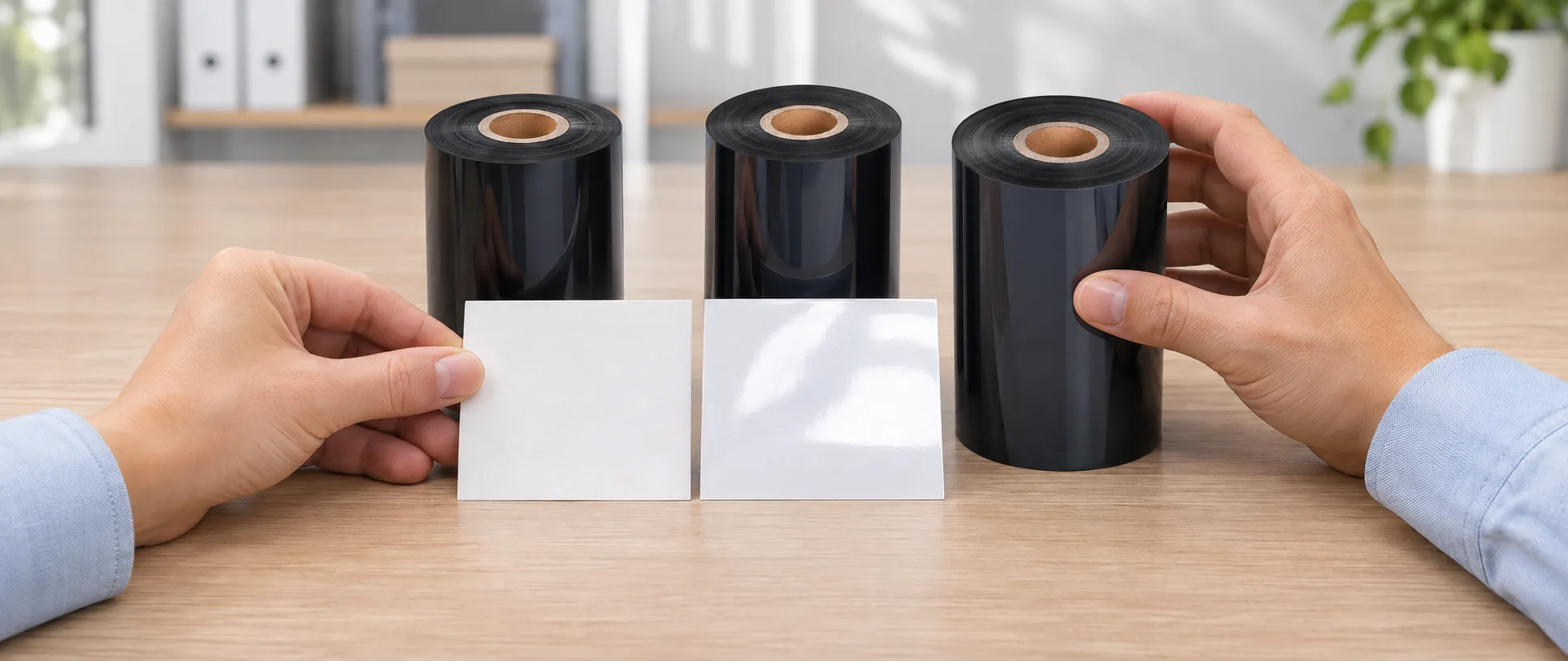
Wax ribbons offer economical printing on paper labels in standard indoor applications, according to EnviOn. Start with wax for a paper identification label that stays indoors and receives little handling. Some coated papers can also work with wax; trial the actual ribbon and stock together.
Resin ribbons offer greater durability and chemical resistance for harsher conditions. Consider resin when the print must remain legible after chemical contact or substantial abrasion, or when evaluating synthetic materials such as polyester and polypropylene. Specify the actual exposure and test the combination: resin does not guarantee resistance to every chemical or process.
Wax-resin provides a middle ground for applications requiring moderate durability at a reasonable cost. It is a useful candidate when wax does not meet the handling requirement. Compare quotations for the specific grades and quantities before deciding whether the additional performance justifies the cost.
Match the ribbon to your printer
Flat-head and near-edge printers require ribbons made for their respective printhead types, according to DNP. A flat-head ribbon remains in contact with the label for a distance after printing; a near-edge ribbon contacts the label only briefly before separation. Identify the printer and printhead type before comparing formulations.
Check the printer manufacturer's ribbon specifications and the label material before ordering. For flexible packaging, a thermal transfer overprinter transfers ribbon ink onto the packaging. Request a sample with the physical specifications and ink orientation required by your machine.
Colorfulttr lists CL-Z203 as a black wax-resin ribbon for flat-head desktop or industrial barcode printers at speeds ≤6 ips (inches per second). Its listed fine-line, small-text and durability results were obtained on coated paper. Trial it on your own printer and stock; those results do not establish performance on a different material.
For near-edge barcode printers, Colorfulttr lists CL-Z212, a black wax-resin grade also described for low- to medium-speed thermal transfer overprinting. Its recommended conditions are near-edge printing at ≤10 inches per second (ips) and TTO at ≤20 ips. These are product-specific recommendations; check the machine, speed and substrate before selection.
Test the candidate before a production order
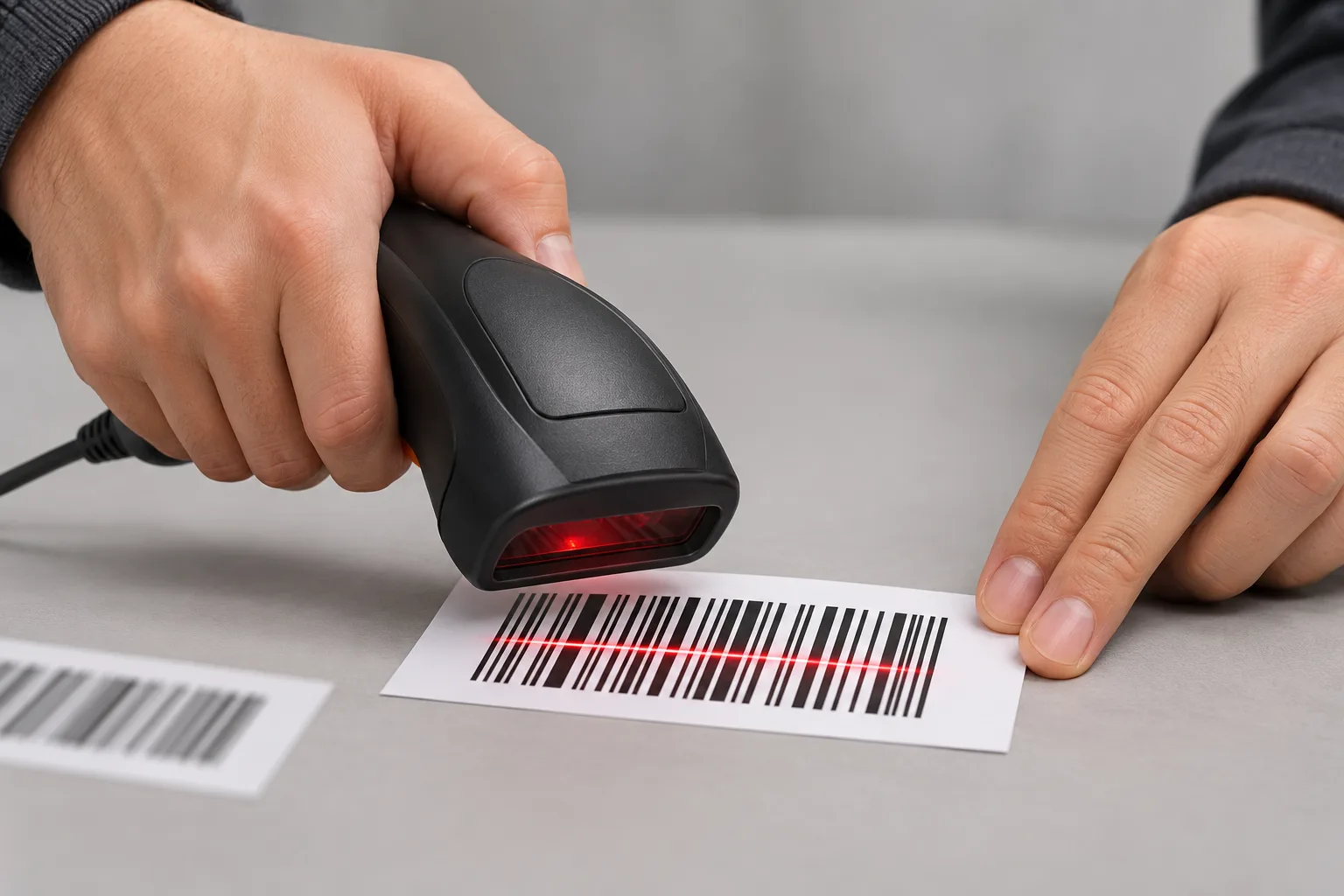
A useful trial uses the intended printer, substrate and operating conditions. Print the actual barcode and text, then assess initial readability and the image after representative handling and exposure.
- Record the printer model, printhead type, ribbon requirements, material and operating speed.
- Select a compatible candidate for the material and required durability, and obtain a sample for the intended application.
- Print on the actual stock and check text and barcodes using the equipment in your workflow.
- Expose samples to relevant handling, moisture or chemicals and check that the information remains readable for its intended use.
- If the result fails, recheck printer compatibility and material match, then trial another appropriate grade. Compare the result with your application's acceptance requirements before ordering.
Keep the accepted sample and its printer, material and ribbon details as a purchase reference. A ribbon family name alone does not establish performance on a different substrate or machine.
Data and Evidence
EnviOn describes the following starting points for thermal transfer selection; the final choice depends on the combination and trial results.
| Ribbon | Starting application | Decision trade-off |
|---|---|---|
| Wax | Paper or some coated paper, controlled indoor use with minimal handling | Economical; check that the image survives the required handling. |
| Wax-resin | Applications needing moderate durability | Middle-ground performance and cost; verify the grade on the actual stock. |
| Resin | Demanding environments; consider for polyester or polypropylene | Greater durability and chemical resistance; verify the specific exposure and substrate. |
DNP distinguishes printer types by ribbon contact time. Colorfulttr's product descriptions state the separate CL-Z203 and CL-Z212 conditions above and note that results vary with printer and substrate. Use the descriptions to shortlist a grade and the trial to decide whether it meets your requirements.
Frequently Asked Questions
Can wax ribbon print on coated paper labels?
Wax can work on some coated paper, but test the exact ribbon and label together before ordering for production.
Does a direct thermal printer need wax or resin ribbon?
No. Direct thermal printing does not require a ribbon; confirm the printer and label stock before ordering.
Does resin ribbon resist every chemical?
No. Resin is a candidate for chemical exposure, but test the actual printed label against the chemicals and conditions it will encounter.
What information should I provide when requesting a sample?
Provide the printer model and printhead type, substrate, operating speed and the handling or exposure the print must withstand.
Related Products & Guides
Recommended products for this industry
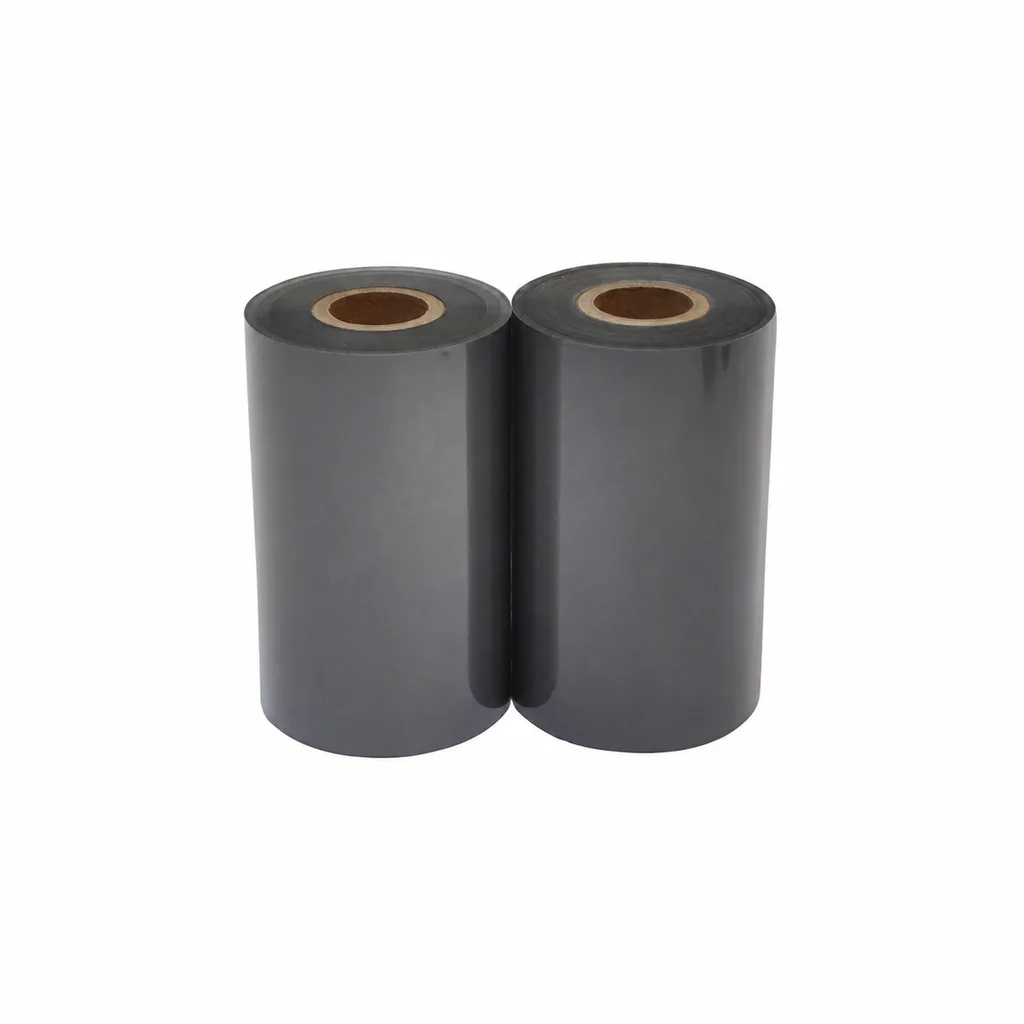
Black Resin Thermal Transfer Ribbon for Label Printing - CL-Z373
CL-Z373 is a black resin thermal transfer ribbon for label printing with desktop or industrial flat-head barcode printers at speeds of ≤6 ips (inches per second). Listed applications include electronics processing, tire identification, automotive manufacturing, pharmaceutical packaging, cosmetic labels and outdoor identification. Selection depends on the actual label material, printer and exposure conditions. Fine-line, small-character and resistance results were obtained on coated paper; print quality and image durability may vary with the printer and print substrate.
View details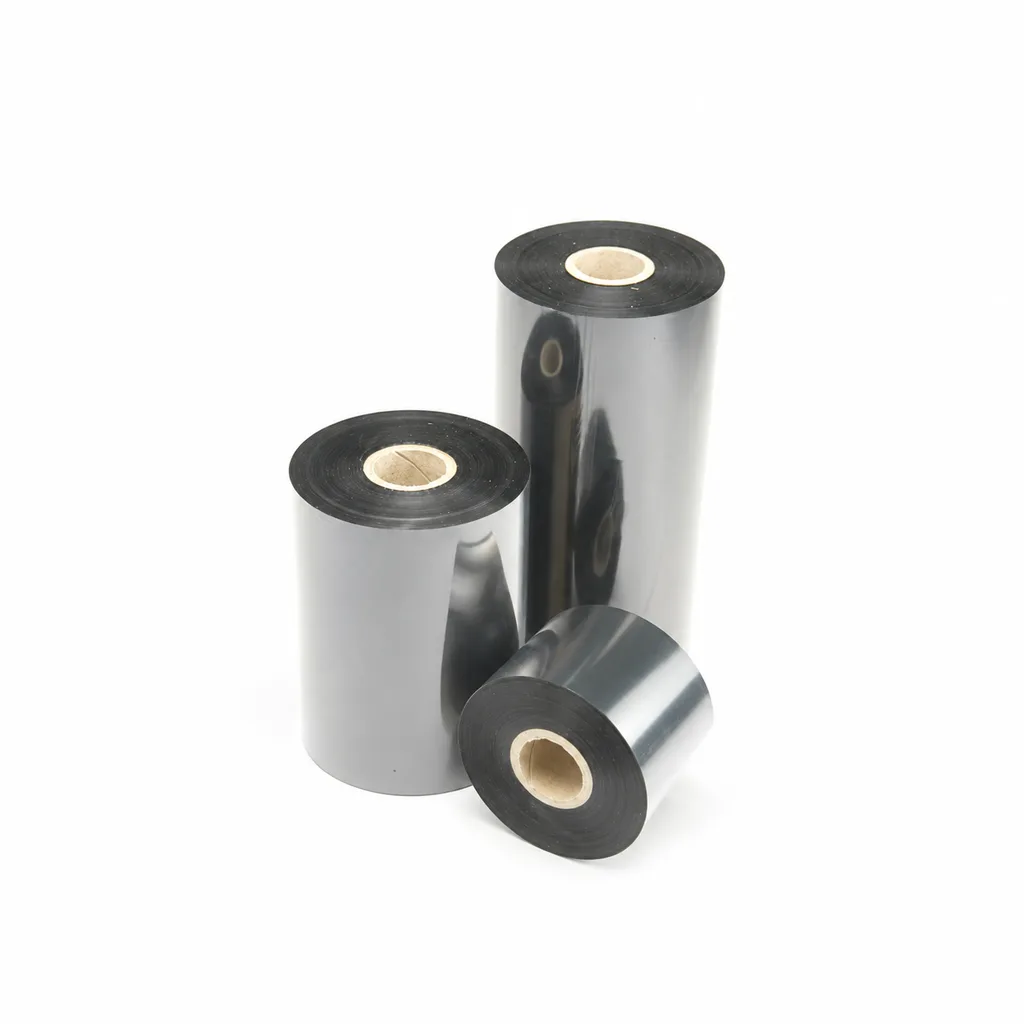
CL-Z203 Wax-Resin Thermal Transfer Ribbon for Barcode Labels
A black wax-resin thermal transfer ribbon for flat-head printing, with listed applications including retail, warehousing, logistics and garment tags. Select it against your actual label material and desktop or industrial barcode printer at speeds ≤6 ips (inches per second). Fine-line, small-text and durability results were obtained on coated paper; print quality and image durability may vary with the printer and printing substrate.
View details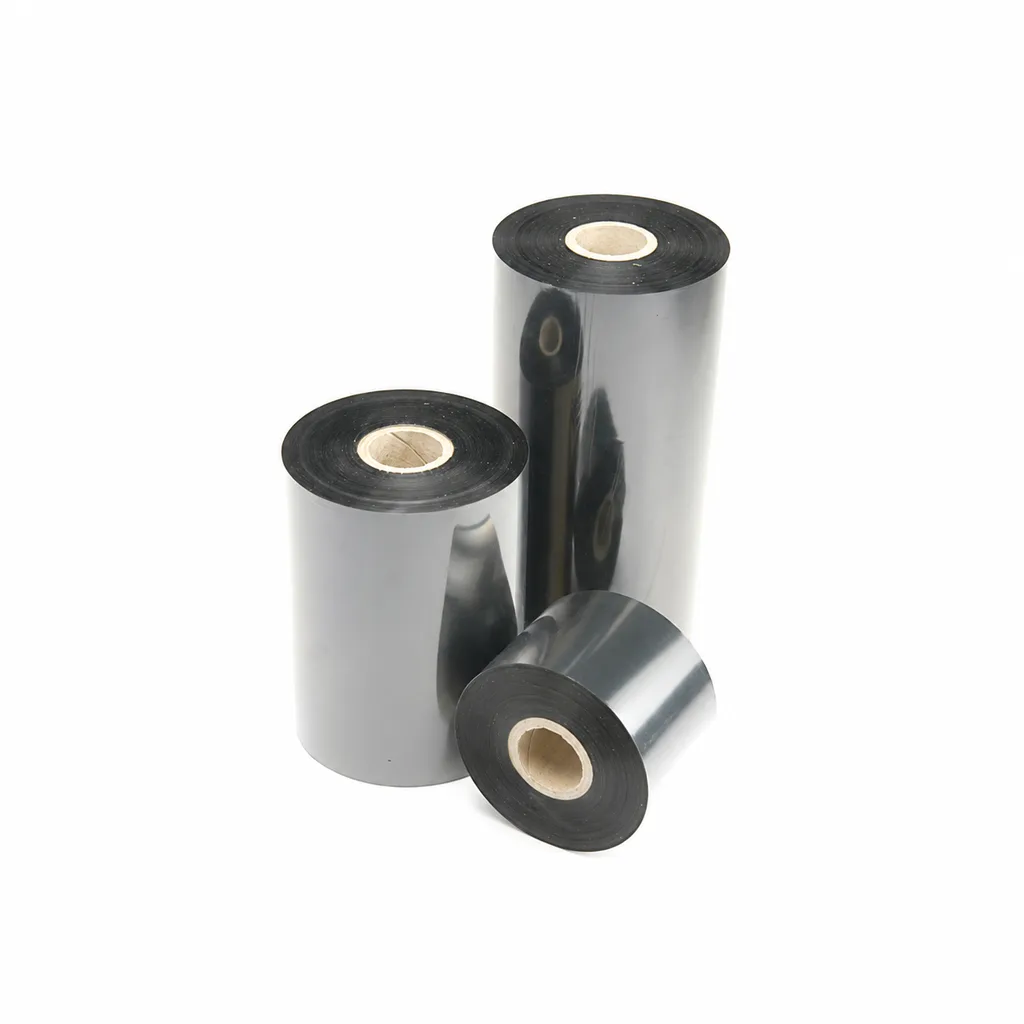
CL-Z213 Near-Edge Wax-Resin Thermal Transfer Ribbon for Barcode Labels
An enhanced black near-edge wax-resin thermal transfer ribbon for near-edge barcode printers and low- to medium-speed thermal transfer overprinting (TTO). Listed applications include retail labels, warehousing, garment tags and packaging identification. Match the printer, actual print medium and operating speed before selection: print quality and image durability can vary with the printer and substrate.
View details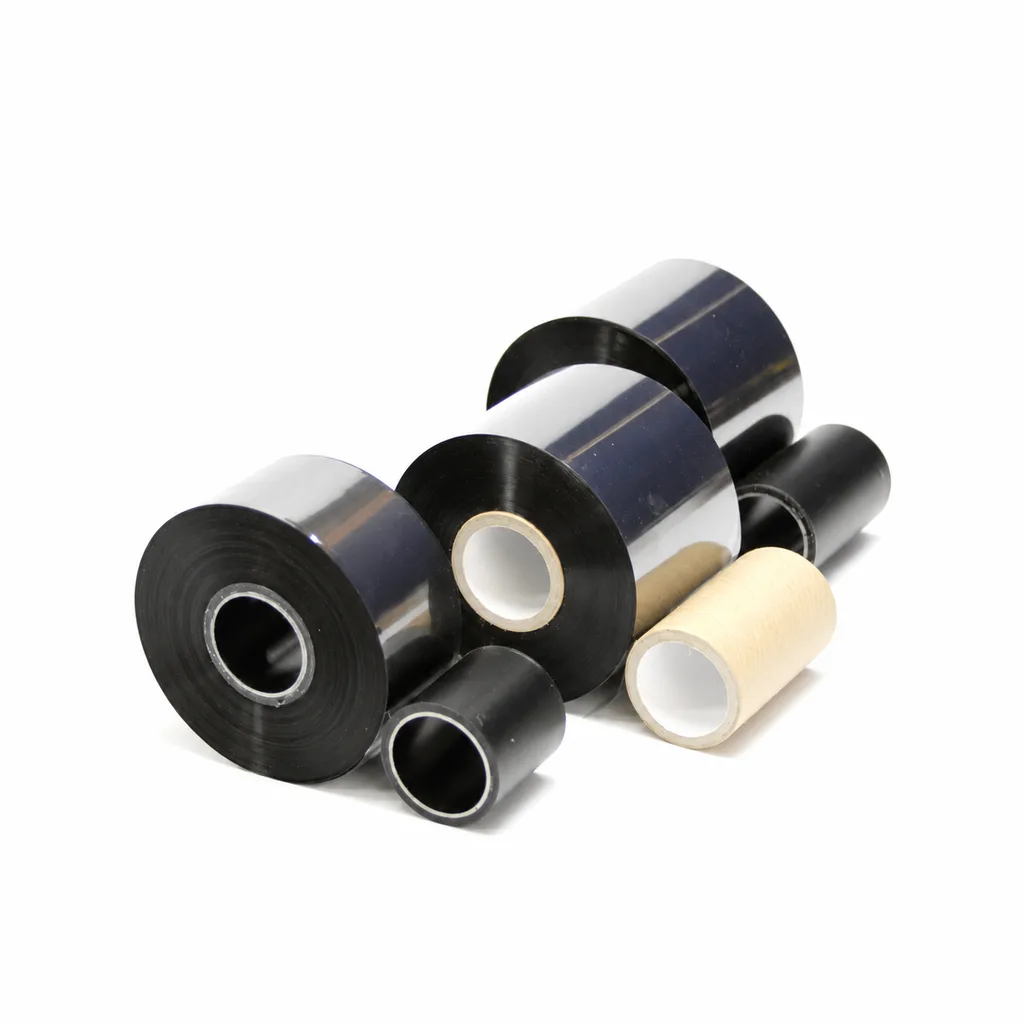
CL-Z215 Wax-Resin Thermal Transfer Ribbon for Packaging and Barcode Printing
CL-Z215 is a black, general-purpose wax-resin thermal transfer ribbon for thermal transfer overprinting (TTO) and near-edge barcode printers. Listed applications include retail labels, prepackaging, food packaging, pharmaceutical packaging, hot packaging and the frozen-food sector. Select it against your actual printer, printing material and required speed, then confirm print quality and image durability on that combination. The stated speed limits and durability results apply only within the documented conditions; they are not universal compatibility or long-term temperature guarantees.
View detailsNeed the right ribbon for your label application?
Share the label material, printer and operating environment. Our team will recommend a tested combination.
