Barcode Printer Ink: What Your Printer Actually Uses and How to Choose It
Request a solution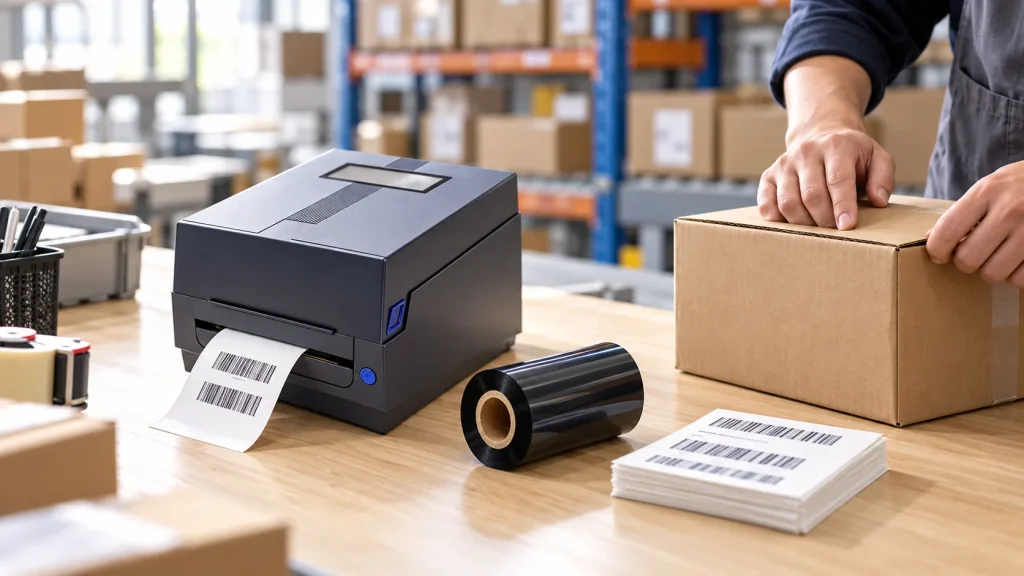
- Original TTR manufacturer since 2013
- Automated coating and slitting
- IQC / IPQC / OQC control
- ANSI barcode grade testing
- -20°C to 120°C environmental testing
- Batch-level traceability
- ANSI barcode grade
- Batch traceability
- RoHS / REACH compliance
- SGS and MSDS documents on request
Key Takeaways
- Most barcode printers never load liquid ink: thermal transfer printers consume wax, wax-resin or resin ribbon, and direct thermal printers run on heat-sensitive label stock alone.
- Label material and environment decide the formulation: wax for cost-effective paper labels, wax-resin for scratch and moisture resistance, full resin for chemical, heat or outdoor durability on synthetics.
- Physical fit comes before chemistry: confirm ribbon width, core size, roll length and ink-side winding against your exact printer model.
- Direct thermal prints can start to fade after 6 months, while thermal transfer delivers very crisp, durable images for longer-life labels.
- Test before bulk orders: sample-print, expose to real conditions, re-scan, and file the supplier grade documentation.
Which Consumable Does Your Barcode Printer Actually Use?
Most barcode printers never touch liquid ink, so the first task when shopping for barcode printer ink is to identify the consumable family your model was built for. Thermal transfer printers use heat to transfer ink from a ribbon onto the label substrate, and the ribbon is sold in three ink formulations: wax, resin, or a combination of the two. Direct thermal printers are the opposite case — no ribbon, and no ink or toner is ever required, because the label stock itself carries the heat-sensitive coating. Inkjet-style coders are the branch that does buy liquid ink; barcode printer technologies include direct thermal, thermal transfer, ink jet, laser printing and dot matrix, and the ink jet category is the one supplied as cartridges.
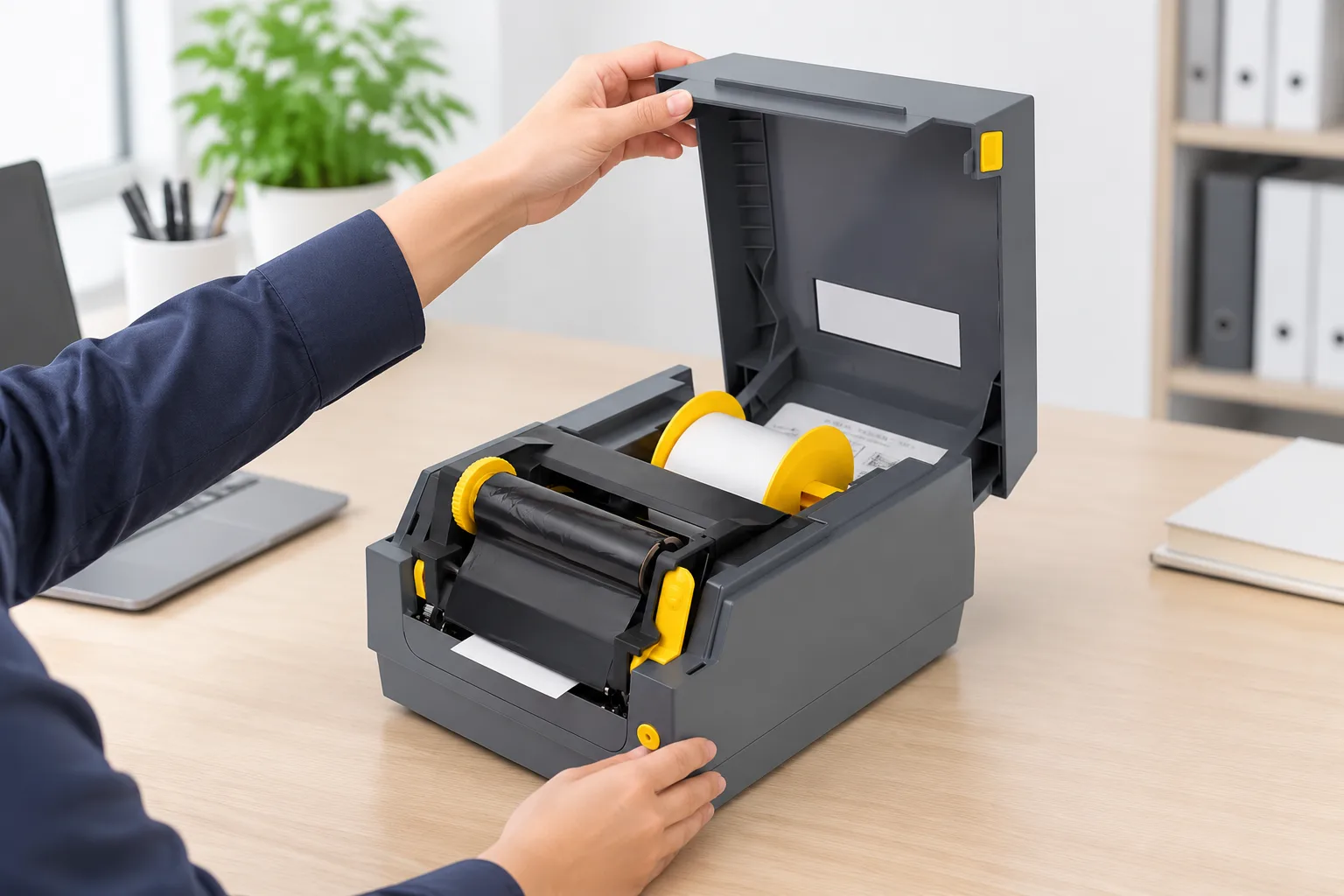
Identify your consumable with three checks. First, read the printer specification or open the media bay: a machine with a ribbon supply spindle and a take-up core runs thermal transfer. Second, look at the supplies already in the room: a ribbon roll wound on a core means ribbon stock, while a roll that prints with no ribbon present means direct thermal stock. Third, weigh the application: direct thermal suits high-volume, short-term labels and costs less to operate, while thermal transfer covers the paper and synthetic labels that must survive longer and harsher conditions.
The consumable carries the print quality: thermal transfer ribbon has to hold ink of appropriate quality to deliver the durability the application requires. That is why the type decision comes before any brand comparison — the wrong consumable family means returns, reprints and idle printers.
Thermal Transfer, Direct Thermal and Inkjet: Consumables Compared
The biggest practical split between barcode printing methods is the consumable itself: thermal transfer printing requires a ribbon, whereas direct thermal printing does not. That difference drives media choice, durability and running cost, so compare the methods side by side before buying.
| Printing method | Consumable you buy | Typical label media | Durability profile | Operating notes |
|---|---|---|---|---|
| Thermal transfer | Ribbon (wax, wax-resin or resin) plus labels | Paper and synthetic labels such as polyester and polypropylene | Very crisp, durable images; wax-resin and resin ribbons resist abrasion for scannable barcodes | Backcoat on the ribbon helps protect and extend printhead life |
| Direct thermal | Heat-sensitive label stock only | Heat-receptive direct thermal papers and synthetics | Prints can start to fade after 6 months; no exposure to direct sunlight, high temperatures or heavy industrial lighting | No ribbon to stock or dispose of; costs less to operate than thermal transfer |
| Inkjet coding | Liquid ink | Set by the coder model and ink chosen | Set by the ink and substrate pairing; verify with the coder supplier | Separate technology from the thermal methods used in barcode label printers |
Thermal transfer overprint (TTO) is the packaging-line branch of thermal transfer. TTO uses heat to transfer ink from the ribbon onto a flexible substrate such as food, beverage and medication packaging, printing barcodes and variable information such as best-by dates and serial numbers. TTO hardware also trims consumable spend: the printer pauses ribbon movement over non-printed gaps, which lowers ribbon consumption and daily consumable cost. If you code on flexible film instead of labels, shortlist ribbons specifically formulated for TTO, because wax-only ink layers are not suitable for TTO applications.
How to Choose the Right Ink or Ribbon for Your Printer
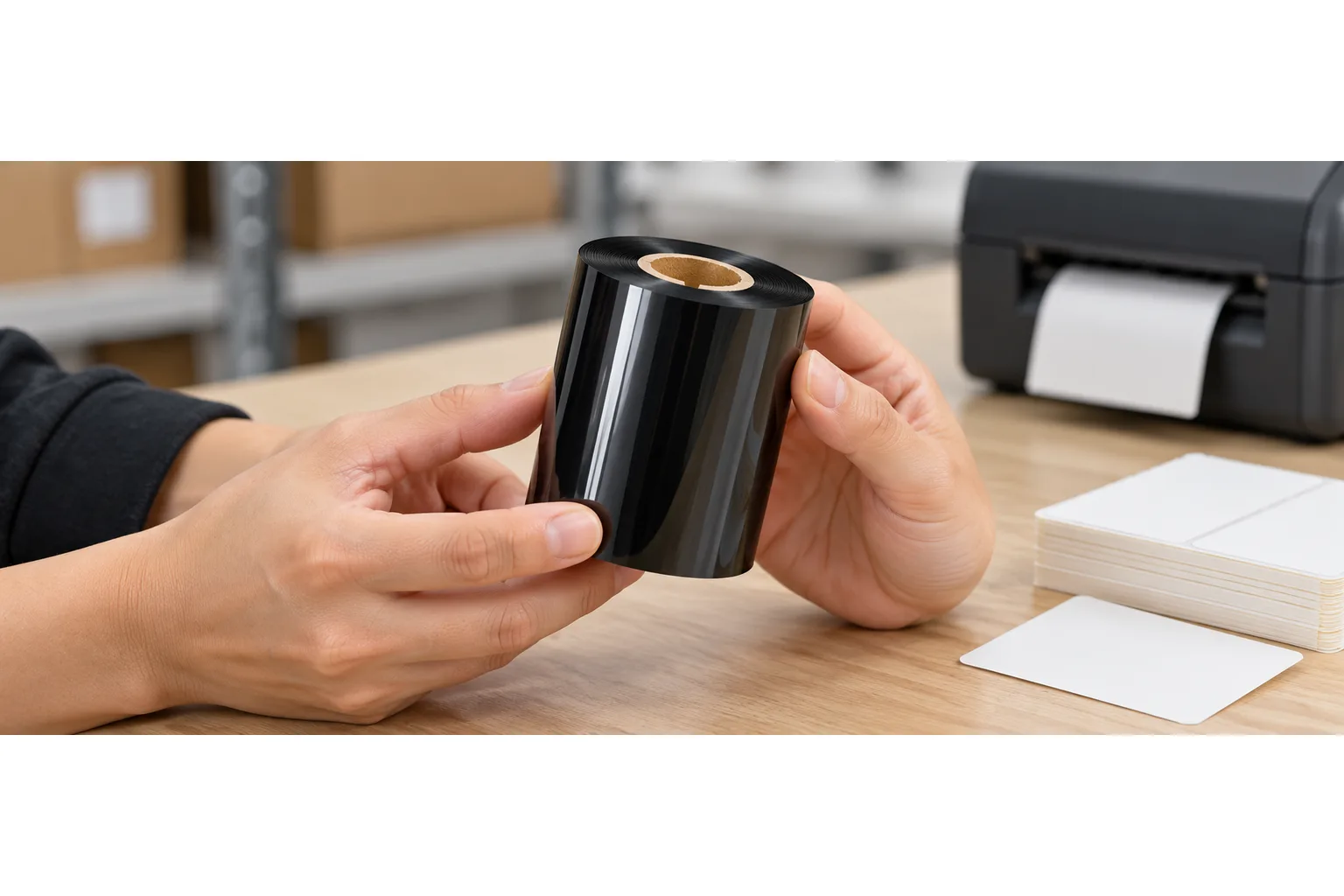
Choosing the right ribbon starts with matching ink formulation, width, core size, and roll length to your printer and label material, and a knowledgeable supplier makes that process far easier. Run the following checks in order before you order any cartons.
- Confirm the printhead type. The printer type — flat-head, near-edge, or thermal transfer overprinter (TTO) — influences ribbon choice, so confirm compatibility before shortlisting formulations. Wax-only ink layers are not suitable for TTO applications, so packaging-line buyers should start from TTO-rated wax-resin or resin products.
- Match the formulation to the label. Use wax for cost-effective paper labels; it prints at low temperature and keeps up with line speeds up to 254 mm/s. Step up to wax/resin for added scratch and moisture resistance, and to full resin for chemical, heat, or outdoor durability on synthetic labels — resin adheres exceptionally well to polyester and polypropylene.
- Check the physical fit. Match the ribbon width to your label web, the core size to the spindle, and the roll length to what the machine carries. Confirm the winding too: ink-side-in (CSI) ribbon is compatible with Datamax and Sato printers, while ink-side-out (CSO) ribbon is compatible with Zebra, Intermec and Printronix printers — send your printer model to the supplier and order the winding it specifies.
- Weigh resolution and scan quality. Thermal printheads are often 203 dots per inch (8 dots per mm) or 300 dpi (12 dots per mm), and sharp print makes the scanning of barcodes easier, so treat edge definition as a selection criterion.
- Screen for the real environment. Freezing and thawing cycles demand ink adhesion that survives without cracking or fading; abrasion on filling lines and contact with solvents push the choice toward wax-resin or resin.
- Test before you commit. Print a sample roll of each candidate formulation on your production label stock, scan the results, expose the labels to your real storage and handling conditions, then re-scan. Specify the formulation that still scans cleanly after that cycle.
How to Evaluate Cost and Suppliers Before You Order
Consumable cost is a per-label calculation, not a per-roll sticker price. One new ribbon roll typically carries enough length to print several label rolls, so the real drivers are formulation, label size and the changeover rhythm of your line. Longer runs help on volume: ribbon lengths from 450m to 1100m minimize changeovers and downtime. Direct thermal costs less to operate than inkjet, laser, impact and thermal transfer printers, but prints that can start to fade after 6 months make shorter-lived labels, so compare the total cost per scannable label — ribbon, labels, replacement labor and changeover downtime together.
Supplier quality shows in matching support and in paperwork. Expect a knowledgeable supplier to ask for your printer model, label material and storage conditions before recommending a formulation, not just to read out a part number. Then ask for documents: barcode grade test data, environmental test results, batch traceability and compliance certificates. COLORFULTTR, a thermal transfer ribbon manufacturer, documents ANSI barcode grade testing and environmental testing from -20°C to 120°C, runs batch-level traceability, and supplies RoHS / REACH compliance with SGS and MSDS documents on request — hold any supplier you evaluate to that same list.
Next step: send your shortlisted suppliers the printer model, label material and storage conditions, request sample rolls of the wax, wax-resin and resin candidates together with grade documentation, and run the trial print on your own line before approving the specification.
Data and Evidence
The formulation table condenses the selection evidence for the three thermal transfer ribbon families; the checklist underneath shows how to verify a choice on your own line.
| Ribbon formulation | Ink make-up | Best-fit labels | Durability and resistance | Printer and process notes |
|---|---|---|---|---|
| Wax | Wax ink coating carried on the ribbon base film | Cost-effective paper labels | Reference point for paper label durability; wax-resin and resin add abrasion, heat and chemical resistance over wax | Low printing temperature; printing at high speeds up to 254 mm/s |
| Wax-resin | Blend of wax and resin inks | Glossy paper and a wide variety of substrates, including synthetics | Very resistant to abrasion, heat, solvents and other chemicals compared with wax; keeps barcodes scannable under abrasion | First choice for in-line print-on-packaging |
| Resin | Hard resin ink | Synthetic label surfaces such as polyester and polypropylene | Highest resistance against severe abrasion and harsh chemicals; suited to chemical exposure, outdoor use and extreme temperatures | Requires a higher transfer temperature setting |
Verification checklist: confirm the ribbon is built as a base film with a heat-resistant coating and an ink coating, with a backcoat that protects the printhead; confirm formulation, width, core, length and winding against the printer; freeze, abrade or expose samples to your real conditions and re-scan; file barcode grade and environmental test documents with batch records before approving the consumable for production.
Frequently Asked Questions
Do all barcode printers use ink?
No. Direct thermal printers need no ribbon, ink or toner because the label stock carries the heat-sensitive coating. Thermal transfer printers use ribbon ink in wax, wax-resin or resin formulations, and liquid ink belongs to inkjet-style coders.
What is the difference between barcode printer ink and a thermal transfer ribbon?
In a thermal transfer printer the ink is not a liquid cartridge: it is the coating on the ribbon film that the printhead melts onto the label. If your machine feeds a ribbon alongside the label, you buy wax, wax-resin or resin ribbon instead of bottled ink.
How do I know which ribbon fits my barcode printer model?
Confirm four things: the printhead type (flat-head or near-edge/TTO), the formulation your label material needs, the ribbon width, core size and roll length, and the winding. Ink-side-in (CSI) ribbon is compatible with Datamax and Sato printers, while ink-side-out (CSO) ribbon is compatible with Zebra, Intermec and Printronix printers, and your supplier can confirm the rest against the model number.
How can I test whether a barcode label stays scannable in its intended environment?
Print samples with the candidate ribbon on your production label stock, expose them to real conditions such as freezing and thawing cycles, abrasion or chemical contact, then re-scan. Ask the supplier for barcode grade test data and environmental test documentation to support the choice.
How long do direct thermal barcodes last compared with thermal transfer prints?
Direct thermal prints can start to fade after 6 months, and the labels cannot be exposed to direct sunlight, high temperatures or heavy industrial lighting. Thermal transfer produces very crisp and durable images and is used where labels need a longer lifespan than direct thermal can provide.
Recommended products for this industry

3-inch mobile printer
These lightweight and cost-effective 3-inch mobile printers enable accurate receipt and…
View details
4-inch lightweight industrial printer
Industrial printers are engineered for lightweight construction, straightforward…
View details
AL05-A Temporary Number Plate Printer
It can enhance industry productivity, optimise supply chain management, reduce…
View details
AL10-D Dual-Colour Label Printer
It can enhance industry productivity, optimise supply chain management, reduce…
View detailsNeed the right ribbon for your label application?
Share the label material, printer and operating environment. Our team will recommend a tested combination.
