
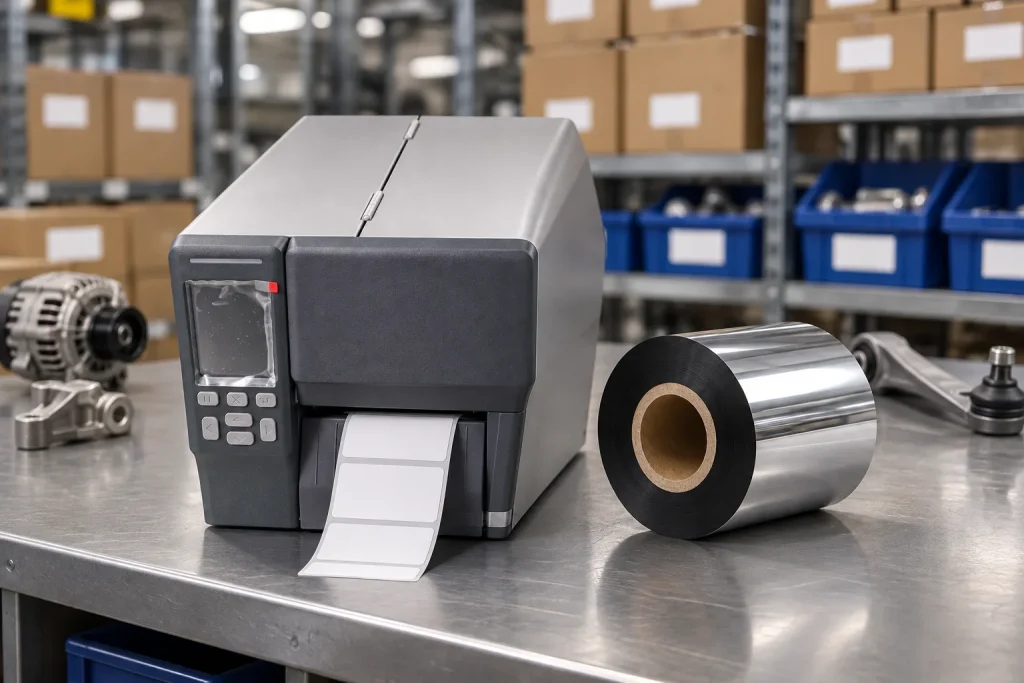
- Original TTR manufacturer since 2013
- Automated coating and slitting
- IQC / IPQC / OQC control
- ANSI barcode grade testing
- -20°C to 120°C environmental testing
- Batch-level traceability
- ANSI barcode grade
- Batch traceability
- RoHS / REACH compliance
- SGS and MSDS documents on request
An automotive printer is a label or barcode printer selected for a parts, production, warehouse or service workflow. Choose by workload and media format, then validate the label and ribbon under real exposure conditions. Test the printer, substrate, ribbon, speed and application combination before volume supply.
Key Takeaways
- Match printer type to workload and printing location.
- Specify label material, adhesive and environment.
- Check printhead and ribbon compatibility.
- Approve samples after exposure and scan tests.
Why automotive label printing matters
Labels can support identification and traceability during production, inventory handling and a vehicle’s service life. Thermal-transfer printing supports variable barcodes, lot codes and serial numbers. If a code is damaged or incompatible with a scanner, operators may need to reprint or identify an item manually. Confirm data, code format, scan criteria and approval steps with the customer or quality team; do not assume one label format satisfies every requirement.
Five automotive printing scenarios
- Parts and serial-number labels: Choose a stationary thermal-transfer printer that supports the required width and daily volume. Test code size and scan performance on the actual substrate.
- Under-hood identification: Heat, oil, abrasion and chemicals challenge label construction. Specify surface and exposure, then test a compatible synthetic label and ribbon. Polyimide is one option among automotive thermal-transfer label materials; suitability depends on grade and application.
- Tire production and vulcanization: This specialized application needs purpose-designed stock. Thermal-transfer-printable PET face films are offered for tire barcode traceability through vulcanization, subject to ribbon compatibility. Test samples in the actual curing and scanning process.
- Wire and cable marking: Match printer and media to marker format and data. A fixed workstation may use desktop or industrial equipment; mobile printing may suit tasks spread across a facility. Confirm whether the label wraps, flags or sleeves the cable.
- Carton and warehouse labels: Select a method for required label life and environment. Choose equipment by volume and whether printing happens at a fixed station or at the item.
Printer types: desktop, industrial, mobile and TTO
| Type | Consider it when | Check |
|---|---|---|
| Desktop | Printing is localized and volume is modest. | Media capacity, ribbon changes, width and duty rating. |
| Industrial | A production or warehouse station needs larger media capacity or sustained printing. | Line integration, environmental protection and maintenance. |
| Mobile | Labels are printed at multiple points or where parts are handled. | Battery workflow, connectivity, media width and roll capacity. |
| TTO | Variable data is printed on packaging material in a production line. | Packaging substrate, line speed and ribbon compatibility. |
These are common patterns, not fixed volume thresholds. Compare peak shifts, changeovers and media needs. Many desktop and industrial thermal-transfer printers use flat-head technology; near-edge systems have different ribbon formulation requirements. Confirm the exact printhead type and compatible ribbon before ordering.
Selection checks before requesting a quote
- Volume and duty: Share average and peak labels per shift, operating days and seasonal peaks. Ask the supplier to confirm rated duty.
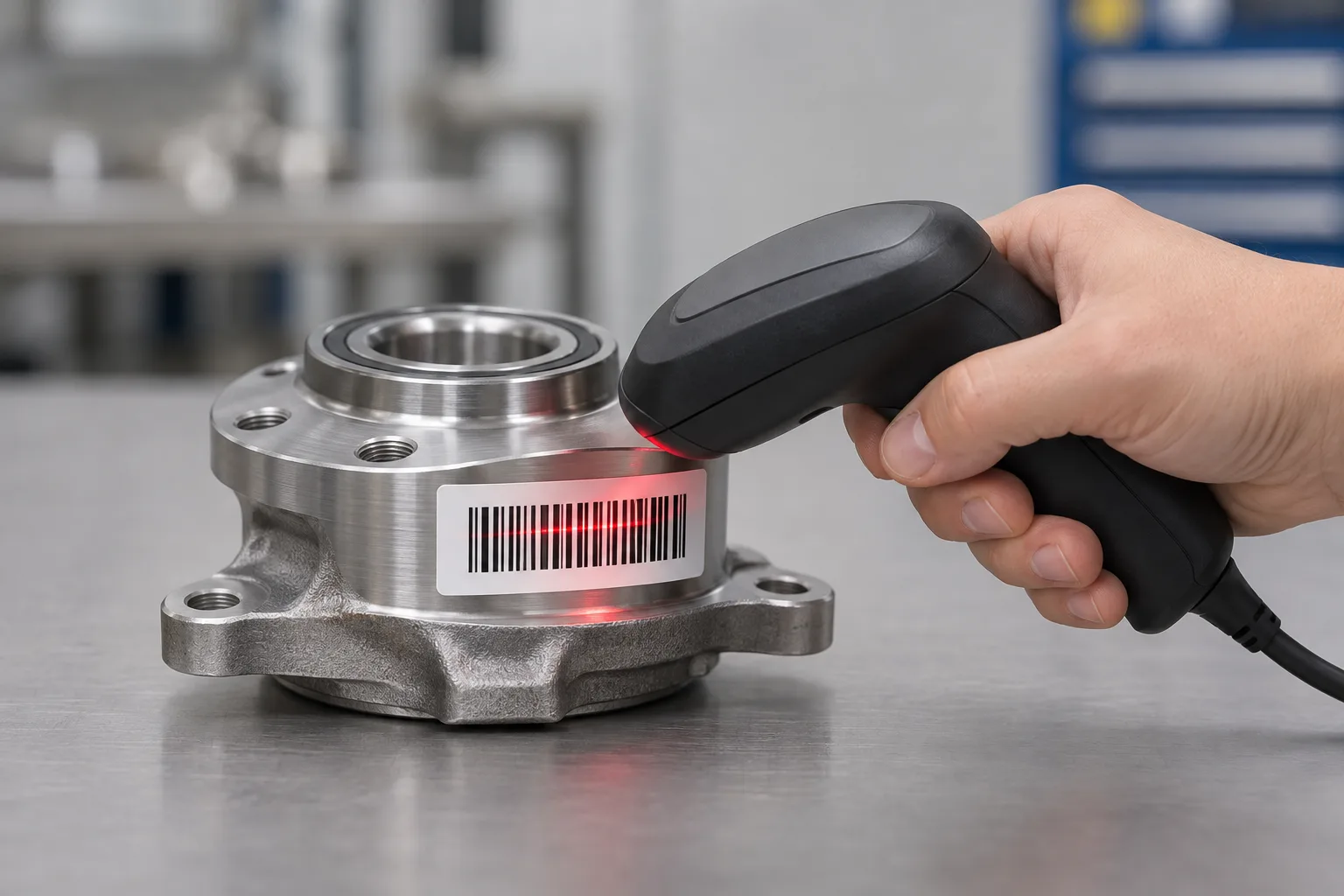
- Resolution and code size: Provide the smallest text and barcode or 2D artwork. Print at intended speed and scan with the receiving process’s scanner or verifier.
- Width and construction: Specify dimensions, gap or mark sensing, roll core and diameter, and material type.
- Environment: Record temperature, oil or chemical contact, abrasion, moisture and service life, plus the application surface.
- Integration: Confirm interfaces and software compatibility with your IT team. Do not assume support for your MES, ERP or WMS connection.
- Service and supply: Ask about replacement printheads, ribbon availability, lead times and support.
Compare sample output and operating fit alongside speed. A high speed specification alone does not establish barcode readability or reliable operation through a real shift.
Match ribbon and label stock to conditions
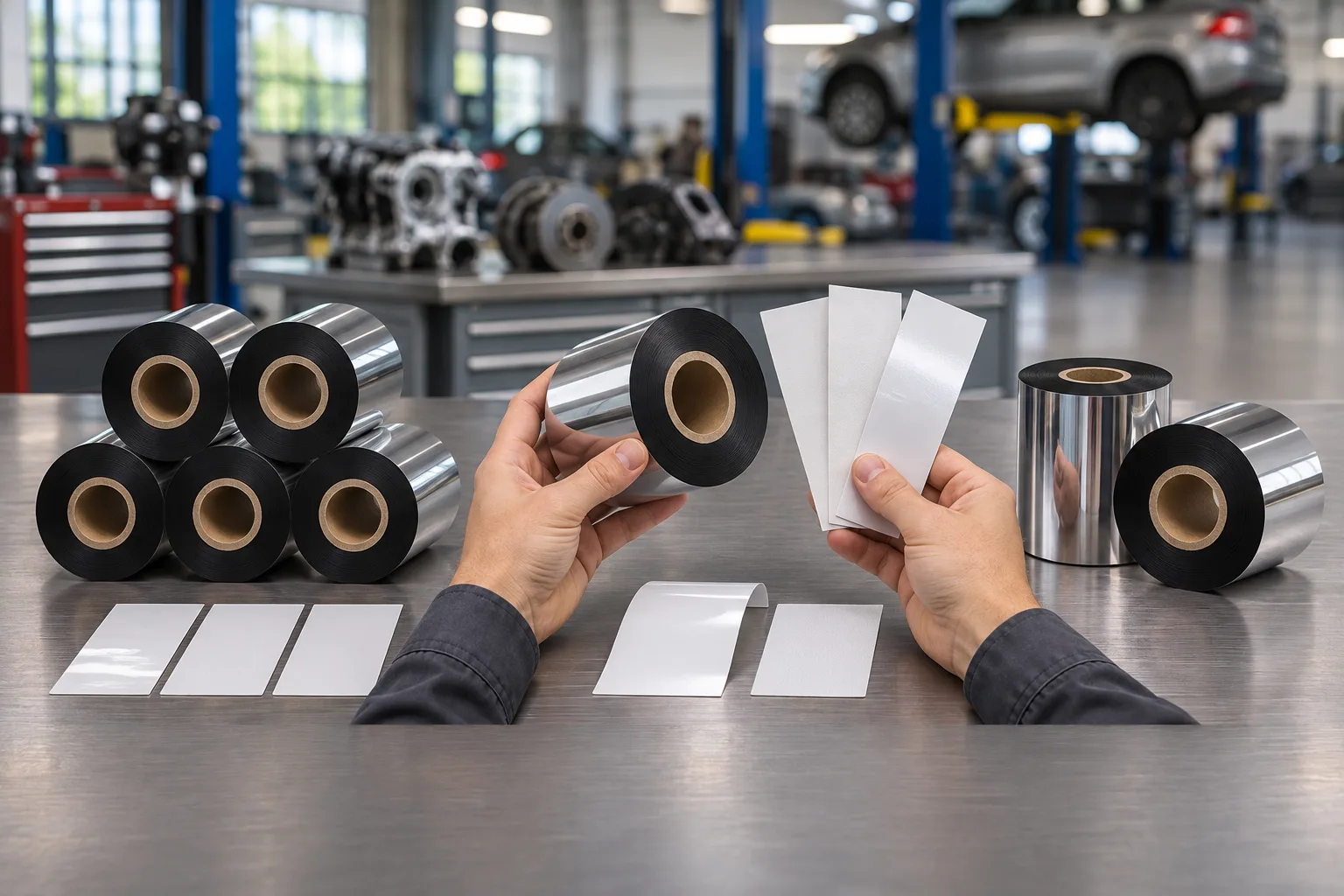
Thermal transfer depends on three matched elements: printer, label material and ribbon. Wax, wax-resin and resin are broad families, not universal answers. Resin ribbons are used for demanding abrasion or chemical exposure, but have substrate limitations and need compatible printer formulations. Wax-resin can offer greater resistance than wax and is used in automotive applications. Choose wax only when label life and environment support it.
For high-temperature under-hood or vulcanization labels, do not assume resin ribbon alone makes a label heat-proof. Select suitable facestock and adhesive for the exposure, confirm ribbon compatibility, and test samples under required heat, oil, chemical and abrasion conditions. Check barcode readability after exposure. Record printer, settings, stock, ribbon, speed and results so production can repeat the approved setup.
Budget for total operating cost
Compare expected costs for the printer, labels, ribbons, replacement printheads, cleaning and operator time for media changes. Small rolls may cause interruptions; undersized equipment can require workarounds at peak volume. A lower purchase price is not necessarily a lower operating cost if compatible media costs more or is difficult to source. Ask suppliers to quote the same label construction and expected usage. Calculate per-label costs using your own consumption and maintenance assumptions.
Common mistakes and a quick checklist
Avoid choosing on speed alone, treating all resin ribbons as equivalent, assuming a standard tire label survives vulcanization, or approving bulk orders before sample testing. Confirm:
- Application, location and expected label life.
- Average and peak labels per shift.
- Dimensions, material, adhesive and surface.
- Printer type, printhead and compatible ribbon.
- Code content, minimum size and scan criteria.
- Heat, oil, chemicals, abrasion and moisture.
- Interfaces and software requirements.
- Sample testing and documented approval.
- Consumable availability, service and replacement parts.
When uncertain, begin with representative samples. Print using the proposed printer and ribbon, expose labels to real conditions, and verify adhesion and scanning before finalizing the specification.
Data and Evidence
Specify printer and printhead, ribbon formulation, label face and adhesive, print speed, code sample, application surface and exposure profile. For under-hood or tire-vulcanization jobs, request compatible samples. Record print settings, test conditions, adhesion and barcode scan outcome. Sources support these selection principles but do not guarantee every stock and ribbon combination.
Frequently asked questions
What does “automotive printer” mean?
A label or barcode printer for automotive manufacturing, parts handling, warehousing or service workflows. Equipment depends on label, volume, location and durability needs.
Can I use a regular office label printer for parts labels?
Possibly for a controlled, low-volume task if width, duty, environment, barcode readability and consumables fit. Office shipping equipment may not suit a production line or harsh exposure.
What resolution do I need for small serial-number barcodes?
There is no universal answer without code dimensions and substrate. Print a sample at planned speed and validate with the receiving scanner or verifier.
Which ribbon is best for under-hood labels exposed to heat and oil?
Resin is commonly considered for demanding abrasion or chemical exposure, but facestock, adhesive, printer formulation and exposure must also match. Test the complete construction.
Should a mid-size parts workshop choose desktop or industrial?
Choose desktop when printing is localized and workload fits its rated duty and capacity. Consider industrial equipment when peak volume, long shifts or fewer media changes matter. Compare your peak day.
How should I test labels and ribbons before rollout?
Print representative data, apply labels to the intended surface, expose them to real heat, oil, chemicals or abrasion, then check adhesion and barcode readability. Record the setup to repeat the approved result.
Recommended products for this industry
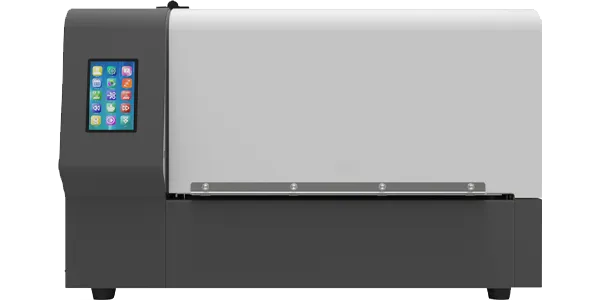
AL10-D Dual-Colour Label Printer
It can enhance industry productivity, optimise supply chain management, reduce…
View details
Automotive Fluid Resistant Polyester Label
Polyester label for under-hood components exposed to brake fluid, fuels, oils, coolants…
View details
Automotive Vinyl Round Label Roll
Durable vinyl roll labels with round die-cut options for automotive spare parts and…
View details
Brother Compatible Label Ribbons (TZe Series)
This Brother-compatible label ribbon (TZe series) is manufactured using high-quality…
View detailsNeed the right ribbon for your label application?
Share the label material, printer and operating environment. Our team will recommend a tested combination.
