
Automotive Labeling Solutions: What They Include and How to Choose the Printing Setup
Request a solution
- Original TTR manufacturer since 2013
- Automated coating and slitting
- IQC / IPQC / OQC control
- ANSI barcode grade testing
- -20°C to 120°C environmental testing
- Batch-level traceability
- ANSI barcode grade
- Batch traceability
- RoHS / REACH compliance
- SGS and MSDS documents on request
Key Takeaways
- An automotive labeling solution is specified as five inputs: your printer, ribbon, substrate, print speed, and application.
- Suppliers can identify the right near-edge thermal ribbon or printing solution for your workflow once you describe all five inputs.
- Flat-head printers keep the ribbon in contact with the label past the printhead, parting it after the peel point, which anchors the image on the substrate.
- Flat-head thermal transfer models generally print at speeds between 2 to 10 inches per second.
- Near-edge printers use floating print heads; confirm their speed and material fit for your model before ordering.
What an Automotive Labeling Solution Covers
An automotive labeling solution is the working combination of a printer, a thermal ribbon, a label substrate, a defined print speed, and the application the labels must serve. In automotive plants and their supply chains, these labels identify parts and follow materials as they move between sites. No single product is the solution on its own; the solution is the matched set, and every part of it limits the others.
The five inputs matter because they depend on each other. The printer fixes the printhead type and the speed range you can run. The ribbon and the substrate decide whether the printed image anchors well and stays readable where the label travels. The application — what the label identifies and which processes it must survive — sets the boundaries for all the other choices.
Suppliers work from exactly this list. When you approach a thermal printing supplier, the first request is the same five details: your printer, your ribbon, your substrate, your print speed, and your application. With those inputs, the supplier's team can help you identify the right near-edge thermal ribbon or printing solution for your workflow.
How to Decide Between Flat-Head and Near-Edge Thermal Transfer Printing
Judge the printhead type before you judge any ribbon specification, because the printhead decides how the ribbon meets the label. Thermal transfer printers come in two printhead families: flat-head and near-edge. Technical overviews of label and packaging materials cover both families, so this comparison is a standard step in any specification process.
A flat-head printer uses a traditional horizontally positioned printhead. As the label passes through, the ribbon stays in contact with the label for some distance while passing the printhead, and the two part after the peel point. This contact path ensures better anchorage of the image on the substrate. These models will generally print at speeds between 2 to 10 inches per second.
A near-edge printer takes a different mechanical approach: near-edge printers use floating print heads. The source material for this guide does not state a single speed figure for near-edge models, so ask your supplier for the rated speed of the exact machine you are considering and treat it as a claim to verify.
Choose by what your line needs first. If image anchorage on the substrate is the priority, the flat-head contact path is the documented strength, and its general speed window of 2 to 10 inches per second gives you a baseline for line pacing. If your machine layout or existing hardware points you to near-edge printing, get the floating-print-head model's speed and material fit confirmed in writing before you order ribbons.
How to Specify and Verify a Setup Before You Order
Prepare the five inputs before you contact any supplier, because incomplete information produces generic recommendations. Write down what you print on, what you print with, and how fast the line actually runs.
- Record your printer details, including whether it uses a flat-head or near-edge printhead.
- Note the ribbon you use today, with the specification exactly as it appears on the packaging or datasheet.
- Name the substrate the label sits on, both the label material and the surface it adheres to.
- Measure the print speed your line actually runs, not the printer's maximum rating.
- Describe the application: what each label identifies and which sites or processes it must survive.
- Send all five inputs to your supplier and request the matched ribbon or printing solution.
Then verify with a printed sample rather than a datasheet. Check that the image anchors on your actual substrate and stays readable through your normal handling. If the sample fails, change one input at a time — swap the ribbon first, then revisit the printhead type — and print a new sample before adjusting anything else. This one-variable loop is the practical next step after any failed sample.
Data and Evidence
The table below collects the specifications this guide draws from supplier pages and technical overview documents. Use it as a checklist when you talk to vendors, and ask them to complete the near-edge column for your specific model.
| Attribute | Flat-head thermal transfer | Near-edge thermal transfer |
|---|---|---|
| Printhead design | Traditional horizontally positioned printhead | Floating print heads |
| Ribbon-to-label contact | Ribbon stays in contact with the label for some distance while passing the printhead, parting after the peel point | Confirm contact behavior for your model with the supplier |
| Image anchorage | Better anchorage of the image on the substrate | Verify with samples on your own substrate |
| Typical print speed | Generally between 2 to 10 inches per second | Confirm the rated speed with the supplier |
To verify any figure in this table, run the five-input specification process above and request a sample printed on your own substrate. That sample, not the catalog value, is what tells you whether the combination works for your application.
Frequently Asked Questions
What five details should I give a supplier when sourcing automotive labeling solutions?
Give your printer, your ribbon, your substrate, your print speed, and your application. With those five inputs, a supplier team can help you identify the right near-edge thermal ribbon or printing solution for your workflow.
What is the difference between flat-head and near-edge thermal transfer printing?
A flat-head printer uses a traditional horizontally positioned printhead, so the ribbon stays in contact with the label for some distance while passing the printhead and parts after the peel point, which gives better anchorage of the image on the substrate. Near-edge printers use floating print heads instead, and their speed and material fit depend on the specific model.
What print speeds do flat-head thermal transfer printers generally reach?
Flat-head thermal transfer models will generally print at speeds between 2 to 10 inches per second. Treat that as a range for the family, not as a rating for any single machine.
Why does the peel point matter for label image quality?
On a flat-head printer, the ribbon parts from the label after the peel point, and this ensures better anchorage of the image on the substrate. A clean separation at that point is what sets the printed image onto the label face.
Should an automotive labeling solution always use a flat-head printer for better anchorage?
No single printhead family fits every line. Flat-head printing has the documented anchorage advantage, while near-edge printers with their floating print heads also appear in technical overviews as a standard option. Print samples with both on your own substrate before you commit to one.
Recommended products for this industry
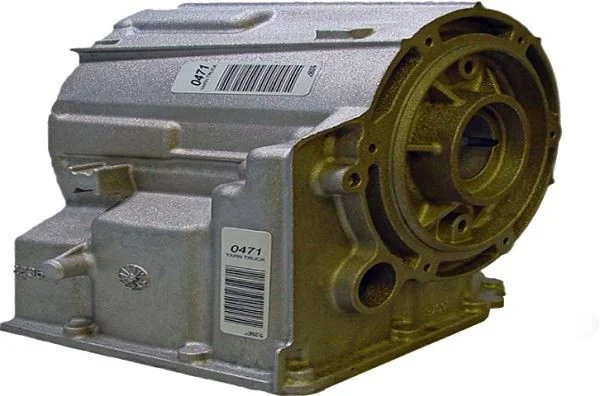
Automotive Fluid Resistant Polyester Label
Polyester label for under-hood components exposed to brake fluid, fuels, oils, coolants…
View details
Automotive Vinyl Round Label Roll
Durable vinyl roll labels with round die-cut options for automotive spare parts and…
View details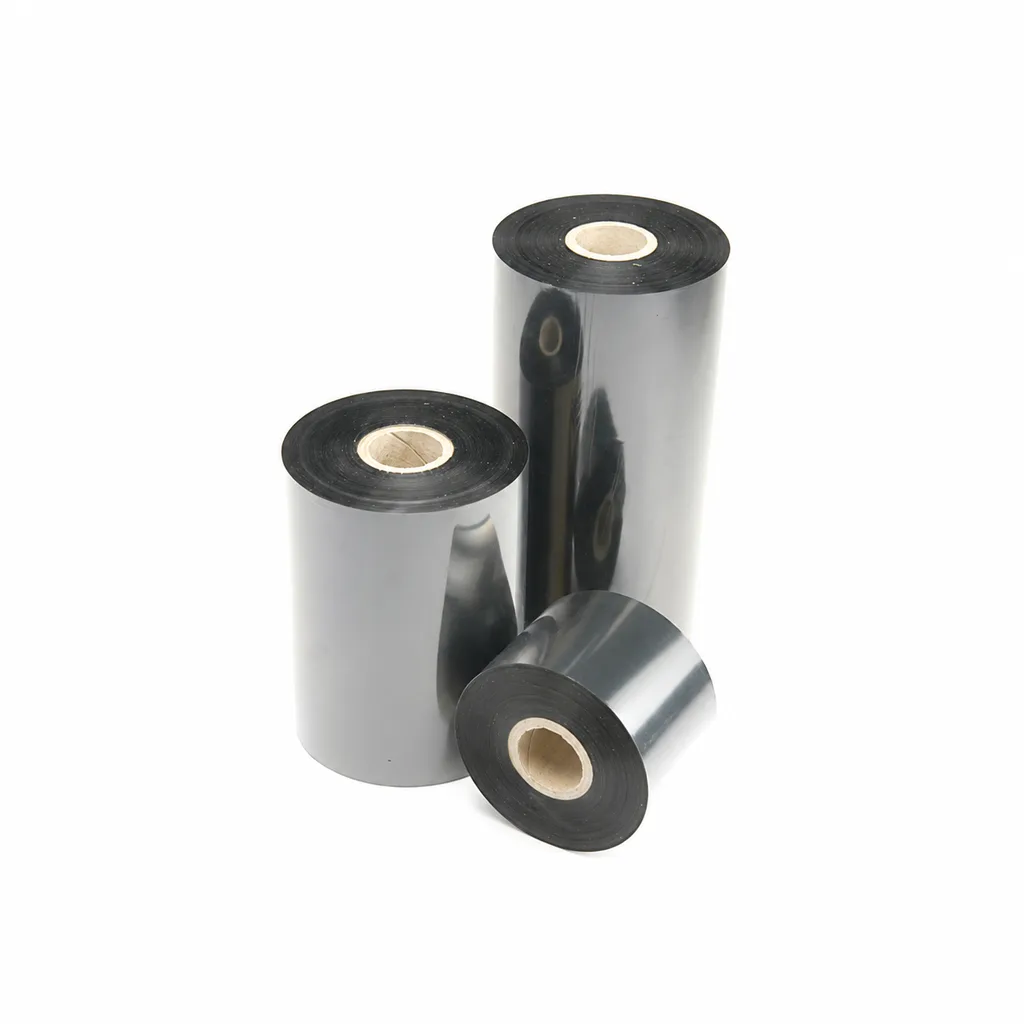
CL-Z213 Near-Edge Wax-Resin Thermal Transfer Ribbon for Barcode Labels
An enhanced black near-edge wax-resin thermal transfer ribbon for near-edge barcode printers and low- to medium-speed thermal transfer overprinting (TTO). Listed applications include retail labels, warehousing, garment tags and packaging identification. Match the printer, actual print medium and operating speed before selection: print quality and image durability can vary with the printer and substrate.
View details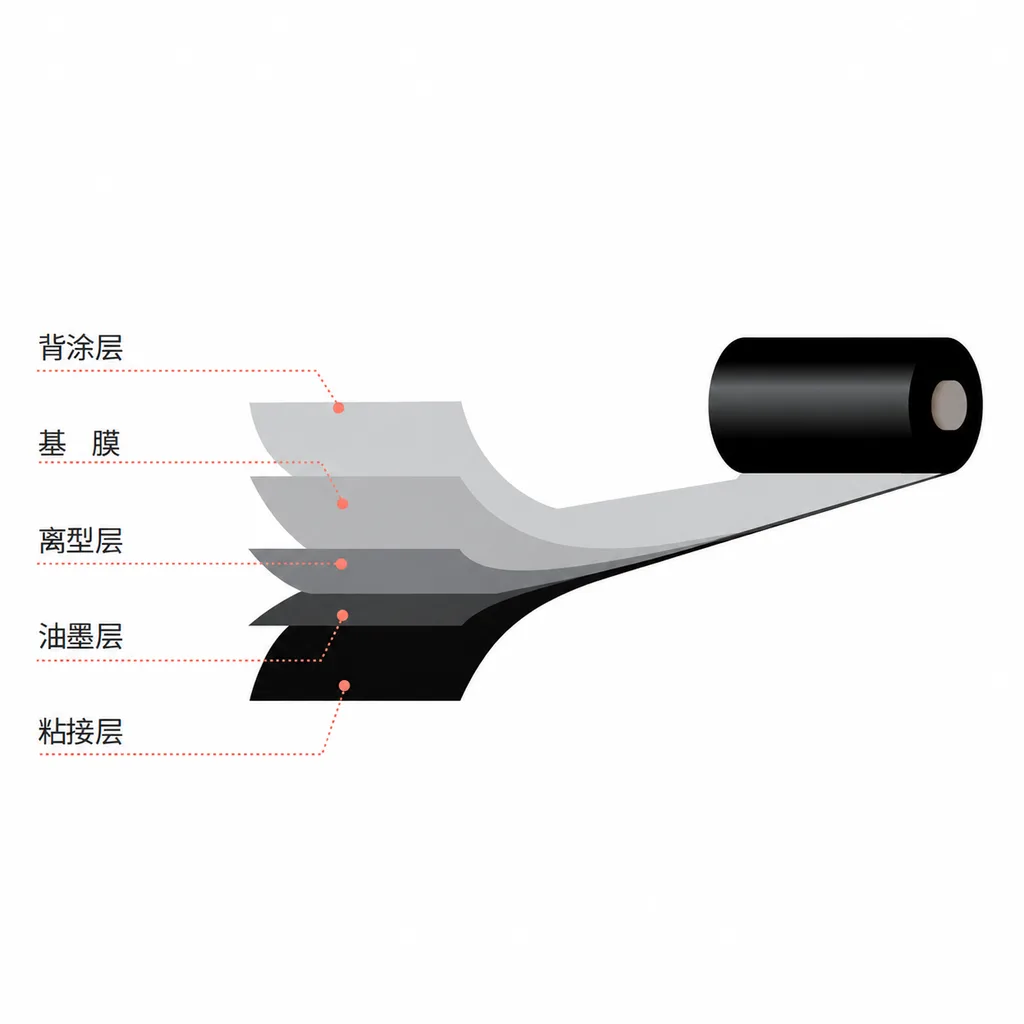
CL-Z312 Resin Thermal Transfer Ribbon for Packaging Printing
CL-Z312 is a black, general-purpose resin ribbon for thermal transfer overprinting (TTO), with packaging and retail label applications listed in the product information. Its abrasion, alcohol and oil resistance data were obtained on polyethylene terephthalate (PET). Select it against your actual packaging material, printer and production speed: print quality and image durability can vary with the printer and substrate, and the material chart percentages are not defined as pass rates.
View detailsNeed the right ribbon for your label application?
Share the label material, printer and operating environment. Our team will recommend a tested combination.
