
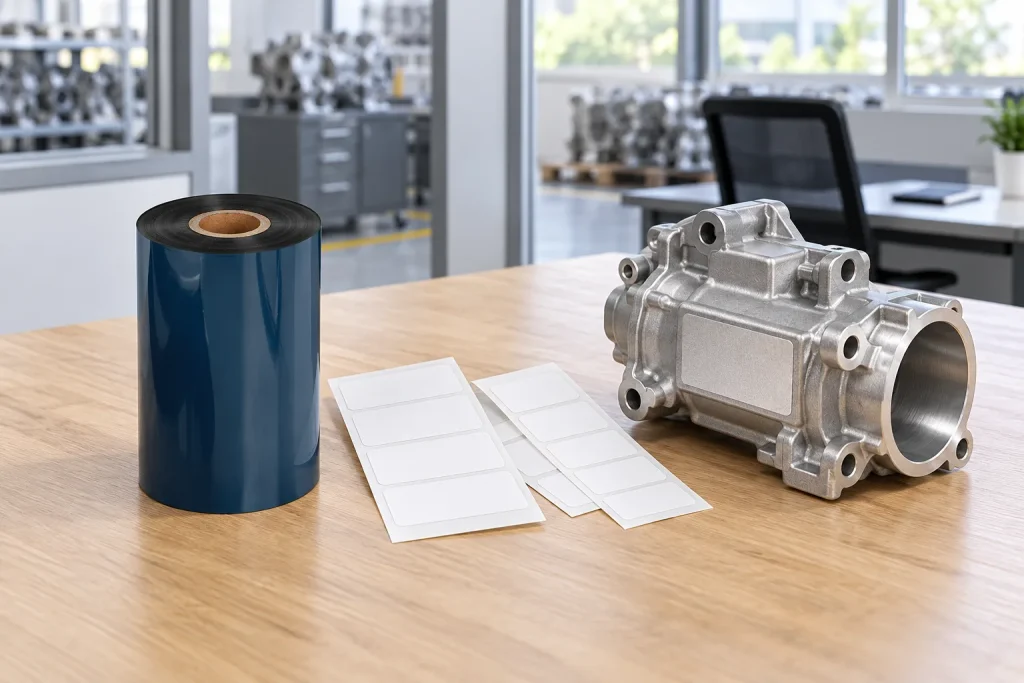
- Original TTR manufacturer since 2013
- Automated coating and slitting
- IQC / IPQC / OQC control
- ANSI barcode grade testing
- -20°C to 120°C environmental testing
- Batch-level traceability
- ANSI barcode grade
- Batch traceability
- RoHS / REACH compliance
- SGS and MSDS documents on request
For automotive buyers printing their own labels, a labeling solution means matching identification needs with label stock, ribbon and printer compatibility. An automotive application listing helps shortlist consumables but does not establish suitability for every vehicle location. Verify the complete printed combination against the actual application requirements before release.
Key Takeaways
- Industrial labels identify equipment or products and communicate critical safety information.
- Thermal transfer printing moves ribbon ink onto the label using heat from the printhead.
- COLORFULTTR lists automotive applications for both wax/resin and full-resin ribbon categories.
- Ribbon performance must be validated with the actual facestock, printer and settings.
Define what your automotive labeling solution must identify
Industrial labels serve product identification and safety communication, so an automotive labeling brief should begin with the information readers must recover. For this article, “automotive labeling solutions” refers to the consumables and printing choices involved in producing those labels in-house. It is a way to organize the job, rather than the name of one ribbon grade or one approved material.
Separate the identity requirement from the physical printing requirement. A serial number identifies one individual item; a batch number is shared by products in a batch. These terms describe what the information means. Thermal transfer describes how the information is printed. Choosing the printing method therefore leaves the identification question to be resolved separately.
Use a short application brief to keep those decisions visible. Record the intended label location, the surface receiving the label, the information to print and the conditions the finished label must withstand. For an interior or exterior label, ask the responsible technical team to define the actual exposure requirements. Do not assign a ribbon solely because a purchasing request says “interior,” “exterior” or “automotive.”
This distinction also keeps the supply request useful. Ask a ribbon manufacturer for a candidate consumable matched to the printing job, and keep responsibility for the required label content clear. COLORFULTTR’s Company Profile describes its focus as thermal transfer ribbon development, production and sales, including applications in automotive components.
Separate the label material from the ink-transfer system
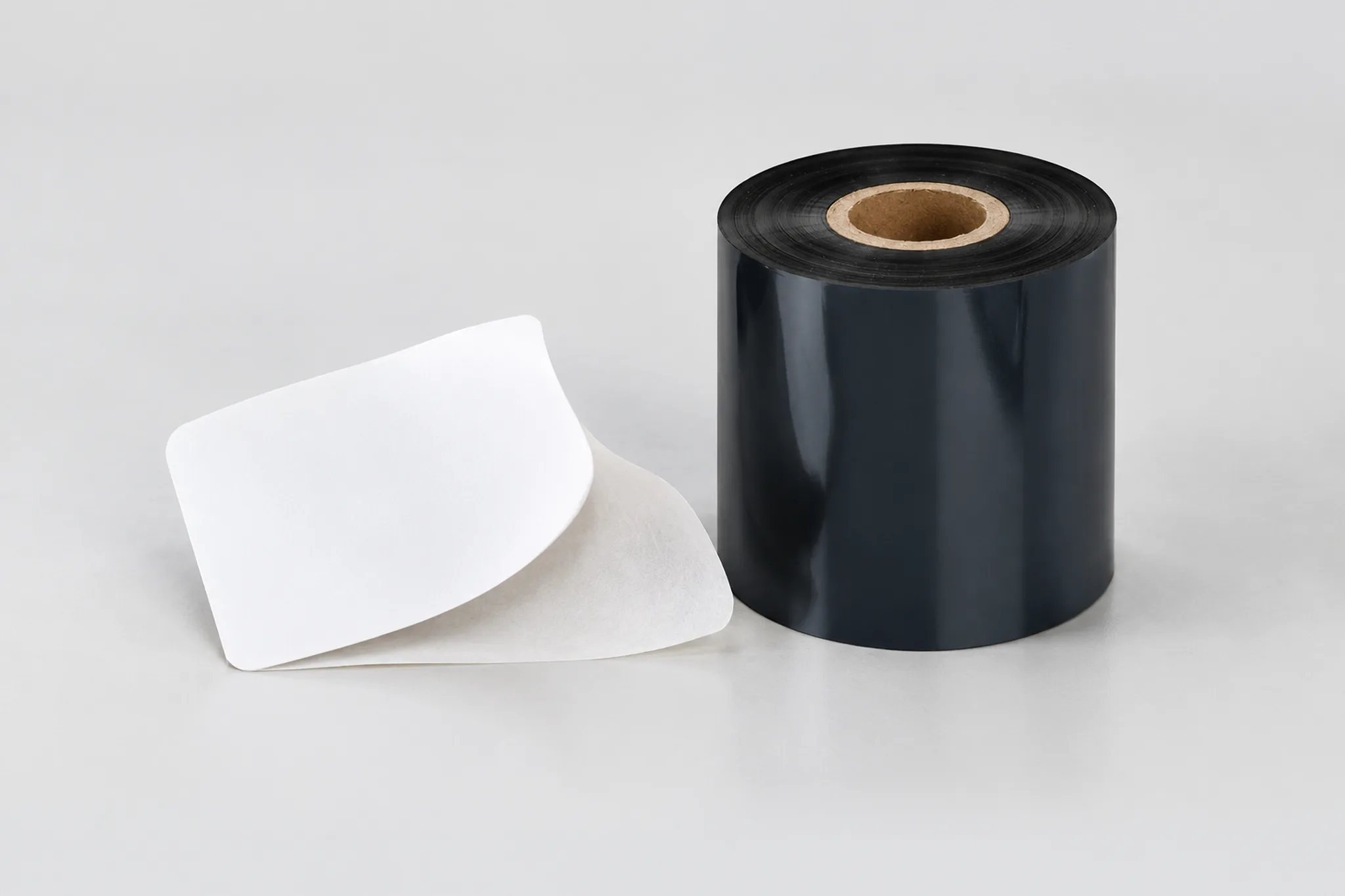
Thermal transfer printing uses printhead heat to melt ink from a ribbon onto a label. The ribbon is a consumable within that process; it is not the complete finished label. The facestock is the label material receiving the print, and the final choice also depends on ribbon formulation, printer architecture, print settings and required durability.
That explains why two requests mentioning the same label material may still need different evaluation. A material name alone leaves the printing conditions unspecified. When comparing a replacement ribbon with an existing supply, identify the stock and printer used for each comparison, rather than treating the ribbon category as the whole specification.
Keep thermal transfer distinct from direct thermal printing. COLORFULTTR’s Printer Media Compatibility and Material Specifications guide describes thermal transfer as requiring ribbon, while direct thermal uses direct thermal paper without ribbon. First confirm which mode the machine and job require. Buying a ribbon is a relevant step only after that choice is established.
Printhead architecture is another separate compatibility question. The same guide identifies its TTO near-edge ribbons as unsuitable for mixing with the flat-head printers it covers. Do not infer compatibility from a familiar printer brand or the presence of the word “thermal.” Record the exact printer model and required consumable format before asking for a replacement sample. For more on the consumable itself, see what a barcode ribbon is and how it differs from other supplies.

Read automotive application claims as a shortlist
COLORFULTTR’s Current Product Matrix lists automotive industry applications for both wax/resin and full-resin ribbons. Its wax/resin description emphasizes print quality and durability with friction resistance, while its full-resin description includes resistance to friction, heat and corrosion. These are category descriptions that help explain why more than one ribbon family appears in an automotive discussion.
The source of the automotive association matters. An application entry says the category has uses in that industry; it does not specify every mounting position, exposure condition or customer acceptance requirement. Consequently, “listed for automotive” should open a technical comparison rather than close it. Keep the requested operating conditions beside the candidate material throughout the comparison.
For a supplier change, prepare a comparison around the combination already in use. Record the current label stock, ribbon, printer and print settings, then describe which requirement the candidate must meet. This is a proposed evaluation brief, not a claim that a particular replacement will perform identically.
Use the following sequence to move from a broad application description to a reviewable sample:
- Define the identification and exposure requirements for the exact label location.
- Confirm the label stock and the printer’s required ribbon architecture and format.
- Shortlist ribbon formulations using their documented media and durability scope.
- Print samples on the intended combination and assess them against the agreed requirements.
If the documentation does not address a requirement, leave that candidate unapproved until the missing point is resolved. Avoid filling the gap with a stronger interpretation of a general category description.
Data and Evidence
COLORFULTTR’s product matrix and printer compatibility guide support category and equipment distinctions, while sample validation establishes whether a chosen combination suits the job. The table separates those evidence roles so an application listing is not mistaken for a finished-label result.
| Decision | Documented evidence | What to verify for your application |
|---|---|---|
| Wax/resin shortlist | The product matrix lists automotive industry use and friction resistance. | The selected formulation on the intended label stock. |
| Full-resin shortlist | The product matrix describes friction, heat and corrosion resistance and lists automotive use. | The finished print under the specified application conditions. |
| Print mode | The compatibility guide distinguishes ribbon-based thermal transfer from ribbon-free direct thermal. | The mode required by the job and supported by the exact printer. |
| Printhead compatibility | The guide excludes its TTO near-edge ribbons from the flat-head printers it covers. | The required architecture before ordering samples. |
Source basis: COLORFULTTR’s Current Product Matrix, revised October 2, 2026, and Printer Media Compatibility and Material Specifications. The matrix provides qualitative category descriptions; the guide provides equipment compatibility information. Neither table entry above supplies a universal automotive exposure limit or a vehicle-program approval.
For the sample review, retain the stock identity, ribbon identity, printer model and settings alongside the results. Assess the completed print against the requirements established for that label, using the customer’s specified method where one is provided. Do not create a numerical pass limit from a general durability description. Your next step is to prepare one application brief and one documented sample comparison for the exact label position you need to print.
Frequently Asked Questions
Does an automotive application listing prove that a ribbon meets my vehicle program requirements?
No. COLORFULTTR lists automotive uses for wax/resin and full-resin ribbons, but that application listing does not establish approval for a particular printed construction. Validate the selected ribbon on your label stock, printer and settings against your program requirements.
Can I use TTO ribbon in a flat-head automotive label printer?
The COLORFULTTR compatibility guide states that its near-edge TTO ribbons must not be mixed with the flat-head printers covered by that guide. Confirm the printhead architecture before choosing the ribbon.
Is a serial number the same as a batch number on a component label?
A serial number identifies an individual item, while products in a batch share a batch number. Specify which identity the label must carry before approving the printed layout.
Related Products & Guides
Recommended products for this industry
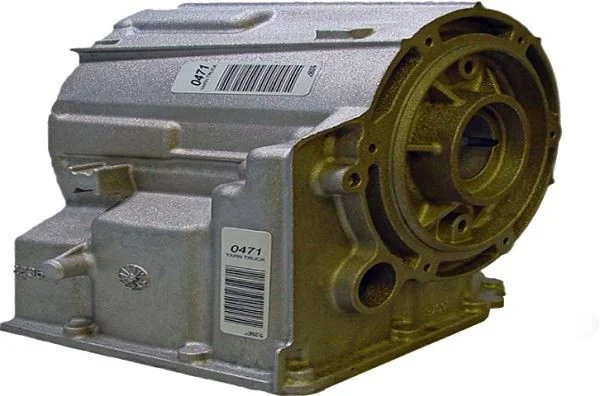
Automotive Fluid Resistant Polyester Label
Polyester label for under-hood components exposed to brake fluid, fuels, oils, coolants…
View details
Automotive Vinyl Round Label Roll
Durable vinyl roll labels with round die-cut options for automotive spare parts and…
View details
Brother Compatible Label Ribbons (TZe Series)
This Brother-compatible label ribbon (TZe series) is manufactured using high-quality…
View details
Oil-Resistant Automotive Label
Strong-adhesion PET label for automotive parts exposed to oils, solvents, abrasion and…
View detailsNeed the right ribbon for your label application?
Share the label material, printer and operating environment. Our team will recommend a tested combination.
