
How to Print Durable Logistics Labels: Ribbon Matching, Printer Settings, and Barcode Checks
Request a solution
- Original TTR manufacturer since 2013
- Automated coating and slitting
- IQC / IPQC / OQC control
- ANSI barcode grade testing
- -20°C to 120°C environmental testing
- Batch-level traceability
- ANSI barcode grade
- Batch traceability
- RoHS / REACH compliance
- SGS and MSDS documents on request
Key Takeaways
- Wax ribbons cover general shipping and warehouse labels on paper; hybrid and resin ribbons take over when labels face moisture, abrasion, synthetic stocks, or outdoor storage.
- CL110A starts at a printer darkness of 10-14 and CL210A at 12-16, and the catalog marks the range as varying by printer, so each machine needs its own test print.
- CL110A targets an optical density above 1.8 at an ANSI A/B barcode grade, and CL210A reaches above 1.9 at ANSI A, verified on production stock rather than assumed from the catalog.
- Speed belongs in the rated window too: CL110A prints up to 12 ips, while CL120A is engineered for lines running up to 16 ips.
- For permanent identification on PET, PP, or PVC, full resin ribbons bond to these synthetics, and the catalog cites over 2 years of legibility in outdoor exposure.
Match the Ribbon to the Label Material Before You Order
Ribbon chemistry decides how long a logistics label survives, so the media-to-ribbon match is the first decision to lock down. Wax is the economical rung for paper: the catalog describes wax ribbons as the most economical thermal transfer option with high sensitivity and excellent print density on paper labels, lists logistics and shipping labels and warehouse inventory labels among typical applications, and positions them for general purpose work where extreme durability is not required. For carton and shipping labels on coated or uncoated paper, the premium wax CL110A is the working choice, with catalog performance on coated paper, uncoated paper, and rough tag stock.
Step up one rung when labels face abrasion or damp. CL210A is a hybrid built on a 60% premium wax / 40% high-performance resin blend: it withstands moderate rubbing and handling without smudging, performs well in humid environments and resists light water exposure, and the catalog lists its range from -10°C to 60°C. It also runs beyond paper onto synthetic paper and matte polypropylene (PP) labels.
Full resin is the top rung for permanence. Resin ribbons are made with 100% resin-based ink and offer the highest level of durability, resisting scratching, chemicals, high temperatures, and outdoor exposure; CL310A bonds permanently to PET, PP, PVC, and other synthetics and performs from -40°C to 120°C. Choose resin when the label is permanent identification on film, not a disposable shipping label on paper.
Set Darkness and Speed Inside the Ribbon's Rated Window
Printer settings stay inside the ribbon's rated darkness and speed window, starting from the catalog values and finishing on test prints from your own machine. CL110A is compatible with all flat head thermal transfer printers and is supplied with ink coated inside (CSI) or outside (CSO), so confirm the orientation your printer takes before ordering.
- Check the mechanical fit first: ribbon width, core size, and ink-side orientation must match the printer specification.
- Set the starting darkness from the ribbon: 10-14 for CL110A and 12-16 for CL210A.
- Treat those numbers as a starting window, not a fixed recipe. The catalog marks the CL110A range of 10-14 as varying by printer, so tune each machine with a test print.
- Set the speed inside the rating: CL110A prints up to 12 ips (inches per second). Lines that must run faster belong on CL120A, engineered for high-speed printing up to 16 ips.
- Print a small test batch on the production label stock, then step darkness up or down in small increments until the image is solid black with clean edges.
- Record the accepted darkness and speed for each ribbon-and-media pair so operators reproduce the same window on every shift.
If the plan is full resin on film, add one check before committing: the catalog advises using it with printers capable of higher energy settings, because resin demands more head energy than wax.
Verify Optical Density and Barcode Grade on Production Stock
A durable label earns acceptance through measured results: an optical density (OD) at or above the ribbon's catalog value and a barcode that scans at the catalog grade on your production stock. The catalog sets concrete targets. CL110A delivers an OD above 1.8 for crisp, dark, easily scannable barcodes at an ANSI A/B grade, and CL210A reaches an OD above 1.9 at an ANSI A grade.
Read those figures as ribbon capability on suitable media, then confirm them in your own conditions. Scan test labels with the same scanner models your warehouse and carriers use, rub a printed sample to check smudge resistance, and put a sample through the real storage conditions, whether a cold aisle or a damp dock, before the roll is approved for the line.
Keep one separation in mind: catalog values describe what a ribbon achieves on suitable stock, not a blanket acceptance threshold for every printer and roll. The practical batch criterion is the passing test print. Once a ribbon-and-media pair scans cleanly at your OD target, hold that setting and re-verify whenever the ribbon or the label stock changes.
Trace Faint, Smudged, or Unscannable Labels to the Right Cause
Most failed logistics labels point to one of three causes: darkness outside the rated window, speed the ribbon was not engineered for, or a ribbon-to-media mismatch. Work through them in that order.
- Faint or gray print: raise darkness gradually inside the recommended range. If the top of the window still prints gray, the printer may not supply enough energy for that ribbon, which is the same reason the catalog directs resin users to printers capable of higher energy settings.
- Print that smudges or scratches in handling: the ink is under-specified for the job. Step up from wax to the CL210A hybrid, which withstands moderate rubbing and handling without smudging, or to full resin for hard service.
- Barcodes that will not scan: measure OD first, then confirm the media sits on the ribbon's recommended list, whether wax on coated or uncoated paper or CL210A on premium coated paper, synthetic paper, or matte PP.
- Ribbon breakage or wrinkling on fast lines: check the rated speed. CL110A tops out at 12 ips, and sustained running beyond that belongs on CL120A at up to 16 ips.
- Print that fades in cold stores or hot yards: check the temperature rating. CL210A holds legibility from -10°C to 60°C, and CL310A performs from -40°C to 120°C.
Data and Evidence
The catalog values below define the working window for the two ribbons this guide centers on. Hold them steady while everything else varies, and take the table to your supplier when you switch label stock or printers so the new pair is quoted against the same numbers. Rows marked as starting values are setup points, while the density and grade rows are the verification targets from the check section.
| Parameter | CL110A premium wax | CL210A wax/resin hybrid |
|---|---|---|
| Starting darkness | 10-14 (varies by printer) | 12-16 |
| Rated max speed | 12 ips (300mm/s) | 10 ips (250mm/s) |
| Optical density | Over 1.8 | Over 1.9 |
| Barcode grade | ANSI A/B | ANSI A |
| Best-fit media | Coated paper, uncoated paper, rough tag stock | Premium coated paper, synthetic paper, matte PP |
| Printed label legibility range | Not stated in the catalog | -10°C to 60°C |
Source: COLORFULTTR wax and wax-resin product catalog; COLORFULTTR resin, TTO and color ribbon product catalog.
Verification in one line: match the ribbon to the media, control print speed, then target OD and barcode grade with a scan on production stock. If a batch fails, rerun that sequence from the top before blaming the printer.
Frequently Asked Questions
Which ribbon type keeps logistics labels readable longest?
Full resin. The catalog describes resin ribbons as made with 100% resin-based ink and offering the highest level of durability, resisting scratching, chemicals, high temperatures, and outdoor exposure. Wax sits at the economical end for paper labels where extreme durability is not required, and the hybrid CL210A covers labels that face rubbing, humidity, or synthetic stocks.
Can I use one darkness setting for every printer?
No. Start from the catalog window, 10-14 for CL110A and 12-16 for CL210A, and treat the range as varying by printer. Confirm the final value with a test print on each machine and record the accepted setting for that ribbon-and-media pair.
What optical density should a shipping label barcode reach?
Use the ribbon's catalog value as the target: above 1.8 for CL110A at an ANSI A/B grade and above 1.9 for CL210A at an ANSI A grade. Then verify the scan on your production stock with the scanners your warehouse and carriers actually use.
Which ribbon should I use for plastic labels stored outdoors?
A full resin ribbon such as CL310A. It bonds permanently to PET, PP, PVC, and other synthetics, performs from -40°C to 120°C, and the catalog cites over 2 years of legibility in outdoor exposure. Plan for a printer capable of higher energy settings, as the catalog advises for resin.
Recommended products for this industry
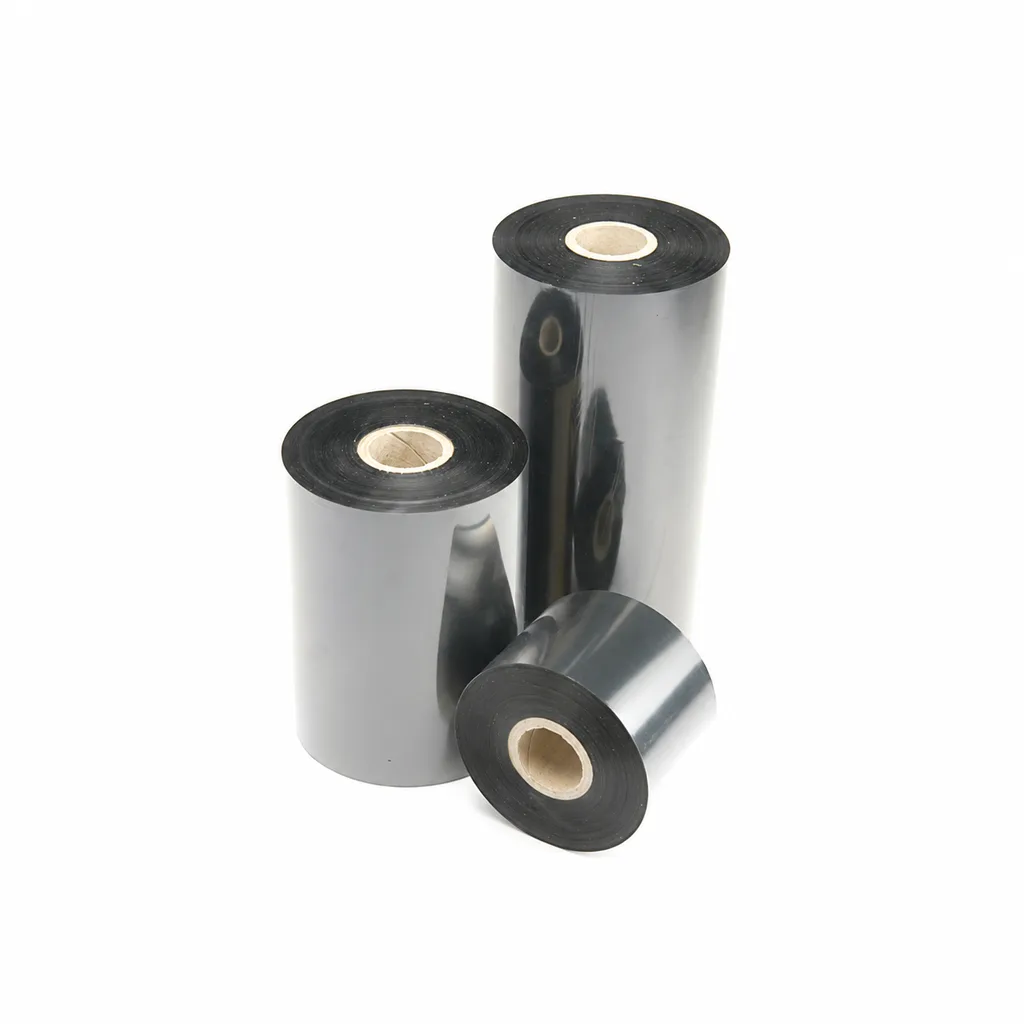
CL-Z213 Near-Edge Wax-Resin Thermal Transfer Ribbon for Barcode Labels
An enhanced black near-edge wax-resin thermal transfer ribbon for near-edge barcode printers and low- to medium-speed thermal transfer overprinting (TTO). Listed applications include retail labels, warehousing, garment tags and packaging identification. Match the printer, actual print medium and operating speed before selection: print quality and image durability can vary with the printer and substrate.
View details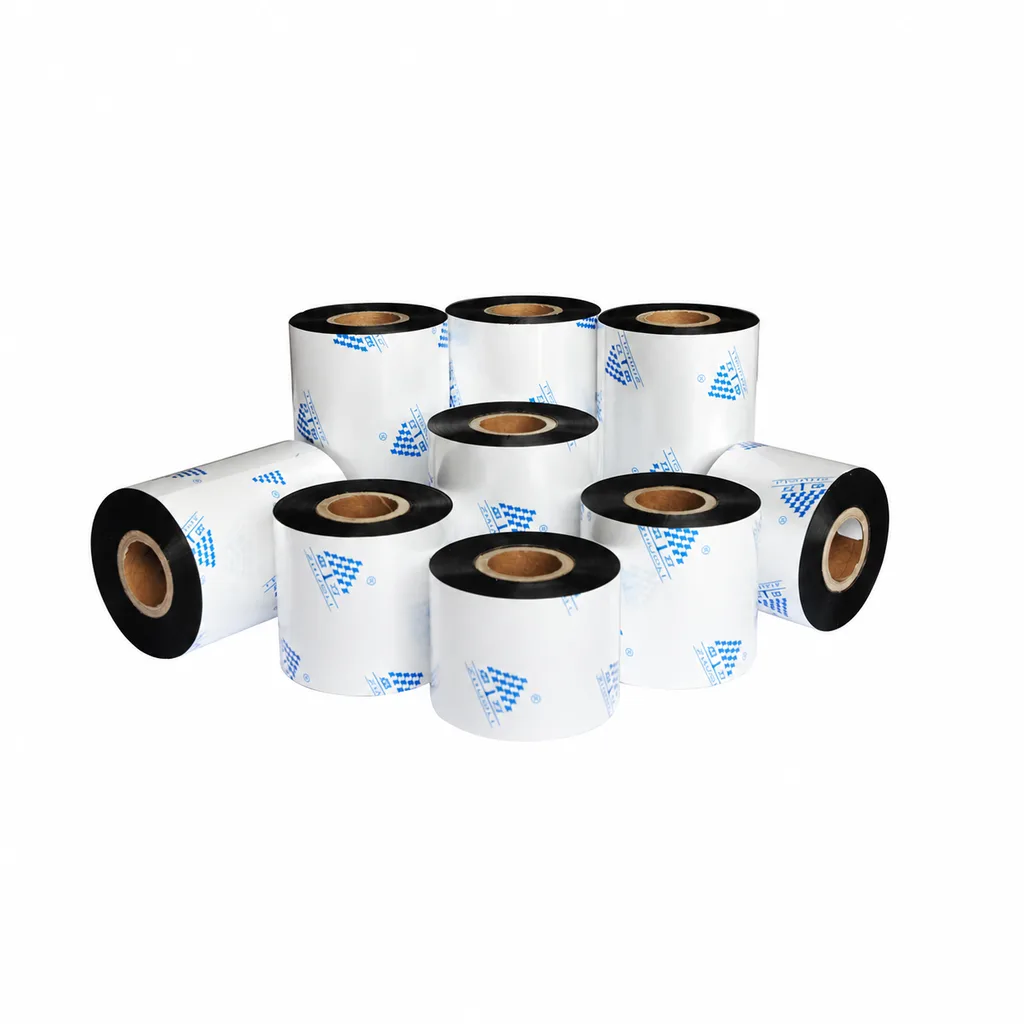
Near-Edge Wax-Resin Thermal Transfer Ribbon CL-Z212 for Barcode Labels
CL-Z212 is a general-purpose black wax-resin thermal transfer ribbon primarily for near-edge barcode printers, with use also described for low- to medium-speed thermal transfer overprinting (TTO). Listed applications include retail labels, garment tags, warehouse identification and packaging printing. Select according to printer type, actual printing speed and substrate: recommended conditions list near-edge printing at ≤10 inches per second (ips) and TTO at ≤20 ips. Print quality and image durability can vary with the printer and printing material, so trial printing on the intended substrate is necessary for selection.
View details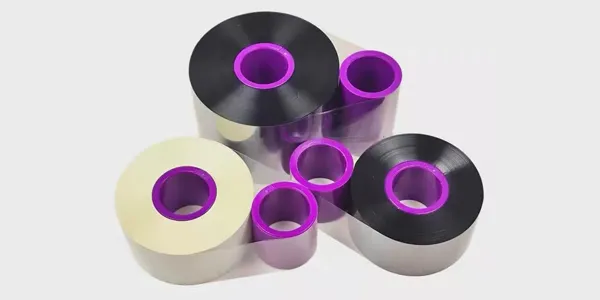
TTO Barcode Printer Thermal Transfer Colour Ribbon High-Speed Customisation
This TTO thermal transfer ribbon is suitable for a variety of label materials across…
View details
3-inch mobile printer
These lightweight and cost-effective 3-inch mobile printers enable accurate receipt and…
View detailsNeed the right ribbon for your label application?
Share the label material, printer and operating environment. Our team will recommend a tested combination.
