
- Original TTR manufacturer since 2013
- Automated coating and slitting
- IQC / IPQC / OQC control
- ANSI barcode grade testing
- -20°C to 120°C environmental testing
- Batch-level traceability
- ANSI barcode grade
- Batch traceability
- RoHS / REACH compliance
- SGS and MSDS documents on request
Mark an industrial serial number by assigning an identity to each item and reproducing it with a system suited to the surface and service conditions. For in-house labels, thermal transfer requires a matched printer, ribbon and label material. Verify the printed identity and assess the finished label on the production surface before approving the combination.
Key Takeaways
- A serial number identifies one item, while a batch number is shared by products in a batch.
- The serial number is the identity; a label or laser mark is a physical presentation of it.
- Thermal transfer uses printhead heat to transfer ribbon ink onto a label.
- Ribbon performance depends on the complete combination of label material, printer and settings.
- A successful barcode scan does not establish a formal print quality grade.
Separate the serial identity from the batch and the mark
A serial number identifies a specific item, including when that item is otherwise identical to others in the same product line. Industrial serial number marking therefore starts with deciding which individual object the number represents. Before discussing a printer or ribbon, specify whether the identity belongs to a finished product, a component or a piece of equipment.
A batch number answers a different question: which group does the product belong to? Every product in that batch shares the batch number. A production order number is different again: it is an internal planning identifier from the enterprise resource planning system. Treat these as separate fields when defining the information to print.
For a proposed label containing both batch and serial fields, ask the production team which value remains shared and which identifies the individual unit. Review the intended data before evaluating print appearance. This gives the marking brief a clear purpose and a concrete identity to check.
The identity also differs from its physical presentation. Serial numbers can appear on labels or through laser marking, and can be associated with Data Matrix codes or RFID tags. These examples describe ways to carry an identity; they do not establish which machine suits your surface. Define the identity first, then assess how to put it on the item.
Understand how an in-house thermal transfer label is produced
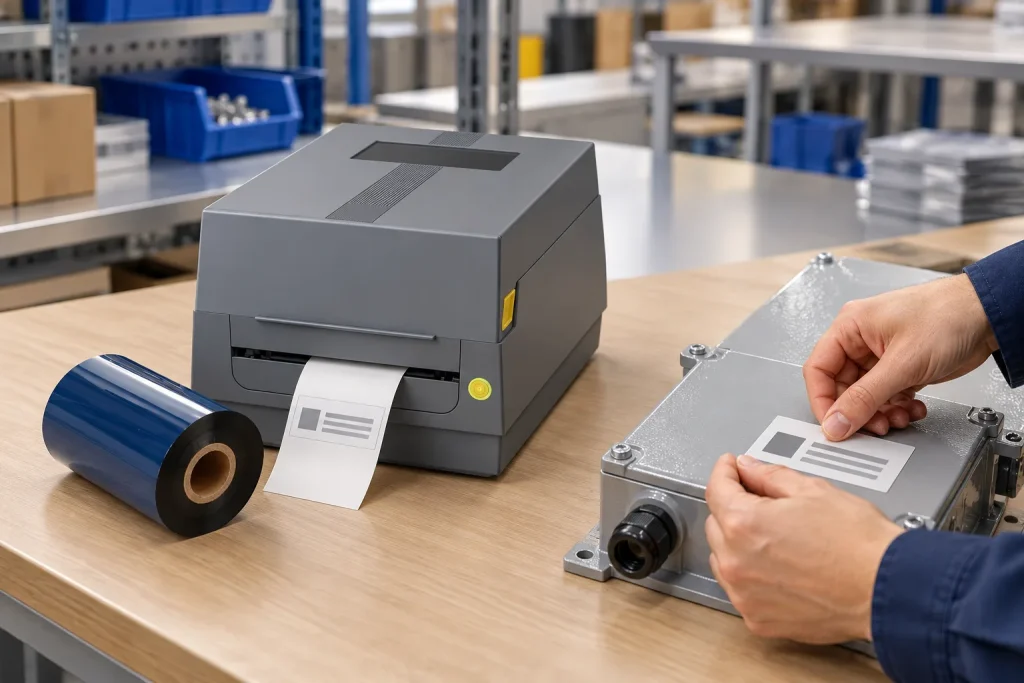
Thermal transfer printing creates an image by heating selected areas of a ribbon and transferring the released ink onto the label underneath. The ribbon supplies the ink, while the label supplies the receiving surface. For an in-house serial label, supply the intended number to the print job and check the resulting mark against that number.
Direct thermal printing works differently: it applies heat directly to specially treated label material. The term thermal printer can describe either method. Check the intended printing mode before treating a ribbon quotation as relevant to your machine.
For thermal transfer, match the ink formulation, ribbon width, core size and roll length to the printer and label material. Check the required winding against the machine specification as well. Colorfulttr's current specification list includes ink-side-in and ink-side-out winding; availability alone does not tell you which the printer requires.
Printer architecture also matters. Colorfulttr's printer media compatibility reference excludes TTO near-edge ribbons from the listed JT and Q flat-head printers. TTO applies codes to flexible packaging using a thermal printhead and transfer ribbon. Review a packaging application and an individual product label separately, even when both involve thermal transfer. A shared printing principle does not remove the need to match the equipment and consumables.
Match the receiving material before adjusting the print
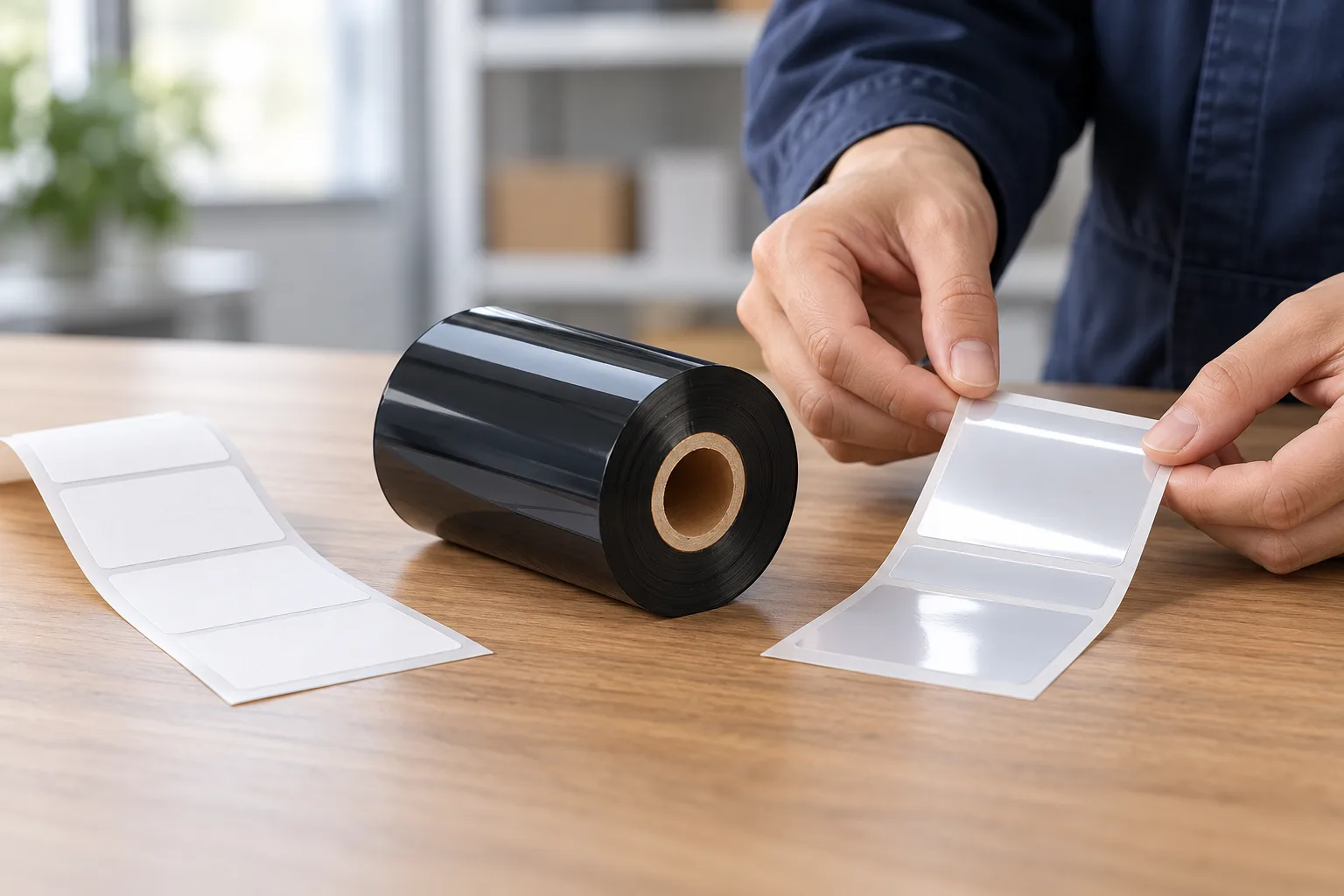
Ribbon selection depends on the receiving material and the durability required in the label's environment. Wax, wax-resin and full resin are the three main thermal transfer ribbon categories. Use these categories to narrow candidates, then assess the actual grade on the intended stock.
Wax ribbons generally suit porous and coated paper. Wax-resin ribbons suit coated paper and selected synthetics, while full resin ribbons suit demanding synthetic films such as polyester, polyimide and vinyl. These are material-selection starting points, rather than a durability promise for every ribbon in a category.
For a serial label exposed to handling or chemicals, write down the expected exposures before comparing candidates. Include the surface receiving the adhesive label as well as the printable face. Temperature cycling, chemical contact and surface energy can change adhesion, so approve a sample using the same material construction and application surface as production.
If the image smears, review compatibility alongside heat, pressure and speed. A mismatched ribbon and substrate can cause smudging, and a darkness adjustment rarely rescues incompatible ink and surface. Excessive heat can cause bleeding or smudging; insufficient heat can leave incomplete or faint print. Use the machine and ribbon recommendations when adjusting the print, and record the tested combination for comparison during a supplier change.
Check identity, readability and durability separately
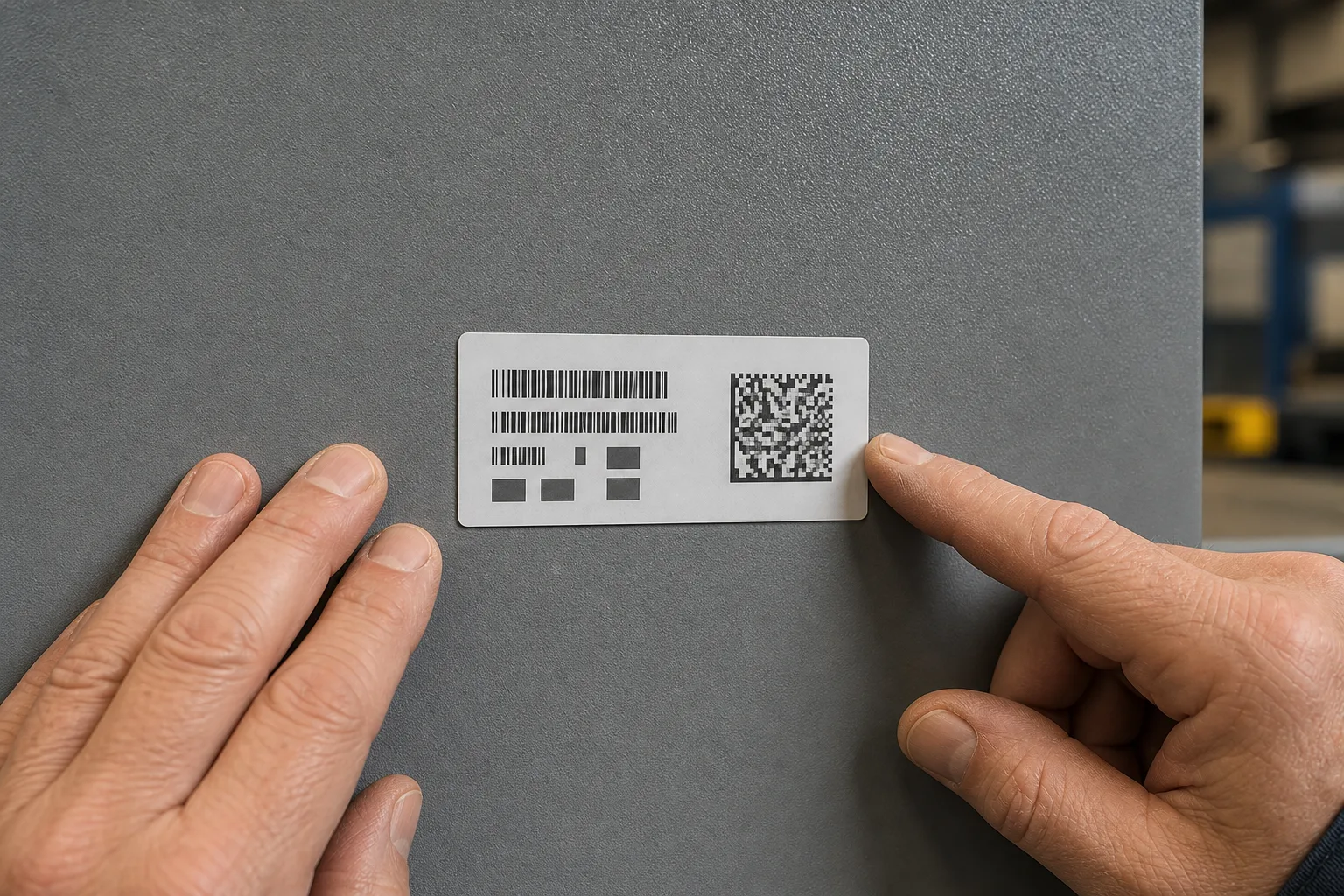
A readable mark and a correct serial identity answer separate acceptance questions. Begin by comparing the printed number with the intended item record. For a coded label, compare the decoded content with the intended identity before assessing print quality.
- Prepare the trial. Record the printer, ribbon grade, label material, application surface and intended exposures.
- Print the final layout. Use the actual artwork and production stock, particularly if a code has been resized.
- Check the identity. Compare visible text and any decoded content with the intended item record.
- Assess the finished label. Check the image and attachment under agreed application conditions, and retain the results with the tested specification.
A scanner decodes a barcode and can read marginal symbols through image processing. One successful read therefore does not establish a formal quality grade. ISO 15415 addresses print quality assessment of two-dimensional symbols such as Data Matrix and QR codes, and its intended assessment method requires specific acquisition conditions.
If the content is wrong, correct the data before repeating the trial. If the image fails, review the ribbon, receiving surface and settings. If attachment fails, return to the label construction and application surface. Agree what visible evidence will count as acceptance before testing so the review produces a clear decision.
Data and Evidence
Colorfulttr's specification references describe product scope, while application trials establish whether a proposed serial label works in your process. Use each piece of evidence for the question it can answer.
| Evidence | What it supports | What to verify |
|---|---|---|
| Serial and batch definitions | Individual identity differs from group identity. | Which field identifies the specific item. |
| Ribbon category | Initial ink-to-material matching. | The actual grade on the intended stock. |
| Printer specifications | Format and architecture checks. | Width, core, length, winding and printer type. |
| Production sample | Assessment of the tested construction. | Content, image and attachment under agreed conditions. |
Product scope references: 公司现行数字系型号规格清单 and 公司打印机介质兼容性与材质规格(已审第一方来源). These establish the winding options and the flat-head/TTO distinction described above. They do not establish a universal heat setting, service life or acceptance threshold for industrial serial labels.
A webpage QR code also differs from an individual identity checked by a verification service. Do not infer an authentication process merely from the presence of a code. Your next step is to prepare a trial specification containing the item identity, printer, ribbon, stock, application surface and acceptance evidence, then print and assess the final layout.
Frequently Asked Questions
Can I put a batch number and a serial number on the same industrial label?
Yes. Keep their roles separate: the batch number identifies the shared group, while the serial number identifies the individual item.
Does an industrial serial number have to be laser marked?
No. Serial numbers can also be carried on labels. Review the surface, equipment and required application performance when choosing the physical presentation.
Can a TTO ribbon replace a flat-head ribbon in a Colorfulttr JT or Q label printer?
The supplied compatibility reference excludes TTO near-edge ribbons from the listed JT and Q flat-head printers. Match the printer architecture before testing the label material.
Recommended products for this industry

Acid and Alkali Resistant Label
Chemical-resistant label construction for acid baths, paint-stripping solutions, alkali…
View details
Aluminum Foil High-Temperature Label
Coated aluminum label for metal processing, heat treatment and high-temperature part…
View details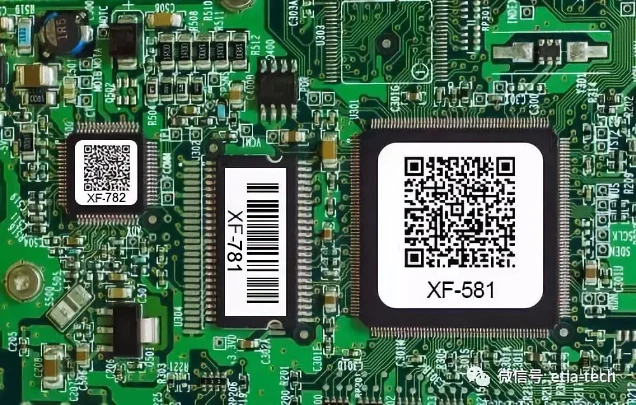
Anti-Static High-Temperature Polyimide Label
Anti-static polyimide label for ESD-sensitive electronics assembly and high-temperature…
View details
Antistatic Polyimide Labels for PCB Process Tracking — CL-782
CL-782 is a white gloss polyimide (PI) label material for printed circuit board (PCB) and sensitive-component process control and product traceability in electronics manufacturing. It is described for wave soldering and reflow soldering applications, with a listed temperature range of -40-300℃, an antistatic value of ≥10^(8)Ω and ≤10^(11)Ω, and a peel voltage below 100 volts. Selection should account for the actual thermal cycle and chemical exposure; the supplied information does not specify exposure durations or chemical test conditions.
View detailsNeed the right ribbon for your label application?
Share the label material, printer and operating environment. Our team will recommend a tested combination.
