
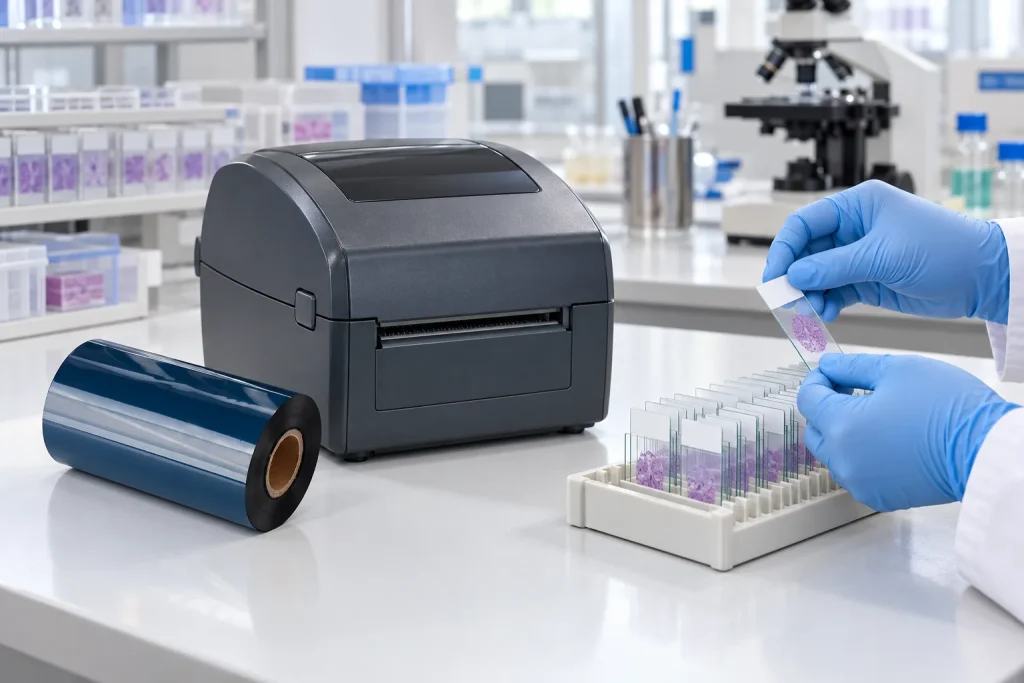
- Original TTR manufacturer since 2013
- Automated coating and slitting
- IQC / IPQC / OQC control
- ANSI barcode grade testing
- -20°C to 120°C environmental testing
- Batch-level traceability
- ANSI barcode grade
- Batch traceability
- RoHS / REACH compliance
- SGS and MSDS documents on request
Key Takeaways
- Slide label buying splits into two tasks: printing the original identification label, and re-identifying slides that already carry patient and sample data.
- A re-identification label in the 29.7 mm x 7.1 mm format (#AZA-559SB, patented) is designed to cover an existing 2D barcode while adding a new unique barcode.
- The removable adhesive is formulated to come off without damaging the original label or leaving adhesive residue, so the underlying record stays readable.
- The documented labels require an RR-class ribbon of the same width or larger to achieve the proper printout.
- The labels are printable with most commercially available thermal-transfer printers, so the label and ribbon drive the purchase, not new hardware.
Decide Which Slide Label Task You Are Buying For
Microscope slides carry two different labeling tasks, and each task leads to a different label purchase. Typical microscope slides are processed with labels containing information related to the histology/cytology sample with the originating patient information, and that original label is the reference record for the specimen. The second task appears when slides travel: slides are often sent to consulting facilities that must re-process the information to ensure compatibility with digital scanners and databases. In that situation you are not buying a general-purpose lab label; you are buying re-identification labels that add new or supplementary information on top of existing data.
Re-identification labels are intended for flat surfaces, including microscope slides that require new or supplementary information. One documented patented example measures 29.7 mm x 7.1 mm (#AZA-559SB) and is specially designed to cover existing 2D barcodes while, at the same time, adding new information that allows the proper recording of data via a new unique barcode. Use this split as your first filter. If you label newly processed slides inside your own laboratory, size the label to your slide and printer. If you receive slides, must make them scanner-compatible, and need to overlay new data over an existing barcode, start your shortlist with re-identification labels and then judge adhesive and ribbon as the next two sections describe.
Match Adhesive and Color to What Must Happen Later
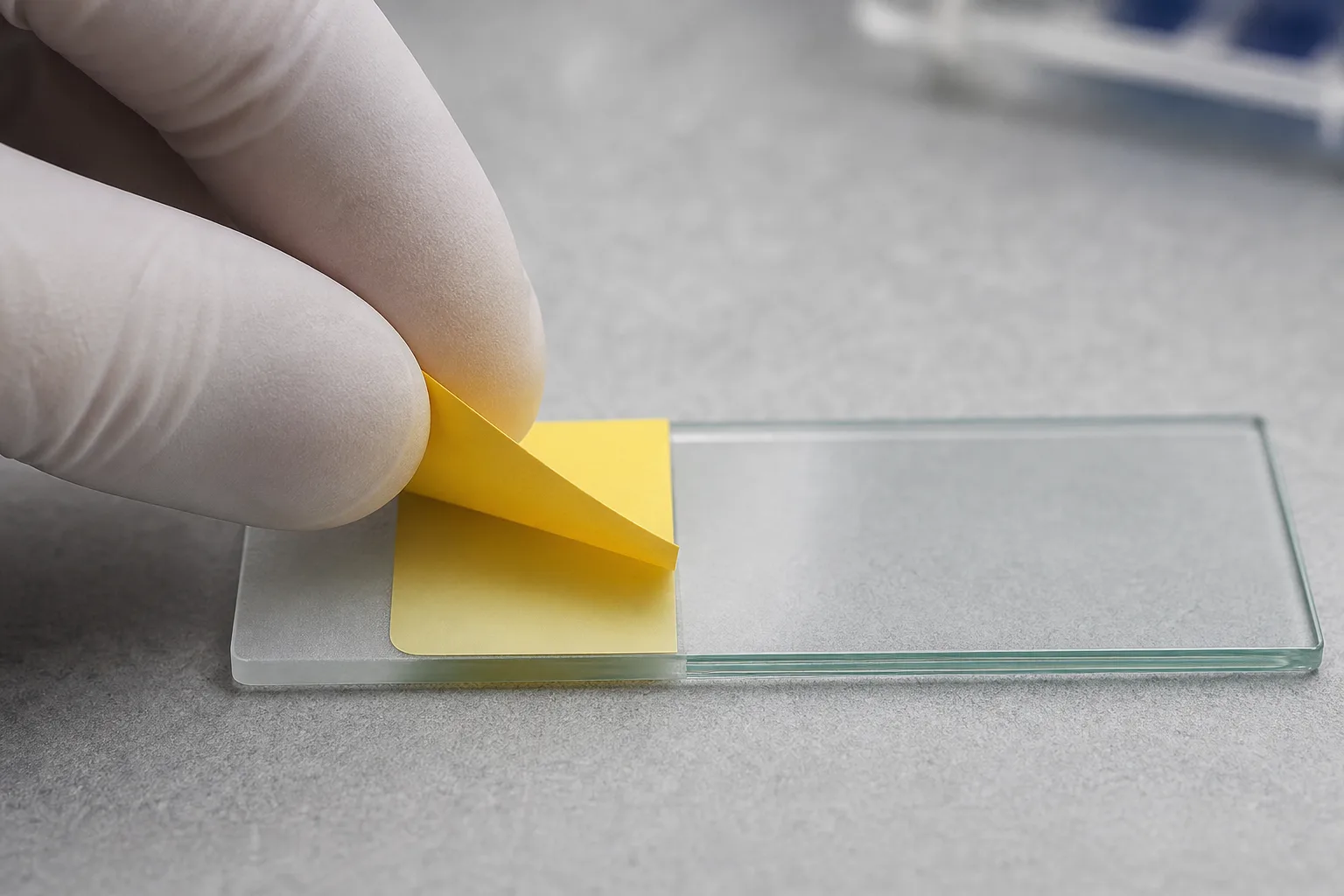
A re-identification label must come off cleanly later, because the original patient label underneath is the record that auditors and scanners may still need. The documented example uses an adhesive that is specially formulated to allow the label to be easily removed when the original label information needs to be accessed, without damaging the original label or leaving behind any adhesive residue. Treat this as a hard requirement when you compare products: ask each supplier to state removal behavior in writing, and treat any data sheet that stays silent on residue as unverified.
Adhesive performance is not the only bench-level criterion. Application on the documented label is glove-friendly, which matters when staff label slide after slide without removing gloves. Its vibrant yellow color visually indicates that the microscope slides have been re-identified, so relabeled slides stay recognizable during review instead of being confused with originals. The same product works as an easy, one-step solution to re-identify microscope slides and eliminates the need for hard-to-manipulate dot labels or messy cover-up inks, a direct comparison point if your facility still uses those workarounds.
The trade-off to weigh is reversibility against persistence. Choose the removable re-identification type whenever data beneath the new label must survive, and only treat the new labeling as permanent when no original record sits underneath it. Keep the color flag in your specification if your workflow separates re-identified slides visually.
Confirm the Ribbon Class and Width Before Ordering
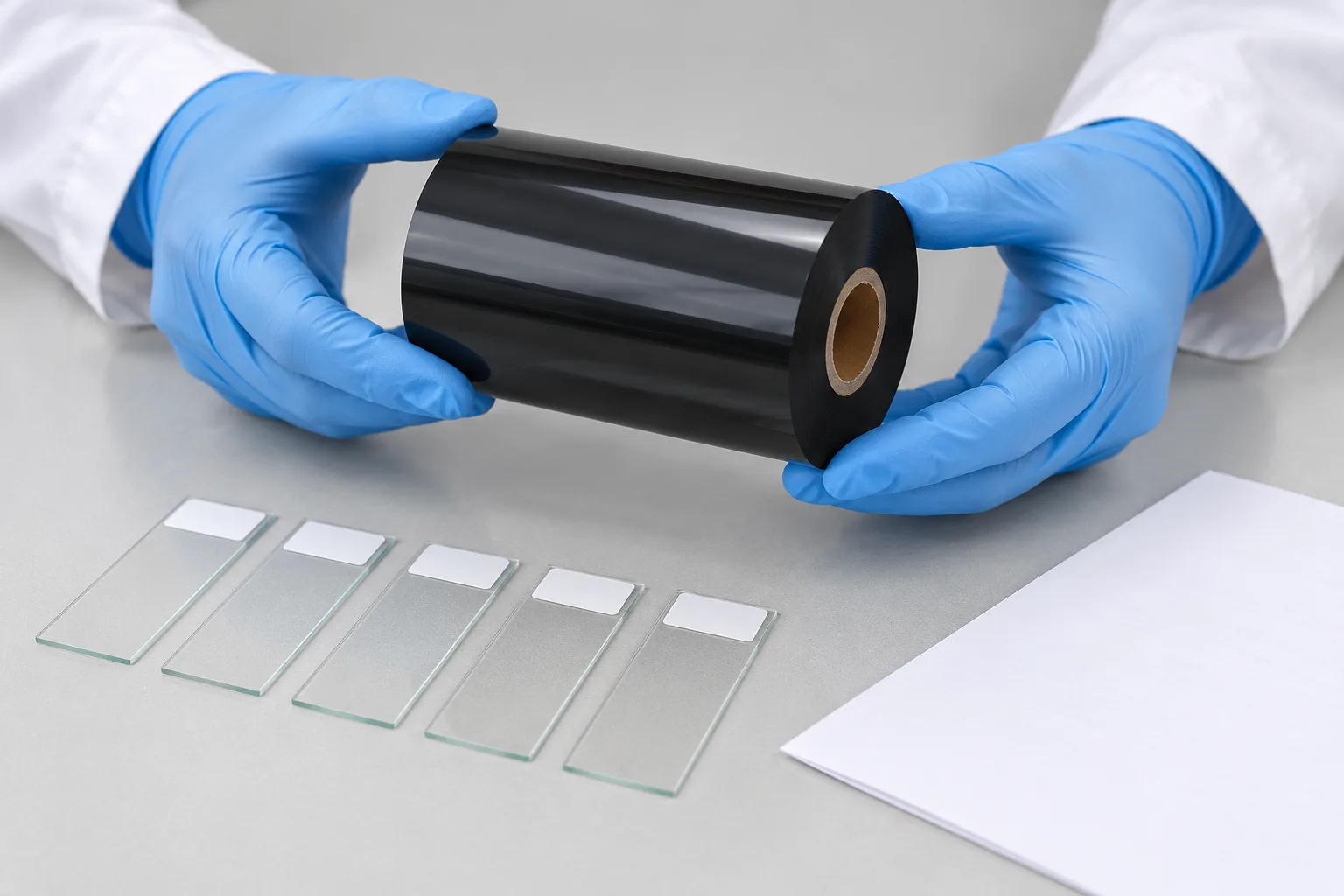
Slide labels print by thermal transfer: a ribbon is printed through a thermal transfer printer where, at the point of the print head, a layer of ribbon is placed on top of the label, and this process produces long-lasting and durable images on a wide variety of materials. Durability comes from the ribbon itself. Transfer ribbons are made by applying wax, resin, or a mixture to a polyester sheet, and the printing process produces long-lasting results by resisting environmental elements like moisture, oil, and UV light, conditions a slide rack or storage box can meet over time.
Your label specification decides the ribbon. To achieve the proper printout, the documented re-identification labels require an RR-class ribbon of the same width or larger. Read that requirement as two separate checks before you order. First, the class: the supplier ties proper printout to RR-class, so a cheaper substitute class is the wrong lever to pull, because a print that fails to scan defeats the whole purchase. Second, the width: the ribbon must match the label width or exceed it, so confirm the width range your ribbon supplier stocks before committing.
When you evaluate ribbon suppliers, match their wax, resin, or mixture product lines against the class stated on your label data sheet, and keep that data sheet with the ribbon order so the two documents travel together through receiving.
Check Printer Compatibility and Run a Test Print
Most commercially available thermal-transfer printers can print the documented re-identification labels, so the purchase usually turns on the label and ribbon, not on new hardware. Before a volume order, run three checks on your own equipment.
- Confirm compatibility. Check that your printer accepts the label format you selected and the ribbon class and width that label requires.
- Print and scan. Print a sample label and scan the new unique barcode to confirm the printed data records correctly in your system.
- Remove and inspect. Peel the sample from a test slide and examine the original label and the slide surface: the documented adhesive removes without damage or residue, and your own test confirms that behavior on your slides.
If any check fails, change the label or ribbon specification rather than adjusting printer settings, because the requirement belongs to the label specification. The wider market supports this durability path: thermal transfer labels are expanding in healthcare and pharmaceutical packaging, and suppliers report increased demand for strong and high-quality labels, particularly in e-commerce and the medical field. Market projections put thermal transfer ribbon growth at USD 5.7 Billion by 2033 at a CAGR of 7.1%, which signals a stable, competitive ribbon supply for the life of your labeling workflow. Next step: request a sample roll of the label plus its required ribbon class, run the three checks above on your own slides, and only then place the volume order.
Data and Evidence
This guide rests on one supplier product page retained in full and on published industry report summaries. The product-level specifications below come from that page; the market statements come from report excerpts. Verify each figure against the data sheet of the exact product you buy, because ribbon-class and adhesive requirements belong to the specific label and must not be transferred between products.
| Selection factor | Documented specification | Where it matters |
|---|---|---|
| Label format | 29.7 mm x 7.1 mm re-identification label (#AZA-559SB, patented) | Covering an existing 2D barcode on a microscope slide |
| Adhesive behavior | Removable without damaging the original label or leaving adhesive residue | Slides whose original patient data must stay readable |
| Visual flag | Vibrant yellow color marks slides as re-identified | Spotting re-identified slides during review |
| Ribbon requirement | RR-class ribbon of the same width or larger | Achieving the proper printout on the documented labels |
| Ribbon chemistry | Wax, resin, or a mixture on a polyester sheet; resists moisture, oil, and UV light | Print survival during handling and storage |
| Market context | Thermal transfer ribbon growth projected at USD 5.7 Billion by 2033, a CAGR of 7.1% | Signals sustained ribbon supply and competition |
Frequently Asked Questions
Can I print microscope slide labels on the thermal transfer printer my lab already owns?
In most cases, yes. The re-identification labels used as the example here are printable with most commercially available thermal-transfer printers. Confirm your printer accepts the label size and the required ribbon class and width, then run a test print before ordering a full batch.
What ribbon class do removable slide re-identification labels need?
The documented example requires an RR-class ribbon of the same width or larger to achieve the proper printout. Check the data sheet of the exact label you buy, because the class requirement belongs to each specific label product.
Will a removable re-identification label damage the original label underneath?
No. The adhesive is specially formulated so the label can be easily removed when the original information needs to be accessed, without damaging the original label or leaving behind any adhesive residue.
Why are some microscope slide re-identification labels yellow?
The vibrant yellow color visually indicates that the microscope slides have been re-identified, which helps staff distinguish relabeled slides at a glance during review.
What size label covers an existing 2D barcode on a microscope slide?
The documented re-identification label measures 29.7 mm x 7.1 mm and is specially designed to cover existing 2D barcodes while adding new information through a new unique barcode. Measure your current barcode label and compare formats before ordering.
Recommended products for this industry
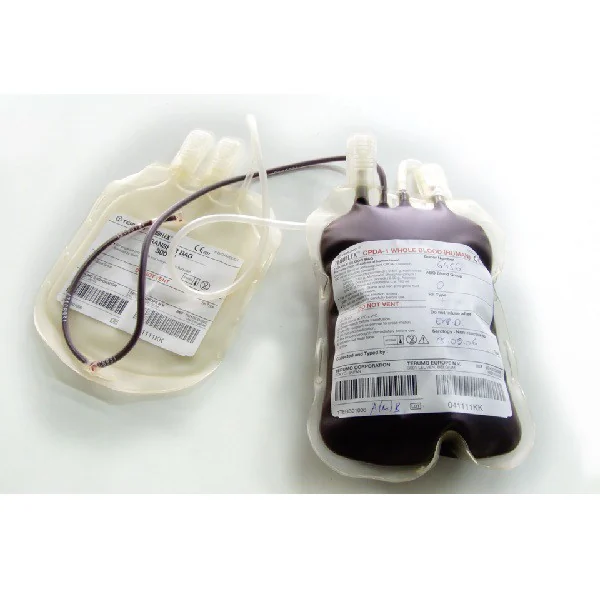
Blood Bag Identification Label
Cold-storage label for blood bags and transfusion containers where traceability remains…
View details
Cable Wrap and Outdoor Identification Label
Vinyl cable-wrap label for outdoor cables, harnesses and power infrastructure exposed to…
View details
Chemical-Resistant PET Identification Label
Durable PET label for asset, rating-plate and component identification exposed to oils…
View details
GHS Chemical Identification Label
Chemical-resistant label facestock for GHS hazard communication on containers, drums and…
View detailsNeed the right ribbon for your label application?
Share the label material, printer and operating environment. Our team will recommend a tested combination.
