
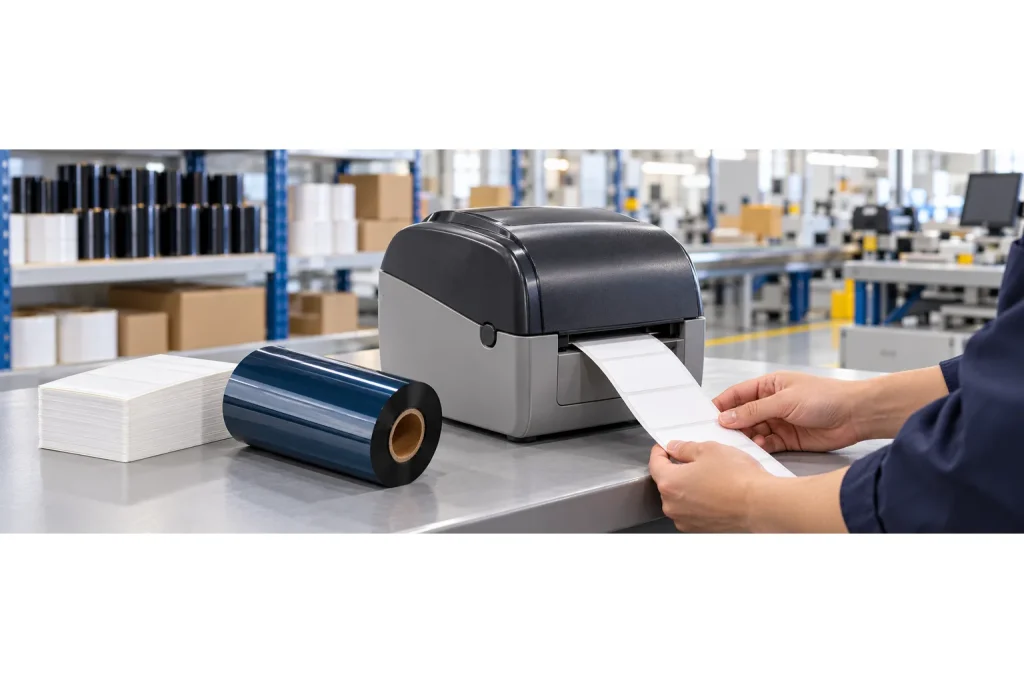
- Original TTR manufacturer since 2013
- Automated coating and slitting
- IQC / IPQC / OQC control
- ANSI barcode grade testing
- -20°C to 120°C environmental testing
- Batch-level traceability
- ANSI barcode grade
- Batch traceability
- RoHS / REACH compliance
- SGS and MSDS documents on request
For industrial labeling buyers choosing thermal transfer consumables, printhead compatibility should define the initial shortlist. Flat-head and near-edge systems use different ribbon types, so compare production requirements within the correct family before considering a change of equipment. Validate the proposed ribbon and printer together with your actual media and intended print job.
Key Takeaways
- Thermal transfer printing uses heat to transfer ink from a ribbon onto a substrate.
- Flat-head and near-edge printers require ribbons designed for their respective technologies.
- Near-edge ribbons release ink more quickly to support faster printing.
- Published speed examples describe operating contexts and combinations rather than a guaranteed result for every purchase.
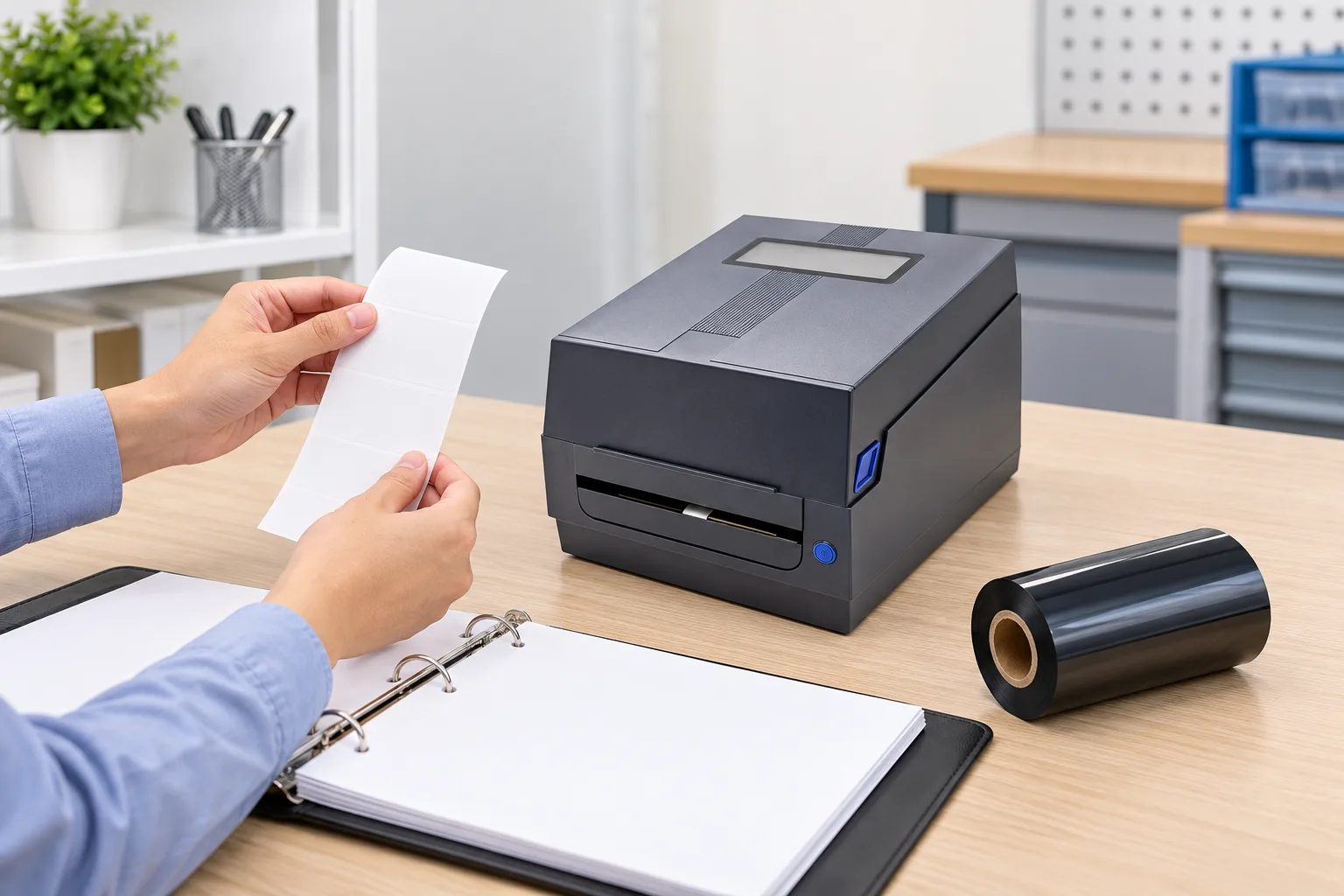
Start with the printhead before choosing a ribbon
Flat-head and near-edge are different thermal transfer printer technologies, and each requires its own ribbon type. For an existing industrial labeling operation, identify the installed technology before comparing ribbon offers. A purchase decision should begin with the machine and print job you actually have.
DNP explains that thermal transfer printing moves ink from a ribbon onto a substrate through heat from the printhead. That makes the ribbon part of a printing combination. Treat a proposed consumable as a candidate for that combination, then ask the supplier to confirm the intended use in writing.
- Record the printer model and ask the equipment supplier to confirm whether its printhead is flat-head or near-edge.
- Describe the media you intend to print and provide a sample rather than relying on a general material name.
- Specify the information and artwork the label must carry, along with the required production pace.
- Request ribbon candidates for the confirmed technology and arrange a trial before ordering production quantities.
If the printhead type remains uncertain, hold the ribbon selection at this stage. Obtain confirmation from the printer documentation or supplier rather than choosing a ribbon from an appearance, a broad product name or a speed claim. Keep the machine identification with the sample request so the proposed grade can be checked against the same requirement.
Compare production needs without turning speed into a promise
Flat-head and near-edge printing offer different advantages according to labeling needs, operating environments and production speeds. Ricoh identifies design, performance and ribbon compatibility as relevant selection factors. Use those factors to frame the decision rather than ranking every near-edge system above every flat-head system.
For an installed flat-head printer, first evaluate compatible flat-head ribbons against the actual job. For a new equipment purchase, ask suppliers to demonstrate the competing combinations under the conditions you intend to use. Make the required output a trial requirement, with the intended media and artwork included, rather than accepting a headline speed as the whole comparison.
DNP describes near-edge printers as using an angled, floating printhead. It also explains that their ribbons contact the labels briefly before the peel point and need quicker ink release. These details explain why the ribbon technology belongs in the equipment discussion; they do not identify a suitable grade for an unspecified machine.
Ask each supplier to distinguish a general technology description from the capability of the proposed equipment and consumable. If a quoted speed is central to the purchase, request a print demonstration at the required pace. If the proposed combination does not produce an acceptable result, return to the supplier with the sample and recorded conditions before deciding whether to change the ribbon candidate or reconsider the equipment.
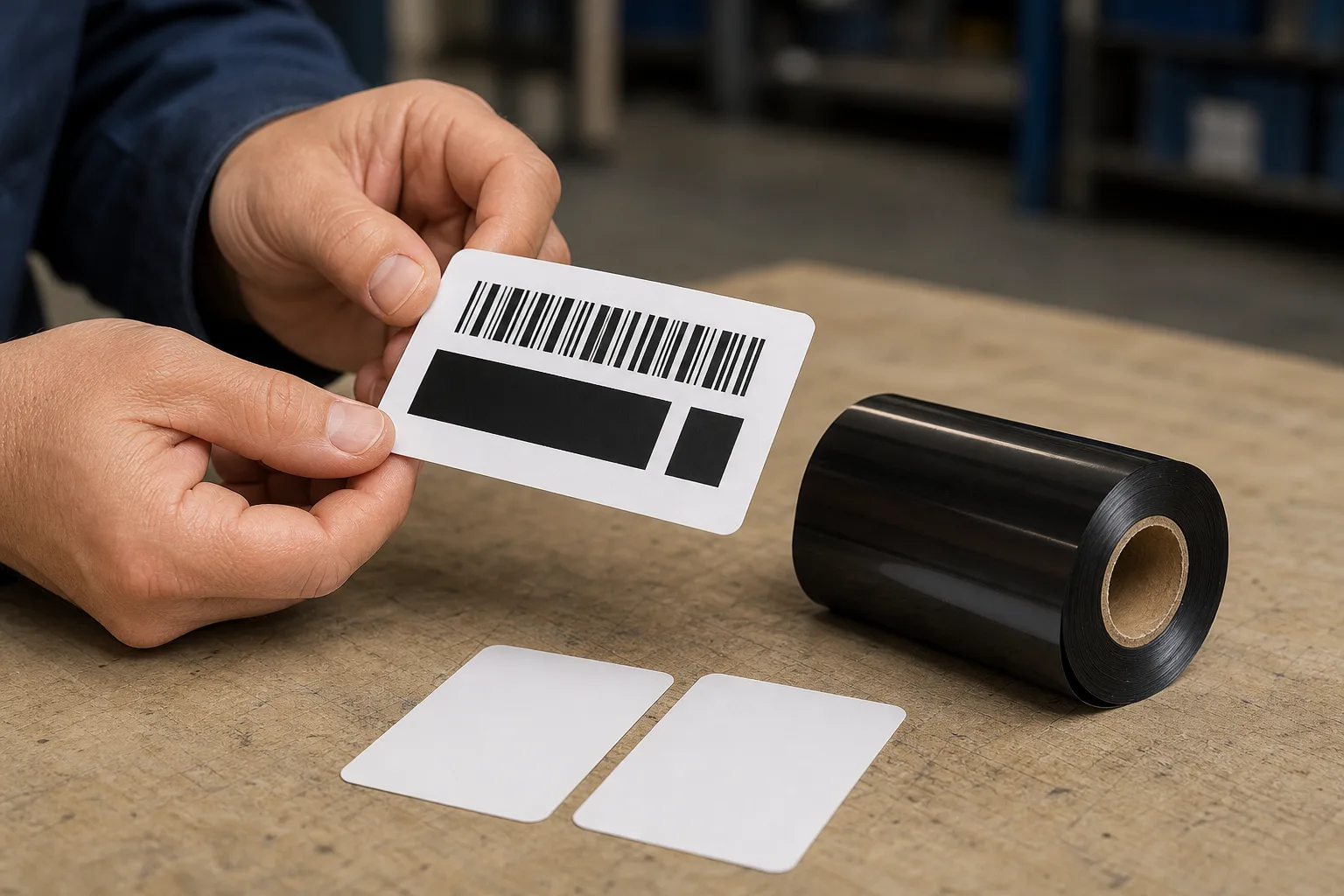
Use a sample trial to make the purchasing decision
Printer choice can affect print quality, efficiency and long-term operating costs. A practical purchasing comparison should therefore include the output you can inspect and the operating information you can record. Keep purchase price in the comparison, but ask for enough trial detail to understand what the quoted combination is expected to deliver.
Prepare a short acceptance brief before requesting samples. Describe what must remain readable, where the label will be used and which handling conditions matter to your operation. Set the acceptance requirements with the people who use the labels. Do not substitute a general ribbon description for an agreed requirement for your own application.
- Ask the supplier to identify each proposed ribbon grade and confirm the intended printer technology.
- Print your intended artwork on your actual media under recorded operating conditions.
- Inspect the result against the acceptance brief and have the relevant users review it.
- Record the candidate, print conditions, observations and unresolved questions before comparing quotations.
For an unsuccessful sample, send the supplier the printed result, the unprinted media and the conditions used. Request a revised candidate or a repeat demonstration addressing the observed problem. Avoid approving a replacement merely because its description sounds stronger. For an acceptable sample, preserve the agreed grade and trial record as the reference for the purchase.
Compare trial observations alongside the quoted consumable cost and the proposed supply specification. Where a supplier claims an operating saving, ask how it was established for the offered combination. This gives the purchasing team a concrete question to resolve without assuming a universal cost advantage for either printhead technology.
Data and Evidence
DNP’s technical explanation distinguishes ribbon compatibility and ink release behavior between flat-head and near-edge printing. The evidence supports selecting the technology family first; the final product choice still needs confirmation for the proposed printer and media. The table separates those supported distinctions from the checks a buyer should request.
| Selection factor | Supported distinction | Buyer verification |
|---|---|---|
| Printhead technology | DNP identifies flat-head and near-edge, also called corner-edge, as thermal transfer printer types. | Confirm the installed or proposed machine’s technology. |
| Ribbon family | Each printer type requires its own ribbons. | Request confirmation that the offered grade matches that technology. |
| Ink release | Near-edge ribbons are designed to release ink more quickly for faster print speeds. | Request a sample made with the proposed ribbon and printer. |
| Production performance | Ricoh connects the choice to labeling needs, environments and production speeds. | Define the intended job and evaluate the demonstrated result. |
DNP also discusses higher speed examples in relation to particular ribbon-printer combinations. Use that distinction when reading a quotation: a technology overview is useful for shortlisting, while a purchasing commitment should name the proposed combination and conditions. Do not use a general comparison as an acceptance specification.
Your next step is to prepare a sample request containing the printer identification, confirmed printhead type, actual media, intended artwork and required production pace. Ask for an identified ribbon candidate and a recorded trial result, then compare the result with your acceptance brief before placing the production order.
Frequently Asked Questions
Should I replace a flat-head printer to buy near-edge ribbons?
Begin with the printer you operate. Ask its supplier to confirm the printhead technology and compatible ribbon options; consider replacement only when a trial shows that the existing setup cannot meet your production requirement.
Does a near-edge speed example guarantee my industrial labeling output?
No. DNP describes speed in the context of ribbon-printer combinations. Request a demonstration using your intended media, artwork and operating conditions before using a speed figure in a purchase decision.
What should I send with an industrial labeling ribbon sample request?
Send the printer model, confirmed printhead type, actual media, intended artwork and required production pace. Ask the supplier to identify the sample grade and record the conditions used to produce the test print.
Recommended products for this industry
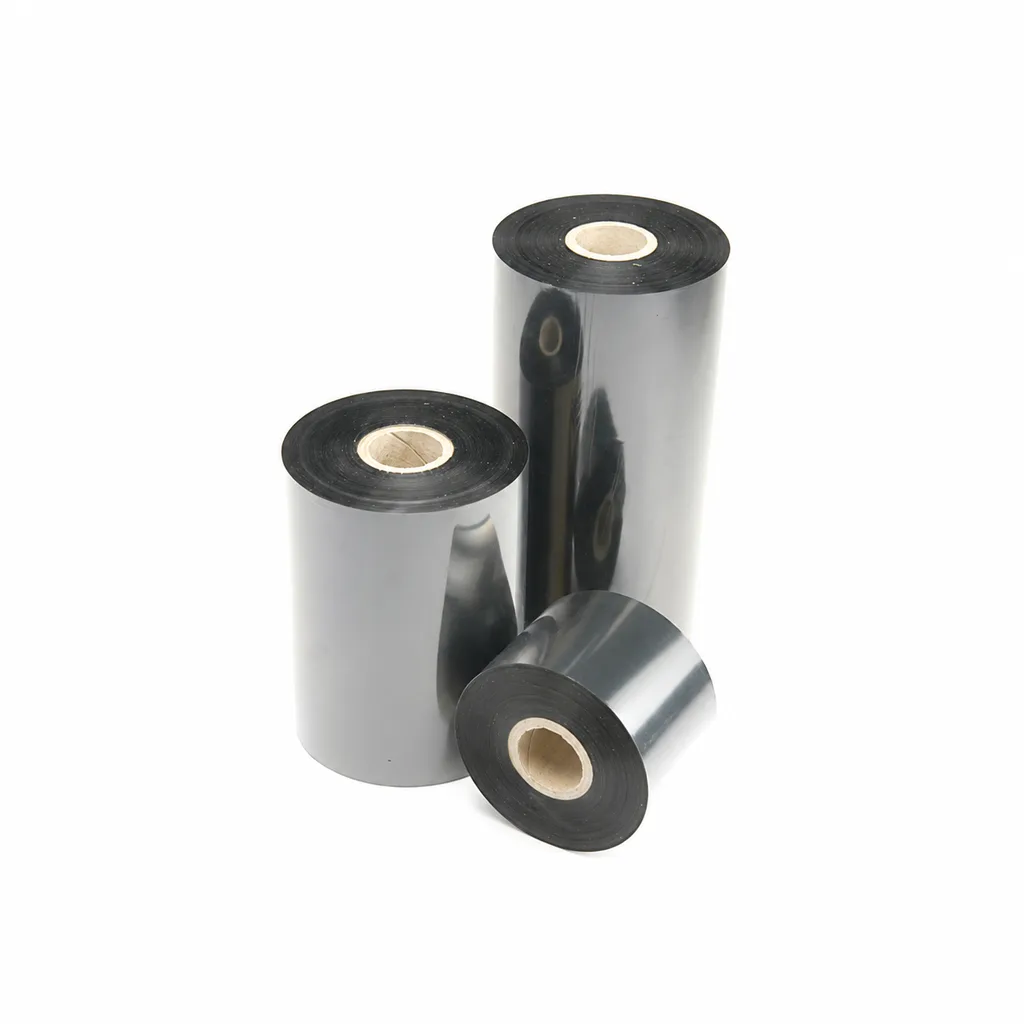
CL-Z213 Near-Edge Wax-Resin Thermal Transfer Ribbon for Barcode Labels
An enhanced black near-edge wax-resin thermal transfer ribbon for near-edge barcode printers and low- to medium-speed thermal transfer overprinting (TTO). Listed applications include retail labels, warehousing, garment tags and packaging identification. Match the printer, actual print medium and operating speed before selection: print quality and image durability can vary with the printer and substrate.
View details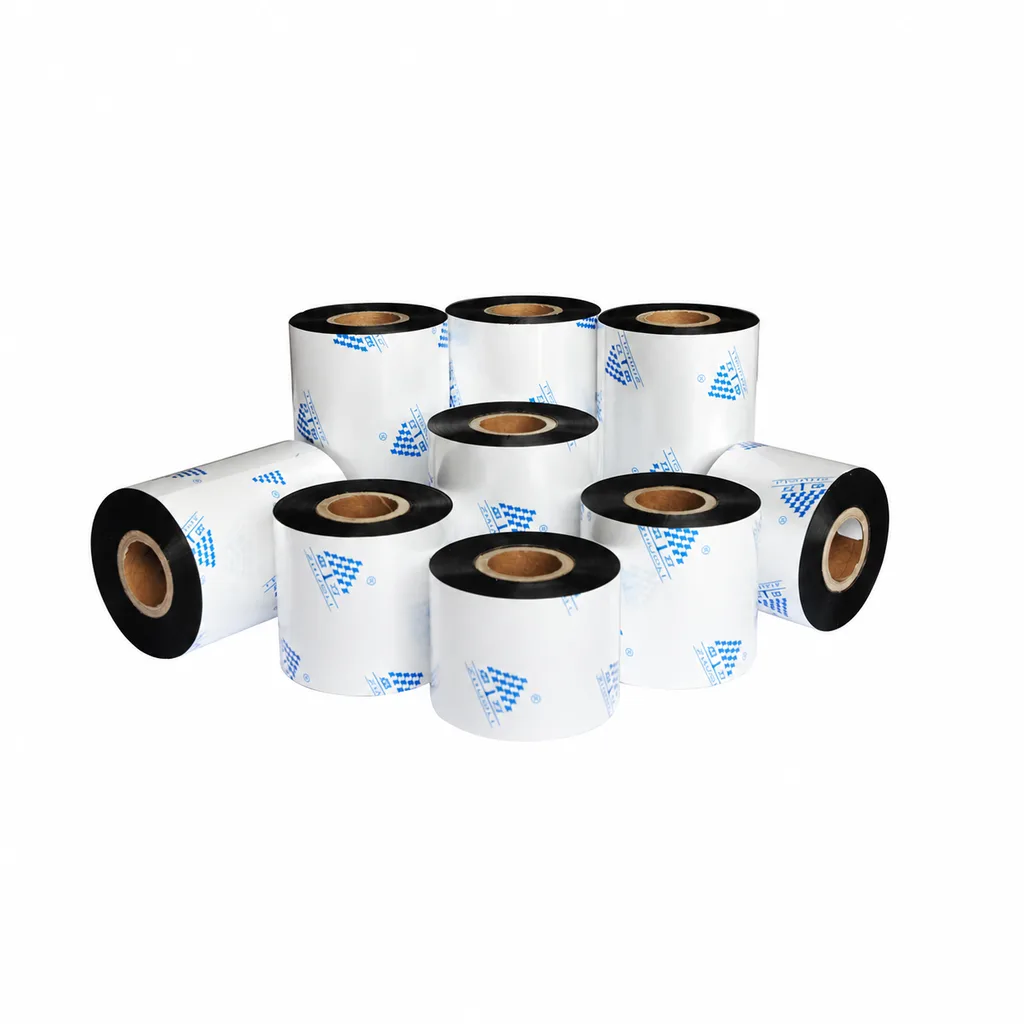
Near-Edge Wax-Resin Thermal Transfer Ribbon CL-Z212 for Barcode Labels
CL-Z212 is a general-purpose black wax-resin thermal transfer ribbon primarily for near-edge barcode printers, with use also described for low- to medium-speed thermal transfer overprinting (TTO). Listed applications include retail labels, garment tags, warehouse identification and packaging printing. Select according to printer type, actual printing speed and substrate: recommended conditions list near-edge printing at ≤10 inches per second (ips) and TTO at ≤20 ips. Print quality and image durability can vary with the printer and printing material, so trial printing on the intended substrate is necessary for selection.
View details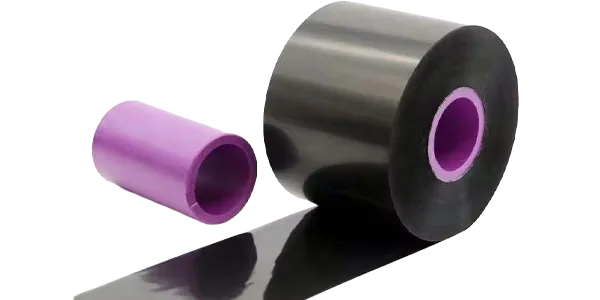
Width 33mm Length 600mm Plastic core near-edge TTO ribbon
TTO Barcode Printer Thermal Transfer Colour Ribbon High-Speed Customisation This TTO…
View details
4-inch lightweight industrial printer
Industrial printers are engineered for lightweight construction, straightforward…
View detailsNeed the right ribbon for your label application?
Share the label material, printer and operating environment. Our team will recommend a tested combination.
