
- Original TTR manufacturer since 2013
- Automated coating and slitting
- IQC / IPQC / OQC control
- ANSI barcode grade testing
- -20°C to 120°C environmental testing
- Batch-level traceability
- ANSI barcode grade
- Batch traceability
- RoHS / REACH compliance
- SGS and MSDS documents on request
For automotive parts buyers planning in-house labeling, the useful printer shortlist starts with the label construction and printing workload. COLORFULTTR's JT452/JT453 desktop models and Q420/Q430 light-industrial models offer distinct candidates, rather than a universal winner. Compare their usable print widths and resolution options, then approve the actual label-and-ribbon combination through a representative printing trial.
Key Takeaways
- JT452 and JT453 are desktop thermal-transfer models, while Q420 and Q430 belong to the light-industrial range.
- Thermal-transfer printing uses a ribbon; direct thermal printing uses direct thermal paper without a ribbon.
- The four shortlisted models have different maximum print widths despite sharing a 4-inch product category.
- Ribbon durability must be checked on the intended label material, printer and settings.
Choose the printing method before choosing a model
Thermal-transfer printing uses a ribbon, while direct thermal printing uses directly heat-sensitive paper without a ribbon. That distinction matters when comparing printers for automotive parts labeling: a machine name alone does not describe the consumables you will need. The JT and Q specifications list both printing modes, so identify the mode in your proposed setup before requesting samples.
Start by separating the labels you plan to print. Is the label intended for a stock bin, an outer package or a part that remains in service? Write down where each label will be attached, what information it carries and what exposure the finished label must tolerate. Treat these as separate approval tasks rather than asking one demonstration label to represent every use.
For a thermal-transfer proposal, request a named ribbon and a named label material alongside the printer model. COLORFULTTR's product matrix describes wax ribbons as economical but not scratch-resistant, wax/resin ribbons as balancing print quality and durability, and full-resin ribbons as offering abrasion, heat and corrosion resistance. These descriptions help form a sample shortlist; they do not establish a service temperature or resistance to a particular automotive fluid.
For a direct thermal proposal, ask for samples on the actual direct thermal paper. Do not transfer a thermal-transfer ribbon claim to that construction. Compare the finished samples against the intended use, including the required reading period, rather than deciding solely on whether a ribbon is needed.
Build a desktop or light-industrial shortlist around your label
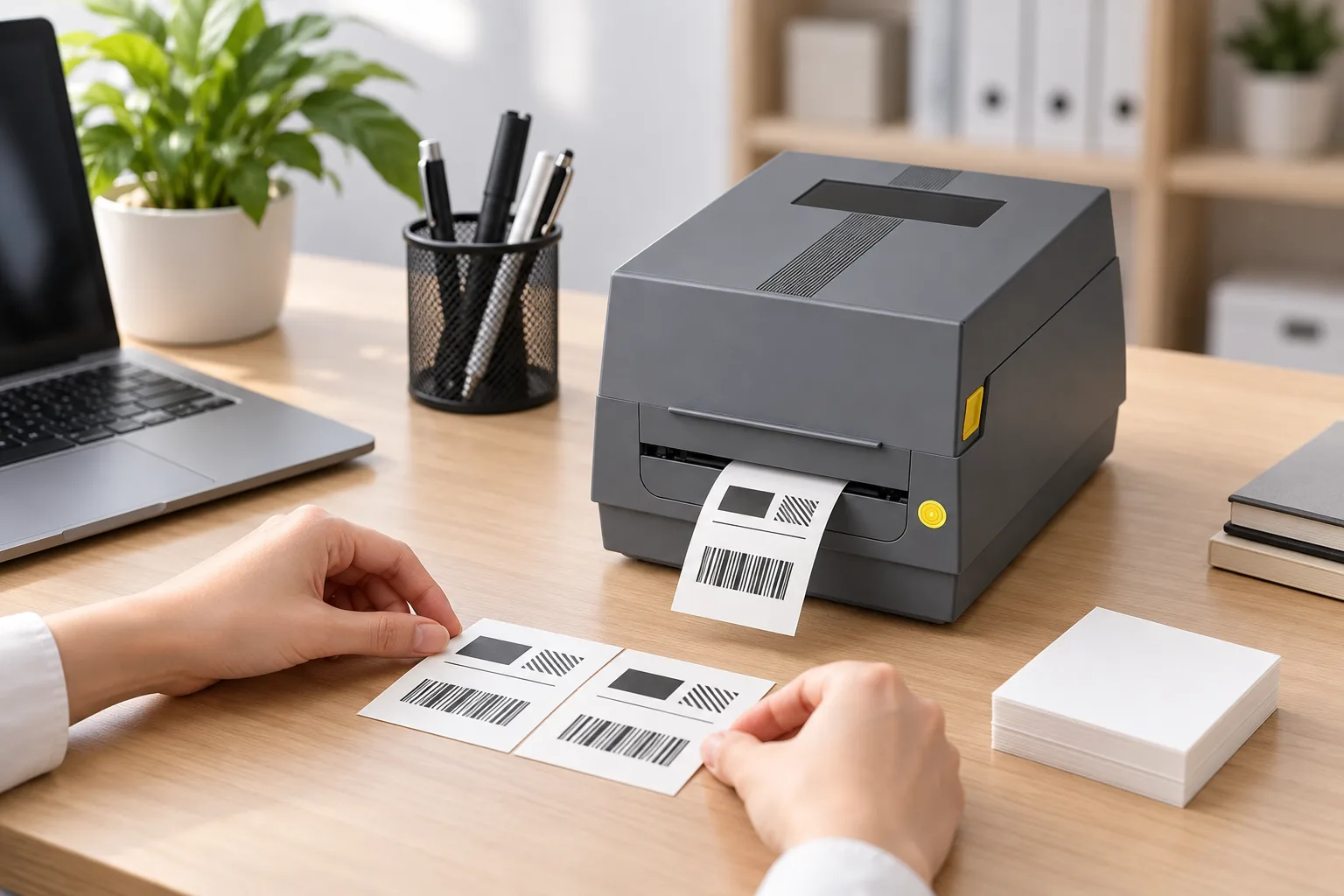
COLORFULTTR positions JT452 and JT453 as desktop printers and Q420 and Q430 as light-industrial printers. Use these as two starting groups for an in-house automotive labeling trial. The distinction gives you a product category to investigate; it does not supply a verified daily production limit or prove performance on your production line.
For a desktop workstation, compare JT452 with JT453 using the same artwork and consumables. The current product list positions JT453 for small text and fine barcodes. For a light-industrial workstation, compare Q420 with Q430; the product list positions Q430 for finer light-industrial printing. Keep the trial focused on your hardest layout rather than a large, easy-to-read demonstration barcode.
The resolution pairs are 203 dpi for JT452/Q420 and 300 dpi for JT453/Q430; their maximum print widths are shown below. Resolution describes a printer specification, not an automotive barcode acceptance grade. Ask the label recipient which code format, content and quality criteria apply before treating a resolution choice as an approval decision.
Check the entire layout, including all required text and code areas, against the model's maximum print width. A 4-inch category name is insufficient because the listed usable widths differ. Also ask the supplier to demonstrate your required connection and software workflow; the comparison here does not rank those features or establish compatibility with your existing inventory system.
Match the ribbon and prove the complete printed label
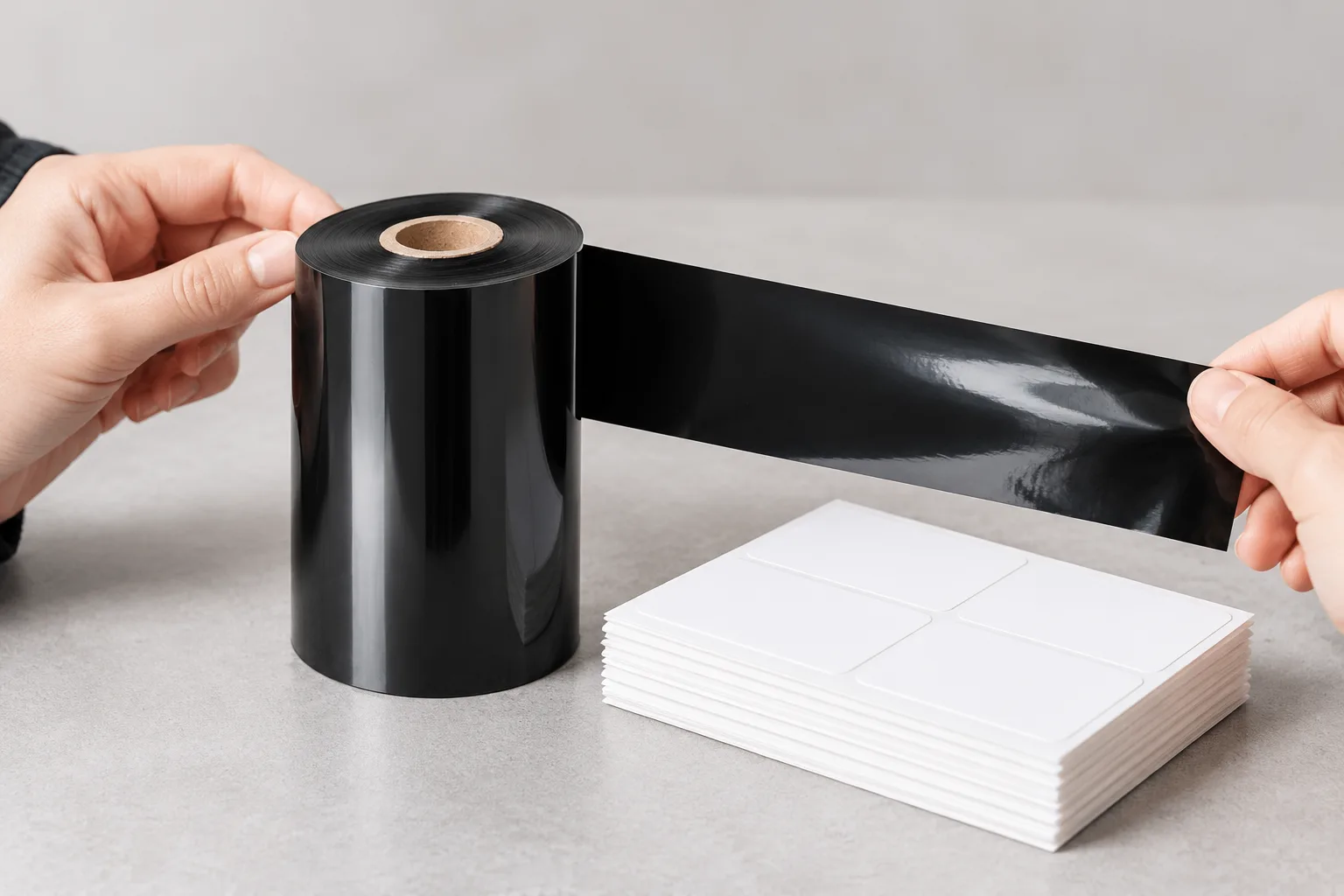
The JT and Q media specifications list wax, wax/resin and resin ribbon compatibility. That gives a buyer several formulation families to investigate, but it does not mean every ribbon in each family suits every label. Select the formulation with the label surface and required durability in view, then check the physical ribbon format against the chosen machine.
The current ribbon specification list includes core size, roll length and ink-side orientation as order variables. Record those details when requesting a replacement or switching suppliers. An order described only as “resin ribbon for an automotive printer” leaves the actual consumable insufficiently defined. Keep the existing approved ribbon identification available for comparison.
- Give the supplier the final artwork, exact label stock and intended printer model.
- Request a proposed ribbon grade and confirmation of its physical fit for that machine.
- Print the final layout on the actual stock, rather than approving a substitute demonstration label.
- Agree the required exposure checks and barcode acceptance criteria with the label recipient before the trial.
- Record the printer settings and material identities with the approved sample so a later supplier change can be compared against it.
The supplied evidence explicitly calls for final-form artwork on true stock to verify code resolution. It also states that ribbon performance belongs to the complete printed construction. If a trial does not meet your agreed criteria, hold that combination for review and identify what failed before approving another sample. A change of printer, ribbon or stock should be assessed against the same intended use, rather than accepted because one component has a stronger catalog description.
Data and Evidence
The current COLORFULTTR model records support the following limited comparison of four thermal-transfer printer candidates. These figures identify resolution and maximum printable width; they are not measured automotive production results.
| Model | Product category | Resolution | Maximum print width | Shortlist role |
|---|---|---|---|---|
| JT452 | Desktop | 203 dpi | 108 mm | Desktop comparison candidate |
| JT453 | Desktop | 300 dpi | 104 mm | Small-text and fine-barcode candidate |
| Q420 | Light-industrial | 203 dpi | 108 mm | Light-industrial comparison candidate |
| Q430 | Light-industrial | 300 dpi | 106 mm | Finer light-industrial printing candidate |
Source basis: COLORFULTTR's current model mapping and current numeric-model specification list. Printing-mode and ribbon-family statements come from its printer media compatibility specifications; ribbon-property descriptions come from its product matrix. These are product specifications, not a comparative ranking across printer brands.
The table therefore helps answer which models deserve a trial, rather than which printer is universally best. It does not establish an automotive certification, a required barcode grade, resistance to a named chemical or a continuous-duty capacity. Do not add those conclusions to a purchase specification without the relevant application evidence.
For the next step, prepare one sample request containing your final label artwork, exact stock, exposure requirements and recipient's acceptance criteria. Ask for samples from the relevant desktop or light-industrial pair, with the proposed ribbon identified. Select the combination that passes your agreed checks, and retain the approved sample and settings as the reference for repeat orders.
Frequently Asked Questions
Which printers should I shortlist for automotive parts inventory labels?
For a desktop shortlist, compare JT452 and JT453; for a light-industrial shortlist, compare Q420 and Q430. Choose between them using your actual label layout, required print width and a sample printing trial rather than the automotive application name alone.
Does a 4-inch printer always provide the same printable width?
No. The listed maximum print width is 108 mm for JT452 and Q420, 104 mm for JT453, and 106 mm for Q430. Check the complete printed layout against the specific model.
Does choosing a resin ribbon prove that an automotive label will survive its working environment?
No. Resin is a durability-oriented candidate, but the complete combination of label material, ribbon, printer and settings must be validated for the intended application.
Related Products & Guides
Recommended products for this industry
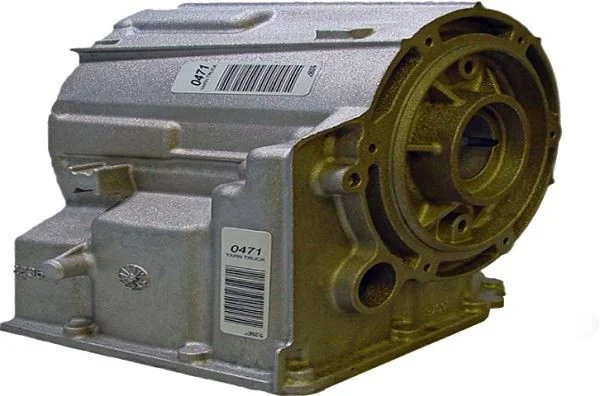
Automotive Fluid Resistant Polyester Label
Polyester label for under-hood components exposed to brake fluid, fuels, oils, coolants…
View details
Automotive Vinyl Round Label Roll
Durable vinyl roll labels with round die-cut options for automotive spare parts and…
View details
Oil-Resistant Automotive Label
Strong-adhesion PET label for automotive parts exposed to oils, solvents, abrasion and…
View details
Silicone-Adhesive Automotive PET Label
Silicone-adhesive PET label for safety components and automotive parts exposed to…
View detailsNeed the right ribbon for your label application?
Share the label material, printer and operating environment. Our team will recommend a tested combination.
