

- Original TTR manufacturer since 2013
- Automated coating and slitting
- IQC / IPQC / OQC control
- ANSI barcode grade testing
- -20°C to 120°C environmental testing
- Batch-level traceability
- ANSI barcode grade
- Batch traceability
- RoHS / REACH compliance
- SGS and MSDS documents on request
To print industrial labels in-house, match the printing method, label stock and ribbon to the actual printer and service conditions. Thermal transfer uses a ribbon, while direct thermal uses heat-sensitive stock without one. This guide helps technical buyers distinguish physical compatibility from demonstrated durability and verify a proposed combination on production materials.
Key Takeaways
- Industrial labels identify equipment or products and communicate critical safety information.
- Thermal transfer and direct thermal require different consumable combinations.
- Wax, wax/resin and resin describe ink formulations rather than universal durability ratings.
- Ribbon performance needs validation with the intended facestock, printer and settings.
Understand what printing industrial labels involves
Industrial labels commonly identify equipment or products and communicate critical safety information. For a buyer searching for "industrieetiketten drucken," the practical question is how to produce that information on suitable stock using an available printer. The industrial application describes the job; it does not specify the printing method or establish a durability rating.
Separate the information you need to print from the materials that carry it. Specify the required text and codes, then describe where the label will be applied and what it will encounter. Treat "legible when printed" and "suitable throughout use" as separate questions in your approval plan.
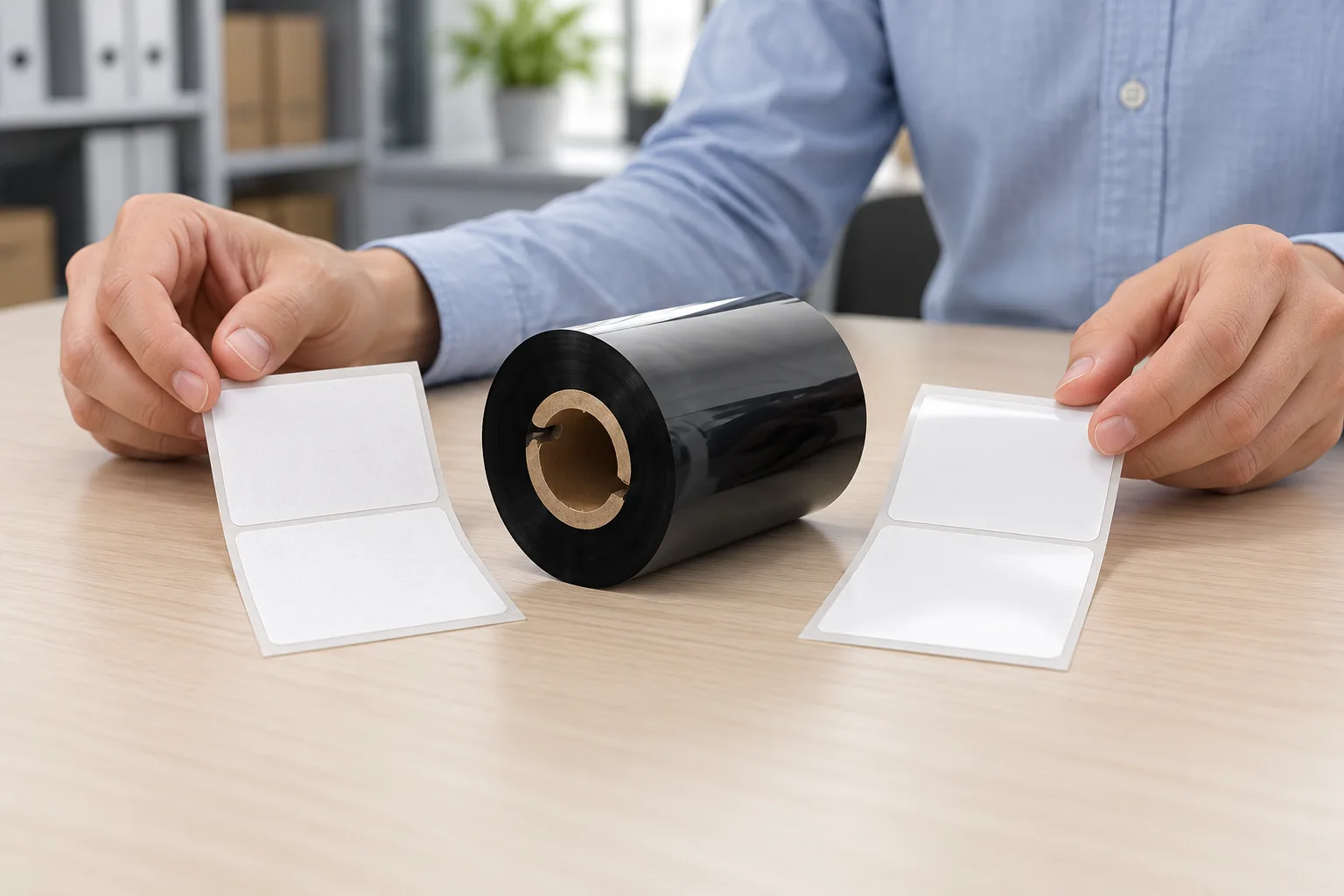
Thermal transfer creates the image by transferring ribbon ink onto the label through heat and pressure. The ribbon is the consumable carrying the ink, rather than the label itself. Direct thermal applies heat to specially treated label material and needs no ribbon. The general description "thermal printer" can refer to either method, so check the selected mode before choosing supplies.
This distinction also separates a consumables project from an order for finished printed labels. COLORFULTTR manufactures thermal transfer ribbons; the approach here is to select supplies for your own printing operation. Start with the printer and label application you have, rather than treating a finished-label description as a complete consumable specification.
Distinguish printing methods before comparing ribbons
Thermal transfer and direct thermal differ in where the image-forming material comes from. In thermal transfer, it comes from the ribbon; in direct thermal, the treated label stock responds to heat. Buying a ribbon therefore only makes sense after confirming that the intended job uses thermal transfer.
For a thermal transfer job, identify the printhead system as well. The company compatibility specification lists wax, wax/resin and resin for its JT desktop and Q light-industrial printers. It excludes TTO near-edge ribbons from those flat-head printers. A ribbon described as suitable for flexible packaging is not sufficient evidence that it belongs in a label printer.
TTO is a related application of thermal transfer: a Thermal Transfer Overprinter transfers ribbon coating onto flexible packaging. That shared mechanism does not establish interchangeability between printer systems. Check the equipment specification before comparing ink families or roll sizes.
Then compare the ribbon with the printing surface and required exposure. Wax is a documented starting point for uncoated and vellum paper. Wax/resin offers greater durability than wax, but that comparison does not establish a service life. Resin formulations are designed to adhere strongly to compatible synthetic surfaces. Keep the word "compatible" in the decision: a material family alone does not identify every coating or finished label construction.
If you are switching suppliers, ask for the proposed formulation and intended media, rather than accepting a description such as "industrial grade." Use those details to define a sample comparison against your existing combination.

Explain where compatibility and durability come from
Ribbon performance belongs to the complete printed construction and must be checked on the intended facestock, printer and settings. Facestock means the label material that receives the print. A successful sample on another paper or film is therefore a starting point for evaluation rather than approval for your application.
The ink formulation helps explain the difference between ribbon families. Wax inks generally anchor into porous paper fibers, while resin formulations are designed for compatible synthetic surfaces. Other ribbon layers also influence printing quality and durability. A family name gives useful direction without describing the entire formulation.
Physical fit answers another question. Ribbon selection includes formulation, width, core size and roll length; the printer specification determines which combination to consider. Record these details separately from the exposure requirements. A roll that fits the machine still needs evaluation on the intended stock.
For adhesive labels, include the application surface in that evaluation. Temperature cycling, chemical contact and surface energy affect adhesion. Approve samples with the same material stack applied to the same surface, rather than treating resistance of the printed image as evidence that the whole label will remain attached.
Build the comparison around two explicit questions: does this combination produce the required image, and does the applied label meet the agreed conditions of use? Avoid converting a general ribbon description into an unsupported heat limit, outdoor lifetime or chemical-resistance guarantee.
Know what a sample print cannot prove
A successful barcode scan does not establish the same evidence as print-quality verification because scanners can decode marginal symbols. If the customer specifies a verification requirement, use that requirement to assess the final printed code. Do not invent a universal acceptance grade from a ribbon description.
Use a short evaluation sequence to keep supplier comparisons meaningful:
- Fix the application. Record the actual stock, application surface, required content and expected exposures before comparing samples.
- Confirm the equipment match. Check printing mode, printhead system and the printer's ribbon dimensions against the proposed roll.
- Print the final layout. Use production stock and the intended printer so that code resolution can be evaluated in its final form.
- Record the result. Keep the ribbon identity and settings with the print sample, and assess the applied label under your agreed use conditions.
If the print smudges, check ribbon-to-substrate compatibility alongside pressure, temperature and speed. These factors work together; a mismatch between ink and surface is rarely rescued by a darkness adjustment. Investigate the combination before making repeated setting changes.
If the initial print is acceptable but application performance remains untested, keep those outcomes separate. Your next step is to make an evaluation sheet for the current stock and printer, then compare the proposed ribbon under the same documented conditions.
Data and Evidence
The company printer specification gives different roll limits for JT desktop and Q light-industrial equipment. The following examples show why a printer category or ribbon-family name cannot replace the actual specification.
| Check | Documented example | How to use it |
|---|---|---|
| JT452/JT453 ribbon length | Provisional external specification: up to 300 m on a 1-inch core, pending supplier confirmation because the source specifications conflict | Check core and length together before ordering a sample roll. |
| Q-series ribbon dimensions | 30-110 mm wide; up to 450 m on a 1-inch core; maximum outside diameter 75 mm | Check all dimensions against the actual machine. |
| Uncoated and vellum paper | Wax is the listed ribbon family | Use it as a starting point for a stock-specific trial. |
| Print-performance validation | Own facestock, printer and settings | Retain a sample and record the combination used. |
Printer figures and TTO exclusions are from 公司打印机介质兼容性与材质规格(已审第一方来源). The transfer mechanism is described in 生产工艺与品质-2025. These sources support equipment and process distinctions; they do not establish a universal service life for industrial labels.
Use a product specification to shortlist a physically suitable roll, then assess the actual printed construction. Keep acceptance criteria tied to your application or customer requirements, rather than adopting dimensional limits as print-quality or durability standards.
Frequently Asked Questions
Do I need a ribbon to print industrial labels on direct thermal stock?
Direct thermal printing uses specially treated label stock without a ribbon. Thermal transfer uses a ribbon, so confirm the printer mode before selecting consumables.
Can a TTO ribbon be used in a JT or Q label printer?
The company compatibility specification excludes TTO near-edge ribbons from its JT and Q flat-head label printers. Confirm the printhead system before selecting a ribbon.
Does a resin ribbon guarantee that an industrial label will survive chemical exposure?
A resin designation alone does not establish that result. Validate the ribbon on your own facestock, printer and settings, and include the application surface when assessing an adhesive label.
Related Products & Guides
Recommended products for this industry
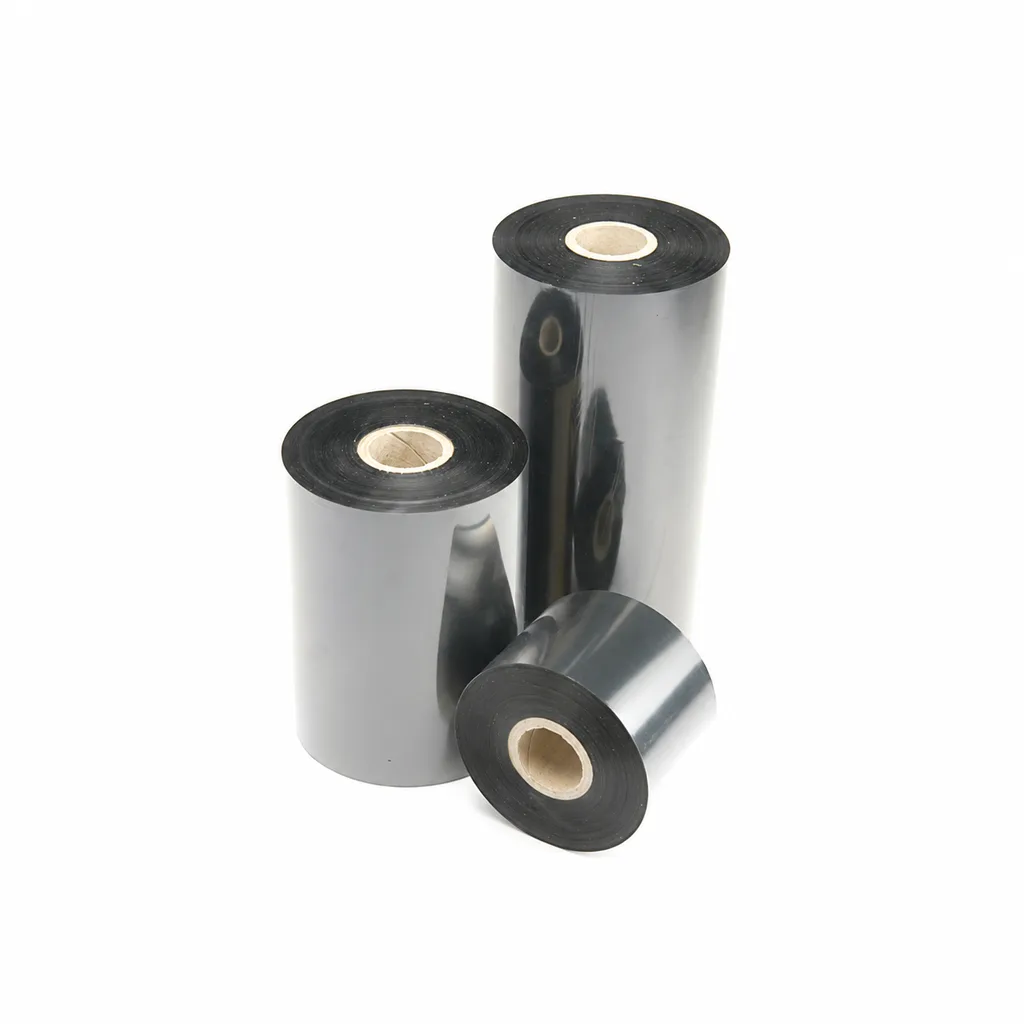
CL-Z213 Near-Edge Wax-Resin Thermal Transfer Ribbon for Barcode Labels
An enhanced black near-edge wax-resin thermal transfer ribbon for near-edge barcode printers and low- to medium-speed thermal transfer overprinting (TTO). Listed applications include retail labels, warehousing, garment tags and packaging identification. Match the printer, actual print medium and operating speed before selection: print quality and image durability can vary with the printer and substrate.
View details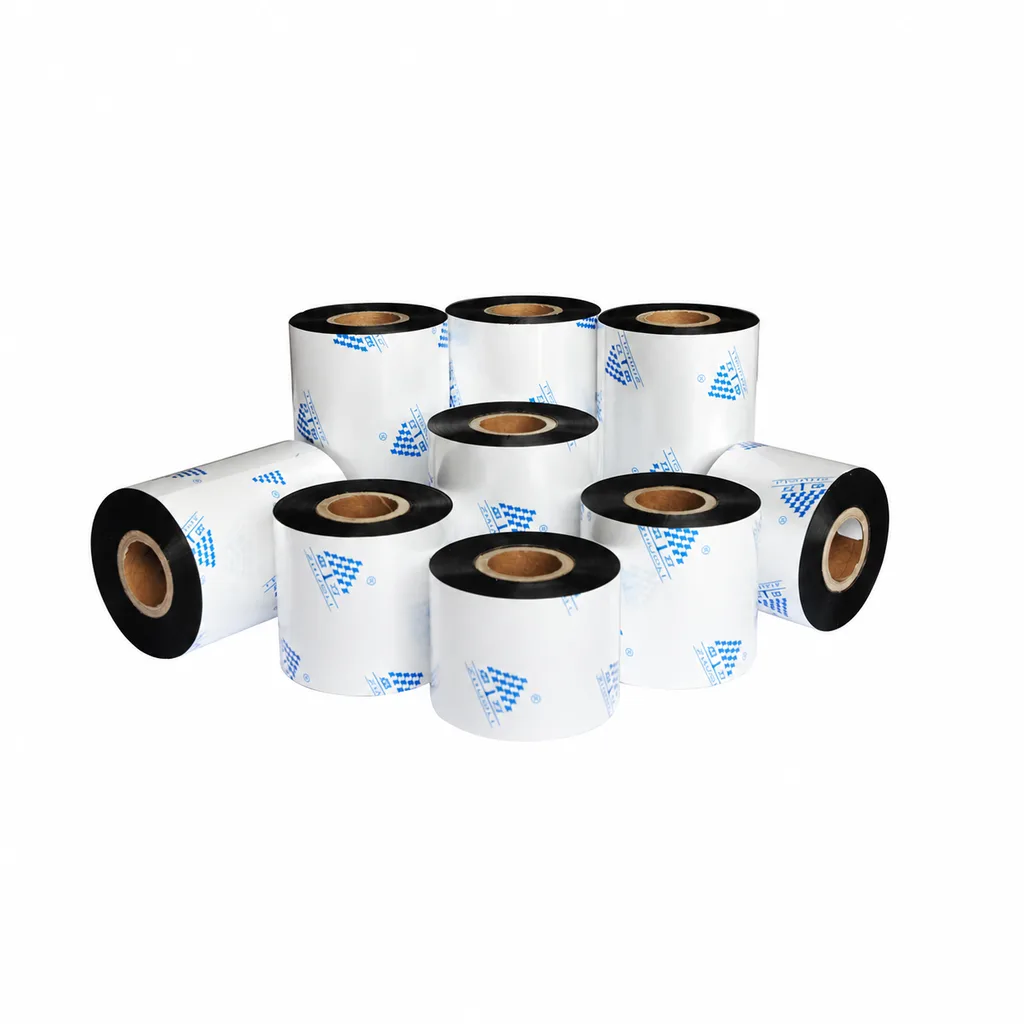
Near-Edge Wax-Resin Thermal Transfer Ribbon CL-Z212 for Barcode Labels
CL-Z212 is a general-purpose black wax-resin thermal transfer ribbon primarily for near-edge barcode printers, with use also described for low- to medium-speed thermal transfer overprinting (TTO). Listed applications include retail labels, garment tags, warehouse identification and packaging printing. Select according to printer type, actual printing speed and substrate: recommended conditions list near-edge printing at ≤10 inches per second (ips) and TTO at ≤20 ips. Print quality and image durability can vary with the printer and printing material, so trial printing on the intended substrate is necessary for selection.
View details
Acid and Alkali Resistant Label
Chemical-resistant label construction for acid baths, paint-stripping solutions, alkali…
View details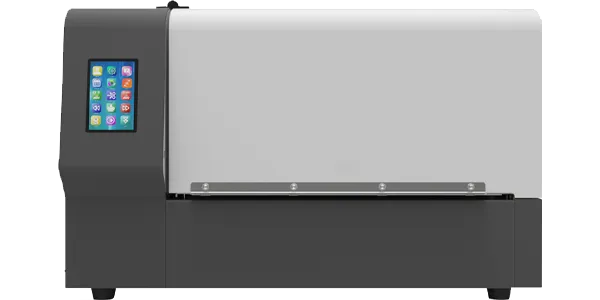
AL10-D Dual-Colour Label Printer
It can enhance industry productivity, optimise supply chain management, reduce…
View detailsNeed the right ribbon for your label application?
Share the label material, printer and operating environment. Our team will recommend a tested combination.
