
How to Print Durable Logistics Labels: Ribbon Matching, Printer Settings, and Pre-Production Testing
Request a solution
- Original TTR manufacturer since 2013
- Automated coating and slitting
- IQC / IPQC / OQC control
- ANSI barcode grade testing
- -20°C to 120°C environmental testing
- Batch-level traceability
- ANSI barcode grade
- Batch traceability
- RoHS / REACH compliance
- SGS and MSDS documents on request
This guide is for shipping and warehouse teams whose labels must stay scannable from receiving through last-mile delivery. Durable logistics labels come from one sequence: match a wax, wax-resin, or resin ribbon to the actual facestock, set printer darkness and speed for that pair, print samples before batches, and verify durability by rubbing, wetting, and re-scanning. Most rub-off and scan failures can be prevented before the first carton ships.
Key Takeaways
- Ribbon-to-facestock mismatch is the first cause to check when thermal transfer print rubs off or fades in transit.
- Wax suits paper labels for general applications; wax-resin adds smudge and scratch resistance on synthetics and glossy paper; full resin is specified for polyester and polypropylene facing heat, moisture, chemicals, or outdoor exposure.
- Printer darkness controls ink transfer: too little leaves gray, thin bars that rub off; too much smears bars into unreadable blur.
- Print and archive a sample of every new ribbon-and-facestock combination, confirm the first article, and spot-scan during the batch run.
- Before full production, rub the print, wet it, hold it at the expected temperatures, and scan it with two different scanner brands.
What Durable Means for a Logistics Label
A logistics label is durable when it stays scannable and human-readable through every stage of its journey: receiving, sortation, cross-docking, storage, and final delivery. Each stage attacks the print differently. Conveyors and stacked cartons rub the surface; cold-chain doors and outdoor yards swing the temperature; condensation and rain soften weak inks; sunlight and cleaning chemicals attack pigments. A label that survives one leg can still fail the next, so plan for the worst leg of the route rather than the average one.
Two technologies dominate on-demand logistics labeling, and they age differently. Direct thermal printing darkens heat-sensitive paper with no ribbon, which keeps it simple but ties durability to the paper coating, and the image can fade under heat over time. Thermal transfer printing melts ink from a ribbon into the facestock, so durability can be raised deliberately by choosing a stronger ribbon and a tougher facestock. This guide follows the thermal transfer route through four steps: ribbon matching, printer settings, sample-first production, and pre-production durability checks.
Match Ribbon Type and Facestock as One System
Thermal transfer ribbons come in three ink families — wax, wax-resin, and full resin — and each family is formulated for a different range of label materials. Suppliers state the working principle directly: match ribbon type to label material and durability needs first. Order ribbon and labels as a pair, never separately.
Match the Ribbon to the Label Material (Wax, Wax-Resin, Resin)
Wax ribbons are the economical choice for paper labels in general applications, including everyday carton labeling and tracking labels. They print dark and clean on paper, but the ink sits near the surface, so scratch and smudge resistance is the lowest of the three families. Use them for dry, short-haul parcels with limited handling.
Wax-resin ribbons blend both ink types, and the blended ink bonds to a wide range of substrates, from coated and glossy paper to many synthetics. Printed labels come out more durable and smudge resistant than full wax, with added scratch and moisture resistance. For most logistics operations this is the default family: it handles PP synthetic facestocks and general warehouse abrasion while sitting between wax and full resin in durability.
Full resin ribbons are the specified family for synthetic facestocks such as polyester and polypropylene, and for labels that must withstand heat, chemicals, or extended outdoor exposure. Choose resin for long-haul ocean freight, cold-chain crossings, outdoor yard storage, and metal racking that scrapes. Because resin targets synthetics and harsh conditions, pairing it with plain paper spends durability the route will never use.
One rule closes the matching step: the same ribbon model behaves differently on different facestocks, because adhesion belongs to the pair. Test-print on the actual label stock you have purchased, not on a sample-book sheet and not from the ribbon model number alone.
Choose Facestock, Adhesive, and Label Size for Real-World Conditions
Grade the facestock to the worst leg of the route, in three tiers. Paper handles dry, short domestic moves. Polypropylene (PP) synthetics add moisture resistance and general abrasion strength, and cost-effective synthetic supplies are an established option in transportation and logistics labeling. Polyester (PET) is the heavy tier for repeated friction, chemical contact, and long outdoor life.
The adhesive matters as much as the facestock, because a label that peels is a lost trace. Match it to the surface it must hold — rough corrugated, cartons straight out of a freezer, slightly damp wraps — and press a sample onto the real package to check edge lift before committing. Size follows the data: follow carrier dimension rules, keep room for the barcode and handling marks, and remember that a too-small label forces dense barcodes while an oversized one wraps onto edges and lifts. Before ordering any ribbon, also check the printer's required ribbon width, core size, and ink-side orientation.
Set Darkness, Speed, and Pressure, Then Print Sample-First
Printer settings decide how much ribbon ink actually transfers into the facestock, which makes them part of durability rather than just image quality. The printer sets a ceiling too: high-resolution printers produce legible, durable labels, which matters especially in logistics.
Dial In Printer Darkness, Speed, and Pressure
Darkness, sometimes listed as print temperature, is the most influential setting. Set too low, the print looks gray, barcode bars print thin, and a light rub lifts the ink. Set too high, ink smears outward, bars thicken and blur into each other, and scans fail even though the print looks heavy. The correct value is the lowest one that keeps full black bars and clean spaces through a firm rub.
Darkness interacts with speed and pressure. Faster printing shortens the heat dwell on each line, so raising speed usually needs a small darkness increase to compensate. Pressure evens contact across the print width; uneven pressure prints one side of the label lighter. A practical tuning loop:
- Start at the printer's midpoint darkness for the ribbon family and the facestock actually loaded.
- Print a test label, rub the barcode with a thumb, and scan it.
- If ink lifts, raise darkness one small step and repeat; if bars smear, lower it.
- Record the final darkness, speed, and pressure for that material batch, and reload the same values next time instead of re-guessing.
Run a Sample-to-Production Print Process
Durable printing is a process discipline, not a single perfect setting. Run every new combination through four steps:
- Sample: print several labels from each new facestock-and-ribbon combination and keep them dated with their settings.
- First article: before releasing the batch, verify the first label against the layout — barcode content, address fields, positions, and edge sharpness.
- Application: press labels onto flat, dry, clean surfaces, away from carton edges, seams, corners, and areas that stretch in handling.
- In-process checks: scan labels at set intervals during the run, because ribbon wear and printhead heat drift degrade quality mid-batch.
Keep Barcodes Scannable and Verify Durability Before Full Production
A label can print cleanly and still fail at the dock door if scanners cannot read it under real lighting, so barcode layout and pre-production testing belong inside the printing workflow.
Keep Barcodes and Key Fields Scannable
Every logistics label carries the same core fields: tracking number with barcode, sender and recipient details, piece count, weight, and handling marks such as fragile or this-way-up. Lay the label out so the barcode wins every conflict for space:
- Give the barcode adequate overall size and clear quiet zones at both ends, free of text, borders, and fold lines.
- Keep dark-on-light contrast strong, and avoid glossy laminates that bounce scanner light at dock angles.
- Keep the barcode away from label edges, folds, and curvature, and never wrap it around a corner, since scanners need the whole symbol flat.
- Keep the human-readable tracking number beside the barcode so a damaged symbol can still be keyed in.
Test Durability Before Full Production
Four checks on printed samples tell you whether a ribbon-facestock-settings combination is truly durable before a full batch runs:
- Rub test: rub the printed area firmly with a finger, then with an eraser, and watch for ink lift.
- Environment test: drip water across the print to simulate rain and condensation, and hold samples at the temperatures the shipment will really meet — freezer intake, hot trailer, outdoor yard — then return them to room temperature.
- Scan verification: after both tests, scan every sample with at least two scanners from different brands, because scan engines differ in what they forgive.
- Record and release: file the passed sample with its settings. If any check fails, step back — move up the ladder from wax to wax-resin to resin, or raise darkness one step — and retest before printing the batch.
Data and Evidence
The ribbon-to-material mappings above follow published catalog guidance from thermal transfer ribbon suppliers, not laboratory service-life measurements. The table condenses the evidence:
| Ribbon family | Typical facestock | Conditions it covers |
|---|---|---|
| Wax | Paper labels for general applications | Everyday carton labeling and tracking labels; lowest scratch and smudge resistance of the three families |
| Wax-resin | Coated paper, glossy paper, many synthetics | More durable and smudge resistant than full wax; added scratch and moisture resistance for general logistics |
| Full resin | Polyester, polypropylene synthetics | Heat, moisture, chemicals, and extended outdoor exposure on harsh routes |
Two scope notes apply. These mappings come from supplier catalogs (LabelsOnline, General Data, Able Label, Technicode) and a transportation-labeling program (Zebra), so treat them as selection guidance for your own testing rather than guarantees for a specific route. And print quality starts in the hardware: high-resolution printers provide legible, durable labels, so include printhead condition in your in-process checks alongside ribbon and settings.
Frequently Asked Questions
Which ribbon type should I use for logistics labels: wax, wax-resin, or resin?
Use wax on paper labels for dry, short-haul parcels with limited handling. Use wax-resin as the logistics default on coated, glossy, or PP synthetic facestocks where smudge and scratch resistance matters. Use full resin on polyester or polypropylene labels facing heat, chemicals, moisture, or extended outdoor exposure. When torn between two families, print both on your actual facestock and let the rub-and-scan result decide.
Why does my thermal transfer print rub off, and how do I fix it?
Rub-off almost always means the ribbon and facestock do not match, or the darkness is too low for that pair. Check the ribbon family first, because wax on a synthetic label will not bond. Then raise darkness in small steps on the loaded material until the barcode survives a firm rub and still scans. If both are already right, slow the print speed so heat dwells longer, and check pressure and printhead condition.
Is direct thermal or thermal transfer better for durable logistics labels?
Direct thermal is simpler because it needs no ribbon, but the image lives in heat-sensitive paper and can fade under heat, so it suits short-cycle parcel labels. Thermal transfer is the durable route: the ink comes from a ribbon, so you can pair a wax-resin or resin ribbon with a synthetic facestock and raise abrasion, moisture, and heat resistance for long or harsh routes.
What printer settings affect label durability the most?
Darkness affects durability most because it sets how much ink transfers into the facestock. Speed comes second, since faster printing shortens heat dwell and usually needs a small darkness increase. Pressure and printhead condition come third: uneven pressure prints one side lighter, and a worn printhead produces gray bars that no setting fixes. Record the winning combination per material batch and reload it instead of re-tuning.
How do I test label durability before a full production run?
Run four checks on printed samples: rub the print with a finger and an eraser, drip water over it, hold it at the temperatures the shipment will actually meet, and then scan it with two scanners from different brands. File the passed sample with its settings. If any check fails, move one step up the ribbon ladder or raise darkness one step and retest before starting the batch.
Recommended products for this industry
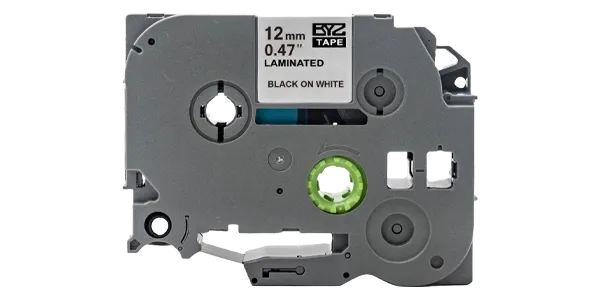
Brother Compatible Label Ribbons (TZe Series)
This Brother-compatible label ribbon (TZe series) is manufactured using high-quality…
View details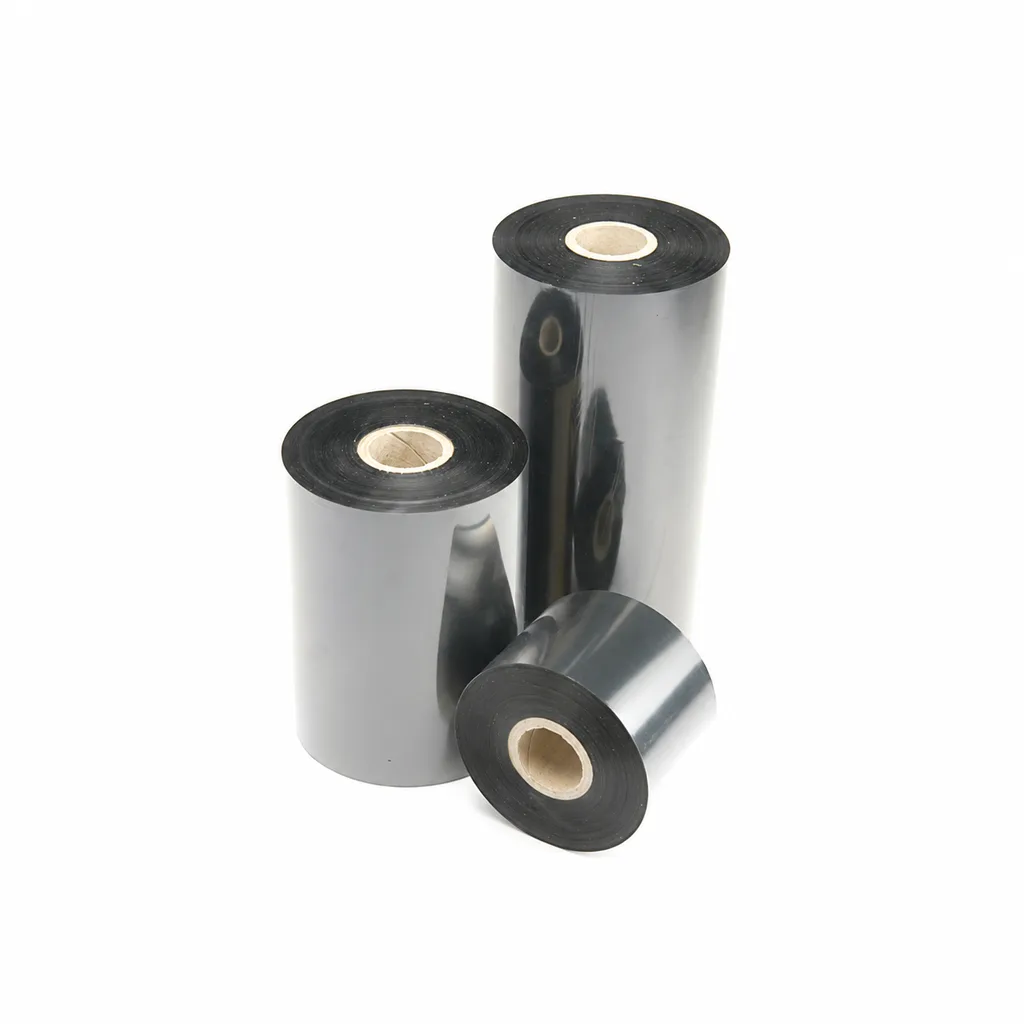
CL-Z213 Near-Edge Wax-Resin Thermal Transfer Ribbon for Barcode Labels
An enhanced black near-edge wax-resin thermal transfer ribbon for near-edge barcode printers and low- to medium-speed thermal transfer overprinting (TTO). Listed applications include retail labels, warehousing, garment tags and packaging identification. Match the printer, actual print medium and operating speed before selection: print quality and image durability can vary with the printer and substrate.
View details
Full-colour card printer ribbon YMCKO
Compatible with Seaory S20/S21/S22/S22K card printers, supporting high-definition…
View details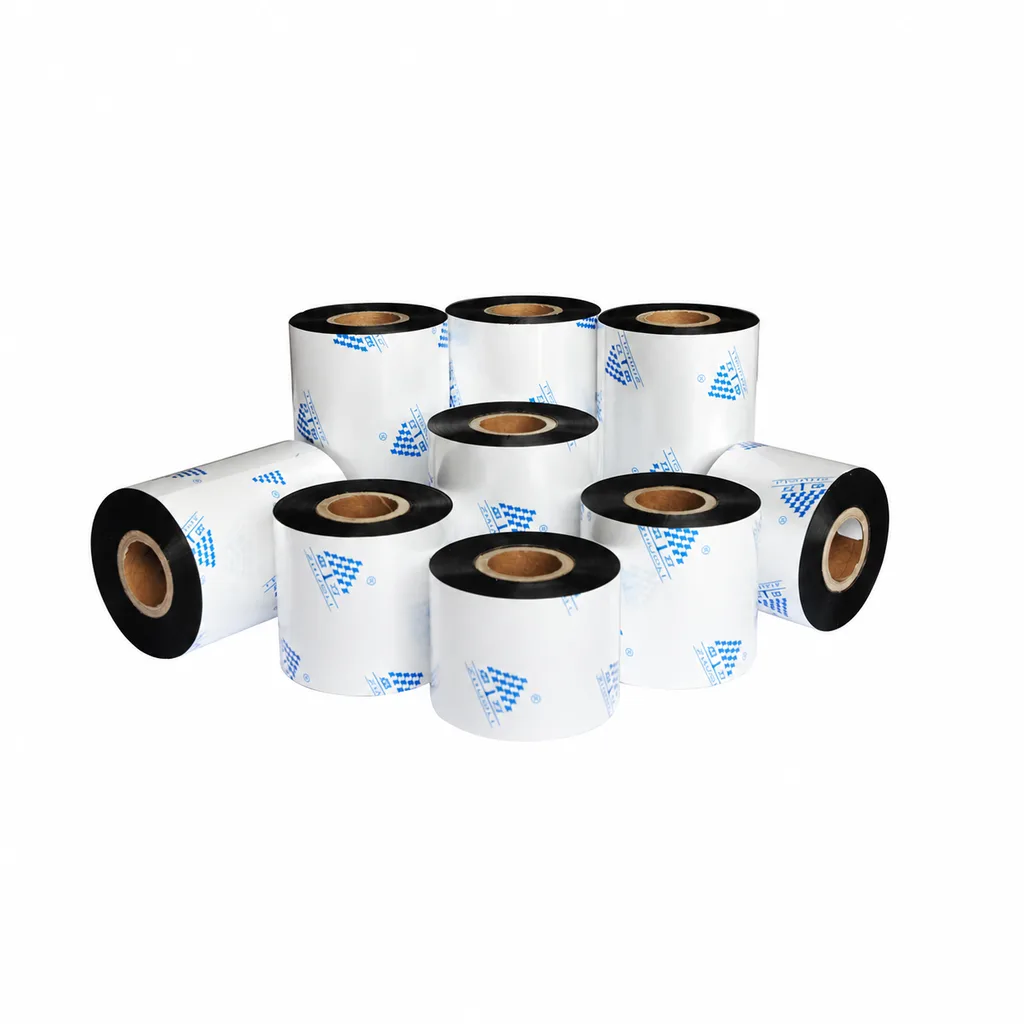
Near-Edge Wax-Resin Thermal Transfer Ribbon CL-Z212 for Barcode Labels
CL-Z212 is a general-purpose black wax-resin thermal transfer ribbon primarily for near-edge barcode printers, with use also described for low- to medium-speed thermal transfer overprinting (TTO). Listed applications include retail labels, garment tags, warehouse identification and packaging printing. Select according to printer type, actual printing speed and substrate: recommended conditions list near-edge printing at ≤10 inches per second (ips) and TTO at ≤20 ips. Print quality and image durability can vary with the printer and printing material, so trial printing on the intended substrate is necessary for selection.
View detailsNeed the right ribbon for your label application?
Share the label material, printer and operating environment. Our team will recommend a tested combination.
