
How to Print Durable Logistics Labels: Ribbon Matching, Darkness Settings, and Barcode Verification
Request a solution
- Original TTR manufacturer since 2013
- Automated coating and slitting
- IQC / IPQC / OQC control
- ANSI barcode grade testing
- -20°C to 120°C environmental testing
- Batch-level traceability
- ANSI barcode grade
- Batch traceability
- RoHS / REACH compliance
- SGS and MSDS documents on request
Key Takeaways
- Wax ribbons are the most economical choice for paper shipping labels; wax-resin hybrids and full resins take over once labels face synthetic stocks, abrasion, moisture, or temperature extremes.
- Recommended darkness starts at 10-14 for CL110A wax and 12-16 for CL210A hybrid, and the catalog notes the values vary by printer, so calibrate on your own label stock.
- CL210A is specified for 50+ passes in a 500g rub test and a -10°C to 60°C range, while CL310A resin is rated to -40°C to 120°C with over two years of outdoor legibility.
- Verification targets are optical density and barcode grade: CL110A is specified above 1.8 OD at ANSI A/B, CL210A above 1.9 at ANSI A, and CL310A above 2.0 at ANSI A.
- Speed is part of durability planning: CL110A prints up to 12 ips, CL120A reaches 16 ips for sorting centers, and resin CL310A tops out at 8 ips.
Match the Ribbon to Your Label Material and Transit Conditions
Ribbon chemistry decides how long a logistics label survives handling: wax inks are specified for paper stocks, while hybrid and resin inks carry synthetic films through abrasion, moisture, and temperature swings. The catalog compatibility chart is direct about the base rule — CL100A, CL110A, and CL120A wax grades are not recommended on matte PP or PET/PVC, while CL210A is rated good on matte PP and fair on PET/PVC.
Work through your stock and route in this order:
- Coated or uncoated paper, high volume. Standard wax CL100A prints up to 10 ips at ANSI B/C grade and is the most economical pick for everyday carton and pallet labels.
- Premium paper where scan quality matters. CL110A blends 90% premium wax with 10% resin additives, reaches an optical density above 1.8 at ANSI A/B grade, and delivers excellent performance on coated paper, uncoated paper, and rough tag stock.
- High-speed sorting or fulfillment lines. CL120A maintains printing up to 16 ips on premium coated paper labels.
- Synthetic paper, matte PP, or light PET, plus damp or heavily handled routes. CL210A hybrid (60% wax / 40% resin) performs well on paper, synthetic paper, and light films, resists humid conditions and light water exposure, and stays legible from -10°C to 60°C.
- Alcohol or chemical contact. Step up to CL220A, which withstands isopropyl alcohol, mild detergents, and oils across -20°C to 80°C.
- PET, PP, or PVC, cold chain, or outdoor exposure. CL310A full resin bonds permanently to those plastics, prints legibly outdoors for over two years, and is rated from -40°C to 120°C (180°C short term).
One caution before ordering: a wax code can look sharp the moment it prints and still fail its first abrasion on plastic film. If labels leave on synthetic stock under a wax ribbon, the mismatch is the first thing to correct — not the printer.
Set Up the Printer: Darkness, Speed, and Ribbon Fit
Printer setup turns the right ribbon into a dark, scannable code, and three settings do most of the work: darkness, print speed, and ribbon orientation.
- Check the physical fit. Match ribbon width to label width, confirm the core size — 0.5-inch or 1-inch for CL110A — and set the ink side, coated inside (CSI) or outside (CSO), exactly as your printer requires. CL110A ships in standard widths from 40mm to 110mm with custom options from 30mm to 220mm.
- Set darkness to the model's recommended range. Start at 10-14 for CL110A, 12-16 for CL210A, and 15-20 for CL310A. The catalog notes these values vary by printer, so treat them as calibration starting points, not final quality settings.
- Keep speed inside the ribbon's rating. CL110A prints up to 12 ips, CL210A up to 10 ips, and CL310A up to 8 ips. If a sorting line runs faster on premium coated paper, CL120A is formulated for up to 16 ips.
- Mind the print-room environment. CL110A is specified for 5°C-35°C operation and -5°C-40°C storage at 30-70% RH, which matters where printing stations sit near loading docks.
- Calibrate upward from a test print. Print on production stock at the low end of the darkness range and step up until codes measure dark and solid. Low-darkness printing on a high-sensitivity ribbon like CL110A also reduces print head wear and energy consumption.
Resin needs one extra check before a production run: the catalog recommends CL310A with printers capable of higher energy settings, so confirm your printer can reach the darkness the resin requires.
Verify Optical Density and Barcode Grade Before Release
Verification comes down to two measurable targets: optical density and barcode grade. Check them on production stock, because catalog ratings describe the ribbon rather than what every printer-and-label combination delivers.
- Measure optical density against the ribbon spec: above 1.8 for CL110A, above 1.9 for CL210A, and above 2.0 for CL310A. Readings below spec call for a darkness or speed correction before the run continues.
- Grade the codes with a verifier. CL110A is specified to ANSI A/B grade and CL210A and CL310A to ANSI A. Grade what your setup actually produces, not just what the datasheet promises.
- Rub-test a printed sample. The catalog lists CL210A scratch resistance at 50+ passes in a 500g rub test and CL220A at 100+ passes; reproduce the abrasion your labels actually see and compare against a fresh reference print.
- Check the exposure the route adds. For damp routes, CL210A is specified to perform in humid environments and resist light water exposure; for freezer or heat beyond -10°C to 60°C, move to CL310A.
Set an acceptance line for each label type before the production run and record darkness, speed, and measured results, so future batches start from known-good settings. Catalog figures describe the ribbon; your verifier's results on production stock are the numbers that decide release.
Fix Faded, Smudged, or Unscannable Labels
Failed logistics labels show up as fade, smear, scratch-off, or an unscannable code, and each symptom points to a specific first check.
- Code scratches off in transit. Check the media match first: wax on matte PP or PET/PVC is not recommended in the compatibility chart. Switching to CL210A hybrid or CL310A resin restores abrasion resistance on synthetic stock.
- Print looks gray or measures under the OD target. Raise darkness within the recommended range and re-test. If a resin code stays weak at the top of its 15-20 range, confirm the printer can supply the higher energy CL310A calls for.
- Ink smears under moisture. Wax inks are specified for paper rather than films, so move damp-route labels to CL210A, which resists humid conditions and light water exposure.
- Codes go faint or incomplete on a fast line. The line speed has passed the ribbon rating — CL110A tops out at 12 ips and CL210A at 10 ips. Slow the printer or move high-speed coated-paper work to CL120A at up to 16 ips.
- Small text and dense 2D codes print ragged. CL210A is formulated for small fonts down to 4pt and high-density 2D barcodes, so switch grades when label content gets dense.
- Labels face cold storage or freezer routes. CL210A maintains legibility to -10°C; below that, CL310A carries codes from -40°C to 120°C.
If a failure survives both the media and settings checks, print the same label with a different ribbon grade on the same stock. A second grade that holds points back to the first ribbon; a second grade that also fails points to the label material or the printer.
Data and Evidence
The table consolidates the catalog values behind the ribbon, settings, and verification decisions above. Recommended darkness and barcode-grade figures vary by printer, so validate on your own stock before setting acceptance limits.
| Ribbon | Ink base | Best-fit media | Recommended darkness | Max speed | Optical density | Barcode grade | Temperature range |
|---|---|---|---|---|---|---|---|
| CL100A | Standard wax | Coated paper labels | — | 10 ips (250mm/s) | above 1.6 | ANSI B/C | — |
| CL110A | Premium wax, 90% wax with resin additives | Coated paper, uncoated paper, rough tag stock | 10-14 | 12 ips (300mm/s) | above 1.8 | ANSI A/B | 5°C-35°C operating; -5°C-40°C storage, 30-70% RH |
| CL120A | High-speed wax | Premium coated paper labels | — | 16 ips (400mm/s) | — | — | — |
| CL210A | Hybrid, 60% wax / 40% resin | Paper, synthetic paper, light films, matte PP | 12-16 | 10 ips (250mm/s) | above 1.9 | ANSI A | -10°C to 60°C |
| CL220A | Chemical-resistant hybrid | Synthetic paper, PP, PET, PVC, coated paper | — | — | — | — | -20°C to 80°C |
| CL310A | Full resin | PET, PP, PE, PVC, polyimide | 15-20 | 8 ips (200mm/s) | above 2.0 | ANSI A | -40°C to 120°C (180°C short term) |
Specified rub-test references: CL210A 50+ passes and CL220A 100+ passes at 500g. Sources: COLORFULTTR wax and wax-resin product catalog; COLORFULTTR resin, TTO and color ribbon product catalog. Next step: pull one label stock from each active product line, print a calibration set starting at the low end of the darkness range, and record optical density and grade until every stock has a known-good setting.
Frequently Asked Questions
What darkness setting should I start with for CL110A and CL210A?
Start at the recommended ranges — 10-14 for CL110A wax and 12-16 for CL210A hybrid — and calibrate on your own stock, because the catalog notes the values vary by printer. Confirm the final setting by measuring optical density and barcode grade rather than by eye.
Can I print logistics labels on synthetic stock with a wax ribbon?
The compatibility chart does not recommend CL100A, CL110A, or CL120A wax on matte PP or PET/PVC. A wax code may look sharp right after printing, but for durability on synthetic surfaces the catalog points to the CL210A hybrid or a resin grade such as CL310A.
Which ribbon handles cold-chain and freezer logistics labels?
Match the ribbon to the lowest temperature on the route. CL210A hybrid maintains legibility from -10°C to 60°C, while CL310A resin is rated from -40°C to 120°C (180°C short term) and bonds permanently to PET, PP, and PVC.
My barcode scratches off in transit — what should I change first?
Check the ribbon-to-media match first, then confirm darkness sits inside the recommended range for the grade you run. If both are correct, step up in durability: wax to CL210A hybrid for rub and moisture resistance, or to CL310A resin for chemicals, cold, and outdoor exposure.
Recommended products for this industry
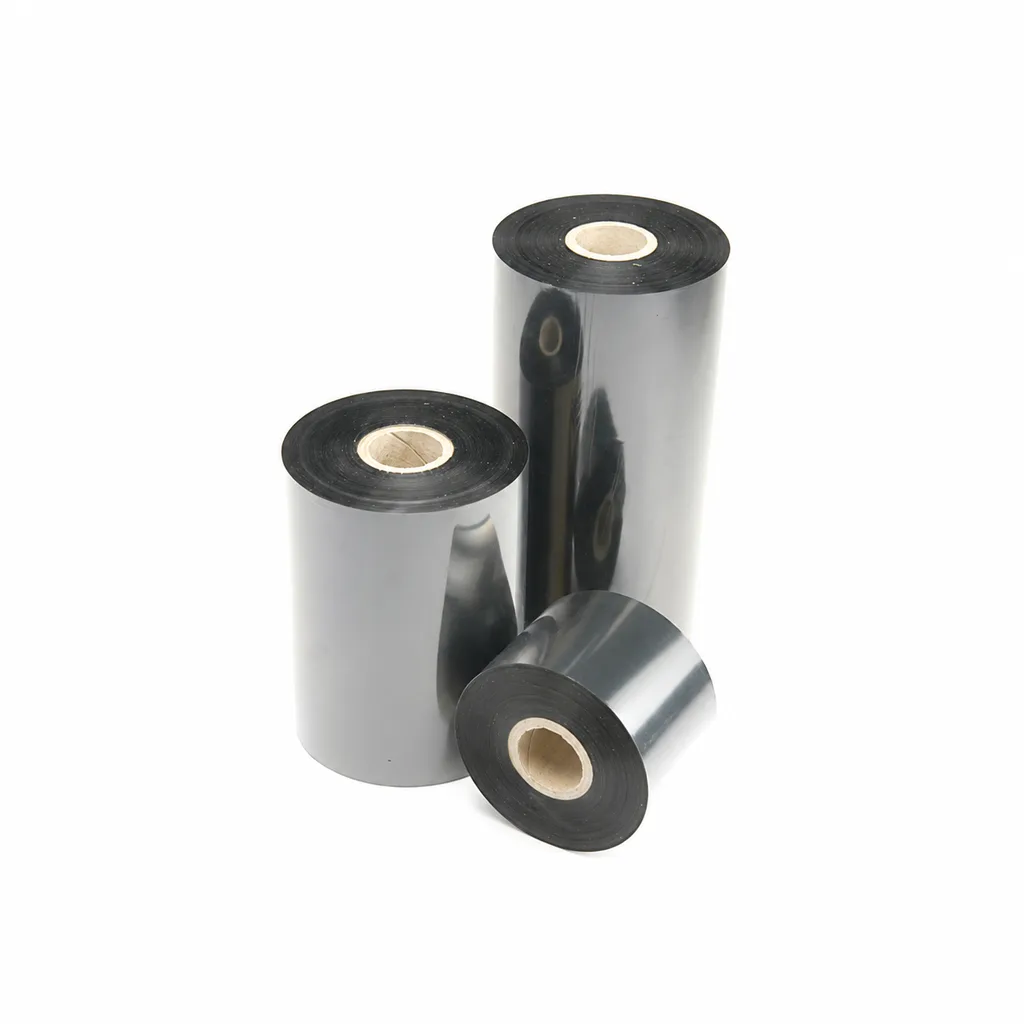
CL-Z213 Near-Edge Wax-Resin Thermal Transfer Ribbon for Barcode Labels
An enhanced black near-edge wax-resin thermal transfer ribbon for near-edge barcode printers and low- to medium-speed thermal transfer overprinting (TTO). Listed applications include retail labels, warehousing, garment tags and packaging identification. Match the printer, actual print medium and operating speed before selection: print quality and image durability can vary with the printer and substrate.
View details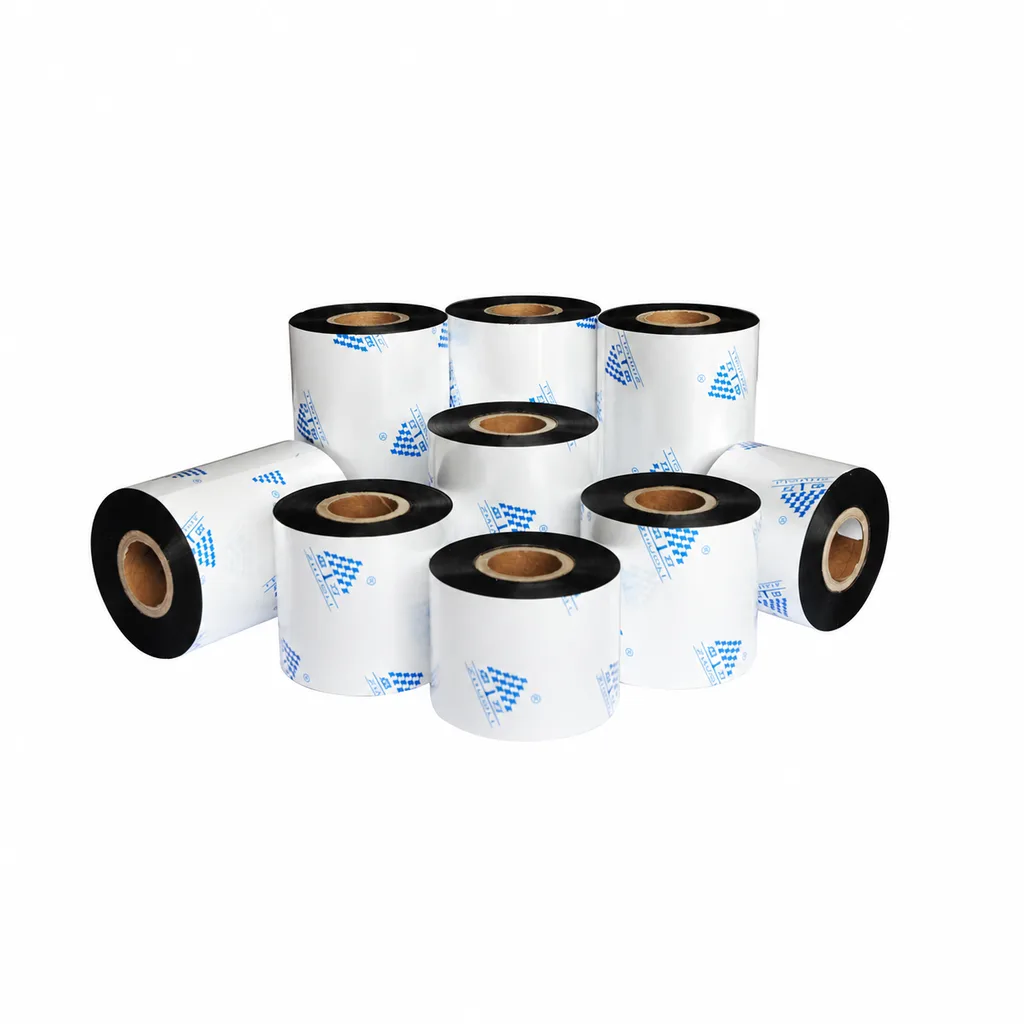
Near-Edge Wax-Resin Thermal Transfer Ribbon CL-Z212 for Barcode Labels
CL-Z212 is a general-purpose black wax-resin thermal transfer ribbon primarily for near-edge barcode printers, with use also described for low- to medium-speed thermal transfer overprinting (TTO). Listed applications include retail labels, garment tags, warehouse identification and packaging printing. Select according to printer type, actual printing speed and substrate: recommended conditions list near-edge printing at ≤10 inches per second (ips) and TTO at ≤20 ips. Print quality and image durability can vary with the printer and printing material, so trial printing on the intended substrate is necessary for selection.
View details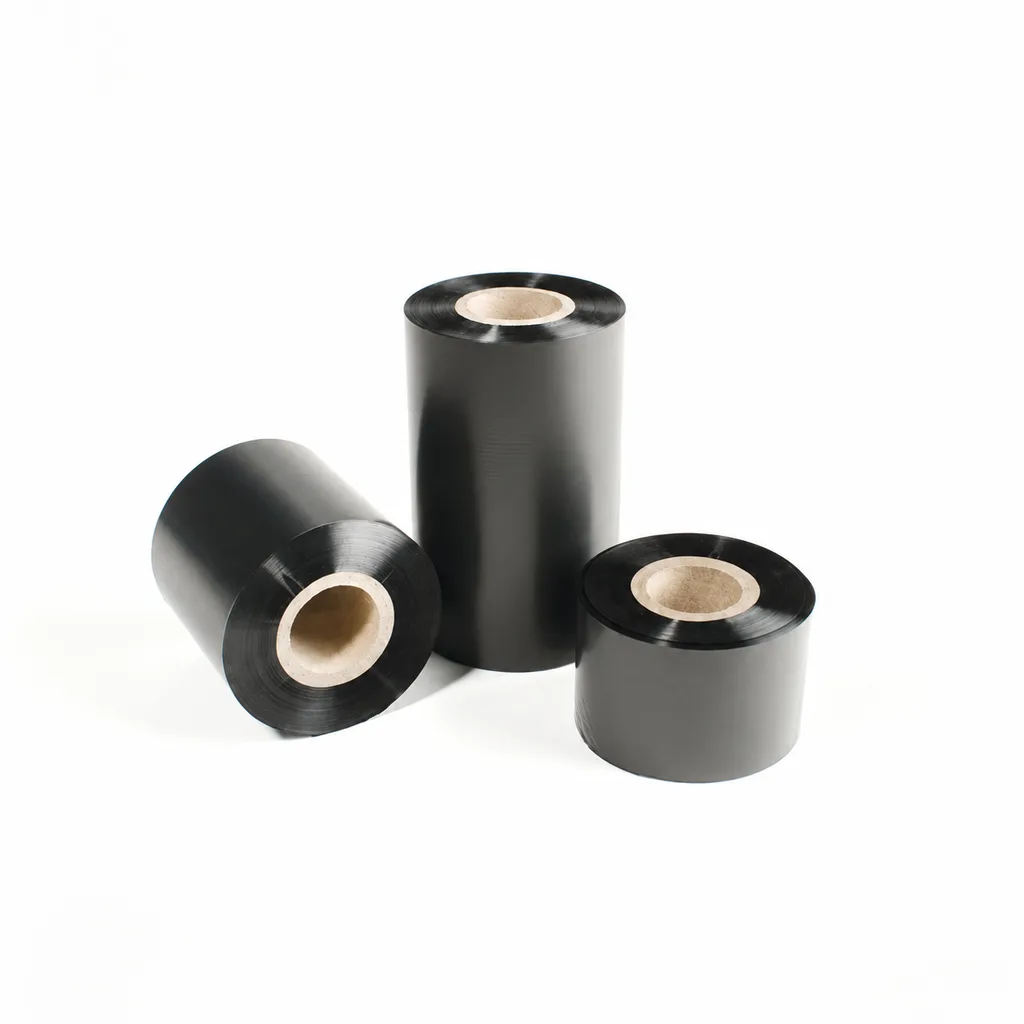
CL-Z112 Enhanced Wax Thermal Transfer Ribbon for Paper Labels and Tags
An enhanced wax thermal transfer ribbon with black ink for paper labels and tags used in retail, warehousing and logistics. It is specified for flat-head printing on desktop or industrial barcode printers at ≤8 inches per second (ips). Select it by checking the actual label material, printer configuration and handling conditions: image-quality, rub-resistance and cold-chamber results were obtained on coated paper, and print quality and image durability may vary with the printer and print medium.
View details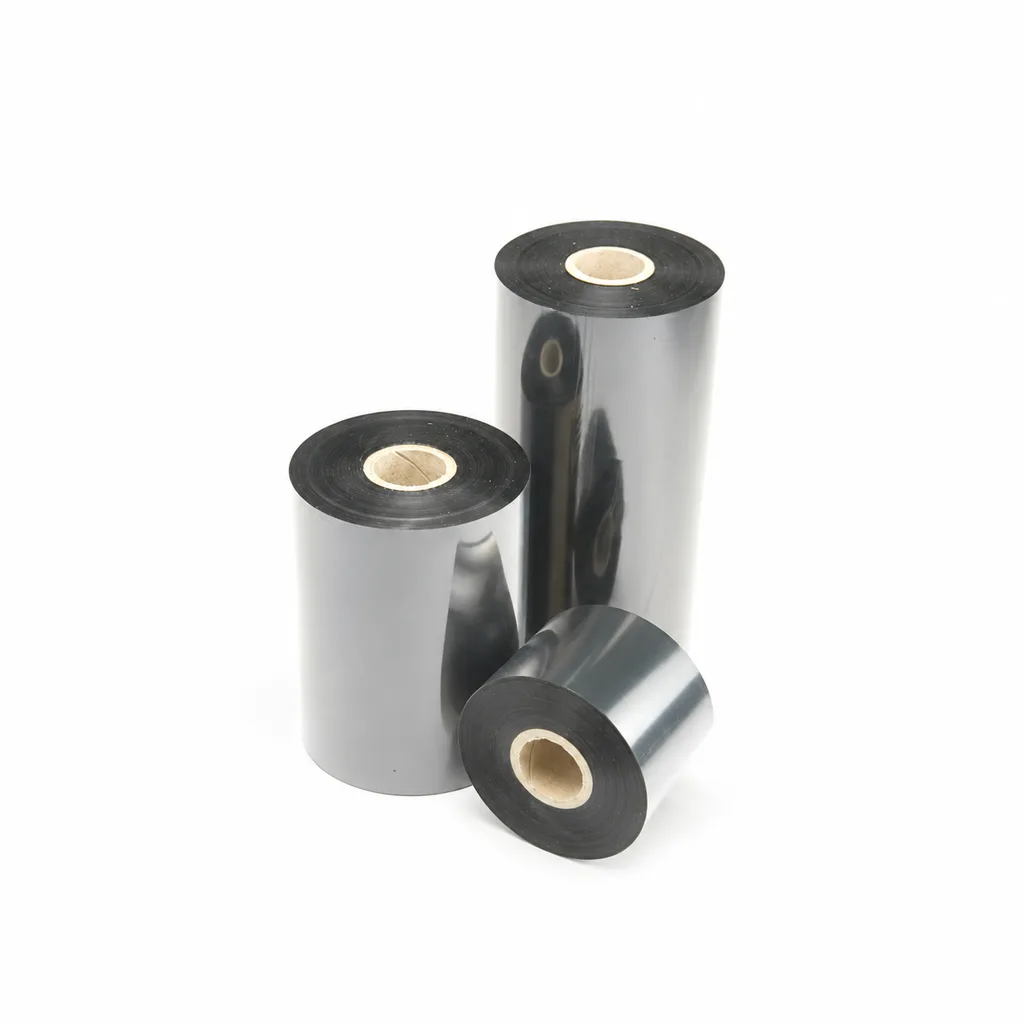
CL-Z203 Wax-Resin Thermal Transfer Ribbon for Barcode Labels
A black wax-resin thermal transfer ribbon for flat-head printing, with listed applications including retail, warehousing, logistics and garment tags. Select it against your actual label material and desktop or industrial barcode printer at speeds ≤6 ips (inches per second). Fine-line, small-text and durability results were obtained on coated paper; print quality and image durability may vary with the printer and printing substrate.
View detailsNeed the right ribbon for your label application?
Share the label material, printer and operating environment. Our team will recommend a tested combination.
