
How to Print Durable Logistics Labels: Ribbon Matching, Darkness, and Print Speed
Request a solution
- Original TTR manufacturer since 2013
- Automated coating and slitting
- IQC / IPQC / OQC control
- ANSI barcode grade testing
- -20°C to 120°C environmental testing
- Batch-level traceability
- ANSI barcode grade
- Batch traceability
- RoHS / REACH compliance
- SGS and MSDS documents on request
This guide is for B2B buyers and print operators who need logistics and shipping labels whose barcodes survive rubbing, moisture, and warehouse handling. Durable labels come from three matched decisions: a ribbon chemistry suited to the label stock, printer darkness inside the ribbon's supplier-verified range (CL110A at 10-14, CL210A at 12-16), and a print speed the ribbon can hold. Before releasing a batch, confirm the result on printed samples against your own acceptance requirements: first-time barcode scans at the grade and density your customer or carrier specifies, and a print that survives handling.
Key Takeaways
- Match ribbon chemistry to the label stock first: CL110A wax for paper shipping labels, CL210A wax/resin hybrid for synthetics and moist conditions, full resin for permanent outdoor marking.
- Start darkness inside the verified ranges, 10-14 for CL110A and 12-16 for CL210A, and treat them as starting points because the exact setting varies by printer.
- Verify output instead of trusting settings: samples must scan first time and meet the barcode grade and density your customer or carrier specifies before you release a batch.
- Keep speed inside the ribbon's rating, 12 ips for CL110A and 10 ips for CL210A, and slow the printer before pushing darkness to the top of its range.
- When print smudges or rubs off, the ribbon-media pair is the first suspect, ahead of any setting.
Check Ribbon and Label Material Compatibility First
Thermal transfer ink bonds only to the label materials it is formulated for, so the ribbon-media pair decides most of a logistics label's durability before any printer setting is touched. Name the facestock and the abuse it will take, from coated paper carton labels to synthetic paper pallet labels, before you open the printer.
For standard paper shipping labels, a premium wax ribbon such as CL110A (90% wax with 10% resin additives) gives excellent performance on coated paper, uncoated paper, and rough tag stock. The catalog positions wax ribbons for general purpose applications where extreme durability is not required, which matches parcel labels that stay indoors.
Move up to a wax/resin hybrid when labels face rubbing, humidity, or synthetic facestocks. CL210A blends 60% premium wax with 40% resin and performs well on paper, synthetic paper, and light films. On coated paper both ribbons rate excellent; on synthetic paper CL110A drops to fair while CL210A stays excellent, and on matte PP wax is not recommended where CL210A rates good.
Reserve full resin such as CL310A for permanent marking on PET, PP, or PVC tags: it bonds permanently to synthetics and keeps legibility for more than two years outdoors.
- List every label in the job: facestock, the surface it adheres to, and exposure such as rubbing, humidity, cold, or outdoor storage.
- Choose the ribbon chemistry that covers the worst exposure on that list, then check the pairing against the supplier's material compatibility chart.
- Confirm the roll matches your printer: a width that covers the full print area, the correct core, and the ink side the printer requires.
- Confirm the ribbon family matches the head type; CL-series ribbons fit all flat head thermal transfer printers, including Zebra, SATO, and Honeywell models.

Set Darkness and Print Speed to the Ribbon's Range
Printer darkness and speed must sit inside the loaded ribbon's operating range, or the ink will not transfer cleanly regardless of label quality. The verified starting ranges are 10-14 for CL110A and 12-16 for CL210A, and the catalog notes that the right value varies by printer, so plan to adjust rather than copy a number.
- Load the roll with the ink side the printer requires, coated inside (CSI) or outside (CSO), and a width that covers the full print area.
- Set darkness near the middle of the ribbon's range: 10-14 for CL110A, 12-16 for CL210A. Treat these as starting points, because head condition and the media batch shift the final value.
- Set speed at or below the ribbon's rating: CL110A runs to 12 ips (300 mm/s) and CL210A to 10 ips (250 mm/s). Drop the speed when you print dense 2D barcodes or small text.
- Print samples using the production layout, not a test pattern.
- Adjust one variable at a time: move darkness in small steps first, and only then change speed.
CL110A's high sensitivity helps here: it prints at low darkness settings, which reduces print head wear and energy consumption while still reaching optical density above 1.8. When a sorting line needs more speed than wax can hold, CL120A is engineered for high-speed printing up to 16 ips and is recommended for high-speed logistics sorting centers.
Verify Optical Density, Barcode Grade, and Scratch Behavior
A durable logistics label is proven by measured output from your own printer, not by settings alone. Three checks catch problems while they are still cheap to fix.
Check darkness first: measure the optical density of the printed bars and compare it with what your application requires, which is the density and barcode grade your customer or carrier specifies, not a figure from the ribbon catalog. Then grade a barcode printed from the actual run; it should scan first time at that specified grade. For reference, the catalogs rate CL110A above 1.8 optical density with ANSI A/B barcodes and CL210A above 1.9 with ANSI A; these figures describe what each ribbon can reach, not a pass line for your labels.
Check mechanical durability next. CL210A's catalog rating is 50+ passes in a 500 g rub test, and it withstands moderate rubbing without smudging, so rub a printed sample by hand the way handlers will and look for ink transfer. Check environment fit at the same time: CL210A keeps legibility from -10°C to 60°C, a range that fits unheated docks and warm trailers, while CL310A covers -40°C to 120°C for harsher journeys.
Treat every catalog value as a capability reference measured under the supplier's conditions. Your printer model, head wear, and media batch set the real numbers, so repeat these checks whenever any of the three changes.
What to Do When Labels Fail the Durability Check
Most durability failures on logistics labels trace back to four causes, and each one has a specific fix.
- Light or gray print. The ribbon is under-powered for the pair: raise darkness in small steps inside the range, and if the top of the range still prints light, slow the printer and test again.
- Ink smudges after rubbing. This is a chemistry mismatch, not a settings problem. Wax that rubs off synthetic paper or matte PP means the wrong ribbon: switch to CL210A, rated excellent on synthetic paper and good on matte PP, and repeat the rub check.
- Small text or 2D codes blur. Speed is outrunning ink transfer, or the ribbon cannot hold the detail. CL210A prints small fonts down to 4 pt and high-density 2D barcodes crisply, so drop the speed or step up the chemistry before reprinting.
- Labels degrade in cold, damp, or outdoor storage. Step the chemistry to match the exposure: CL210A resists humid environments and light water exposure across -10°C to 60°C, and CL310A holds -40°C to 120°C with more than two years of outdoor legibility.
Reprint samples after every change and rerun the same three checks; a fix that is not verified is still a guess.
Data and Evidence
The figures below come from COLORFULTTR's own product catalogs, the manufacturer's published data for its wax, wax/resin, and resin ribbons. Use them as capability ranges and starting settings, then confirm on your own printer and media before a full run.
| Parameter | CL110A premium wax | CL210A wax/resin hybrid | CL310A full resin |
|---|---|---|---|
| Ink chemistry | 90% wax + 10% resin additives | 60% wax / 40% resin | 100% premium resin |
| Recommended darkness | 10-14 (varies by printer) | 12-16 | 15-20 |
| Optical density | >1.8 | >1.9 | >2.0 |
| Barcode grade | ANSI A/B | ANSI A | ANSI A |
| Max print speed | 12 ips (300 mm/s) | 10 ips (250 mm/s) | 8 ips (200 mm/s) |
| Temperature capability | Indoor paper-label duty | -10°C to 60°C | -40°C to 120°C |
| Best-fit logistics media | Coated and uncoated paper, tag stock | Coated paper, synthetic paper, matte PP, light PET | PET, PP, PVC synthetics |
| Label facestock | CL110A (wax) | CL210A (hybrid) |
|---|---|---|
| Coated paper | Excellent | Excellent |
| Synthetic paper | Fair | Excellent |
| Matte PP | Not recommended | Good |
| PET/PVC | Not recommended | Fair |
Facestock ratings come from COLORFULTTR's material compatibility chart for CL-series ribbons. Source catalogs: COLORFULTTR wax and wax-resin product catalog; COLORFULTTR resin, TTO and color ribbon product catalog.
Frequently Asked Questions
What darkness setting should I use for CL110A and CL210A logistics ribbons?
Start inside the verified ranges: 10-14 for CL110A and 12-16 for CL210A. The right value varies by printer and head condition, so print samples and adjust in small steps until the bars print dark and the code scans first time.
Which thermal ribbon prints durable barcodes on synthetic paper or matte PP labels?
Use a wax/resin hybrid such as CL210A. The compatibility chart rates it excellent on synthetic paper and good on matte PP, while wax ribbons are only fair on synthetic paper and not recommended on matte PP.
How fast can I print logistics labels without losing barcode quality?
Stay at or below the ribbon's rating: CL110A reaches 12 ips (300 mm/s) and CL210A 10 ips (250 mm/s). Sorting lines that need more throughput can move to CL120A, engineered for printing up to 16 ips.
How do I check label durability before running a full batch?
Print samples with the production layout, then judge them against your application's requirements: the barcode must scan first time at the grade and density your customer or carrier specifies, and the ink must not transfer when the print is rubbed by hand. Catalog ratings describe what a ribbon can reach on the supplier's equipment, so use them to choose the ribbon, not as pass lines for releasing the batch.
When should I switch from wax to hybrid or resin for shipping labels?
Keep wax such as CL110A for paper labels in general indoor logistics. Move to CL210A when labels face rubbing, humidity, synthetic facestocks, or short-term outdoor storage; move to CL310A for permanent outdoor or chemical exposure on synthetic tags.
Recommended products for this industry
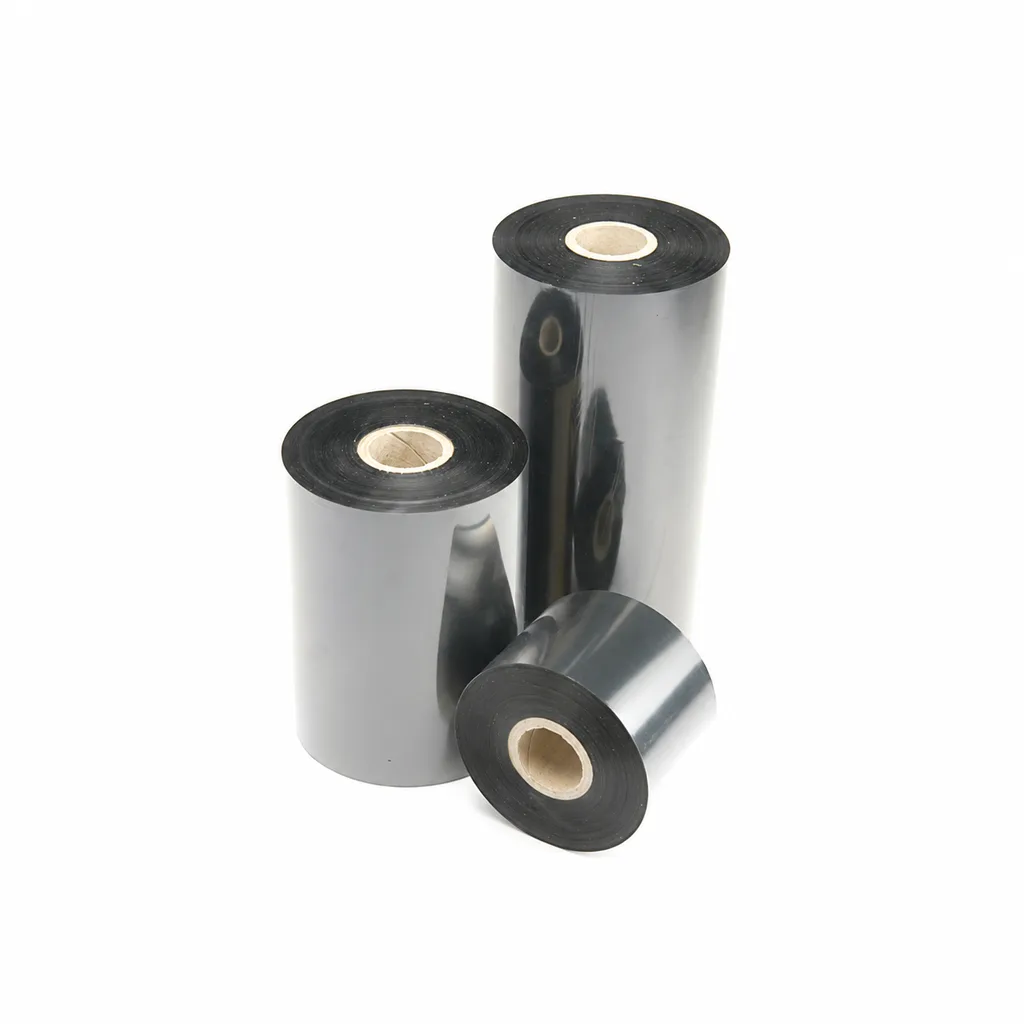
CL-Z213 Near-Edge Wax-Resin Thermal Transfer Ribbon for Barcode Labels
An enhanced black near-edge wax-resin thermal transfer ribbon for near-edge barcode printers and low- to medium-speed thermal transfer overprinting (TTO). Listed applications include retail labels, warehousing, garment tags and packaging identification. Match the printer, actual print medium and operating speed before selection: print quality and image durability can vary with the printer and substrate.
View details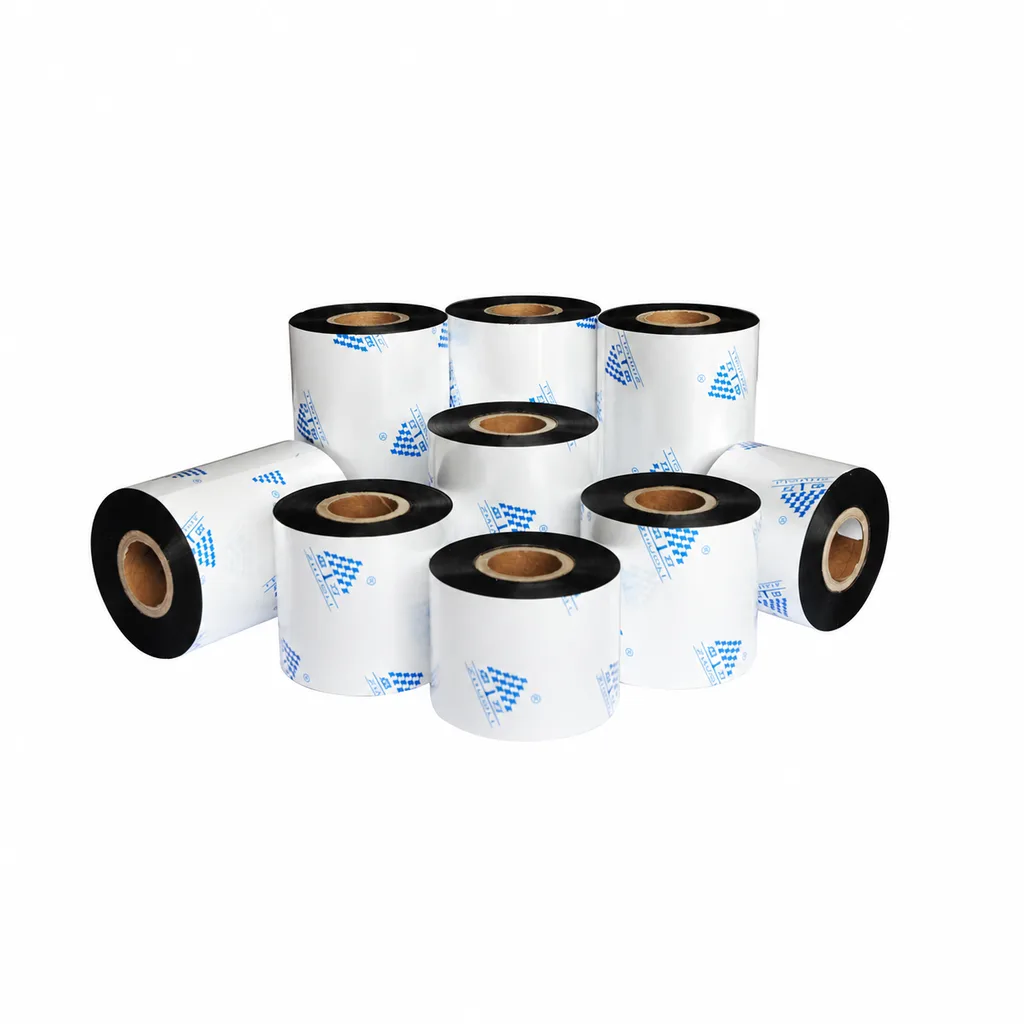
Near-Edge Wax-Resin Thermal Transfer Ribbon CL-Z212 for Barcode Labels
CL-Z212 is a general-purpose black wax-resin thermal transfer ribbon primarily for near-edge barcode printers, with use also described for low- to medium-speed thermal transfer overprinting (TTO). Listed applications include retail labels, garment tags, warehouse identification and packaging printing. Select according to printer type, actual printing speed and substrate: recommended conditions list near-edge printing at ≤10 inches per second (ips) and TTO at ≤20 ips. Print quality and image durability can vary with the printer and printing material, so trial printing on the intended substrate is necessary for selection.
View details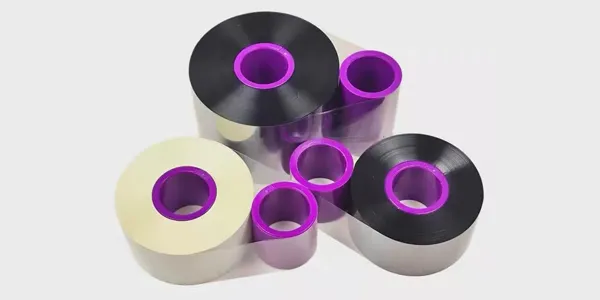
TTO Barcode Printer Thermal Transfer Colour Ribbon High-Speed Customisation
This TTO thermal transfer ribbon is suitable for a variety of label materials across…
View details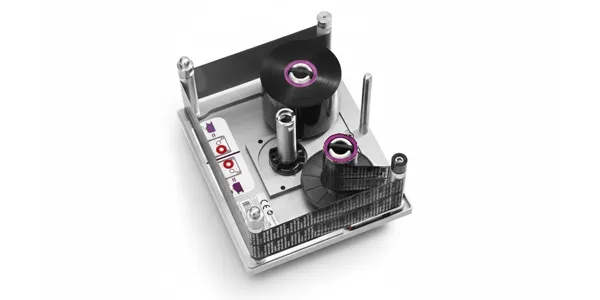
TTO Ribbon Printer High-Speed Customisation Model with Thermal Transfer Colour Ribbon
Highly durable TTO thermal transfer ribbons engineered for high-speed packaging lines…
View detailsNeed the right ribbon for your label application?
Share the label material, printer and operating environment. Our team will recommend a tested combination.
